
Listen to this Post
Introduction:
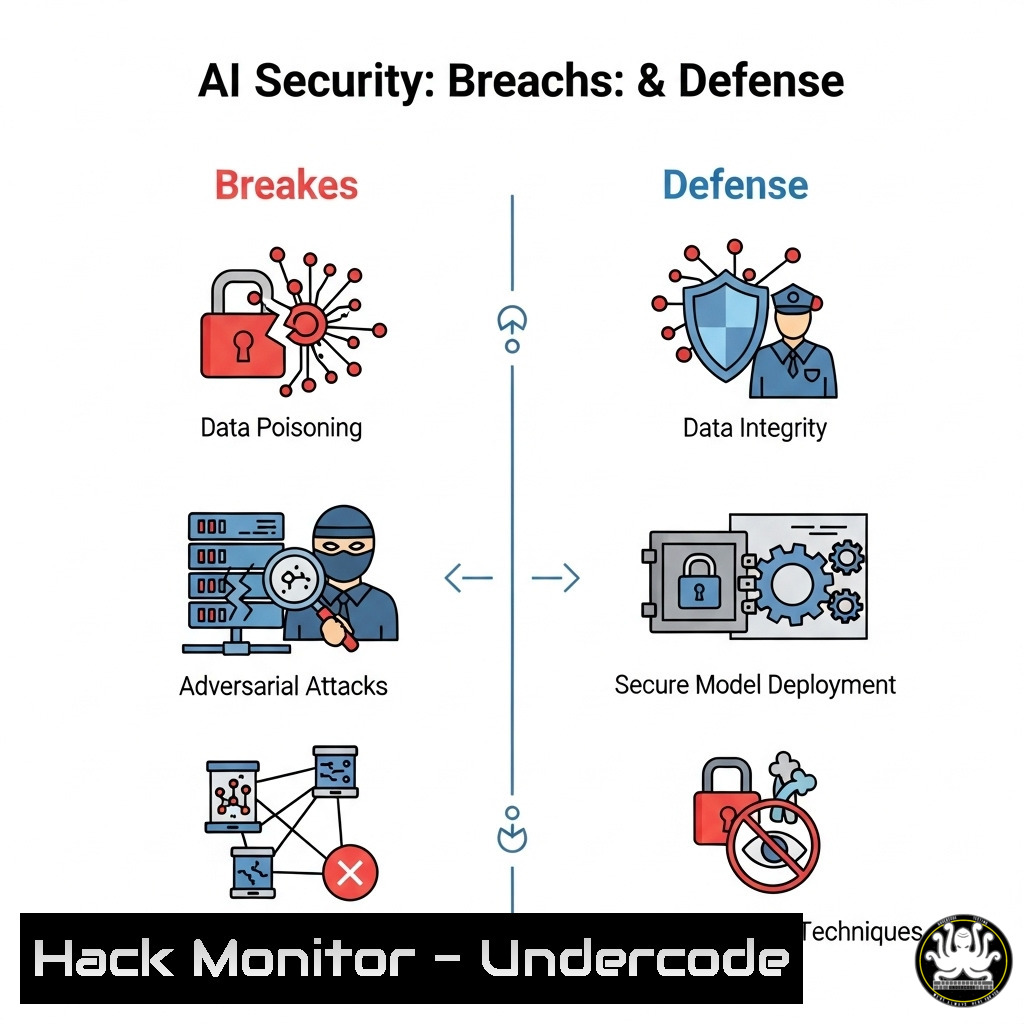
The integration of Artificial Intelligence into core business operations is no longer a future concept but a present-day reality, bringing unparalleled efficiency and equally unprecedented security risks. As AI models become prime targets for data poisoning, model theft, and adversarial attacks, a new paradigm of cybersecurity vigilance is required. This guide provides the essential technical commands and configurations to fortify your AI and IT infrastructure against the next wave of sophisticated threats.
Learning Objectives:
- Understand and implement critical command-line tools for network reconnaissance and vulnerability assessment.
- Harden your Linux and cloud environments against common exploitation techniques.
- Secure API endpoints and AI model interfaces from injection and data exfiltration attacks.
You Should Know:
1. Network Reconnaissance with Nmap
Mastering network scanning is the first step in understanding your attack surface. Nmap is the industry standard for discovering hosts and services on a network.
`nmap -sS -sV -O -T4 192.168.1.0/24`
Step-by-step guide: This command performs a SYN stealth scan (-sS) against the entire 192.168.1.0/24 subnet. It probes open ports to determine service/version information (-sV) and attempts to identify the operating system (-O), all at an aggressive timing speed (-T4). Run this from a dedicated security auditing machine. The output will map every live host, open port, and running service, providing a blueprint of your network to identify unauthorized or vulnerable devices.
2. Linux System Hardening with chmod and chown
Incorrect file permissions are a leading cause of privilege escalation. Lock down critical system files.
`sudo find / -type f -perm -o+w -exec ls -l {} \; | grep -v /proc/`
Step-by-step guide: This `find` command locates all files (-type f) on the system that are world-writable (-perm -o+w), a significant security risk. It then lists them in long format. Files outputted here, especially in directories like `/etc/` or containing configuration secrets, should have their permissions immediately corrected using `chmod o-w [bash]` to remove world-writable access. Regularly audit permissions with this command.
- Web Application & API Security Testing with curl
APIs, especially those serving AI models, are vulnerable to injection attacks. Test your endpoints proactively.`curl -X POST https://your-ai-api.com/predict -H “Content-Type: application/json” -d ‘{“input”:”“}’`
Step-by-step guide: This command tests for Cross-Site Scripting (XSS) or injection flaws in an AI model’s API endpoint. It sends a POST request with a JSON payload containing a simple script tag as the input. Monitor the API’s response. If the script tag is returned un-sanitized, it indicates a critical vulnerability where an attacker could execute malicious code. Use this to test the robustness of your input validation and output encoding routines.
4. Monitoring Active Network Connections with netstat
Detect suspicious outbound connections that could indicate a compromised system running data exfiltration.
`sudo netstat -tunap | grep ESTABLISHED`
Step-by-step guide: The `netstat` command displays network statistics. The flags `-t` (TCP), `-u` (UDP), `-n` (show numerical addresses), `-a` (show all sockets), and `-p` (show PID/program name) combine to give a complete view of all established connections. Pipe this into `grep` to filter only active connections. Investigate any unknown IP addresses or unexpected processes making network calls. This is crucial for identifying live threats like reverse shells or beaconing malware.
5. Cloud Security: Auditing AWS S3 Bucket Permissions
Misconfigured cloud storage is a top source of data breaches. Ensure your S3 buckets are not publicly accessible.
`aws s3api get-bucket-acl –bucket YOUR-BUCKET-NAME –output text`
Step-by-step guide: This AWS CLI command retrieves the Access Control List (ACL) for the specified S3 bucket. In the output, look for any grants to `http://acs.amazonaws.com/groups/global/AllUsers` (any authenticated AWS user) or `http://acs.amazonaws.com/groups/global/AuthenticatedUsers` (anyone on the internet). If these grants include permissions like `READ` or WRITE, your bucket is dangerously over-permissioned. Use the console or CLI to immediately remove public access.
6. Container Security: Scanning for Vulnerabilities with Trivy
Modern AI workloads often run in containers. Scan your Docker images for known CVEs before deployment.
`trivy image your-ai-model:latest`
Step-by-step guide: Trivy is a simple and comprehensive vulnerability scanner. This command will pull the specified Docker image and scan all its layers against a comprehensive database of known vulnerabilities. It will output a severity-rated list (CRITICAL, HIGH, MEDIUM, LOW) of CVEs, along with the affected package and suggested fixes. Integrate this command into your CI/CD pipeline to prevent vulnerable images from reaching production.
7. Windows Command Line Auditing with WMIC
Gain deep visibility into Windows system processes and identify potential malware.
`wmic process get Caption,ProcessId,CommandLine /format:csv`
Step-by-step guide: Windows Management Instrumentation Command (WMIC) is a powerful tool for administration and security auditing. This command retrieves a list of all running processes and, most importantly, their full command-line arguments, output in CSV format. This is vital for detecting malicious processes that masquerade as legitimate system files (e.g., svchost.exe) but are launched from a suspicious directory with malicious arguments. Look for anomalies in the `CommandLine` data.
What Undercode Say:
- The Perimeter is Everywhere: Security is no longer confined to the network edge. Your attack surface now includes every API endpoint, cloud storage bucket, container image, and AI model interface. Continuous auditing is non-negotiable.
- Automate or Be Breached: Manual security checks cannot scale. The commands provided must be integrated into automated scripts and CI/CD pipelines (e.g., nightly vulnerability scans, pre-deployment permission audits) to enforce a consistent security posture.
The provided commands form a foundational toolkit for a proactive defense strategy. The critical analysis is that a reactive posture is a losing one. The speed of modern AI-driven threats, from automated vulnerability scanning to tailored ransomware, means that gaps left by manual processes will be found and exploited. The future of IT security lies in the orchestration of these command-line tools into automated, continuous compliance and monitoring systems, creating a resilient and self-auditing infrastructure.
Prediction:
The convergence of AI and cybersecurity will create a new arms race. Offensive AI will be used to develop malware that can autonomously adapt to its environment, identify zero-day vulnerabilities, and craft hyper-realistic phishing campaigns. Defensively, AI-powered security systems will become essential, capable of analyzing the massive telemetry data from the commands outlined above to predict attack vectors, automate patching, and respond to incidents in real-time. Organizations that fail to adopt these AI-enhanced, automated security practices will face an insurmountable disadvantage against increasingly intelligent threats.
🎯Let’s Practice For Free:
IT/Security Reporter URL:
Reported By: Christine Raibaldi – Hackers Feeds
Extra Hub: Undercode MoN
Basic Verification: Pass ✅


