Listen to this Post
Introduction:
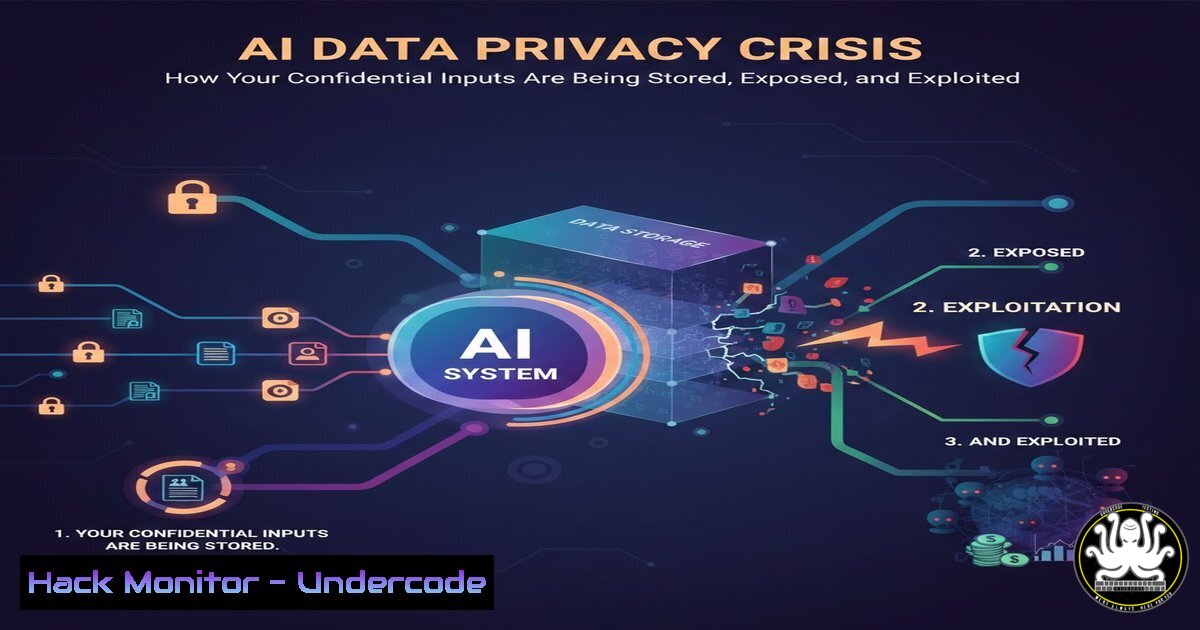
The rapid integration of generative AI tools into daily workflows has created a silent data exfiltration epidemic. Employees, seeking efficiency, are inadvertently feeding proprietary code, sensitive documents, and personal identifiable information (PII) into third-party AI platforms, bypassing traditional data loss prevention controls. This article deconstructs the architecture of this risk and provides actionable technical controls to mitigate it.
Learning Objectives:
- Understand the technical pathways through which data is retained and exposed by AI application APIs.
- Implement command-line and policy-based controls to detect and prevent unauthorized data submission to AI models.
- Harden enterprise environments against accidental data leakage via AI chatbots and copilots.
You Should Know:
- The Data Pipeline: How Your Prompt Becomes a Training Dataset
When you interact with a cloud-based AI like ChatGPT or Copilot, your prompt is often logged, anonymized, and potentially used for model fine-tuning. The core risk isn’t just the immediate answer; it’s the perpetual storage of your input in a vendor’s data lake.
Step-by-step guide:
What this does: Use command-line monitoring (tcpdump, journalctl) or proxy logging (Zscaler, Squid) to inspect outbound HTTPS traffic to known AI API endpoints.
How to use it:
- Identify AI Service IP Ranges: Use `dig` or `nslookup` to resolve domains like
api.openai.com,api.githubcopilot.com. - Monitor Traffic (Linux): `sudo tcpdump -i any host api.openai.com -A` will show plaintext HTTP traffic (though most is TLS-encrypted). For system-level logging of executed commands that might include secrets:
sudo journalctl _COMM=bash -f. - Mitigation: Deploy a web gateway to block or DLP-scan traffic to these endpoints. Create a host-based firewall rule on Windows (
New-NetFirewallRulein PowerShell) or Linux (iptables -A OUTPUT -p tcp -d api.openai.com --dport 443 -j DROP) for high-security workstations. -
Input Sanitization: Scrubbing Secrets Before They Leave Your Machine
Before pasting any code or text into an AI interface, it must be scrubbed of secrets, keys, and internal URLs.
Step-by-step guide:
What this does: Use pre-commit hooks and local scanning tools to automatically detect and redact sensitive patterns in text you intend to submit.
How to use it:
- Install `gitleaks` or
trufflehog: `brew install gitleaks` orpip install trufflehog. - Scan a Code Snippet: `echo ‘const apiKey = “sk_live_12345abcde”;’ | gitleaks detect –source -` will output a finding.
- Automate with a Script: Create a bash script `sanitize.sh` that uses `sed` to replace patterns:
sed -E 's/sk_live_[a-zA-Z0-9]{10,}/[bash]/g' input.txt > output.txt.
3. Local AI Orchestration: The Ultimate Technical Control
The most secure way to use LLMs with sensitive data is to run them entirely locally, disconnected from the internet.
Step-by-step guide:
What this does: Deploy a local LLM using Ollama or LM Studio, potentially connecting it to internal documents via a RAG (Retrieval-Augmented Generation) pipeline.
How to use it:
- Install Ollama (Linux/Mac): `curl -fsSL https://ollama.ai/install.sh | sh`
2. Pull a Model: `ollama pull llama3.2` orollama pull mistral. - Run & Query:
ollama run llama3.2 "Summarize this local file:" --file=./internal_report.md. The data never leaves your machine.
4. Browser & Extension Hardening
AI-powered browser extensions (Grammarly, GitHub Copilot browser tab) have broad permissions to read all page content, posing a massive data leak vector.
Step-by-step guide:
What this does: Configure browser policies to disable or restrict extensions, especially on corporate-managed devices.
How to use it:
- Chrome Enterprise Policy (Windows): Use the `ExtensionInstallBlocklist` policy via GPO or `regedit` to block extension IDs. Block Copilot’s:
ghbmnnjooekpmoecnnnilnnbdlolhkhi. - Linux Firefox (via policies.json): Create `/etc/firefox/policies/policies.json` with
{"Extensions": {"Install": [], "Uninstall": ["[email protected]"]}}. - Mandatory User Training: Instruct staff never to use AI extensions on internal admin portals, code repositories, or sensitive web apps.
-
API Security: When Your OWN Code Integrates AI
If your applications legitimately use the OpenAI or Anthropic API, securing the API keys and implementing robust logging is critical.
Step-by-step guide:
What this does: Prevent key leakage via code commits and monitor for anomalous usage that suggests credential theft.
How to use it:
- Use Environment Variables: Never hardcode keys. Use `export OPENAI_API_KEY=’sk-…’` and access via `os.getenv()` in Python.
- Rotate Keys & Set Usage Limits: In the vendor console, set low monthly spending limits and alerts. Rotate keys quarterly using a script with the vendor’s API.
- Audit Logs: Enable detailed logging in your app. Example Python snippet using the `logging` module to log all prompts (sanitized) and response metadata.
-
Cloud Hardening for AIaaS (AI as a Service)
Enterprises using Azure OpenAI or Google Vertex AI must configure network isolation and data governance controls native to those platforms.
Step-by-step guide:
What this does: Lock down AI services to your Virtual Private Cloud (VPC), disable public endpoints, and enforce data encryption.
How to use it:
- Azure OpenAI: Deploy with “No Public Endpoint.” Use Private Endpoints and configure `network_acls` in the resource’s ARM template or Bicep configuration.
- AWS Bedrock: Use VPC endpoints and IAM policies with fine-grained conditions (
"bedrock:InferenceProfile") to control which foundation models can be used. - Data Encryption: Ensure all data at rest is encrypted with Customer-Managed Keys (CMK), not the platform’s default keys. Use `aws kms create-key` and reference it in the service configuration.
7. Forensic Detection: Finding What Has Already Leaked
Assume a breach. You need to check if company secrets have already been ingested into public AI models.
Step-by-step guide:
What this does: Use the AI’s own API to probe for memorized data—a technique akin to a membership inference attack.
How to use it:
- Craft Unique “Canary” Secrets: Seed documents with unique, fake API keys or code comments (e.g.,
// INTERNAL_SECRET: XZ-123-ABC-ProjectOmega). - Probe the Model: Script queries using the vendor’s “search” or completion function, asking for that specific string. If returned, you have evidence of data retention.
- Legal & Compliance Action: This finding becomes critical evidence for your legal team to initiate a data deletion request under GDPR/CCPA, invoking the vendor’s data privacy policy.
What Undercode Say:
- The Perimeter is Redefined: The new data perimeter is the chatbox. Traditional network security is blind to this. Defense must shift to endpoint DLP, application-level policy, and user education focused on this specific vector.
- Data is Forever: Once ingested, full deletion from a trained model is computationally impractical. Prevention is the only viable strategy. The assumption must be that any data entered is public and permanent.
Analysis: The core failure is a mismatch between user perception (a “conversation”) and technical reality (a “database insert”). AI companies’ vague data usage policies create a compliance nightmare. The technical controls exist but are not default, requiring proactive, skilled implementation. The coming wave of regulatory fines and intellectual property lawsuits will force organizations to treat every AI interface with the same security rigor as an internet-facing database.
Prediction:
Within 18-24 months, a catastrophic intellectual property breach will be traced directly to an employee pasting proprietary source code into a public AI chat. This will trigger landmark lawsuits, resulting in stricter regulatory frameworks classifying AI model outputs as derivative works. This will force a fundamental shift in AI service architecture, giving rise to “zero-retention” enterprise AI contracts and ubiquitous confidential computing for model inference, turning today’s best practices into tomorrow’s compliance mandates.
▶️ Related Video (80% Match):
🎯Let’s Practice For Free:
IT/Security Reporter URL:
Reported By: Kahlan Alsiyabi – Hackers Feeds
Extra Hub: Undercode MoN
Basic Verification: Pass ✅


