
Listen to this Post
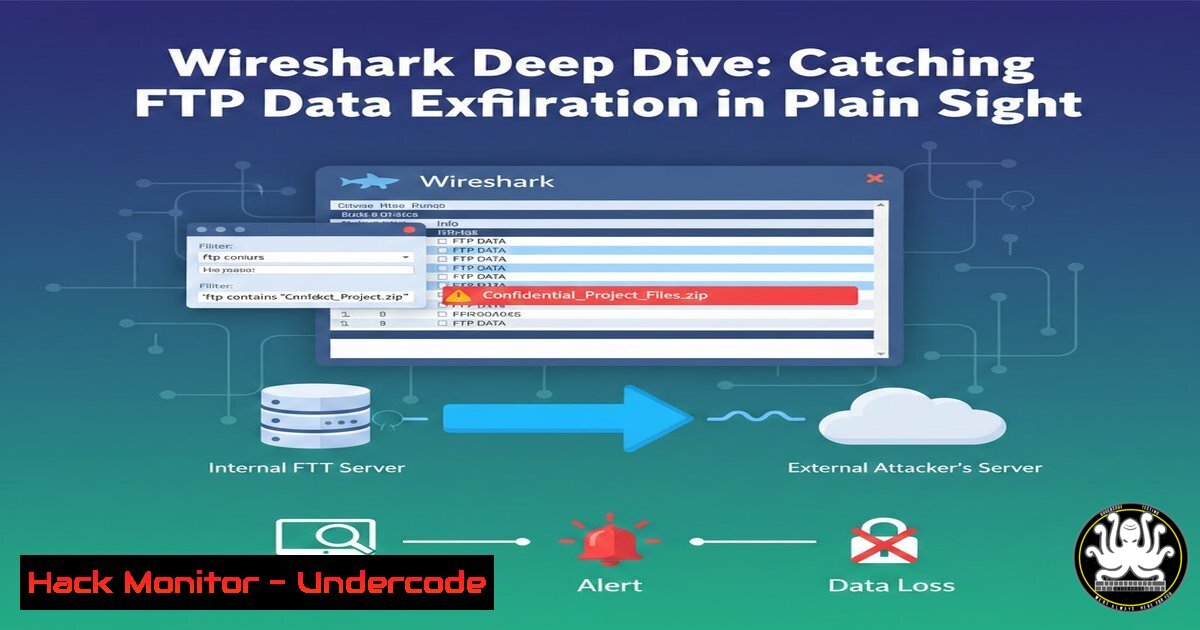
Introduction:
While security teams often hunt for advanced malware and encrypted command-and-control (C2) traffic, many attackers exploit the path of least resistance: legacy protocols. FTP (File Transfer Protocol) remains a common finding in internal networks due to its simplicity and support on legacy devices. However, its complete lack of encryption makes it a forensic goldmine. By analyzing FTP traffic, defenders can not only identify data exfiltration in real-time but also reconstruct stolen files byte-for-byte, turning a attacker’s lazy shortcut into their critical mistake.
Learning Objectives:
- Understand the dual-channel architecture of FTP (Command vs. Data) and its forensic implications.
- Learn to use Wireshark filters to isolate attacker credentials and exfiltration commands.
- Master the process of reconstructing exfiltrated files from raw packet captures.
You Should Know:
1. The “Two-Channel” Trap: Understanding FTP Architecture
Before diving into packet analysis, you must understand FTP’s unique behavior. Unlike HTTP or HTTPS, which handle commands and data over the same connection, FTP operates over two separate TCP streams. The Command Channel (usually TCP port 21) handles authentication and user instructions like `LIST` or RETR. The Data Channel is a secondary connection initiated dynamically (active mode) or by the server (passive mode) purely for transferring directory listings or file contents.
For a forensic analyst, this separation is beneficial. The command channel provides the narrative (who did what and when), while the data channel provides the evidence (the stolen file itself). Because the data channel contains only raw file bytes without HTTP headers or chunked encoding, file reconstruction is often simpler than with web traffic.
2. Step-by-Step Guide: Hunting FTP Exfiltration in Wireshark
This guide assumes you have a packet capture (PCAP) from a network segment where FTP traffic was detected.
Step 1: Isolate FTP Traffic and Capture Credentials
Start by filtering for the command channel to see the login sequence. Since FTP is plaintext, usernames and passwords are visible in the `REQUEST` packets.
– Wireshark Filter: `ftp.request.command == “USER” || ftp.request.command == “PASS”`
– What to look for: The filter will display the exact username sent by the client and the corresponding password. In a forensic context, this immediately identifies the compromised account used for exfiltration.
Step 2: Identify Exfiltrated Files
Once logged in, the attacker likely browsed directories and downloaded files. The command that confirms data theft is `RETR` (Retrieve).
– Wireshark Filter: `ftp.request.command == “RETR”`
– What to look for: The filter will show the exact path and filename of the file the attacker downloaded (e.g., RETR /secure/Financial_2024_Q2.zip).
Step 3: Pinpoint the Data Channel Port
The command channel tells you where the data will flow. When a `RETR` command is issued, the server (or client) negotiates a data port. You will see a server response indicating the port number for the data transfer.
– Look for packets containing: `Entering Passive Mode` or Data connection accepted on port.
– Action: Note the port number (e.g., 1140). This is the port the raw file data is traveling over.
Step 4: Isolate and Reconstruct the File
Now, filter for the data channel using the port identified in Step 3.
– Wireshark Filter: `tcp.port == 1140`
– Action: Right-click on any packet in this filtered view, navigate to Follow, and select TCP Stream.
– Reconstruction: A new window will open displaying the raw data. Because FTP strips away application-layer headers for the data channel, this window likely contains the exact binary content of the stolen file. Click the `Save as…` button and choose “Raw” format. Save the file with its original extension (e.g., `.mp3` or .zip). You have now successfully reconstructed the stolen artifact.
3. Linux Command-Line Analysis with TShark
For incident responders working on headless servers or large PCAPs, TShark (the command-line version of Wireshark) is essential.
Extracting FTP Credentials via CLI:
tshark -r capture.pcap -Y "ftp.request.command == PASS" -T fields -e ftp.request.arg
This command reads the PCAP (-r), filters for the PASS command, and displays the password argument.
Extracting All Downloaded Filenames:
tshark -r capture.pcap -Y "ftp.request.command == RETR" -T fields -e ftp.request.arg
Extracting Raw Data from a Specific Port:
If you know the data port was 1140, you can export the raw binary:
tshark -r capture.pcap -Y "tcp.port == 1140" -w data_stream.pcap
You can then use `dd` or a hex editor to extract the file from this filtered stream, or use `tcpflow` to reconstruct the data:
tcpflow -r capture.pcap 'tcp.port == 1140'
- Active Defense: Detecting FTP Exfiltration with Zeek (Bro)
In a Security Operations Center (SOC) environment, you shouldn’t rely on manual PCAP analysis alone. Zeek (formerly Bro) is a network monitoring tool that logs network activities.
– FTP Logs: Zeek generates an `ftp.log` file that automatically parses FTP commands. By running cat ftp.log | zeek-cut uid user password command arg, you can generate a timeline of every `RETR` command and the associated credentials.
– Alerting: You can create Zeek scripts to trigger an alert any time a file larger than 10MB is retrieved via FTP from a sensitive server, allowing for immediate containment.
5. Windows Environment: Using Network Monitor or PowerShell
While Wireshark is cross-platform, Windows administrators can use `netsh` for packet capture or utilize built-in PowerShell for log correlation.
– Using NetStat: If an active FTP connection is suspected, immediately run `netstat -np tcp | findstr :21` on the Windows server to see active connections to port 21.
– Parsing PCAPs: For analysis on Windows, Wireshark remains the tool of choice. However, for quick extraction, `tshark.exe` can be used in PowerShell with the same syntax as Linux to automate the parsing of hundreds of PCAPs.
6. Mitigation: Hardening Against FTP Exfiltration
To ensure FTP doesn’t remain a vector in your environment, implement the following:
– Network Segmentation: Block outbound FTP (ports 20/21) at the firewall. If internal servers need to transfer files, enforce the use of SFTP (SSH File Transfer Protocol) or FTPS (FTP over SSL/TLS).
– Data Loss Prevention (DLP): Configure DLP rules to monitor plaintext protocols. If a file with the word “Confidential” is detected traversing the network on port 21, trigger an alert and block the session.
– Wireshark Profiling: Create a Wireshark profile specifically for FTP. Save your filters (ftp.request.command == "PASS" or ftp.response.code == 226) for rapid investigation during incident response.
What Undercode Say:
- The “Low and Slow” Blindspot: Attackers frequently exploit FTP not because it is sophisticated, but because it is often overlooked. Security teams invest heavily in analyzing encrypted traffic while leaving legacy protocols unmonitored, creating a perfect blindspot for data theft.
- Simplicity is the Analyst’s Friend: While encryption complicates investigations, plaintext protocols like FTP simplify them. The ability to reconstruct a stolen music file or document directly from a packet capture provides irrefutable digital evidence that can stand up in court or during a breach notification audit.
- Defense in Depth: Relying on the fact that FTP is “old” is not a security strategy. Proactive monitoring, combined with strict egress filtering and the adoption of encrypted alternatives, is the only way to ensure that this ancient protocol doesn’t become the cause of a modern data disaster.
Prediction:
As network encryption becomes ubiquitous (with HTTP/3 and Encrypted SNI), legacy protocols like FTP will become even more conspicuous to threat hunters. We predict a rise in “protocol-based anomaly detection” where any plaintext authentication on a modern network is treated as suspicious by default. Consequently, attackers may shift from using FTP directly to tunneling FTP over SSH or VPNs, forcing defenders to move beyond simple port analysis and into deep packet inspection of encrypted tunnels. The forensic skills learned analyzing FTP today will lay the groundwork for understanding more complex, tunneled exfiltration techniques tomorrow.
▶️ Related Video (88% Match):
🎯Let’s Practice For Free:
IT/Security Reporter URL:
Reported By: Morad Rawashdeh – Hackers Feeds
Extra Hub: Undercode MoN
Basic Verification: Pass ✅


