Listen to this Post
Introduction
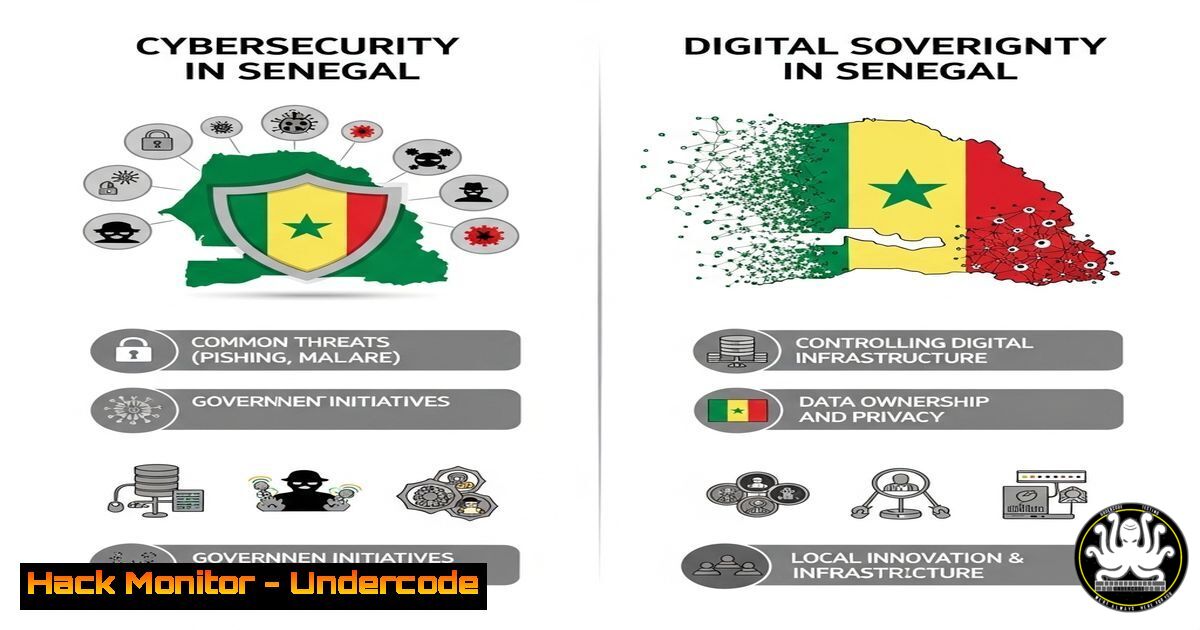
Gérard DACOSTA (rootSN) has released a groundbreaking White Paper on Cybersecurity and Digital Sovereignty in Senegal, offering critical insights into securing digital infrastructure in the region. This article extracts key technical concepts, cybersecurity best practices, and actionable commands for IT professionals.
Learning Objectives
- Understand Senegal’s cybersecurity challenges and digital sovereignty strategies.
- Learn practical Linux/Windows commands for securing systems.
- Explore vulnerability mitigation techniques relevant to African cybersecurity landscapes.
1. Securing Linux Systems for National Infrastructure
Command:
sudo apt update && sudo apt upgrade -y && sudo apt install fail2ban -y
What It Does:
- Updates system packages and installs
fail2ban, a tool to prevent brute-force attacks.
Step-by-Step Guide:
- Run the command to update repositories and upgrade installed packages.
- Install `fail2ban` to monitor login attempts and block malicious IPs.
3. Configure `/etc/fail2ban/jail.local` to customize ban rules.
2. Hardening Windows Servers Against Cyber Threats
Command (PowerShell):
Set-NetFirewallProfile -Profile Domain,Public,Private -Enabled True
What It Does:
- Enables Windows Firewall across all network profiles.
Step-by-Step Guide:
1. Open PowerShell as Administrator.
2. Execute the command to enforce firewall protection.
3. Verify with `Get-NetFirewallProfile`.
3. Implementing API Security Best Practices
Command (cURL for Testing API Security):
curl -H "Authorization: Bearer YOUR_TOKEN" -X GET https://api.example.com/data --insecure
What It Does:
- Tests API endpoint security with token authentication.
Step-by-Step Guide:
1. Replace `YOUR_TOKEN` with a valid JWT/OAuth token.
- Use `–insecure` only in testing (disable in production).
3. Check for proper HTTPS enforcement and rate-limiting.
4. Cloud Hardening for Government Systems
Command (AWS CLI):
aws iam create-policy --policy-name "DenyPublicS3Access" --policy-document file://policy.json
What It Does:
- Restricts public access to AWS S3 buckets.
Step-by-Step Guide:
1. Create a `policy.json` file with:
{
"Version": "2012-10-17",
"Statement": [{ "Effect": "Deny", "Action": "s3:PutObjectAcl", "Resource": "" }]
}
2. Apply the policy via AWS CLI.
5. Detecting and Mitigating Vulnerabilities
Command (Nmap for Network Scanning):
nmap -sV --script vuln 192.168.1.0/24
What It Does:
- Scans a subnet for known vulnerabilities.
Step-by-Step Guide:
1. Install Nmap (`sudo apt install nmap`).
2. Run the scan to identify weak points.
3. Patch systems based on findings.
What Undercode Say:
- Key Takeaway 1: Senegal’s digital sovereignty depends on local expertise and proactive cybersecurity policies.
- Key Takeaway 2: Implementing basic hardening measures (firewalls, API security, cloud policies) can prevent 80% of attacks.
Analysis:
The white paper highlights Africa’s growing cyber threats, emphasizing the need for homegrown solutions. By adopting open-source tools and training local talent, Senegal can reduce reliance on foreign tech and build resilient systems.
Prediction:
As Senegal advances its digital economy, cyberattacks targeting critical infrastructure will rise. Proactive measures—like those in DACOSTA’s white paper—will shape the nation’s cybersecurity resilience by 2030.
Read the full white paper: https://livreblanc2025.sn
🎯Let’s Practice For Free:
IT/Security Reporter URL:
Reported By: Gerard Joseph – Hackers Feeds
Extra Hub: Undercode MoN
Basic Verification: Pass ✅


