Listen to this Post
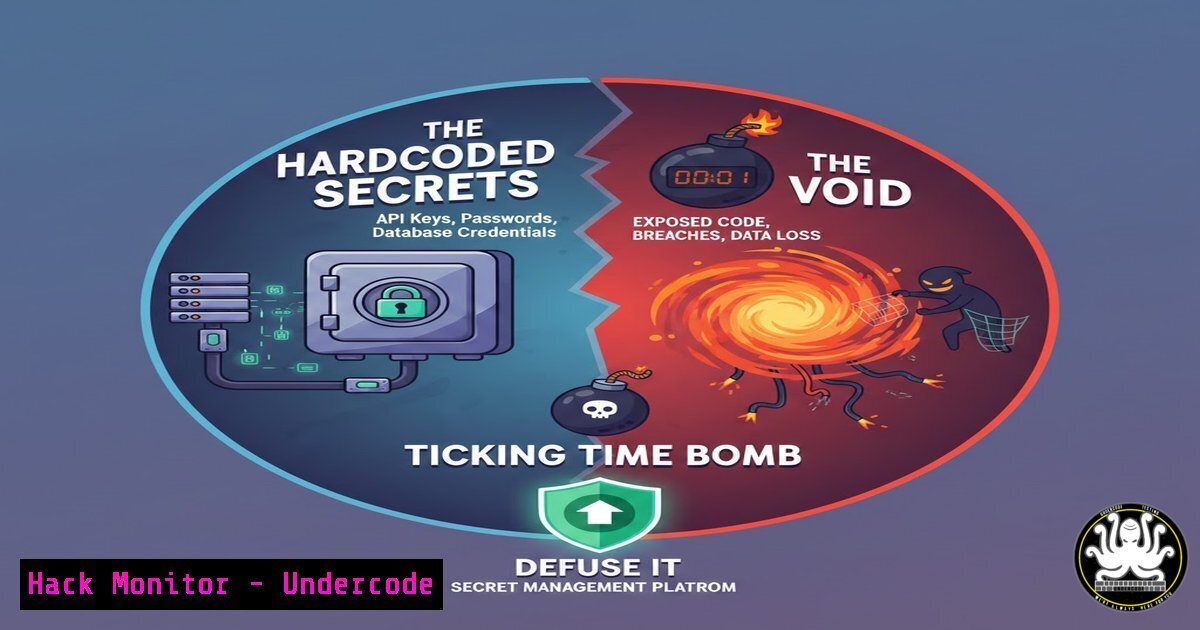
Introduction:
In the era of cloud-native applications and distributed microservices, the traditional practice of hardcoding API keys, database passwords, and TLS certificates into configuration files is not just antiquated—it’s a critical security vulnerability. Secrets management has evolved from a niche concern to a foundational pillar of DevSecOps, essential for compliance, reducing breach blast radius, and enabling agile infrastructure. HashiCorp Vault emerges as a central nervous system for secrets, providing dynamic, ephemeral credentials that fundamentally reshape an organization’s security posture by ensuring secrets are generated on-demand, have minimal lifetimes, and are automatically rotated.
Learning Objectives:
- Understand the critical risks of static secrets and the paradigm shift offered by dynamic secrets management.
- Learn to implement core Vault patterns for cloud credentials, database access, and Kubernetes integration.
- Gain practical skills through verified commands and configurations to deploy and use Vault in a lab environment.
You Should Know:
- The Death of the Static Secret: Dynamic Credentials in Action
The core principle of modern secrets management is that a static, long-lived credential is a liability. Vault’s dynamic secrets engine generates credentials just-in-time for specific tasks with a pre-defined Time-To-Live (TTL). For instance, instead of a CI/CD pipeline having a permanent AWS key, it requests a temporary, scoped credential from Vault.
Step‑by‑step guide explaining what this does and how to use it.
1. Enable the AWS Secrets Engine: Configure Vault to generate AWS IAM credentials.
 Linux/macOS (Vault CLI)
vault secrets enable aws
2. Configure Engine Access: Provide Vault with AWS API credentials (done once securely).
vault write aws/config/root \
access_key=AKIA... \
secret_key=... \
region=us-east-1
3. Define a Role: Specify the IAM policy and credential TTL. This role is what clients request.
vault write aws/roles/my-ci-role \
credential_type=iam_user \
policy_document=-<<EOF
{
"Version": "2012-10-17",
"Statement": [{
"Effect": "Allow",
"Action": "s3:ListBucket",
"Resource": "arn:aws:s3:::my-bucket"
}]
}
EOF
default_ttl=900  15 minutes
4. Generate Dynamic Secret: Your application or pipeline requests credentials for this role.
vault read aws/creds/my-ci-role
The output is a unique `access_key` and `secret_key` valid only for 15 minutes. Vault automatically handles revocation.
2. Automating the Inevitable: Database Credential Rotation
Static database passwords are prime targets. Vault’s database secrets engine can manage existing databases (PostgreSQL, MySQL, etc.), creating unique user/password pairs per application or even per connection, and rotating the underlying root credentials periodically.
Step‑by‑step guide explaining what this does and how to use it.
1. Enable & Configure Database Engine: Set up Vault to communicate with your database.
vault secrets enable database
vault write database/config/my-postgres-db \
plugin_name=postgresql-database-plugin \
connection_url="postgresql://{{username}}:{{password}}@localhost:5432/" \
allowed_roles="my-app-role" \
username="vaultadmin" \
password="super-secret-initial-password"
2. Create a Rotation Statement: Ensure Vault can rotate the `vaultadmin` credentials.
-- SQL for PostgreSQL stored in Vault's role configuration
ALTER USER "{{name}}" WITH PASSWORD '{{password}}';
3. Define a Role: This dictates credential format and TTL.
vault write database/roles/my-app-role \
db_name=my-postgres-db \
creation_statements="CREATE USER \"{{name}}\" WITH PASSWORD '{{password}}' VALID UNTIL '{{expiration}}'; GRANT SELECT ON ALL TABLES IN SCHEMA public TO \"{{name}}\";" \
default_ttl="1h" \
max_ttl="24h"
4. Request Credentials & Automate Rotation: Your app fetches secrets via the Vault API. Vault automatically rotates the `vaultadmin` password every `rotation_period` (e.g., 24 hours), a process transparent to connected applications.
3. The Zero-Trust Pod: Integrating Vault with Kubernetes
Injecting secrets directly into Kubernetes pods via Vault’s sidecar injector or CSI Provider follows a zero-trust model. Pods authenticate to Vault using their native Kubernetes Service Account token, receive an identity, and are granted least-privilege access to secrets paths.
Step‑by‑step guide explaining what this does and how to use it.
1. Enable Kubernetes Auth Method: Configure trust between Vault and your K8s cluster.
vault auth enable kubernetes
vault write auth/kubernetes/config \
kubernetes_host="https://$KUBERNETES_PORT_443_TCP_ADDR:443" \
token_reviewer_jwt="$(cat /var/run/secrets/kubernetes.io/serviceaccount/token)" \
kubernetes_ca_cert=@/var/run/secrets/kubernetes.io/serviceaccount/ca.crt
2. Create a Vault Policy: Define what secrets the pod can access.
 policy.hcl
path "database/creds/my-app-role" {
capabilities = ["read"]
}
vault policy write my-app-policy policy.hcl
3. Bind Policy to K8s Role: Map a K8s Service Account to the Vault policy.
vault write auth/kubernetes/role/my-app-role \
bound_service_account_names=my-app-sa \
bound_service_account_namespaces=default \
policies=my-app-policy \
ttl=1h
4. Annotate Your Pod: Trigger secret injection via the Vault Agent Injector.
 pod.yaml snippet
apiVersion: v1
kind: Pod
metadata:
annotations:
vault.hashicorp.com/agent-inject: "true"
vault.hashicorp.com/role: "my-app-role"
vault.hashicorp.com/agent-inject-secret-db-creds: "database/creds/my-app-role"
spec:
serviceAccountName: my-app-sa
containers:
- name: app
image: myapp:latest
The secret will be available at `/vault/secrets/db-creds` within the pod.
- Vault vs. Cloud-Native Secrets Managers: The Strategic Debate
As highlighted in the community comment, cloud providers offer native secrets managers (AWS Secrets Manager, Azure Key Vault, GCP Secret Manager). The choice isn’t binary but architectural. Use cloud-native for simplicity and deep integration with that cloud’s services. Choose Vault for multi-cloud or hybrid environments, where you need a consistent control plane, advanced dynamic secrets engines (like SSH or PKI), or more granular lease management and audit capabilities across disparate infrastructures.
5. Your First Vault Server: A Development Setup
Running Vault in `dev` mode is trivial for learning.
 Linux/macOS
vault server -dev -dev-root-token-id="root"
 Windows (PowerShell)
vault.exe server -dev -dev-root-token-id="root"

Set environment variables
export VAULT_ADDR='http://127.0.0.1:8200'
export VAULT_TOKEN='root'
 In PowerShell
$env:VAULT_ADDR='http://127.0.0.1:8200'
$env:VAULT_TOKEN='root'

Verify
vault status
Warning: Dev mode uses in-memory storage and an auto-unsealed vault. Never use `-dev` for production.
What Undercode Say:
- The Secret is the Attack Surface: Vault’s primary value is drastically reducing your attack surface by making credentials ephemeral. A stolen credential has a shelf-life of minutes, not years.
- Abstraction is Power, But Adds Complexity: Vault abstracts secret lifecycle management, which is powerful for security but introduces a new critical service to manage, secure, and monitor. The operational overhead is non-trivial.
The analysis from the post and subsequent debate reveals a mature understanding in the DevOps community: secrets management is non-negotiable. The divergence lies in implementation. The comment advocating for cloud-native services underscores the importance of using the right tool for your context—if you’re all-in on one cloud, their native tool may be optimal. However, Vault’s power for dynamic secrets across databases, cloud providers, and custom APIs remains unparalleled in heterogeneous environments. The ultimate takeaway is that the era of the static secret must end, regardless of the tool chosen.
Prediction:
The future of secrets management will move beyond credential storage toward fully automated, identity-centric security. We will see deeper integration with workload identity standards (like SPIFFE/SPIRE), where the secret becomes a cryptographically proven, short-lived identity token with no static precursor. Vault’s role will evolve from a secrets manager to a central policy engine for granular, context-aware access to all resources—databases, APIs, infrastructure—based on real-time workload identity, further shrinking the actionable window for any compromised asset to near-zero. The line between secrets management and access management will completely blur.
▶️ Related Video (72% Match):
🎯Let’s Practice For Free:
IT/Security Reporter URL:
Reported By: Adityajaiswal7 Devops – Hackers Feeds
Extra Hub: Undercode MoN
Basic Verification: Pass ✅


