Listen to this Post
Introduction:
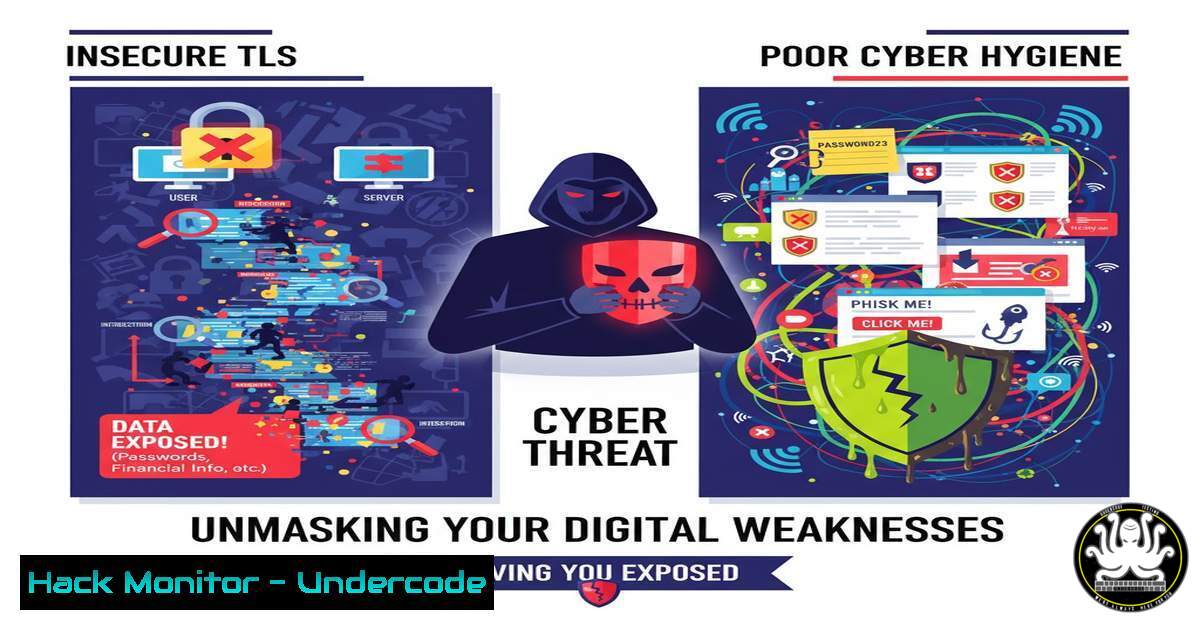
Transport Layer Security (TLS) is the bedrock of secure internet communication, encrypting data between users and services. However, misconfigured or outdated TLS implementations create critical vulnerabilities that attackers readily exploit. Proactive identification and management of these weak certificates are no longer optional but a fundamental requirement for any robust cybersecurity posture, a fact underscored by tools like runZero’s enhanced Certificate Inventory.
Learning Objectives:
- Understand the critical risks associated with weak TLS protocols and cipher suites.
- Learn to actively scan your network for vulnerable TLS configurations using common command-line tools.
- Master the commands to audit and harden TLS settings on both Linux and Windows servers.
- Develop a methodology for continuous certificate inventory and management to prevent exposure.
You Should Know:
1. The Perils of Outdated TLS Protocols
Extended version: The evolution of TLS has seen older versions like SSLv2, SSLv3, and TLS 1.0 and 1.1 become critically vulnerable to attacks such as POODLE and BEAST. These protocols suffer from cryptographic weaknesses that can allow attackers to decrypt sensitive communications. Modern security standards mandate the use of TLS 1.2 or 1.3. Identifying and disabling these legacy protocols across your entire digital estate is the first step in securing your external and internal communications.
`nmap –script ssl-enum-ciphers -p 443 target.com`
Step-by-step guide:
- Install Nmap: Ensure the Nmap network scanner is installed on your system.
- Run the Command: Execute the command, replacing `target.com` with the IP or hostname of the server you want to audit.
- Analyze Output: Nmap will connect to port 443 (HTTPS) and list all supported TLS protocols and cipher suites. Look for entries indicating support for `TLSv1.0` or
TLSv1.1. - Interpret Results: The script grades cipher strengths. Any protocol below TLS 1.2 should be considered a finding that requires remediation.
2. Identifying Weak Cipher Suites
Extended version: Even with a strong TLS protocol, weak cipher suites can undermine security. Ciphers based on RC4, DES, or with insufficient key lengths (e.g., less than 128 bits for symmetric ciphers) are considered broken and vulnerable. Attackers can use tools to force a connection to use a weak cipher, enabling them to crack the encryption.
`openssl s_client -connect target.com:443 -cipher NULL,EXPORT,LOW,3DES -tls1_2`
Step-by-step guide:
1. Open Terminal: Access your command-line interface.
- Execute Test: Run the command against your target. This attempts to handshake using a list of known weak ciphers.
- Interpret Result: If the connection is established and a certificate is presented, it means the server is vulnerable as it supports weak ciphers. A failed connection is the desired, secure outcome.
- Remediation: Disable the weak cipher suites identified in your web server (e.g., Apache, Nginx) or application server configuration.
3. Checking Certificate Validity and Trust
Extended version: Certificates have expiration dates. An expired certificate causes browser warnings and breaks trust. Furthermore, certificates must be issued by a trusted Certificate Authority (CA). Self-signed or untrusted certificates can be used in man-in-the-middle attacks.
`openssl s_client -connect target.com:443 2>/dev/null | openssl x509 -noout -dates -issuer`
Step-by-step guide:
- Run the Command: This one-liner connects to the service and pipes the certificate information to extract key details.
- Check Dates: The `-dates` flag will show `notBefore` and `notAfter` dates. Ensure the current date falls within this range.
- Verify Issuer: The `-issuer` flag shows the CA that issued the certificate. Verify this is a well-known, public trust CA for public-facing services.
- Automate Monitoring: Script this command to run periodically and alert on certificates nearing expiration (e.g., within 30 days).
4. Windows Server: Disabling Old Protocols via Registry
Extended version: On Windows servers, TLS protocol settings are controlled by the operating system’s Schannel subsystem through registry keys. System administrators must explicitly disable older, insecure protocols.
`reg add “HKLM\SYSTEM\CurrentControlSet\Control\SecurityProviders\SCHANNEL\Protocols\TLS 1.0\Server” /v Enabled /t REG_DWORD /d 0 /f`
Step-by-step guide:
- Open Command Prompt as Administrator: Elevated privileges are required to modify the system registry.
- Execute Disable Command: Run the command above to disable TLS 1.0 for server-side connections. The `/d 0` sets the value to 0 (disabled).
- Disable Client-side: Repeat for the client path:
"HKLM\...\Protocols\TLS 1.0\Client". - Repeat for Other Protocols: Perform the same operation for
TLS 1.1, and optionally enable `TLS 1.2` and `TLS 1.3` by ensuring their `Enabled` values are set to1. - Reboot: A system reboot is often required for these changes to take effect.
5. Linux Server: Hardening Apache TLS Configuration
Extended version: Web servers like Apache allow granular control over TLS protocols and ciphers. A hardened configuration disables weak options and enforces strong, modern cryptography.
`sudo nano /etc/apache2/mods-enabled/ssl.conf`
Step-by-step guide:
- Edit SSL Configuration: Open your Apache SSL configuration file. The path may vary by distribution.
- Locate SSL Protocol Directive: Find the `SSLProtocol` line and set it to: `SSLProtocol all -SSLv3 -TLSv1 -TLSv1.1`
3. Set Strong Ciphers: Find the `SSLCipherSuite` line and set it to a modern, restrictive suite. For example: `SSLCipherSuite ECDHE-ECDSA-AES128-GCM-SHA256:ECDHE-RSA-AES128-GCM-SHA256:ECDHE-ECDSA-AES256-GCM-SHA384`
4. Enable HTTP Strict Transport Security (HSTS): Add `Header always set Strict-Transport-Security “max-age=63072000; includeSubDomains; preload”` to force HTTPS. - Test and Reload: Run `sudo apache2ctl configtest` to check for syntax errors, then `sudo systemctl reload apache2` to apply changes.
6. Automating Network-Wide TLS Scans
Extended version: Manually checking individual servers is not scalable. Security teams need to automate scans across entire subnets to maintain a continuous certificate inventory, identifying not just web servers but any service using TLS, including IoT devices, network gear, and legacy systems.
`nmap -p 443,465,993,995 –script ssl-cert 192.168.1.0/24 -oA tls_inventory`
Step-by-step guide:
- Define Scope: Replace `192.168.1.0/24` with your target IP range.
- Run the Scan: This command scans common TLS ports across the network and runs the `ssl-cert` script to grab certificate details.
- Review Output: The `-oA` flag outputs results in all formats. The `.xml` file can be parsed to extract certificate subjects, issuers, and expiration dates into a spreadsheet or database.
- Integrate with Tools: Use the output to feed into a dedicated exposure management platform like runZero for ongoing monitoring and alerting.
-
Exploiting a Weak TLS Certificate (Proof of Concept)
Extended version: Understanding how an attacker leverages a finding is crucial for defense. A common exploit involves using a tool like `testssl.sh` to comprehensively audit a target and then using misconfigurations for further attacks, such as downgrading the connection.
`testssl.sh –openssl-timeout 5 -p -h target.com`
Step-by-step guide:
- Download testssl.sh: This is a free, comprehensive TLS/SSL testing tool.
- Run a Full Audit: The `-p` flag tests for all supported protocols and the `-h` flag checks for known vulnerabilities (e.g., Heartbleed).
- Analyze the Report: The tool produces a color-coded report. Red items are critical vulnerabilities.
- Simulate an Attack: If a vulnerability like CRIME or POODLE is found, an attacker can use specialized exploit kits to decrypt session cookies or other data. This step demonstrates the tangible risk of the misconfiguration, justifying the need for remediation.
What Undercode Say:
- A comprehensive and continuously updated certificate inventory is non-negotiable for modern exposure management. Manual methods are obsolete.
- The technical capability to audit and harden TLS configurations at the command-line level is a core competency for penetration testers and security engineers.
The conversation snippet reveals a penetration tester identifying vulnerabilities on a recruiter’s website, a common practice that demonstrates proactive security thinking. This aligns perfectly with the core message of the runZero post: unmanaged assets and services are a primary attack vector. The failure to maintain basic cyber hygiene, such as patching TLS, is precisely what skilled testers and malicious actors look for. The technical commands provided are not just academic; they are the essential tools for validating security claims and uncovering the hidden risks that automated platforms are designed to find. The future of security lies in this synergy between automated asset discovery and deep, manual technical verification.
Prediction:
The convergence of AI-driven exposure management platforms and the expanding attack surface of IoT and cloud services will make automated, continuous TLS and cryptographic asset inventory a standard regulatory and insurance requirement within the next 2-3 years. Organizations that fail to adopt these practices will face not only increased breach risks but also significant compliance penalties and an inability to obtain cyber insurance, creating a stark divide between the secure and the vulnerable.
🎯Let’s Practice For Free:
IT/Security Reporter URL:
Reported By: Hdmoore Identify – Hackers Feeds
Extra Hub: Undercode MoN
Basic Verification: Pass ✅


