Listen to this Post
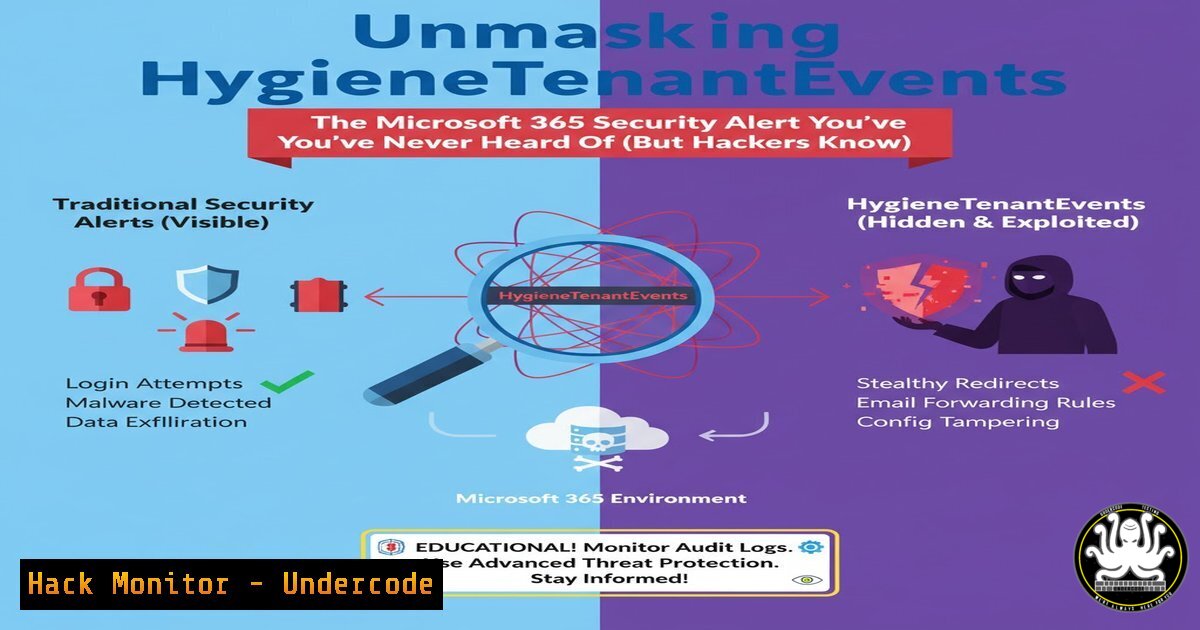
Introduction:
A cryptic security event named “HygieneTenantEvents” has emerged from the depths of Microsoft 365, leaving even seasoned cybersecurity professionals scrambling for answers. This obscure log, triggered by “Anomalous sending patterns,” represents Microsoft’s backend defense mechanism against compromised accounts being used for phishing and spam campaigns. Understanding this event is critical for proactive incident response and cloud security hardening in an era where business email compromise is a top threat vector.
Learning Objectives:
- Decode the origin and purpose of the HygieneTenantEvents log within the Microsoft 365 ecosystem.
- Learn how to access, query, and investigate these events using PowerShell and the Office 365 Management API.
- Implement proactive measures to detect and mitigate email-based account compromise before it impacts your organization’s reputation.
You Should Know:
- What is HygieneTenantEvents? The Hidden Sentinel of Exchange Online
The `HygieneTenantEvents` schema is part of the Office 365 Management Activity API, specifically designed for events related to email hygiene. Unlike more common audit logs, it operates at the tenant level, focusing on automated threat protection systems. When Microsoft’s internal algorithms detect a massive, anomalous volume of emails sent from a single user account in a short period—a classic indicator of a compromised account being used for a phishing blast—it generates this event and restricts the user’s ability to send mail. The event reason, “Anomalous sending patterns were detected,” is a direct action from Microsoft’s Anti-Spam engine.
Step‑by‑step guide explaining what this does and how to use it.
Access the Logs: These events are not visible in the standard Microsoft Purview compliance portal audit log search. They must be accessed programmatically.
Primary Method – Office 365 Management API: Use the API to pull data from the `HygieneTenantEvents` workload. You will need an app registered in Azure AD with the appropriate `ActivityFeed.Read` permission.
Sample API Call (using PowerShell):
 Acquire an Access Token for the Management API
$tenantId = "your-tenant-id"
$clientId = "your-app-client-id"
$clientSecret = "your-app-client-secret"

$body = @{
grant_type = "client_credentials"
client_id = $clientId
client_secret = $clientSecret
resource = "https://manage.office.com"
}

$response = Invoke-RestMethod -Uri "https://login.microsoftonline.com/$tenantId/oauth2/token" -Method POST -Body $body
$accessToken = $response.access_token

List available content for HygieneTenantEvents
$headers = @{ 'Authorization' = "Bearer $accessToken" }
$uri = "https://manage.office.com/api/v1.0/$tenantId/activity/feed/subscriptions/content?contentType=HygieneTenantEvents"
$content = Invoke-RestMethod -Uri $uri -Headers $headers
 The $content variable will contain URLs to blobs with your actual event data.
- Investigating a HygieneTenantEvents Alert: A Step-by-Step IR Guide
When you receive or discover a `HygieneTenantEvents` alert, it signifies an active or recent incident. Your investigation must be swift and thorough to determine the scope of the compromise and contain the threat.
Step‑by‑step guide explaining what this does and how to use it.
1. Confirm the Compromise: The event itself is a strong indicator, but you must confirm it. Immediately log in to the Microsoft 365 admin center and check the restricted user’s account. Look for forwarded inbox rules, strange sign-in locations in Azure AD Sign-in Logs, and sent items that the user does not recognize.
2. Contain the Threat: The user is already restricted from sending, but further action is needed.
Force Sign-out: In the Azure AD portal, navigate to the user, select “Sign-ins,” and choose “Sign out user.”
Require Password Reset: Force a strong password change for the compromised account.
Revoke Sessions: Revoke the user’s existing refresh tokens via PowerShell:
Revoke-AzureADUserAllRefreshToken -ObjectId "<user-object-guid>"
Disable Mail Forwarding Rules: Check and remove any malicious inbox rules via Exchange Online PowerShell:
Get-InboxRule -Mailbox "[email protected]" | Remove-InboxRule
3. Scope the Impact: Search the Unified Audit Log for all activities by the user around the time of the `HygieneTenantEvents` timestamp. Look for Send, Set-Mailbox, New-InboxRule, and `MailItemsAccessed` events.
- Proactive Hunting: Using KQL to Find Anomalous Email Activity
Don’t wait for the alert. Use advanced hunting in Microsoft 365 Defender to proactively search for patterns that precede a `HygieneTenantEvents` alert, such as a sudden spike in sent email volume from a single account.
Step‑by‑step guide explaining what this does and how to use it.
Navigate: Go to the Microsoft 365 Defender portal > Hunting > Advanced hunting.
Craft a Query: Use Kusto Query Language (KQL) to hunt for email send spikes. This query looks for users who sent more than 100 emails in a 10-minute window—a highly anomalous pattern for most knowledge workers.
EmailEvents
| where Timestamp > ago(7d)
| summarize EmailCount = count(), DistinctRecipients = dcount(RecipientEmailAddress) by bin(Timestamp, 10m), SenderFromAddress
| where EmailCount > 100
| sort by EmailCount desc
Automate the Alert: Create a custom detection rule based on this KQL query to automatically generate an incident for your SOC team when this threshold is breached.
4. Hardening Your Tenant: Beyond Basic Hygiene
Prevention is paramount. Implement these configurations to reduce the attack surface and make it harder for attackers to compromise accounts and abuse your email system.
Step‑by‑step guide explaining what this does and how to use it.
Implement Conditional Access Policies: Block legacy authentication (like POP3, IMAP) which is often vulnerable to password spray attacks. Require Multi-Factor Authentication (MFA) for all users, without exception.
Configure Mail Flow Rules: Create transport rules to limit the number of external recipients a single user can send to per hour. This can blunt the impact of a blast even if an account is compromised.
Enable and Review Audit Logging: Ensure that mailbox auditing is turned on by default for all users. This is critical for retrospective investigations.
 Enable mailbox auditing for all existing users
Get-Mailbox -ResultSize Unlimited | Set-Mailbox -AuditEnabled $true -AuditOwner MailboxLogin, SendAs, Move, MoveToDeletedItems, SoftDelete, HardDelete, Send, CalendarLogging -AuditDelegate SendAs, Move, MoveToDeletedItems, SoftDelete, HardDelete, Send -AuditAdmin MailboxLogin, SendAs, Move, MoveToDeletedItems, SoftDelete, HardDelete, Send, CalendarLogging
- The API Security Angle: Tapping into the Full Data Stream
Relying solely on the GUI is insufficient for a mature security posture. The Office 365 Management Activity API is the definitive source for these deep-level telemetry events, including HygieneTenantEvents.
Step‑by‑step guide explaining what this does and how to use it.
1. Set Up an Application in Azure AD: Register a new app to represent your SIEM or data ingestion tool. Grant it the `Office 365 Management API` -> `ActivityFeed.Read` application permission.
2. Start a Subscription: Before you can pull data, you must start a subscription to the `HygieneTenantEvents` content type.
$headers = @{ 'Authorization' = "Bearer $accessToken" }
$subscriptionBody = @{
"contentType" = "HygieneTenantEvents"
"status" = "enabled"
} | ConvertTo-Json
$subscriptionUri = "https://manage.office.com/api/v1.0/$tenantId/activity/feed/subscriptions/start?contentType=HygieneTenantEvents"
Invoke-RestMethod -Uri $subscriptionUri -Headers $headers -Method Post -Body $subscriptionBody -ContentType "application/json"
3. Ingest into SIEM: Use the API to continuously collect these logs and feed them into your SIEM (e.g., Splunk, Elasticsearch, Sentinel) for correlation with other security data, creating a unified security view.
What Undercode Say:
- Obscurity is Not Security: The existence of critical security signals like `HygieneTenantEvents` outside of standard admin UIs creates a dangerous knowledge gap that attackers exploit while defenders are left in the dark.
- Automated Response is Non-Negotiable: The speed of email-based attacks demands automated containment. Relying on manual investigation after a `HygieneTenantEvents` trigger means the damage is already done.
The incident described by Stephan Berger is a classic example of the modern attack chain: credential compromise leading to direct abuse of cloud services. The `HygieneTenantEvents` log is a crucial, albeit poorly documented, part of Microsoft’s defense-in-depth. It acts as a last-line automated containment control. However, elite security operations cannot rely on this alone. The key is to build detection capabilities that identify the behavior that leads to this event—the mass sending—and to harden the environment so that obtaining the initial credentials is significantly more difficult for the threat actor. This case underscores the critical need for deep, API-level visibility into cloud platforms and the move towards a proactive, hunting-oriented security posture.
Prediction:
The opacity of native cloud security telemetry will drive a greater adoption of API-centric security tooling and specialized training. As SaaS platforms like Microsoft 365 become more complex, the gap between basic GUI-based administration and advanced, programmatic security monitoring will widen. Organizations that fail to bridge this gap with skilled personnel and automated workflows will face increased business email compromise rates, leading to direct financial loss and severe reputational damage. The future of cloud security lies not in reacting to alerts, but in architecting environments and building teams that can interpret and act upon the raw data stream long before a public “HygieneTenantEvents” post is necessary.
🎯Let’s Practice For Free:
IT/Security Reporter URL:
Reported By: Stephan Berger – Hackers Feeds
Extra Hub: Undercode MoN
Basic Verification: Pass ✅


