
Listen to this Post
Introduction:
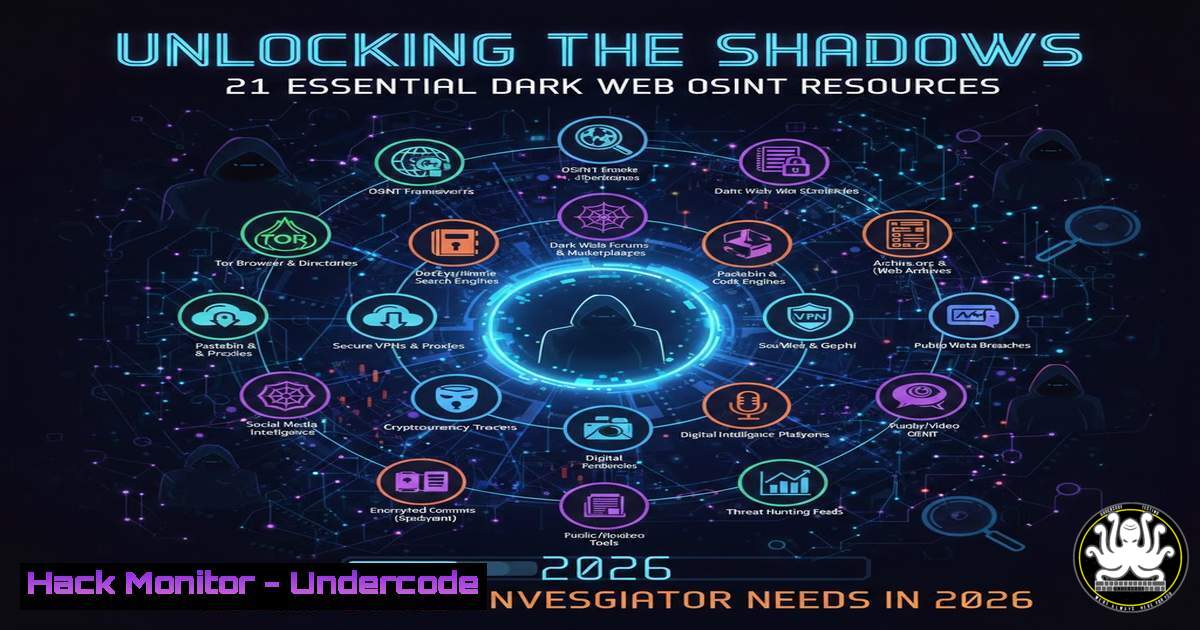
In the constantly evolving landscape of cybersecurity, Open-Source Intelligence (OSINT) has become the bedrock of proactive defense and threat hunting. While the Surface Web provides public data, the Dark Web serves as the clandestine marketplace where threat actors trade credentials, plan attacks, and leak sensitive data. For security professionals, knowing how to navigate these murky waters is no longer optional; it is a necessity. By leveraging specialized tools and search engines designed for anonymity networks like Tor, analysts can uncover breached credentials, monitor criminal chatter, and gather critical intelligence before an attack occurs. This guide explores 21 pivotal Dark Web resources that transform OSINT professionals from passive observers into active hunters.
Learning Objectives:
- Understand how to safely access and navigate the Dark Web using the TOR network for investigative purposes.
- Learn to utilize specialized search engines and data breach aggregators to locate compromised credentials.
- Master the use of Telegram-based OSINT bots for real-time dark web data collection and monitoring.
- Implement a systematic workflow for cross-referencing dark web findings with surface web breach databases.
You Should Know:
- Setting Up Your Secure OSINT Lab: Installing and Configuring TOR Browser
Before diving into the dark web, your digital safety is paramount. The TOR (The Onion Router) Browser is the standard gateway to `.onion` sites, routing your traffic through multiple relays to anonymize your origin.
What this does:
It isolates your browsing activity from your main operating system, preventing websites from fingerprinting your real IP address and system details.
Step‑by‑step guide (Linux):
- Open your terminal and add the official TOR repository to ensure you get the latest version:
`sudo add-apt-repository ppa:micahflee/ppa`
2. Update your package list:
`sudo apt update`
3. Install the TOR Browser launcher:
`sudo apt install torbrowser-launcher`
- Launch the browser from your applications menu or by typing `torbrowser-launcher` in the terminal. The first launch will download the latest TOR Browser bundle.
- Once installed, connect to the TOR network. For maximum security during OSINT work, ensure “Safer” or “Safest” security levels are enabled in the shield icon menu.
Step‑by‑step guide (Windows):
- Navigate to the official TOR Project website (get.torproject.org) using a standard browser like Chrome or Edge.
2. Download the Windows executable (.exe) file.
- Run the installer. Choose your language, select the destination folder (e.g.,
C:\Users\\Desktop\TOR Browser</code>), and complete the installation.</li> <li>Open the newly created "Start TOR Browser" folder on your desktop and launch the application.</li> <li>Click "Connect" to establish a connection to the TOR network. You can verify your anonymity by checking that the browser displays "Connected to the TOR network" successfully.</p></li> <li><p>Navigating the Invisible Web: Using Ahmia and Onion Search Standard search engines like Google cannot index `.onion` sites. This is where dark web search engines like Ahmia and Onion Search come into play. Ahmia is particularly valuable because it filters out illicit content like child abuse material while indexing legitimate hidden services.</p></li> </ol> <h2 style="color: yellow;">What this does:</h2> <p>It allows you to query hidden services and discover forums, markets, or leak sites relevant to your investigation. <h2 style="color: yellow;">How to use it:</h2> <h2 style="color: yellow;">1. Open your TOR Browser.</h2> <ol> <li>Navigate to the Ahmia `.onion` address (Note: .onion links change frequently; it is best practice to search for the current valid address on a clearnet site like "ahmia.fi" first, then access the .onion version via TOR for anonymity).</li> <li>Enter your search terms. For example, if investigating a specific ransomware group, type the group's name (e.g., "LockBit" or "BlackBasta").</li> <li>Analyze the results. You may find official group blogs where they leak victim data, or discussion forums where the group is mentioned.</li> <li>Similarly, use "Onion Search" to broaden your results. Cross-reference findings between the two engines to validate the existence of a site.</p></li> <li><p>Breach Data Verification: DeHashed and Have I Been Pwned Once you find a database dump or a set of credentials on a dark web forum, you need to verify if they are real, current, and what exposure they represent. DeHashed is a powerful paid search engine for breached data, while Have I Been Pwned (HIBP) is a free resource for checking specific email addresses.</p></li> </ol> <h2 style="color: yellow;">What this does:</h2> <p>It helps you verify if credentials found on the dark web correspond to real accounts within your organization or client base. <h2 style="color: yellow;">Step‑by‑step guide (DeHashed - Linux/Windows via Browser):</h2> <ol> <li>Access DeHashed via a standard browser (using a VPN for privacy is recommended).</li> <li>Enter a domain name (e.g., <code>undercode.com</code>), an email address, a username, or an IP address into the search bar.</li> <li>Review the results. DeHashed shows the plaintext password (if available), the source of the breach, and the last time the data was seen.</li> <li>Use the advanced filters to narrow down by date or data type to isolate the most relevant findings.</li> </ol> <h2 style="color: yellow;">Step‑by‑step guide (HIBP - Command Line Verification):</h2> You can automate checks against HIBP using `curl` to see if an email has been pwned. [bash] Replace [email address] with the target email curl -X GET "https://haveibeenpwned.com/api/v3/breachedaccount/[email address]" -H "hibp-api-key: YOUR_API_KEY" -H "user-agent: OSINT-Script"
Note: You must register for a free API key on the HIBP website. This command returns a list of breaches associated with that account.
- Leveraging Telegram for Real-Time OSINT: LeakOSINT and Telemetry
Telegram has become a hub for cybercriminal activity due to its encryption and channel features. Bots like LeakOSINT and search tools like Telemetry allow OSINT professionals to monitor these channels without directly joining potentially dangerous groups.
What this does:
It enables passive collection of data leaks and threat actor communications from Telegram channels and groups.
How to use LeakOSINT:
- Open the Telegram application on your mobile device or desktop.
- Search for the "LeakOSINT" bot username in the Telegram search bar.
- Start a chat with the bot and send the `/start` command.
- To search for a specific email or username, simply type the query (e.g.,
[email protected]). The bot will search its databases and linked channels for mentions of that string. - Analyze the results. The bot often provides the source channel and the context of the leak.
How to use Telemetry:
- Access the Telemetry website (usually a clearnet site) via a standard browser.
- Enter a keyword, Telegram username, or channel name you are investigating.
- The tool will scrape Telegram and provide a graph of connections, message history, and related entities. This is incredibly useful for mapping out threat actor networks.
-
Connecting the Dots: Mitigation and Hardening Based on Findings
Finding a credential dump is only half the battle. The true value of OSINT lies in the action taken afterward. If your investigation reveals that credentials for your domain are circulating, immediate hardening steps are required.
What this does:
It translates raw intelligence into defensive actions to prevent account takeover (ATO) attacks.
Step‑by‑step guide (Linux - Checking for Compromised Passwords Locally):
If you have a list of company passwords or hashes, you can check them against known leaked hashes using a tool like `hashcat` or a simple script.
1. First, download the `rockyou.txt` wordlist (a common attacker tool, used here for defense).`sudo apt install wordlists`
- To check if a specific password hash appears in the rockyou list (indicating it is weak and likely already cracked in the wild):
`grep -i "5baa61e4c9b93f3f0682250b6cf8331b7ee68fd8" /usr/share/wordlists/rockyou.txt`
(The hash above is for the password "password").
3. Windows Active Directory Hardening:
- If the investigation shows a specific user account is compromised, immediately force a password reset via PowerShell:
`Set-ADAccountPassword -Identity "username" -Reset -NewPassword (ConvertTo-SecureString -AsPlainText "NewCompl3xP@ssw0rd!" -Force)`
- Enable MFA for the affected user in Azure AD/Entra ID:
`Connect-MsolService`
`Set-MsolUser -UserPrincipalName "[email protected]" -StrongPasswordRequired $True -BlockCredential $True` (Temporarily block until MFA is enforced).
What Undercode Say:
- Context is King: Finding a credential on Ahmia or DeHashed is just a data point. The real intelligence comes from correlating that find with the specific threat actor group, the forum where it was posted, and the timing of the leak.
- Anonymity is a Two-Way Street: While using TOR protects your identity from the sites you visit, it does not protect you from infecting your own machine. Never download files from dark web sites directly onto your OSINT workstation; use isolated virtual machines or "air-gapped" systems for analysis.
- Automation is Essential: Manually searching Telegram via LeakOSINT or running curl commands against HIBP is inefficient. Professionals should script these queries (using Python with libraries like `requests` and
python-telegram-bot) to run daily, alerting them immediately when a new breach affects their organization.
Prediction:
As AI-generated content becomes indistinguishable from human communication, the next evolution of OSINT will involve AI-powered agents that not only crawl the dark web but also engage with threat actors in real-time to gather intelligence. Furthermore, the rise of decentralized data storage (IPFS) will make traditional takedowns obsolete, forcing OSINT professionals to shift from "finding and reporting" to "continuous monitoring and real-time data synthesis" to stay ahead of adversaries.
▶️ Related Video (78% Match):
🎯Let’s Practice For Free:
IT/Security Reporter URL:
Reported By: Ouardi Mohamed - Hackers Feeds
Extra Hub: Undercode MoN
Basic Verification: Pass ✅🔐JOIN OUR CYBER WORLD [ CVE News • HackMonitor • UndercodeNews ]
📢 Follow UndercodeTesting & Stay Tuned:
- Leveraging Telegram for Real-Time OSINT: LeakOSINT and Telemetry


