Listen to this Post
Introduction:
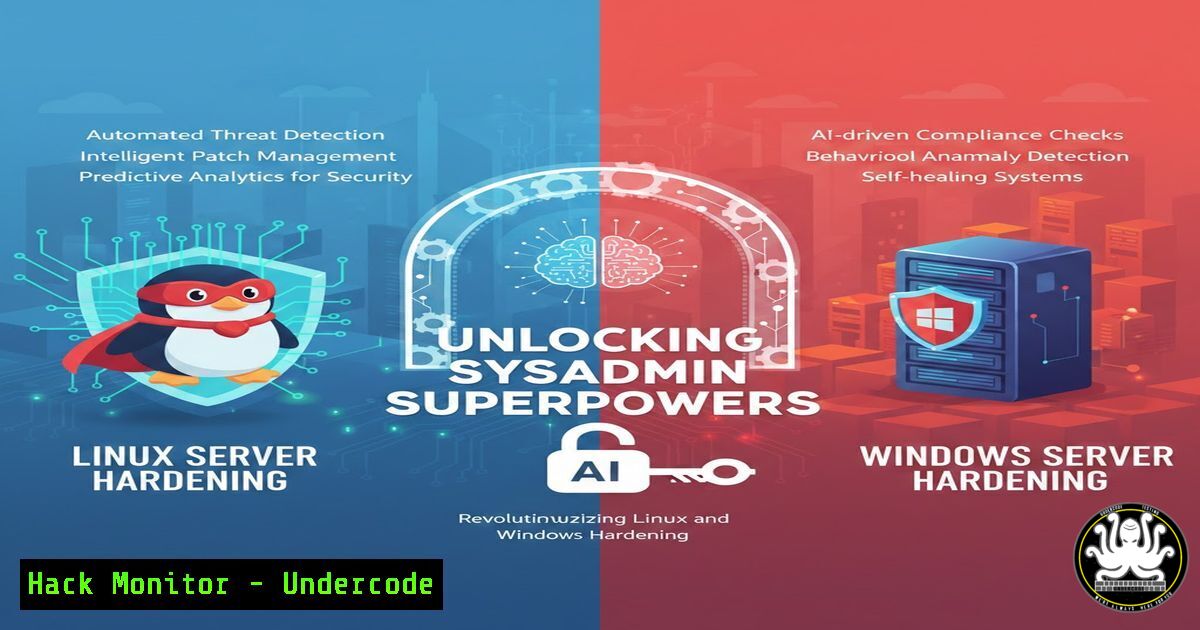
The lines between artificial intelligence and system administration are rapidly blurring, creating a new paradigm for cybersecurity and infrastructure management. Traditionally, hardening servers against threats, auditing configurations, and automating patch management required immense manual effort and deep, platform-specific knowledge. Today, Large Language Models (LLMs) and AI-driven tools are being integrated into the workflows of IT professionals to automate the mundane, predict vulnerabilities, and even generate complex shell scripts in seconds. This article explores how you can leverage AI to streamline both Linux and Windows administration tasks, moving from reactive troubleshooting to proactive security and efficiency.
Learning Objectives:
- Understand how to use AI to generate and audit Linux Bash scripts and Windows PowerShell commands for system hardening.
- Learn to configure AI-assisted log analysis for real-time threat detection across hybrid environments.
- Master techniques for utilizing AI to draft and implement firewall rules (iptables/nftables & Windows Defender Firewall).
- Apply AI prompts to translate security compliance standards (like CIS Benchmarks) into executable system policies.
You Should Know:
1. Automating Script Generation: From Prompt to Production
One of the most powerful uses of AI in system administration is the rapid generation of code. Instead of memorizing the syntax for every single command, administrators can now describe the desired outcome to an AI and receive a production-ready script. However, this requires careful prompting and validation.
Step‑by‑step guide:
Let’s say you need to audit all Linux users with sudo privileges and report last login times.
Instead of manually writing the `for` loop and `grep` commands, you can prompt an AI: “Generate a Bash script that iterates through all users in /etc/passwd who are members of the ‘sudo’ or ‘wheel’ group, checks their last login using the ‘lastlog’ command, and outputs the results to a file called sudo_audit.txt. Include error handling.”
The AI will likely generate something like this:
!/bin/bash
 Script to audit sudo users and their last login

OUTPUT_FILE="sudo_audit.txt"

<blockquote>
  "$OUTPUT_FILE"  Clear the file
</blockquote>

Get list of users in sudo or wheel group
for USER in $(getent group sudo | cut -d: -f4 | tr ',' ' '; getent group wheel | cut -d: -f4 | tr ',' ' '); do
if id "$USER" &>/dev/null; then
echo "User: $USER" >> "$OUTPUT_FILE"
 Get last login info, suppress "Never logged in" messages for brevity
lastlog -u "$USER" | grep -v "Never logged in" >> "$OUTPUT_FILE" 2>/dev/null
echo "" >> "$OUTPUT_FILE"
fi
done

echo "Audit complete. Check $OUTPUT_FILE"
For Windows, you could prompt for PowerShell: “Generate a PowerShell script to find all users in the ‘Administrators’ group on a local machine, export their names and last logon time from the Security Event Log (Event ID 4624) for the last 30 days.” This drastically reduces the time spent on syntax research.
2. Translating Compliance Benchmarks (CIS) into System Commands
Security standards like the CIS Benchmarks are lengthy documents. Manually parsing them to harden a server is tedious. AI excels at reading text and outputting structured commands.
Step‑by‑step guide:
Copy a section from a CIS benchmark, for example, “Ensure password expiration is 365 days or less” for Linux.
“Based on the following CIS benchmark text: ‘Ensure password expiration is 365 days or less’, provide the exact Linux commands to check this setting and then to remediate it.”
The AI will typically return:
- Check Command: `sudo chage –list
| grep “Maximum”`
– Remediation Command: `sudo chage -M 365` For a broader approach, prompt: “Generate an Ansible playbook to apply CIS Level 1 server hardening for Ubuntu 22.04, focusing on filesystem permissions and disabling unused filesystems like cramfs and freevxfs.”
This generates infrastructure-as-code instantly, bridging the gap between documentation and execution.
- AI-Assisted Firewall Configuration (Linux iptables & Windows Defender)
Writing firewall rules, especially complex ones with IP sets and connection tracking, can be error-prone. AI can help construct the logic.
Step‑by‑step guide:
Scenario: You need to block an emerging threat from a specific country or IP range, but only for the SSH port.
“Write an nftables (or iptables) rule for Linux that creates an IP set from a list of malicious IPs contained in a file called ‘bad_ips.txt’ and drops all incoming TCP traffic on port 22 (SSH) from those IPs.”
For iptables, the AI might suggest:
 Create the ipset (if using ipset tool)
ipset create bad_ssh_ips hash:ip
 Populate the set from file
while read ip; do ipset add bad_ssh_ips $ip; done < bad_ips.txt

Create iptables rule to drop
iptables -I INPUT -p tcp --dport 22 -m set --match-set bad_ssh_ips src -j DROP
For Windows Defender Firewall with PowerShell:
“Write a PowerShell script to block all inbound traffic to port 3389 (RDP) from a list of IP addresses stored in ‘C:\blocked_rdp.txt’ using Windows Defender Firewall.”
$ips = Get-Content "C:\blocked_rdp.txt"
foreach ($ip in $ips) {
New-NetFirewallRule -DisplayName "Block RDP from $ip" -Direction Inbound -LocalPort 3389 -Protocol TCP -Action Block -RemoteAddress $ip
}
4. Intelligent Log Analysis and Anomaly Detection
Manually grepping through gigabytes of logs is inefficient. AI models can be used to summarize log data and identify patterns indicative of a breach.
Step‑by‑step guide:
You have a system log (/var/log/syslog) that is showing unusual activity. Instead of searching for keywords blindly, you can use the AI to pre-process and analyze.
First, extract the last 1000 lines of the log:
`tail -n 1000 /var/log/syslog > recent_logs.txt`
Then, feed this text to an AI with the prompt: “Analyze the following Linux system logs. Identify any critical errors, potential security events (like failed SSH logins, service crashes), and summarize the overall health of the system. Highlight any IP addresses involved in suspicious activity.”
The AI will parse the text and provide a summary, pointing out brute-force attempts or specific application errors, saving you the time of scrolling through endless lines.
5. AI-Powered API Security and Cloud Hardening
Modern IT relies heavily on cloud infrastructure and APIs. Misconfigured S3 buckets or exposed API keys are a leading cause of breaches. AI can assist in writing and validating Infrastructure as Code (IaC) to prevent this.
Step‑by‑step guide:
“Generate a Terraform script for AWS that creates an S3 bucket configured for static website hosting. Ensure the bucket is private and uses a bucket policy that only allows access via CloudFront. Include server-side encryption enabled.”
The AI will produce the `.tf` file. You can then ask it to review your existing code: “Review the following Terraform script for security misconfigurations. Specifically, check if any security groups are overly permissive (0.0.0.0/0) or if S3 buckets have public read access enabled.”
This acts as a real-time code reviewer, catching “public” flags before they ever reach the cloud.
6. Vulnerability Explanation and Exploitation Mitigation
When a new CVE (Common Vulnerabilities and Exposures) is announced, understanding its impact on your specific stack is critical.
Step‑by‑step guide:
“Explain CVE-2024-6387 (regresshion) in simple terms. What is the attack vector, which versions of OpenSSH are affected, and what are the exact mitigation steps for a Rocky Linux 9 server?”
The AI can synthesize the technical advisory into actionable steps:
1. Check version: `ssh -V`
2. If vulnerable, patch: `sudo dnf update openssh`
- If patching is impossible, set `LoginGraceTime` to 0 in `/etc/ssh/sshd_config` as a temporary workaround (and restart SSH:
sudo systemctl restart sshd).
This transforms complex CVE data into immediate, executable commands for your specific OS.
What Undercode Say:
- Key Takeaway 1: AI is not a replacement for sysadmin knowledge but a force multiplier. It handles the syntax heavy-lifting, allowing professionals to focus on architecture, strategy, and complex troubleshooting.
- Key Takeaway 2: The accuracy of AI-generated commands is directly proportional to the specificity of the prompt. Always validate AI suggestions in a staging environment before applying them to production systems to avoid unintended misconfigurations.
By integrating AI into daily operations, IT professionals can drastically reduce the Mean Time To Resolution (MTTR) for incidents, ensure configurations align with security benchmarks, and maintain a more resilient posture against an ever-evolving threat landscape. The future of system administration lies in this symbiotic relationship between human intent and machine execution.
Prediction:
In the next 18 months, we will see the rise of autonomous AI-agents specifically designed for “Drift Detection.” These agents will continuously run in the background of servers, comparing real-time configurations against a known-good baseline (defined by CIS or company policy). When a deviation occurs (e.g., a developer opens a firewall port manually), the agent will either alert the admin with a suggested fix or, in low-risk environments, automatically roll back the change, effectively self-healing the infrastructure before a vulnerability can be exploited.
▶️ Related Video (84% Match):
🎯Let’s Practice For Free:
IT/Security Reporter URL:
Reported By: Mohamad Jandali – Hackers Feeds
Extra Hub: Undercode MoN
Basic Verification: Pass ✅


