Listen to this Post
Introduction:
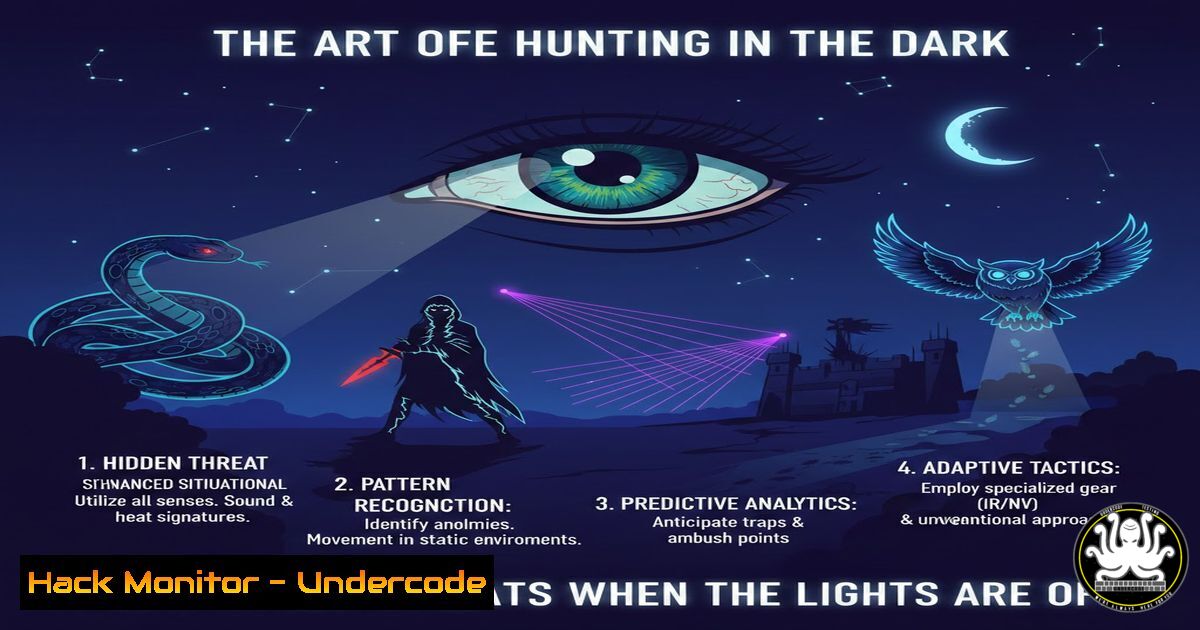
In the world of cybersecurity, “light pollution” refers to the overwhelming noise generated by constant alerts, verbose logging, and non-stop internet traffic that obscures malicious activity. Just as a sky full of city lights hides the stars from an astronomer, a network flooded with irrelevant data hides the subtle signals of an intrusion. To become an effective threat hunter, you must learn to operate in the “dark”—filtering out the noise to detect the anomalies that truly matter. This article provides a technical guide to reducing your attack surface and hunting for threats by embracing the concept of digital darkness.
Learning Objectives:
- Understand how to reduce network and system “noise” to improve threat detection.
- Learn command-line techniques for identifying abnormal processes and connections on Linux and Windows.
- Master the use of log filtering and reduction to isolate Indicators of Compromise (IOCs).
- Implement basic network segmentation and monitoring to create “dark” zones.
You Should Know:
- Auditing Your Network Exposure (The “Light” You Control)
Before you can hunt in the dark, you must identify the light you are emitting. This means discovering every open port, running service, and exposed protocol on your network. Attackers use these “lights” as entry points.
– On Linux (using `nmap` and ss): Start by scanning your own machine from another host to see what is visible.
 From a remote machine, scan your target (replace 192.168.1.100 with your IP)
nmap -sS -sV 192.168.1.100
Then, verify listening services locally to understand what is actually running.
 List all listening TCP and UDP ports with the processes using them
sudo ss -tulpn
– On Windows (using `netstat` and Get-NetTCPConnection):
Open PowerShell as an administrator and run:
 Show all active connections and listening ports with the owning process ID
netstat -ano | findstr LISTENING
Or using PowerShell cmdlets for a more detailed view:
Get-NetTCPConnection -State Listen | Select-Object LocalAddress, LocalPort, OwningProcess
 To find the process name, cross-reference the OwningProcess PID:
Get-Process -Id <PID>
– Step‑by‑step guide: This process reveals services like RDP (3389), SSH (22), or web servers (80/443) that are exposed. If a service does not need to be accessible to the entire network, bind it to localhost only (e.g., 127.0.0.1:8080). This is the first step in “turning off the lights.”
- Sifting Through the Noise: Log Reduction and Critical Filtering
A SIEM overwhelmed with “Event ID 4624” (successful logons) is useless. To hunt, you need to filter out the expected behavior to see the unexpected.
– Windows Security Log Hunting (using `wevtutil` and PowerShell):
Instead of scrolling through thousands of events, filter for specific, high-fidelity alerts.
 Query for failed logins (Event ID 4625) in the last 24 hours
$StartTime = (Get-Date).AddHours(-24)
Get-WinEvent -FilterHashtable @{LogName='Security'; ID=4625; StartTime=$StartTime} |
Select-Object TimeCreated, Message
To look for suspicious service installations (a common malware persistence technique):
 Search for new service creation events (Event ID 7045)
Get-WinEvent -LogName System | Where-Object { $_.Id -eq 7045 } | Format-List
– Linux Log Analysis (using grep, journalctl, and awk):
The noise is often in `/var/log/auth.log` or `journald`.
 Find all sudo commands executed, filtering out your own noise
sudo journalctl _COMM=sudo | grep -v "YOUR_USERNAME" | tail -20
Look for brute-force attempts by isolating failed SSH logins:
sudo grep "Failed password" /var/log/auth.log | awk '{print $1, $2, $3, $11}' | sort | uniq -c | sort -nr
– Step‑by‑step guide: By creating targeted queries, you reduce the data set from millions of events to a handful of suspicious ones. This is the digital equivalent of looking at a specific star cluster instead of the entire sky.
- Living Off the Land: Using Built-In Tools to Hide (Red vs. Blue)
From an attacker’s perspective, operating in the dark means using legitimate system tools (“Living off the Land” or LotL) to avoid triggering alerts. For a defender, knowing how this is done allows you to detect it.
– Detecting LotL Activity on Windows:
Attackers often use `wmic` or `cscript` to execute code.
 Check for recently executed WMIC commands (often used for reconnaissance)
Get-WinEvent -FilterHashtable @{LogName='Microsoft-Windows-Sysmon/Operational'; ID=1} |
Where-Object { $<em>.Properties[bash].Value -like "wmic" } | Select-Object TimeCreated, Message
Look for PowerShell executing encoded commands, a major red flag.
 Find PowerShell events with encoded commands (requires Script Block Logging enabled)
Get-WinEvent -LogName "Microsoft-Windows-PowerShell/Operational" |
Where-Object { $</em>.Message -like " -EncodedCommand " }
– Detecting LotL Activity on Linux:
Check for unusual usage of standard binaries.
 Find use of 'curl' or 'wget' to download files from suspicious IPs
sudo grep "curl" /home//.bash_history
sudo grep "wget" /home//.bash_history

Check for cron jobs that have been modified recently (potential persistence)
ls -la /etc/cron /var/spool/cron/
– Step‑by‑step guide: A defender must monitor the execution of these trusted binaries, especially when they are invoked by non-administrative users or in unusual parent-child process trees (e.g., Word.exe spawning PowerShell.exe).
- Cloud Hardening: Reducing the Attack Surface in AWS/Azure
In the cloud, leaving a storage bucket public or an SSH port open to `0.0.0.0/0` is like setting up a giant lighthouse for attackers.
– Auditing Permissions with Cloud CLI Tools:
 AWS: Find S3 buckets that are publicly accessible
aws s3api list-buckets --query 'Buckets[].Name' --output text | xargs -I {} aws s3api get-bucket-acl --bucket {} | grep -i "uri.allusers"

GCP: List firewall rules that allow traffic from 0.0.0.0/0
gcloud compute firewall-rules list --format="table(name, network, direction, sourceRanges, allowed)" | grep "0.0.0.0/0"
– Step‑by‑step guide: Use these commands as part of a weekly security audit to ensure no “light” is leaking to the public internet unintentionally. Implement IaC (Infrastructure as Code) policies to automatically prevent these misconfigurations.
5. Simulating Darkness: Building a “Canary” Environment
To truly see a threat in the dark, you can create a “canary” (a decoy file or system). When accessed, it triggers a silent alarm.
– Setting Up a Windows Canary File:
Create a file that should never be accessed by a legitimate user.
 Create a fake "passwords.txt" file
echo "This is a decoy. Access is unauthorized." > C:\Users\Public\Documents\passwords.txt

Set up a File System Auditing Rule (via GUI or <code>auditpol</code>) to monitor this file.
 Then, monitor the Security log for Event ID 4663 (attempted access to an object).
Get-WinEvent -LogName Security -MaxEvents 100 | Where-Object { $<em>.Id -eq 4663 -and $</em>.Message -like "passwords.txt" }
– Step‑by‑step guide: Any access to this file is 100% malicious. It creates a “dark” signal that is impossible for an attacker to distinguish from a real file, allowing you to detect intrusions that bypass traditional defenses.
What Undercode Say:
- Key Takeaway 1: Security is not just about building higher walls; it’s about reducing the ambient noise so you can see the shadows moving. Effective threat hunting relies on the principle of data reduction to isolate high-fidelity alerts.
- Key Takeaway 2: Mastering native command-line tools (PowerShell, Bash, Cloud CLIs) is non-negotiable. These are the telescopes that allow you to focus on the faint signals of a breach amidst the blinding light of normal network traffic.
- Analysis: The post’s appreciation of a starry sky serves as a perfect analogy for the modern security operations center (SOC). Teams are often blinded by the light of endless alerts. The move toward “EDR” and “NDR” is an attempt to provide this darkness—to filter the light pollution and present only the anomalies. However, true mastery lies in understanding that these tools are only as good as the queries we run against them. The future belongs to defenders who can not only build secure systems but also navigate the vast darkness of their networks, identifying the faint, anomalous glimmers that signify a threat.
Prediction:
As AI-driven attacks become more adept at mimicking normal user behavior, the concept of “light pollution” will intensify. We will see a shift toward “Zero Trust” architecture not just for access control, but for logging and monitoring. The future of threat detection will rely on “dark logging”—where data is only stored and analyzed when it deviates from a highly specific, hardened baseline, effectively making the default state of the network silent. This will force attackers to either make noise to operate or remain ineffective.
▶️ Related Video (76% Match):
🎯Let’s Practice For Free:
IT/Security Reporter URL:
Reported By: Malwaretech No – Hackers Feeds
Extra Hub: Undercode MoN
Basic Verification: Pass ✅


