Listen to this Post
Introduction:
In the rapidly evolving landscape of cybersecurity, professionals are constantly seeking an edge through certifications and practical tool proficiency. This guide demystifies the path to becoming a certified expert, leveraging both structured learning and hands-on experience with critical infrastructure tools like Passbolt for enterprise-grade secret management.
Learning Objectives:
- Understand the strategic value of key cybersecurity certifications for career advancement.
- Master the installation, configuration, and daily operation of the Passbolt password manager.
- Develop a personalized roadmap for continuous skill development through verified online resources.
You Should Know:
1. The Cybersecurity Certification Landscape
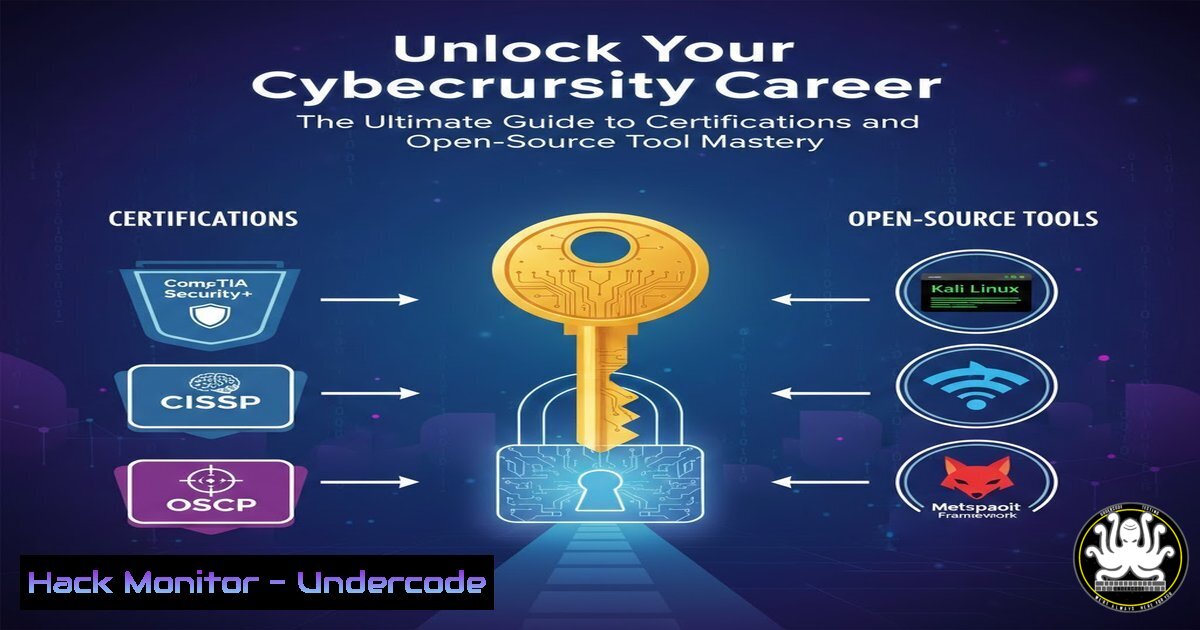
Navigating the world of cybersecurity certifications is the first step toward career validation. Certifications like CompTIA Security+, CISSP, CEH, and OSCP are not just resume boosters; they provide structured knowledge frameworks and are often mandatory for government and high-level corporate roles. They validate your skills to employers and keep you updated on the latest threats and mitigation strategies.
Step-by-step guide explaining what this does and how to use it.
Step 1: Self-Assessment: Identify your current level (Beginner, Intermediate, Advanced) and your desired specialization (e.g., Offensive Security, Governance Risk & Compliance, Cloud Security).
Step 2: Research & Select: For beginners, CompTIA Security+ is the gold standard. For offensive security, the Certified Ethical Hacker (CEH) or the more hands-on Offensive Security Certified Professional (OSCP) are top choices. For architectural roles, the CISSP is paramount.
Step 3: Formulate a Study Plan: Dedicate consistent hours each week. Use official study guides, practice exams, and hands-on labs from platforms like TryHackMe or Hack The Box to reinforce theoretical knowledge.
Step 4: Schedule the Exam: Book your exam in advance to create a firm deadline, which helps maintain study discipline.
2. Leveraging Expert-Led Online Resources
Following industry experts on platforms like YouTube and Instagram provides a continuous stream of updated knowledge, tutorials, and industry insights. It’s a way to supplement formal education with real-world, practical content.
Step-by-step guide explaining what this does and how to use it.
Step 1: Identify Credible Sources: Look for verified professionals with a proven track record, like Mohamed Hamdi Ouardi, who share content relevant to your goals.
Step 2: Curate Your Feed: Subscribe to their channels (e.g., YouTube) and follow their profiles (e.g., Instagram).
Step 3: Engage Actively: Don’t just passively watch. Practice the techniques demonstrated in their videos, such as the one on Passbolt. Comment with questions and join the community discussion.
3. Mastering Enterprise Secret Management with Passbolt
Passbolt is an open-source password manager designed for teams, leveraging the GNUPG encryption standard for enhanced security. It allows secure sharing of credentials, SSH keys, and other secrets within an IT team, making it an indispensable tool for SecOps engineers and system administrators.
Step-by-step guide explaining what this does and how to use it.
Step 1: Server Preparation (Linux): Ensure your server meets the prerequisites (e.g., Ubuntu 20.04 LTS, Apache/Nginx, PHP, MySQL/MariaDB).
Step 2: Installation: The easiest method is often using the official script. Always download from the verified source.
 Download the install script
wget https://raw.githubusercontent.com/passbolt/passbolt_devops/master/passbolt_installer/install.sh
 Make it executable and run it
chmod +x install.sh
sudo ./install.sh
Follow the on-screen prompts to configure your database and administrator email.
Step 3: Post-Installation Configuration: Access your Passbolt instance via its URL, complete the GNUPG key setup for your browser, and create your master password.
4. Hardening Your Passbolt Installation
A default installation is functional, but a production environment requires hardening to mitigate vulnerabilities.
Step-by-step guide explaining what this does and how to use it.
Step 1: Configure HTTPS: Use Let’s Encrypt to obtain a free TLS certificate.
sudo apt update
sudo apt install certbot python3-certbot-apache
sudo certbot --apache -d your-passbolt-domain.com
Step 2: Harden Web Server Headers: Edit your Apache or Nginx virtual host to include security headers like HSTS and Content-Security-Policy.
Step 3: Implement Regular Backups: Automate database and GNUPG keyring backups.
 Example cron job for daily database backup
0 2    /usr/bin/mysqldump -u [bash] -p[bash] passbolt_db > /backups/passbolt_$(date +\%Y\%m\%d).sql
5. Integrating Passbolt into Daily SecOps Workflows
The true value of a tool is realized when it’s seamlessly integrated into daily routines for managing infrastructure secrets.
Step-by-step guide explaining what this does and how to use it.
Step 1: Organize Secrets: Create resource folders for different environments (e.g., Production, Staging, Development) and teams (e.g., Web-Admins, DB-Admins).
Step 2: Secure Sharing: Instead of sending passwords over Slack or email, share the secret within Passbolt, granting appropriate permissions (e.g., read-only vs. owner).
Step 3: API Integration: For advanced automation, use the Passbolt API to retrieve secrets in scripts. This requires creating an API token and using it in your automated deployment or configuration management scripts.
6. Developing a Continuous Learning Mindset
The field of cybersecurity does not stand still. A commitment to continuous learning is non-negoticable.
Step-by-step guide explaining what this does and how to use it.
Step 1: Allocate Time: Dedicate at least 5 hours per week to learning. This can be split between reading articles, watching tutorials, and practicing in a home lab.
Step 2: Build a Home Lab: Use virtual machines (VirtualBox/VMware) to create a safe environment for testing tools, exploiting vulnerabilities, and implementing defenses. Practice setting up and breaking into isolated systems.
Step 3: Participate in the Community: Engage on forums, attend webinars, and contribute to open-source projects. This networking can lead to knowledge exchange and career opportunities.
What Undercode Say:
- Certifications provide the foundational framework, but mastery is achieved through the relentless application of knowledge in practical, hands-on scenarios.
- Tools like Passbolt are force multipliers for security teams; mastering them is not about the tool itself, but about instilling a culture of secure secret management that is critical for mitigating insider threats and credential-based attacks.
The post by Mohamed Hamdi Ouardi highlights a modern, multi-faceted approach to cybersecurity career development. It correctly emphasizes that credentials (certifications) must be backed by demonstrable skill with relevant tools (like Passbolt). The promotion of his social channels is not merely self-promotion; it represents a vital channel for ongoing, micro-learning. The most successful professionals today curate their own “university” from a blend of formal certifications, open-source tool proficiency, and continuous learning from industry practitioners. This approach breaks the traditional cycle of learning only from official curricula and creates a more dynamic, responsive, and practical skill set.
Prediction:
The convergence of certified knowledge and open-source tool mastery will become the non-negotiable standard for hiring in cybersecurity roles. We will see a decline in the value of “paper certs” held by individuals without practical skills, and a corresponding rise in demand for professionals who can immediately deploy and manage security infrastructure. Tools like Passbolt will evolve from being niche utilities to core enterprise IT components, integrated directly with CI/CD pipelines and cloud orchestration platforms, making their understanding as fundamental as knowing how to configure a firewall.
🎯Let’s Practice For Free:
IT/Security Reporter URL:
Reported By: Ouardi Mohamed – Hackers Feeds
Extra Hub: Undercode MoN
Basic Verification: Pass ✅


