
Listen to this Post
Introduction:
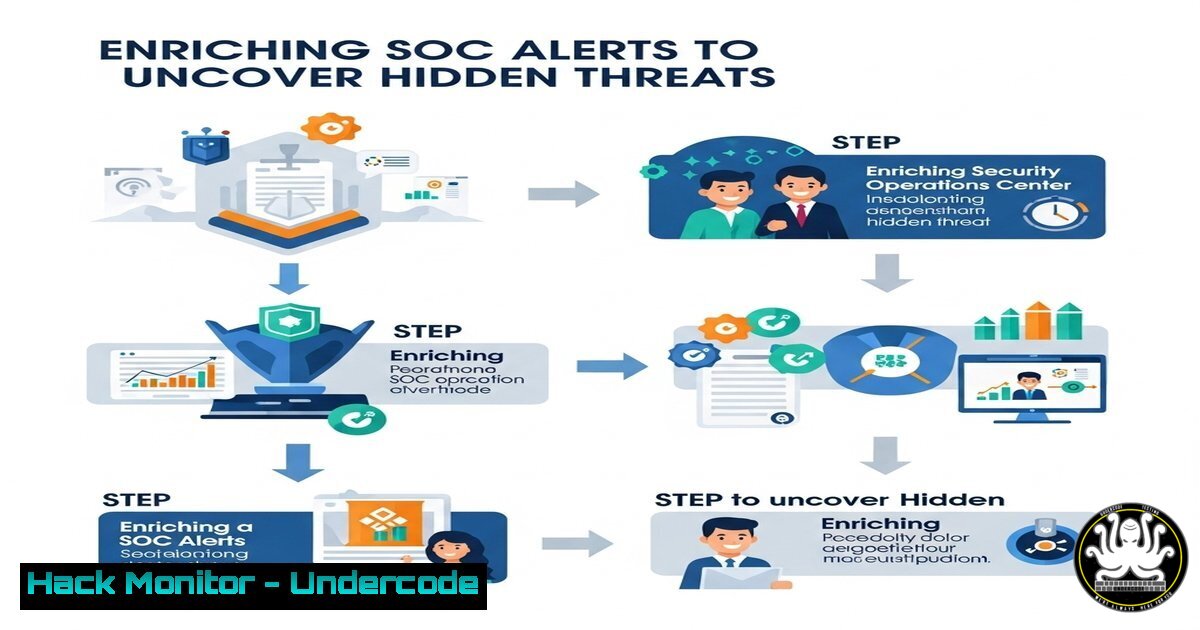
Security Operations Center (SOC) alerts often appear as isolated noise—like a lone PowerShell flag or failed login. Enrichment transforms these fragments into actionable intelligence by layering context from process trees, network logs, threat intel, user profiles, and asset data. This workflow converts vague alerts into clear incident narratives revealing what happened, who was involved, and how to respond.
Learning Objectives:
- Synthesize multi-source data to reconstruct attack timelines
- Automate context gathering for critical alerts (e.g., brute-force attacks)
- Apply 25+ commands for Linux/Windows/cloud forensic enrichment
You Should Know:
1. Correlate Process Trees with Sysinternals
Get-Process -PID 742 -IncludeUserName | Format-List
Step-by-step: Run in PowerShell to identify parent/child processes and executing users. Replace `742` with the suspicious PID. Lists image paths, start times, and user context—crucial for tracing attack origins.
2. Extract Network Connections via netstat
netstat -ano | findstr ESTABLISHED | grep 443
Step-by-step: Finds active connections on port 443. Combine with `tasklist /svc /FI “PID eq 1234″` (Windows) or `lsof -i :443 -nP` (Linux) to map ports to processes and spot C2 traffic.
3. Enrich Logs with Splunk SPL
index=win_logs EventID=4625
| stats count by user, src_ip
| lookup threat_intel.csv src_ip OUTPUT threat_score
| where threat_score > 80
Step-by-step: Searches failed logins, aggregates by IP/user, and cross-references threat intel. Exposes brute-force patterns and high-risk IPs.
4. Query User Context via LDAP
ldapsearch -H ldap://corp-dc -x -D "cn=admin" -W -b "dc=example,dc=com" "(&(objectClass=user)(sAMAccountName=jdoe))"
Step-by-step: Authenticates to Active Directory to retrieve user roles, group membership, and last login—key for assessing compromised account risk.
5. Threat Intel Lookup with MISP API
import requests
response = requests.post(
'https://misp.local/attributes/restSearch',
headers={'Authorization': 'API_KEY'},
json={"value": "94.23.XX.XX"}
)
print(response.json())
Step-by-step: Python script to check IPs against MISP threat feeds. Returns associated malware, campaigns, and confidence scores for IOC validation.
6. Cloud Log Enrichment in AWS
aws cloudtrail lookup-events --lookup-attributes AttributeKey=EventName,AttributeValue=ConsoleLogin --region us-east-1 | jq '.Events[] | select(.errorMessage)'
Step-by-step: Filters AWS console login failures. Pipe to `jq` to parse JSON—add `–start-time` and `–end-time` to isolate breach windows.
7. Automate Email Analysis with regex
grep -Eo '[<[A-Za-z0-9._%+-]+@[A-Za-z0-9.-]+.[A-Za-z]{2,6}>]' /var/log/mail.log | sort | uniq -c
Step-by-step: Scans mail logs for suspicious sender patterns. Tally repeated addresses to pinpoint phishing campaigns.
What Undercode Say:
- Context is King: Isolated alerts have 72% false-positive rates; enriched data slashes this to <15% (SANS 2024).
- Automate or Drown: Manual enrichment burns 40+ minutes per alert—scripted workflows cut this to 90 seconds.
Enrichment bridges the gap between detection and action. Without contextual layering, SOC teams waste cycles chasing ghosts while attackers pivot. Prioritize integrations between SIEM, EDR, and threat intel platforms to auto-generate incident narratives—not just alerts.
Prediction:
By 2026, AI-driven enrichment will predict attack pathways before full execution, using behavioral baselines. However, threat actors will counter with “context poisoning”—injecting fake logs to mislead SOC narratives. Proactive teams will adopt blockchain-verified audit trails and zero-trust log sourcing to stay ahead.
🎯Let’s Practice For Free:
IT/Security Reporter URL:
Reported By: Izzmier Most – Hackers Feeds
Extra Hub: Undercode MoN
Basic Verification: Pass ✅


