Listen to this Post
Introduction:
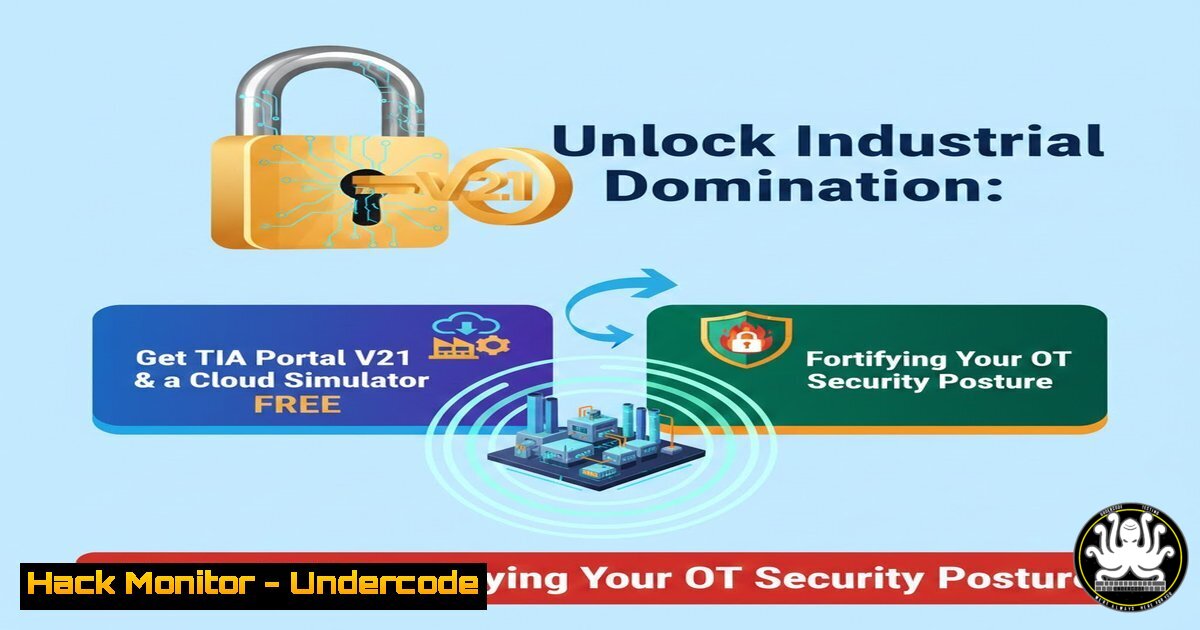
The convergence of Information Technology (IT) and Operational Technology (OT) has blurred traditional security boundaries, making programmable logic controller (PLC) programming skills not just an automation requirement but a critical cybersecurity imperative. Siemens’ TIA Portal is the industry-standard engineering framework for programming Siemens PLCs, and understanding its ecosystem is paramount for both developing robust industrial processes and for security professionals tasked with protecting them. The opportunity to access TIA Portal V21 and a cloud-based simulator for free, as highlighted by OT cybersecurity expert Muhammad Noman, presents a unique low-risk avenue to build these essential hands-on skills, directly applicable to securing SCADA and ICS environments against modern threats.
Learning Objectives:
- Acquire and configure a legitimate, free instance of Siemens TIA Portal V21 with a cloud-based PLC simulator.
- Build and deploy a foundational PLC project, understanding the core programming workflow and system architecture.
- Identify key cybersecurity considerations within the TIA Portal ecosystem and apply basic hardening techniques to the development and simulated operational environment.
You Should Know:
- Securing Your Foundation: Legitimate Acquisition & Isolated Installation
The first step in any professional or security-focused endeavor is ensuring integrity. Using unauthorized software carries immense risk, including malware injection into critical development environments. The promoted method provides a legitimate path.
Step‑by‑step guide:
- Source Verification: Navigate to the official Siemens Industry Online Support website or the official Siemens trial software portal. Search for “TIA Portal V21 Trial” or “TIA Portal Cloud Simulator”. Always verify the URL is `.siemens.com` to avoid phishing sites.
- Environment Isolation: Before installation, create an isolated lab environment. On a Windows host (required for TIA Portal), you can use a virtual machine (VM). Use Hyper-V (Windows Pro/Enterprise) or VMware Workstation Player.
Windows Command (Hyper-V): Open PowerShell as Administrator to create a virtual switch for isolated network testing.New-VMSwitch -Name "OT-Lab-Internal" -SwitchType Internal
This creates a network switch that allows communication only between the VM and host, preventing accidental exposure to production networks.
- Installation with Least Privilege: During TIA Portal installation, do not run the installer as a Windows Administrator unless absolutely required by the installer. Create a standard user account for development work. This limits the impact of potential privilege escalation exploits.
-
Architecture Reconnaissance: Understanding the TIA Portal Attack Surface
Before writing your first ladder logic, understand what you’re deploying. TIA Portal is not just an IDE; it’s a suite that manages communications, firmware, and network configurations for PLCs.
Step‑by‑step guide:
- Launch TIA Portal V21 and create a new project.
- Add a Device: Add a simulated PLC (e.g., a SIMATIC S7-1200 or S7-1500). Observe the software automatically configures network settings and services.
- Investigate Device Properties: Right-click the PLC > Properties. Navigate to the PROFINET Interface section. Here, you can see:
IP Address: The target for network-based attacks.
Cycle Time: Manipulating this via an attack can disrupt process timing.
Permitted Controllers: This access control list (ACL) defines which engineering stations can connect—a critical security setting often left at defaults.
4. Action: Change the default IP address from something like `192.168.0.1` to a non-standard subnet for your lab (e.g., 172.16.50.10). This simple step is the first in deterring automated scans.
- Your First Project & The Cybersecurity Implications of Logic
A simple motor start/stop circuit teaches core programming and reveals security flaws like insecure default states.
Step‑by‑step guide:
- Create a Function Block (FB): In
Program Blocks, add a new Function Block. Name itFB_MotorControl. - Program Basic Logic: Inside the FB, create a simple ladder logic rung: `Start_Button` (NO contact) in parallel with a `Motor_Run` (coil) contact, in series with `Stop_Button` (NC contact), outputting to the `Motor_Run` coil.
3. Cybersecurity Analysis:
Fail-Safe State: What happens on power loss or a stop command? The motor should stop (a de-energize to trip design). Verify your logic ensures this.
Integrity Check: Could malicious code overwrite this FB? TIA Portal uses know-how protection (password), but strong project management passwords and controller access passwords are essential.
4. Download to Simulator: Use the “Download to device” function, selecting your cloud simulator. This mimics the process an attacker would need to perform to inject malicious code.
4. Network Hardening for the Simulated PLC
The cloud simulator likely emulates network services. Harden them as you would a real device.
Step‑by‑step guide:
- Disable Unused Services: In the PLC device properties, under General > Diagnostics/Clock, find the `Time-of-day synchronization` source. If not needed, disable protocols like NTP or SIMATIC Time.
- Secure Communication (PG/PC): Under Protection & Security in properties, access the “Connection mechanisms” menu.
Enable “Permit access only with certificate” for the highest security, requiring a personal certificate for connection.
As a lab step, set a PC/PG interface password to prevent unauthorized TIA Portal connections. - Firewall Emulation (Conceptual): While the simulator may not run a full firewall, document the required ports for your project (e.g., S7 communication on 102/TCP). On your host VM, use Windows Firewall to block all inbound ports except those required.
Windows Command:
netsh advfirewall firewall add rule name="Allow S7" dir=in action=allow protocol=TCP localport=102
Linux Host (if using bridged VM): Use `iptables` or `ufw` to similarly restrict traffic to the VM’s IP.
- From Learning to Defense: Building a PLC Project Change Monitor
A key OT security principle is change management. Build a simple monitoring tool that checks for unexpected project downloads.
Step‑by‑step guide:
- Leverage TIA Portal Openness: TIA Portal projects are stored in `.zapxx` files (archives). Their internal structure can be parsed.
- Create a Python Script (Host-based): Write a script that uses the `watchdog` library to monitor your project directory.
3. Basic Code Snippet:
import hashlib
import os
from watchdog.observers import Observer
from watchdog.events import FileSystemEventHandler

class ProjectChangeHandler(FileSystemEventHandler):
def on_modified(self, event):
if event.src_path.endswith('.zap21'):
print(f"[bash] TIA Project file modified: {event.src_path}")
 Calculate new hash and compare to a known good baseline
current_hash = self.calculate_hash(event.src_path)
 ...comparison logic here...

def calculate_hash(self, filepath):
hash_sha256 = hashlib.sha256()
with open(filepath, "rb") as f:
for chunk in iter(lambda: f.read(4096), b""):
hash_sha256.update(chunk)
return hash_sha256.hexdigest()

Set path to your TIA Portal project folder
path_to_watch = "C:/TIA_Projects"
event_handler = ProjectChangeHandler()
observer = Observer()
observer.schedule(event_handler, path_to_watch, recursive=True)
observer.start()
try:
while True:
time.sleep(1)
except KeyboardInterrupt:
observer.stop()
observer.join()
4. This script provides a foundational idea for an integrity monitoring system in a real OT environment.
What Undercode Say:
- Free Access is a Double-Edged Sword: While democratizing learning, widely available simulators and trial software also lower the barrier to entry for threat actors studying ICS systems. Defenders must use the same tools to stay ahead.
- The Development Environment is Part of the Kill Chain: An unsecured engineering workstation with TIA Portal is a prime target. Hardening it (VM isolation, least privilege, host firewall) is as crucial as securing the PLC itself.
- Understanding Normal is Prerequisite for Detecting Anomaly: You cannot secure what you do not understand. Hands-on experience building and configuring systems in TIA Portal is irreplaceable for developing effective OT security monitoring use cases and threat hunts.
The ability to intimately understand the engineering software that controls physical processes is no longer optional for cybersecurity professionals in the industrial space. This free training opportunity directly translates to the capability to audit configurations, assess the severity of vulnerabilities, and design controls that are mindful of operational constraints. The future of OT security lies in professionals who are bilingual—fluent in both the language of cybersecurity and the language of industrial automation. This resource is a key step towards building that critical vocabulary and practical skill set.
▶️ Related Video (72% Match):
🎯Let’s Practice For Free:
IT/Security Reporter URL:
Reported By: Nomanitaa Plctutorial – Hackers Feeds
Extra Hub: Undercode MoN
Basic Verification: Pass ✅


