Listen to this Post
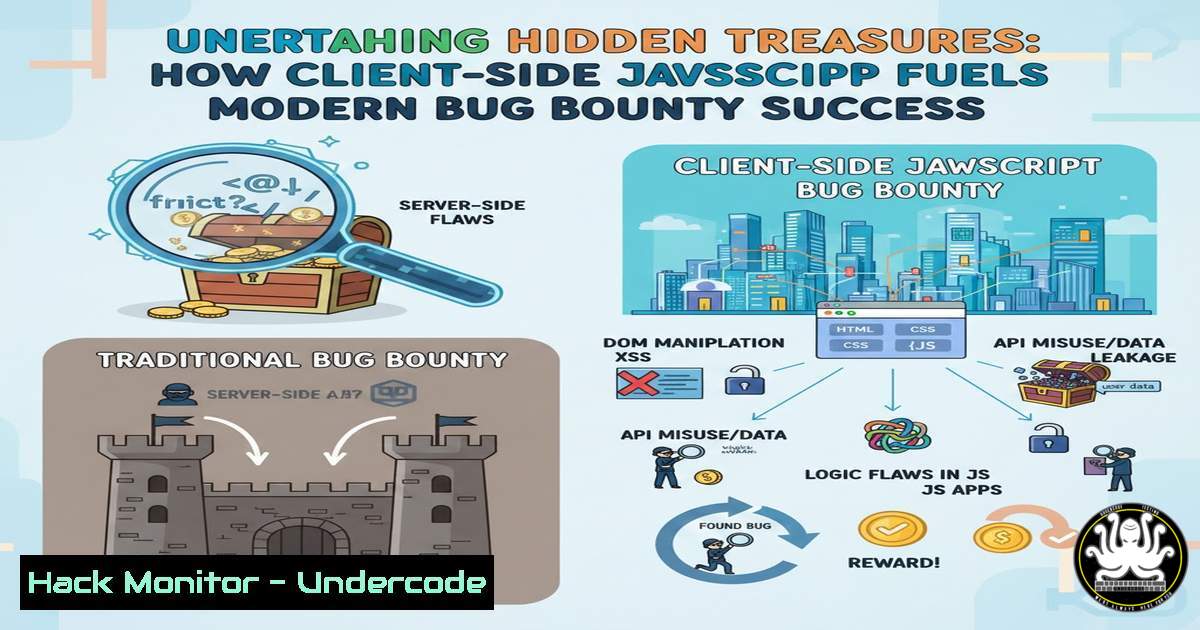
Introduction:
In the dynamic arena of bug bounty hunting, where every line of code can hide a critical vulnerability, client-side JavaScript has emerged as a prime target for security researchers. Modern web applications delegate significant logic to the browser, often exposing hidden endpoints, debug functions, and sensitive data within minified scripts. This article deconstructs the methodology for systematically auditing client-side JavaScript to uncover security flaws that automated scanners frequently miss.
Learning Objectives:
- Understand the core techniques for manually analyzing and deobfuscating client-side JavaScript.
- Learn to identify hidden API endpoints, debug parameters, and insecure coding patterns within source code.
- Develop a practical workflow for triaging JavaScript findings into valid security reports.
You Should Know:
1. Initial Reconnaissance and Source Gathering
The first step is to collect all JavaScript files used by the application. Relying solely on the browser’s Developer Tools ‘Sources’ tab is a start, but comprehensive hunters go further.
Step‑by‑step guide explaining what this does and how to use it.
– Manual Browser Inspection: Press `F12` to open DevTools, navigate to the ‘Sources’ or ‘Network’ tab, and reload the page. Filter by `.js` files to see all fetched scripts.
– Automated Enumeration with Tools: Use command-line tools to spider the site and download scripts for offline analysis.
 Using gospider to crawl and extract JS URLs
gospider -s https://target.com -d 2 -t 10 | grep -Eo "https?://[^\"'].js" | sort -u

Using waybackurls and httpx to fetch historical JS files
echo "target.com" | waybackurls | grep -E ".js($|\?)" | httpx -status-code -content-length -o js_urls.txt
– Analysis: Review the list for interesting file names like admin.js, debug.js, api.js, or files containing versions (v1.2.3/app.js). These often contain privileged logic.
2. Deobfuscation and Beautification
Production JavaScript is often minified or obfuscated, making it unreadable. Beautification is essential.
Step‑by‑step guide explaining what this does and how to use it.
– Browser Tooling: Within Chrome DevTools, click the `{}` “Pretty Print” button at the bottom of any minified script viewer. This instantly reformats the code.
– Command-Line Beautifiers: For bulk analysis, use tools like js-beautify.
 Install js-beautify
npm -g install js-beautify

Beautify a single file
js-beautify ugly.js > beautiful.js

Process all downloaded .js files
for file in .js; do js-beautify "$file" -o "beautified/$file"; done
– Advanced Deobfuscation: For complex obfuscation, use specialized tools like `de4js` (online) or `JavaScript Deobfuscator` to unpack encoded strings and unravel control flow.
3. Pattern Hunting for Hidden Endpoints and APIs
JavaScript files are maps to an application’s internal logic, revealing API calls not listed in standard documentation.
Step‑by‑step guide explaining what this does and how to use it.
– Grep for Common Patterns: Search for strings indicative of network requests.
 Search for fetch, XMLHttpRequest, axios, and endpoint patterns
grep -r -E "(fetch|axios|.post|.get|XMLHttpRequest|api/v[0-9]/|/admin/|/debug/)" beautified/ --include=".js"

Look for hardcoded API keys or tokens (simple pattern)
grep -r -E "[bash][Pp][bash]_?[bash]?[bash]?[bash]?['\"]?[:=]?['\"]?[a-zA-Z0-9]{20,}" beautified/ --include=".js"
– Analyze API Calls: When you find a line like fetch('/api/internal/userlist'), test this endpoint directly in the browser or with a tool like curl. Check for missing access controls (IDOR, Broken Object Level Authorization).
4. Identifying Debug Parameters and Functionality
Developers often leave debug flags, test functions, or verbose logging enabled in client-side code.
Step‑by‑step guide explaining what this does and how to use it.
– Keyword Search: Look for terms like debug, test, verbose, log, console.log, enableTest, isDebugMode.
grep -r -i "debug|testmode|verbose|console.log" beautified/ --include=".js" | head -20
– Exploitation: If you find code like if (isDebug) { adminFunctions.unlockAll(); }, investigate how `isDebug` is set. It might be controlled via a URL parameter like `?debug=true` or a cookie. Manipulate this to activate hidden features.
5. Discovering Sensitive Data and Credentials
Hardcoded secrets, internal paths, and developer comments are shockingly common.
Step‑by‑step guide explaining what this does and how to use it.
– Search for High-Value Strings:
 Find potential secrets (generic patterns)
grep -r -E "(password|token|secret|key|auth)[\"' ][:=][\"' ][a-zA-Z0-9._-]{8,}" beautified/ --include=".js"

Find email addresses or internal subdomains
grep -r -E "[a-zA-Z0-9._%+-]+@[a-zA-Z0-9.-]+.[a-zA-Z]{2,6}" beautified/ --include=".js"
– Contextual Analysis: Don’t just extract strings. Examine the surrounding code to understand if a “key” is used for a public third-party service (less critical) or for internal AWS/backend access (critical).
6. Analyzing Event Listeners and DOM Manipulations
Client-side security issues like Cross-Site Scripting (XSS) often originate in insecure DOM operations.
Step‑by‑step guide explaining what this does and how to use it.
– Focus on Dangerous Sinks: Search for functions that write user input to the DOM.
grep -r -E "(.innerHTML|.outerHTML|.write|document.write|eval|setTimeout|setInterval)(" beautified/ --include=".js"
– Trace the Source: When you find a sink like document.getElementById("output").innerHTML = userComment;, trace the `userComment` variable backward to see if it’s properly sanitized. This can quickly lead to discovering stored or reflected XSS vectors.
7. Automating with Custom Scripts and Extensions
Scale your analysis by building a simple toolchain.
Step‑by‑step guide explaining what this does and how to use it.
– Create a Basic Analysis Script (Python Example):
import os, re
js_dir = "./beautified"
patterns = {
"Endpoints": r"[\"\'<code>](/api/v1/[^\"\'</code>]+|/internal/Ffn:\"\'<code>]+)",
"Secrets": r"(api_key|secret|token)[\"\' ][:=][\"\' ][\"\'</code>:([^\"\'`]+)"
}
for filename in os.listdir(js_dir):
if filename.endswith(".js"):
with open(os.path.join(js_dir, filename), 'r') as f:
content = f.read()
for name, pattern in patterns.items():
matches = re.findall(pattern, content, re.IGNORECASE)
if matches:
print(f"[{name} in {filename}] {matches[:3]}")  Print first 3 matches
– Use Browser Extensions: Extensions like Retire.js (for known vulnerable libraries) and JavaScript Source Finder can automate part of the discovery process during manual browsing.
What Undercode Say:
- Key Takeaway 1: Manual, context-aware analysis of client-side JavaScript is a high-yield activity that consistently uncovers logic flaws, hidden endpoints, and sensitive data leaks overlooked by automated dynamic scanners. It represents the quintessential “off-path” thinking that separates successful hunters from the crowd.
- Key Takeaway 2: The process is methodical: gather, beautify, pattern-match, and trace. The most critical bugs are often found not by executing complex exploits, but by simply observing what the application’s own code reveals about its internal workings and then testing those observations with minimal manipulation.
The post’s emphasis on client-side JavaScript as a “goldmine” is analytically sound. Modern web development’s shift towards rich client-side applications has dramatically increased the attack surface in the browser. This methodology effectively bridges the gap between black-box and white-box testing, allowing hunters to approximate an insider’s view of the application logic. The techniques outlined—from grepping for patterns to tracing data flow—are foundational skills that scale from simple weekend bugs to critical findings in complex enterprise applications.
Prediction:
The importance of client-side security auditing will intensify with the proliferation of Single-Page Applications (SPAs) built with frameworks like React, Angular, and Vue.js. As more application logic, including authentication state and business rules, is handled client-side, we will see a rise in novel vulnerability classes such as Client-Side Request Forgery (CSRFv2), insecure postMessage implementations, and vulnerabilities within WebAssembly modules bundled with JavaScript. Furthermore, the adoption of tools like Static Application Security Testing (SAST) for client-side code directly in CI/CD pipelines will become standard, pushing hunters to develop even more sophisticated deobfuscation and semantic analysis techniques to stay ahead of automated developer tooling.
▶️ Related Video (86% Match):
🎯Let’s Practice For Free:
IT/Security Reporter URL:
Reported By: Pawan Kunwar – Hackers Feeds
Extra Hub: Undercode MoN
Basic Verification: Pass ✅


