
Listen to this Post
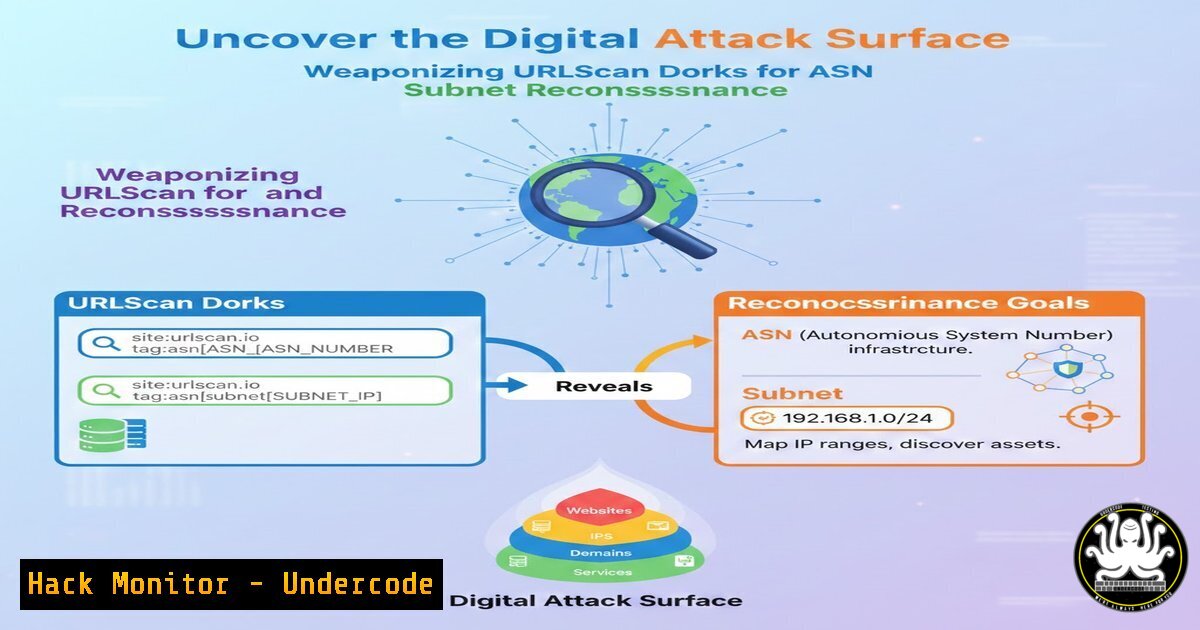
Introduction:
Every network, cloud tenant, and hosting provider is tethered to an Autonomous System Number (ASN) or an IP subnet. Red teamers and adversaries alike are moving beyond simple domain enumeration; they now leverage URLScan.io—a free website scanner—to pivot from an ASN or netblock directly to live web applications, APIs, and hidden admin panels. This article dissects the art of ASN and subnet dorking with URLScan, transforming passive intelligence into active reconnaissance vectors.
Learning Objectives:
- Understand the role of ASNs and subnets in modern infrastructure fingerprinting
- Master URLScan’s dork syntax to isolate targets by network ownership
- Automate recon workflows using cURL, Python, and jq
- Extract and validate live endpoints for vulnerability assessment
- Integrate findings with industry‑standard tools (Nmap, FFuF, Nuclei)
You Should Know:
- Identifying the Target’s ASN and Subnet – The Foundation
Before dorking, you must know the ASN or subnet belonging to your target.
Linux:
 Whois lookup for an IP or domain
whois 203.0.113.5 | grep -i origin  ASN
whois example.com | grep -i "CIDR|NetRange"
Windows (PowerShell):
 Using .NET DNS and Whois (requires whois cli or online fallback)
Resolve-DnsName example.com
 Manual: Download Sysinternals whois.exe or use built-in `curl whois.arin.net/...`
Alternative: Use `bgp.he.net` or asnlookup.com. Once you have `AS13335` (Cloudflare) or 192.0.2.0/24, you are ready to dork.
2. URLScan.io Dorking Basics
URLScan.io indexes snapshots of websites. Its dork syntax is more flexible than Google’s.
Key fields:
– `asn:AS12345` – filters scans of that ASN
– `ip:192.0.2.1` – single IP
– `ip:192.0.2.0/24` – CIDR subnet (supported!)
– `domain:.target.com` – wildcard domain search
– `page.url:”/admin”` – specific paths
Example:
`https://urlscan.io/search/asn:AS16509` – shows all Amazon AWS‑hosted sites scanned.
3. Crafting ASN Dorks to Harvest Endpoints
Step‑by‑step:
1. Obtain target ASN (e.g., `AS15169` for Google).
- Visit `https://urlscan.io/search/asn:AS15169` – instantly see all recorded websites.
- Filter further: add `+AND page.domain:/api/` to spot API endpoints.
- Export results via the UI or use the API.
Automation with cURL + jq:
curl -s "https://urlscan.io/api/v1/search/?q=asn:AS15169&size=100" | \
jq -r '.results[] | .page.url' > asn_urls.txt
This retrieves 100 live URLs tied to that ASN.
- Subnet Dorking – From Netblock to Live Hosts
A subnet often hosts hundreds of IPs; URLScan’s `ip:` field accepts CIDR notation.
Craft the dork: `ip:192.0.2.0/24`
What it finds: Any scanned IP in that range, even if the domain name is different.
Windows PowerShell alternative:
$apiUrl = "https://urlscan.io/api/v1/search/?q=ip:192.0.2.0/24&size=100"
$response = Invoke-RestMethod -Uri $apiUrl
$response.results | ForEach-Object { $_.page.url } | Out-File subnet_urls.txt
Pro tip: Combine `ip:` with `page.status:200` to eliminate dead endpoints.
5. Automating Reconnaissance with the URLScan API
The free API tier allows 1 request/second and up to 10,000 results per month.
Python script – ASN to endpoint extractor:
import requests
import sys

asn = sys.argv[bash]
url = f"https://urlscan.io/api/v1/search/?q=asn:{asn}&size=10000"
resp = requests.get(url).json()
for item in resp.get('results', []):
print(item['page']['url'])
Save as `asn2urls.py` and run: `python3 asn2urls.py AS12345`.
This gives you a clean list of web assets owned by the organisation—ideal for password spraying or directory busting.
6. Validating and Enriching the Harvested URLs
Raw URL lists contain duplicates, outdated snapshots, and irrelevant content.
Validation workflow:
 Filter unique domains
cat urls.txt | awk -F/ '{print $3}' | sort -u > domains.txt
 Check live status with httpx (install: go install -v github.com/projectdiscovery/httpx/cmd/httpx@latest)
cat domains.txt | httpx -status-code -title -tech-detect -o live_hosts.txt
Now you have a verified list of active targets with technology stacks.
- From Recon to Exploitation – Chaining with Pentesting Tools
The harvested domains and IPs feed directly into vulnerability scanners.
Use FFuF for directory fuzzing:
ffuf -u https://target.com/FUZZ -w /usr/share/wordlists/dirb/common.txt -ac
Nuclei for CVEs:
nuclei -l live_hosts.txt -t ~/nuclei-templates/ -severity critical,high
Cloud misconfiguration checks:
Search for open S3 buckets with `domain:s3.amazonaws.com` combined with the victim’s ASN.
What Undercode Say:
- URLScan dorking shifts recon from domain‑centric to infrastructure‑centric, revealing assets that never appear in DNS records.
- Attackers no longer need brute‑force subdomain enumeration; one ASN dork can expose hundreds of forgotten staging and legacy apps.
- Defenders must proactively scan their own ASNs and subnets using these same dorks to discover shadow IT and unauthorised external exposures.
- The technique is entirely passive and leaves no logs on the target side—ideal for initial compromise stages.
- Combining URLScan with Shodan and Censys creates a multi‑dimensional view of an organisation’s internet footprint.
Prediction:
As more organisations move to cloud‑native architectures, ASN‑based discovery will eclipse traditional domain recon. URLScan and similar passive scanners will integrate real‑time threat intelligence feeds, enabling attackers to pivot the instant a new IP block is allocated. We will soon see automated botnets that continuously monitor ASN dorks and immediately fingerprint fresh deployments for zero‑day exploitation, forcing security teams to adopt continuous external attack surface management (EASM) as a mandatory practice.
▶️ Related Video (82% Match):
🎯Let’s Practice For Free:
IT/Security Reporter URL:
Reported By: Abhirup Konwar – Hackers Feeds
Extra Hub: Undercode MoN
Basic Verification: Pass ✅


