Listen to this Post
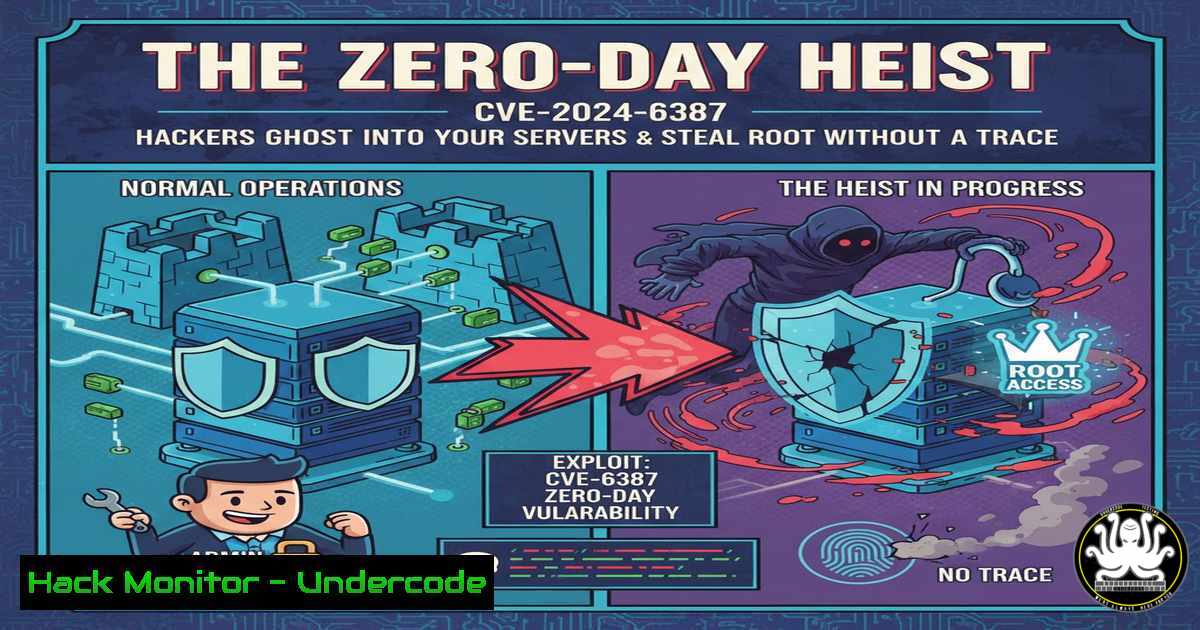
Introduction:
A critical vulnerability, dubbed “RegreSSHion” and cataloged as CVE-2024-6387, has been uncovered in OpenSSH’s server component. This flaw, a signal handler race condition in sshd, can allow unauthenticated remote attackers to execute arbitrary code with root privileges on glibc-based Linux systems. This article deconstructs the exploit, provides immediate mitigation steps, and details hardening techniques for your SSH infrastructure.
Learning Objectives:
- Understand the mechanism and critical severity of the CVE-2024-6387 (RegreSSHion) vulnerability.
- Implement immediate patching and configuration-based mitigations for OpenSSH servers.
- Harden SSH server configuration and deploy advanced monitoring to detect exploitation attempts.
You Should Know:
- Immediate Patching: Your First and Most Critical Line of Defense
The core fix for CVE-2024-6387 is provided by the OpenSSH developers. Your immediate action must be to update the OpenSSH server package on all affected systems.
Step‑by‑step guide explaining what this does and how to use it.
On most Linux distributions, you can update using the package manager. First, check your current OpenSSH version with ssh -V. Then, apply updates.
For Debian/Ubuntu-based systems:
sudo apt update
sudo apt upgrade openssh-server
sudo systemctl restart ssh
For RHEL/CentOS/Fedora systems:
sudo yum update openssh-server
 or with dnf on newer Fedora/RHEL
sudo dnf upgrade openssh-server
sudo systemctl restart sshd
After updating, verify the installed version again. Patched versions are typically openssh-8.5p1 or later for specific branches, but always update to the latest version provided by your vendor. This patch resolves the race condition in the signal handler, eliminating the root cause of the vulnerability.
2. Configuration Hardening: Reducing the Attack Surface
While awaiting patches or for additional security, modify the OpenSSH server configuration (/etc/ssh/sshd_config) to limit exposure. Key directives include reducing authentication timeout and limiting login attempts.
Step‑by‑step guide explaining what this does and how to use it.
Edit the SSH daemon configuration file with a text editor like `nano` or vi:
sudo nano /etc/ssh/sshd_config
Add or modify the following lines:
LoginGraceTime 30
MaxAuthTries 2
PermitRootLogin prohibit-password
AllowUsers [bash]
– LoginGraceTime 30: Reduces the window for the race condition attack from the default 120 seconds to 30.
– MaxAuthTries 2: Limits connection attempts, hindering brute-force components of an exploit.
– PermitRootLogin prohibit-password: Disables direct root password authentication; use key-based auth if root login is absolutely necessary.
– AllowUsers: Restricts SSH access to only explicitly listed user accounts.
After making changes, test the configuration for syntax errors with sudo sshd -t. If no errors are reported, restart the service: sudo systemctl restart sshd.
3. Network-Level Containment with Firewall Rules
Restrict SSH access at the network perimeter. Use firewall rules to ensure only trusted management IP addresses or VPN subnets can connect to port 22/TCP.
Step‑by‑step guide explaining what this does and how to use it.
Using `iptables` (common on many Linux distributions) to allow only from a specific IP range (e.g., 192.168.1.0/24):
sudo iptables -A INPUT -p tcp --dport 22 -s 192.168.1.0/24 -j ACCEPT
sudo iptables -A INPUT -p tcp --dport 22 -j DROP
For systems using `ufw` (Uncomplicated Firewall):
sudo ufw allow from 192.168.1.0/24 to any port 22
sudo ufw deny 22
For Windows Servers running OpenSSH, use Windows Defender Firewall with Advanced Security to create an inbound rule for port 22 with a scope limited to your management subnet. This step ensures that even if a vulnerability exists, the pool of potential attackers is drastically reduced.
4. Advanced Monitoring and Intrusion Detection
Configure logging and monitoring to detect anomalous SSH connection patterns that may indicate scan or exploit attempts. Tools like Fail2ban can automate response to brute-force attacks.
Step‑by‑step guide explaining what this does and how to use it.
Install and configure Fail2ban to monitor SSH logs:
sudo apt install fail2ban  Debian/Ubuntu
 or
sudo yum install fail2ban  RHEL/CentOS
Copy the default SSH jail configuration:
sudo cp /etc/fail2ban/jail.conf /etc/fail2ban/jail.local
Edit the `
` section in `/etc/fail2ban/jail.local`:</h2>

[bash]
[bash]
enabled = true
port = ssh
filter = sshd
logpath = /var/log/auth.log  Path is /var/log/secure on RHEL systems
maxretry = 3
bantime = 3600
Restart Fail2ban: sudo systemctl restart fail2ban. Additionally, monitor system logs (/var/log/auth.log, /var/log/secure) and use commands like `lastb` to see bad login attempts or `netstat -tnp | grep :22` to review active SSH connections.
5. Vulnerability Assessment and Exploit Proof-of-Concept Understanding
Security teams should test their infrastructure using vulnerability scanners that include the CVE-2024-6387 signature. Understanding the exploit’s nature is crucial for defense.
Step‑by‑step guide explaining what this does and how to use it.
Use tools like OpenVAS, Nessus, or the open-source `nmap` with the NSE script for CVE-2024-6387 (when available). A basic nmap scan for SSH service discovery is a start:
nmap -p 22 --script ssh2-enum-algos,ssh-auth-methods <target_ip_range>
The exploit works by triggering a race condition during the SSH login grace period. The attacker sends consecutive connection requests, attempting to corrupt memory during a vulnerable `SIGALRM` handler. Successful exploitation leads to arbitrary code execution. Reviewing exploit PoC code (for educational purposes only) from trusted sources like the Qualys advisory helps understand the attack flow, informing better defensive logging and alerting rules, such as flagging multiple rapid SSH connections from a single source that timeout.
6. Long-Term Hardening: Beyond the Single Vulnerability
Adopt a proactive SSH hardening posture. Implement key-based authentication exclusively, use non-standard ports cautiously, and consider solutions like SSH certificates or jump hosts for critical infrastructure.
Step‑by‑step guide explaining what this does and how to use it.
Disable password authentication entirely in `/etc/ssh/sshd_config`:
PasswordAuthentication no
ChallengeResponseAuthentication no
UsePAM no
Ensure public key authentication is enabled: PubkeyAuthentication yes. For each user, their public key must be placed in ~/.ssh/authorized_keys. Generate a key pair on the client:
ssh-keygen -t ed25519 -a 100
Copy the public key to the server: ssh-copy-id user@hostname. This move to key-based auth eliminates password guessing and significantly raises the bar for attackers, even if future vulnerabilities are discovered.
What Undercode Say:
- Patch Relentlessly, But Harden Comprehensively. Patching CVE-2024-6387 is non-negotiable, but it is a single battle in an ongoing war. True security comes from a defense-in-depth strategy that layers patching with configuration hardening, network segmentation, and robust monitoring.
- The Attacker’s Window is Your Grace Period. This exploit fundamentally abuses the LoginGraceTime. Tuning this and other connection-related parameters (
MaxStartups,MaxAuthTries) is not just optimization—it’s active threat containment. A minimalist SSH configuration is a resilient one. - Assume Breach, Enhance Visibility. Even with a patch applied, assume that other undisclosed flaws may exist. The implementation of tools like Fail2ban and centralized log analysis for SSH traffic transforms your servers from silent targets into noisy sentinels capable of raising alerts on suspicious activity, which is critical for early detection and response.
Prediction:
The disclosure of CVE-2024-6387 will catalyze a renewed offensive focus on foundational internet services like OpenSSH. We predict a short-term surge in internet-wide scanning for vulnerable versions, followed by the integration of this exploit into widespread botnet and ransomware deployment toolkits. In the longer term, this event will accelerate two trends: first, the increased adoption of zero-trust network access (ZTNA) solutions as alternatives to publicly accessible SSH gates; and second, a push for memory-safe rewrites of critical security-sensitive daemons. The “ghost in the server” nature of this root-level compromise will force organizations to re-evaluate not just patch cycles, but their entire privileged access management and server integrity monitoring strategies.
▶️ Related Video (74% Match):
🎯Let’s Practice For Free:
IT/Security Reporter URL:
Reported By: Mmohanty If – Hackers Feeds
Extra Hub: Undercode MoN
Basic Verification: Pass ✅


