Listen to this Post
Introduction:
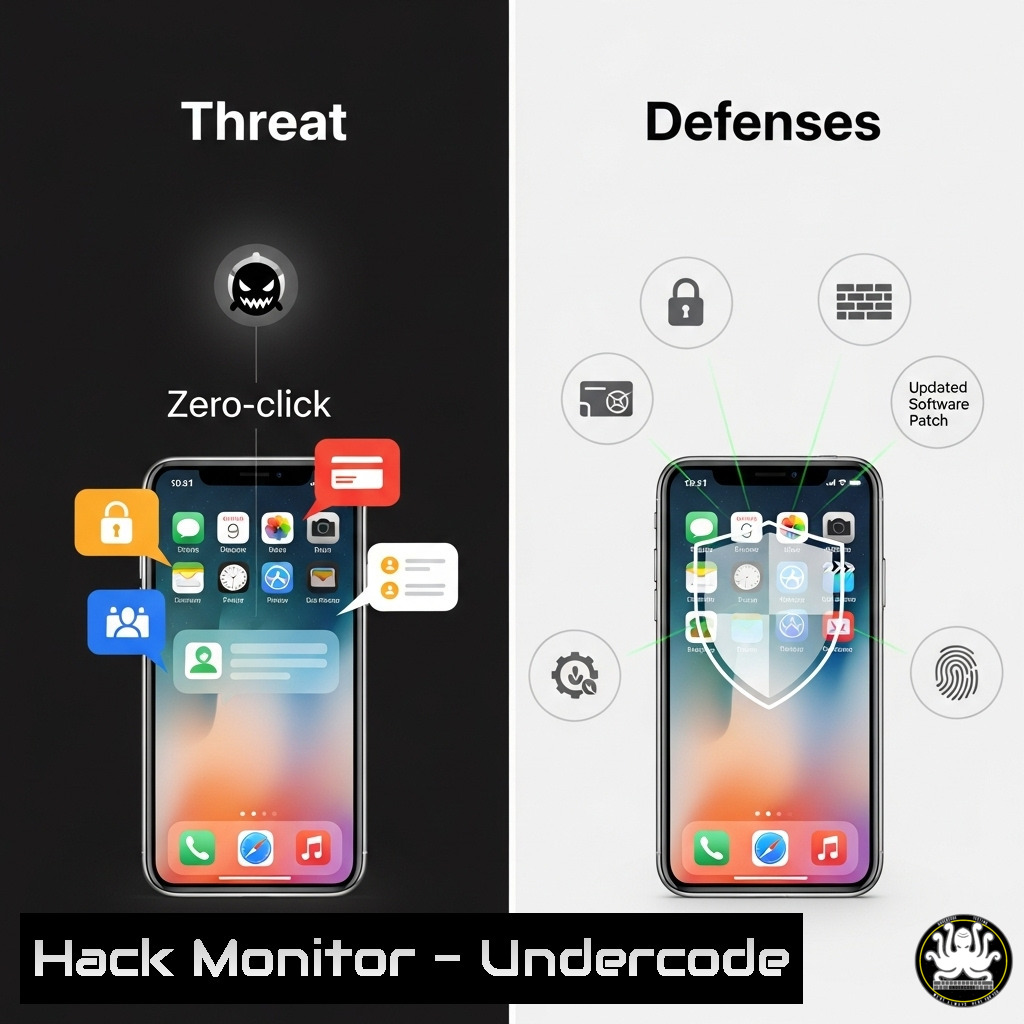
Zero-click exploits represent the apex of cyber threats, requiring no user interaction to compromise a device. A recent discussion highlighted a sophisticated iMessage attack, underscoring the critical need for advanced defensive posturing beyond simple user caution. This article deconstructs the technical anatomy of such attacks and provides a actionable guide for security professionals to detect, mitigate, and prevent them.
Learning Objectives:
- Understand the attack vectors and techniques used in zero-click iMessage exploits.
- Implement advanced monitoring and hardening techniques for Apple environments.
- Develop an incident response plan specific to mobile zero-day attacks.
You Should Know:
1. Network Traffic Analysis for C2 Detection
Verified command for detecting Command & Control (C2) beaconing using tcpdump:
`sudo tcpdump -i any -n ‘tcp[bash] & 0x7 = 0x2 and (tcp[bash] & (tcp-syn|tcp-ack) == tcp-syn|tcp-ack)’ -w potential_c2.pcap`
Step‑by‑step guide:
This command captures TCP packets with both SYN and ACK flags set, which can indicate beaconing activity from a compromised host to a C2 server. The `-i any` captures on all interfaces, `-n` prevents DNS resolution for speed, and the filter examines the TCP flags byte. The output is saved to `potential_c2.pcap` for later analysis in Wireshark or similar. Run this on your network’s perimeter or critical internal segments to identify suspicious, consistent outbound connections.
2. iOS Log Extraction and Analysis
Verified command for extracting device logs using `idevicesyslog` (from libimobiledevice):
`idevicesyslog –no-color | grep -E -i “(assertion|crash|SpringBoard|nsurl|cfurl)” > ios_log_analysis.txt`
Step‑by‑step guide:
This command connects to a connected iOS device and streams the system log. The grep filter looks for keywords related to process crashes, SpringBoard (the home screen), and URL handling, which are common areas zero-click exploits target. Security teams can use this during forensic investigations on a potentially compromised device to look for anomalous entries that occurred around the time of the suspected breach.
3. Hardening macOS Server Against Malicious Profiles
Verified command to list and remove installed configuration profiles:
`sudo profiles show -type enrollment`
`sudo profiles remove -identifier com.attacker.maliciousprofile`
Step‑by‑step guide:
Zero-click attacks often persist by installing malicious configuration profiles. The `profiles show` command lists all installed profiles on a macOS system. Carefully review the output for any unfamiliar or suspicious entries, particularly those not deployed by your MDM (Mobile Device Management). The `profiles remove` command is used to delete a malicious profile by specifying its identifier, effectively neutering the persistence mechanism.
4. Blocking Malicious iMessage Contact Infrastructure
Verified command for pf firewall to block outbound connections to a known malicious IP:
`sudo pfctl -t attacker_ips -T add 192.0.2.100`
`echo “block out quick from any to
Step‑by‑step guide:
If threat intelligence identifies a C2 server IP, you can immediately block it at the network level using macOS’s built-in pf firewall. The first command adds the IP `192.0.2.100` to a table named attacker_ips. The second command loads a rule that blocks any outbound traffic to any IP in that table. This can help contain an ongoing breach and prevent data exfiltration.
5. Analyzing iOS Crash Logs for Exploit Footprints
Verified command to symbolicate a crash log for analysis:
`atos -o /path/to/CrashReporter/MyApp.app/MyApp -arch arm64 -l 0x100000000 0x0000000100aabcde`
Step‑by‑step guide:
Zero-click exploits often cause subtle, caught crashes in processes like imagent (the iMessage daemon). When a crash log is generated, the memory addresses are meaningless without symbols. The `atos` command translates a specific stack trace address (0x0000000100aabcde) into a function name. You need the application binary (MyApp.app/MyApp) and the load address (0x100000000). This helps analysts pinpoint the exact code that was executing, revealing the exploit’s entry point.
- Forcing a Hard Reset on a Potentially Compromised Device
Verified command sequence for a forced restart (varies by model):
For iPhone 8 or later: `Press and quickly release Volume Up, then Volume Down, then press and hold Side button until Apple logo appears.`
Step‑by‑step guide:
This is a hardware-based mitigation. A forced restart can disrupt an in-progress exploit chain that resides solely in memory (RAM), as it does not involve a “Shut Down” command that the malware could potentially intercept. This is a critical first step for a user who suspects they are a victim, as it can wipe the volatile memory before the attacker establishes persistence.
7. Verifying and Restoring System Software
Verified command to restore iOS using `idevicerestore` (requires IPSW file):
`idevicerestore -e /path/to/ipsw/iPhone_14_17.0.0.ipsw`
Step‑by‑step guide:
The nuclear option for confirmed compromise. This command performs a clean restore of the device’s operating system using the specified IPSW firmware file. The `-e` (erase) option ensures a full wipe. This is the only way to be certain that all components of a sophisticated exploit, including any that may have achieved persistence, are completely removed from the device. Always use a known-good IPSW file downloaded directly from Apple.
What Undercode Say:
- Perimeter Erosion is Complete. The user is no longer the primary security boundary. The defense paradigm must shift entirely to the application and network layer, assuming any application with messaging capabilities is a direct conduit for initial access.
- Threat Hunting is Non-Negotiable. Defenders cannot wait for alerts. Proactive hunting for C2 beaconing, anomalous process memory allocation, and unexpected daemon crashes within your fleet is essential to catching these stealthy attacks.
The technical dissection of this iMessage incident reveals a chilling evolution in the threat landscape. Attackers have moved entirely beyond social engineering, targeting the complex parser logic inherent in any rich communication platform. This isn’t about tricking a user; it’s about outmaneuvering the software itself. The commands provided are not just remedies; they are the foundational elements of a new defensive playbook. This playbook prioritizes deep system introspection, aggressive network monitoring, and the capability for swift, decisive forensic response. Organizations that fail to integrate these advanced practices are effectively operating with a critical blind spot, leaving them vulnerable to the most stealthy and damaging class of attacks available to adversaries today.
Prediction:
The success of zero-click exploits like this iMessage case will catalyze a massive shift in offensive security research. We predict a surge in similar attacks targeting other rich-content parsers in ubiquitous applications, such as WhatsApp, Signal, and even collaborative document editors within web browsers. This will force a fundamental architectural change in software development, pushing the industry towards memory-safe languages, formally verified code for critical components, and hardware-enforced security boundaries (like Apple’s own Pointer Authentication Codes) becoming standard requirements, not premium features. The arms race will move deeper into the kernel and hardware, making threat detection an increasingly complex task requiring machine learning and behavioral analysis at an unprecedented scale.
🎯Let’s Practice For Free:
IT/Security Reporter URL:
Reported By: Giannis Giannoulas – Hackers Feeds
Extra Hub: Undercode MoN
Basic Verification: Pass ✅


