Listen to this Post
Introduction:
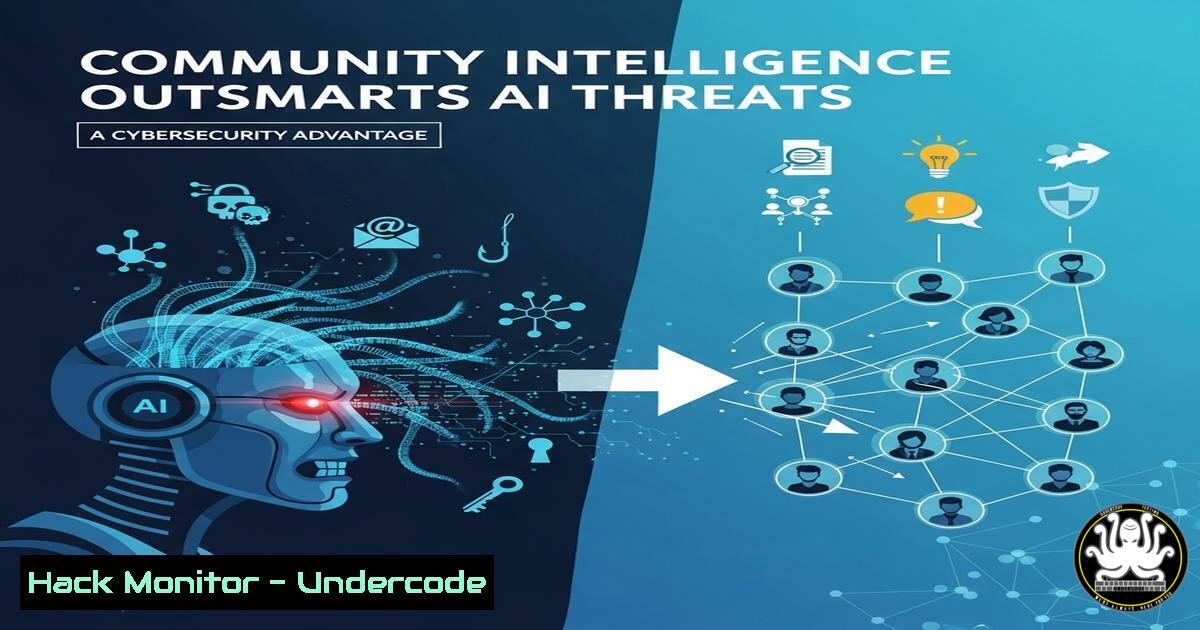
The cybersecurity landscape is no longer a solitary battle fought within the silos of individual organizations. As highlighted by industry leaders, the collective intelligence of the community is emerging as a critical defense layer against sophisticated, cross-boundary threats. This article deconstructs how shared knowledge translates into actionable technical defense, moving beyond theory into practical command-line implementation.
Learning Objectives:
- Understand how to leverage community-shared threat intelligence in practical security tooling.
- Implement advanced logging and monitoring to detect patterns discussed in community forums.
- Harden cloud and API configurations based on collective vulnerability sharing.
You Should Know:
1. Ingesting Community Threat Feeds into Splunk
Splunk is a powerhouse for security analytics, but its true potential is unlocked with external threat intelligence. Community forums often share IoCs (Indicators of Compromise) like malicious IPs and domains.
`/opt/splunk/bin/splunk add oneshot -source /path/to/community_iocs.csv -sourcetype csv -index threat_intel`
Step-by-Step Guide: This command ingests a CSV file containing IoCs (e.g., malicious_ip,domain,type) shared from a community source into a dedicated `threat_intel` index in Splunk.
1. Obtain a CSV from a trusted community source or threat feed.
2. Use the `splunk add oneshot` command to import the data into your designated index.
3. Create a correlation search in Splunk Enterprise Security (ES) to alert on any internal network traffic communicating with these malicious indicators. For example: index=network_logs | lookup threat_intel malicious_ip OUTPUT type | where isnotnull(type).
- Configuring Wazuh with Custom Rules from Community GitHub Repos
Wazuh, an open-source XDR and SIEM, allows for the integration of community-driven detection rules to identify novel attack techniques.
` Download and deploy a community rule file
sudo curl -o /var/ossec/etc/rules/community_custom_rules.xml https://raw.githubusercontent.com/trusted-sec-community/wazuh-rules/main/apt_rules.xml
sudo systemctl restart wazuh-manager`
Step-by-Step Guide: This process enhances your Wazuh deployment with rules curated by a community of security practitioners.
1. Identify a reputable GitHub repository hosting Wazuh rules (e.g., from a trusted security community).
2. Use `curl` or `wget` to download the XML rule file directly into your Wazuh `rules` directory.
3. Restart the Wazuh manager service to load the new rules. These rules will now generate alerts for the specific TTPs they are designed to detect.
- Hardening AWS S3 Buckets Based on Common Misconfigurations
A frequent topic in security communities is the catastrophic data leak from misconfigured cloud storage. This AWS CLI command ensures a bucket is not publicly accessible.
`aws s3api put-public-access-block –bucket YOUR_BUCKET_NAME –public-access-block-configuration BlockPublicAcls=true,IgnorePublicAcls=true,BlockPublicPolicy=true,RestrictPublicBuckets=true`
Step-by-Step Guide: This command applies a critical public access block to an S3 bucket, a mitigation often emphasized after a community-shared breach post-mortem.
1. Ensure you have the AWS CLI installed and configured with appropriate permissions.
2. Replace `YOUR_BUCKET_NAME` with the target bucket.
- Execute the command. This is a non-negotiable baseline configuration for any bucket containing non-public data.
4. Querying Azure Activity Logs for Suspicious Behavior
Community discussions often reveal patterns in attacker behavior within cloud environments. This Kusto Query Language (KQL) command helps detect mass user enumeration.
`AzureActivity
| where OperationNameValue contains “Microsoft.Compute/virtualMachines/read”
| where ActivityStatus == “Success”
| summarize count() by CallerIpAddress, Caller
| where count_ > 50`
Step-by-Step Guide: This query, run in Azure Log Analytics, identifies potential reconnaissance activity.
1. Navigate to Azure Monitor > Logs.
- Paste the query. It looks for successful calls to list virtual machines.
- It then summarizes these events, flagging any IP address or user account that has made more than 50 such calls, which could indicate an attacker mapping your environment.
-
Leveraging the AbuseCH Malware Bazaar API for IOC Checking
The MalwareBazaar project is a brilliant example of community-driven intelligence, offering a free API to query hashes.`curl -s –request POST –url https://mb-api.abuse.ch/api/v1/ –data ‘query=get_info&hash=44d88612fea8a8f36de82e1278abb02f’`
Step-by-Step Guide: This command allows you to quickly check a file hash against a community-curated database.
- Generate a hash of a suspicious file on your system (e.g.,
sha256sum suspicious_file.exe). - Use `curl` to send a POST request to the MalwareBazaar API with the `query=get_info` and the `hash` parameters.
- The JSON response will tell you if the file is known malware, providing immediate context from the global security community.
6. Simulating Phishing Campaigns with GoPhish (Community Edition)
Understanding the human element, a constant theme in community talks, requires testing. GoPhish is an open-source phishing toolkit widely used and discussed by professionals.
` Example: Using GoPhish API to launch a test campaign (after setup)
curl -H “Content-Type: application/json” -H “Authorization: YOUR_API_KEY” -X POST -d ‘{“name”:”Q4 Security Test”,”template_id”:1,”url”:”https://your-phish-server.com”,”groups”:[{“id”:1}],”page_id”:1}’ http://localhost:3333/api/campaigns/`
Step-by-Step Guide: This automates campaign creation via API, a technique shared in admin communities.
1. Set up a GoPhish server on a designated system.
2. Create a landing page, email template, and target group within the web interface.
3. Use the API (with your key) to programmatically launch a controlled test campaign to measure employee awareness, a key proactive defense strategy.
7. Implementing OSQuery for Fleet Visibility
OSQuery exposes an operating system as a high-performance relational database, allowing you to write SQL queries to explore data. Its power is magnified by the open-source community sharing useful queries.
`osqueryi –json “SELECT processes.name, listening_ports.port, listening_ports.address FROM processes JOIN listening_ports USING (pid) WHERE listening_ports.address != ‘127.0.0.1’;”`
Step-by-Step Guide: This query identifies processes listening on network interfaces other than localhost, a common way to find unexpected services.
1. Install OSQuery on a endpoint (Linux, Windows, or macOS).
2. Run the command with `osqueryi` (the interactive shell) or schedule it in a configuration.
3. The `–json` flag outputs the results in a parseable format, which can be fed into your SIEM for correlation with network traffic logs.
What Undercode Say:
- The Human API is the Strongest Control. Technical tools are inert without the curated intelligence and shared context provided by a community of practitioners. The commands and configurations above are merely endpoints; the data they consume is powered by human collaboration.
- Proactivity is a Collective Effort. Moving from a reactive to a proactive security stance is impossible in isolation. It requires the shared “vibe” of community events to disseminate the early warnings, novel tactics, and configuration wisdom that fuel automated defenses.
The analysis is clear: while AI and automation are force multipliers, they are dependent on the quality and timeliness of their training data and rulesets. The cybersecurity community acts as a distributed, human-powered learning model, continuously identifying novel attacks and sharing the “patches” not just for software, but for processes and configurations. This collective wisdom, when codified into the tools and commands we use daily, creates a resilient and adaptive defense ecosystem that no single organization could build alone. The future of security is not just automated; it is federated.
Prediction:
The value of community-shared intelligence will become formally quantified and integrated directly into cyber insurance models and regulatory frameworks. Organizations that can demonstrate active participation in and implementation of intelligence from these trusted communities will receive reduced premiums and be seen as more compliant. This will formalize the “shared vibe” into a critical business metric, driving further investment and participation in community defense and fundamentally altering the economics of cybersecurity risk.
🎯Let’s Practice For Free:
IT/Security Reporter URL:
Reported By: Ashishkhanna Cio – Hackers Feeds
Extra Hub: Undercode MoN
Basic Verification: Pass ✅


