Listen to this Post
Introduction:
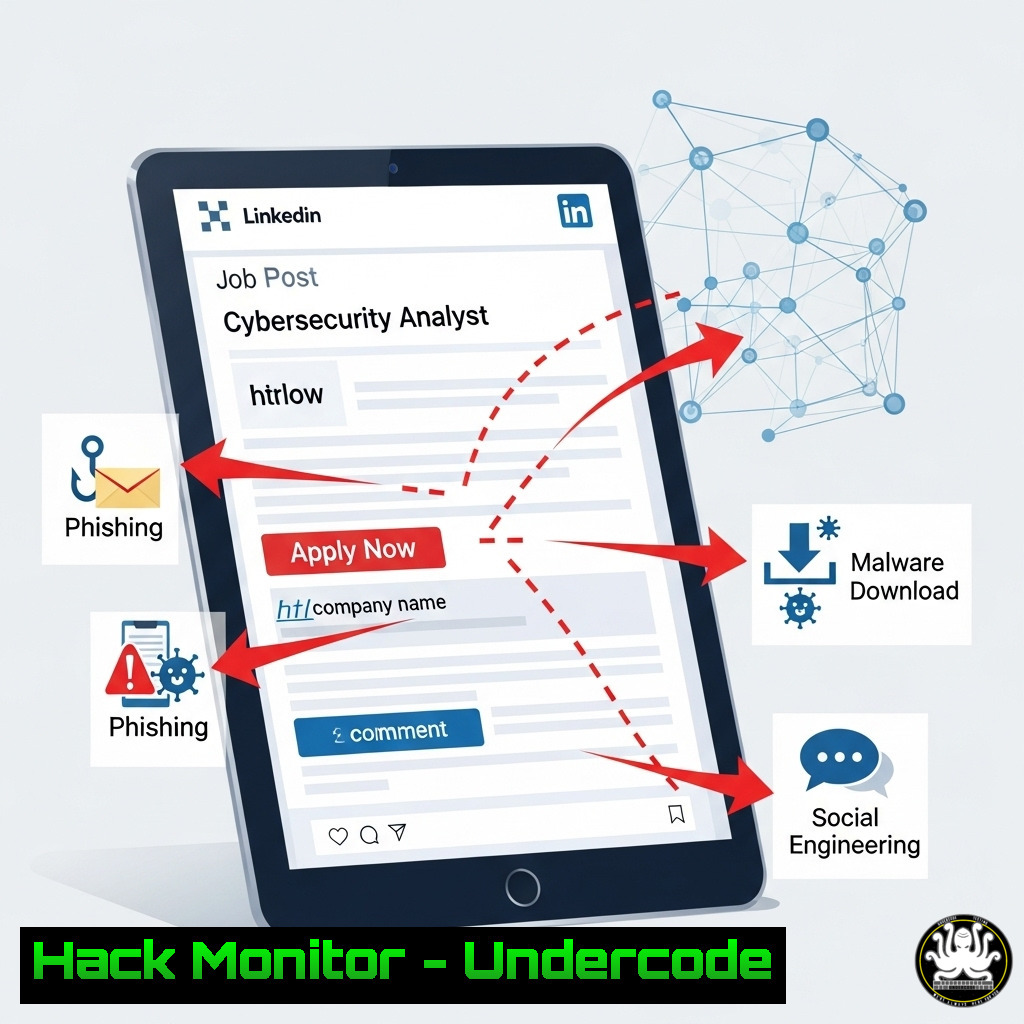
A seemingly innocuous LinkedIn post by a security researcher has triggered a massive wave of patching urgency, highlighting the critical lag in enterprise vulnerability management. The post, sharing a proof-of-concept for a severe privilege escalation flaw, demonstrates how social media has become a primary vector for the rapid dissemination of exploit techniques, forcing security teams into reactive firefighting.
Learning Objectives:
- Understand the mechanics of common local privilege escalation (LPE) vulnerabilities.
- Learn immediate mitigation and detection commands for Windows and Linux systems.
- Develop a proactive strategy for patch management and threat intelligence monitoring.
You Should Know:
1. Identifying System Vulnerability with Systeminfo
The Windows `systeminfo` command is the first step in assessing your exposure to publicly disclosed vulnerabilities, as it provides detailed OS and hotfix information.
`systeminfo | findstr /B /C:”OS Name” /C:”OS Version” /C:”System Type” /B /C:”Hotfix(s)”`
Step-by-step guide:
1. Open Command Prompt as administrator.
2. Type the command and press Enter.
- Review the output. The “OS Name” and “OS Version” tell you the exact build of your Windows system. The “Hotfix(s)” list shows all installed patches. Cross-reference the missing KB numbers from this list with the patches required to address the specific vulnerability disclosed (e.g., CVE-2024-xxxxx).
2. Linux Patch Audit with `dpkg` and `apt`
On Debian/Ubuntu systems, you must quickly verify if critical security updates have been applied.
`dpkg -l | grep `
`apt list –upgradable`
Step-by-step guide:
1. Open a terminal.
- Use `dpkg -l | grep linux-image` to list all installed kernel packages and their versions.
- Run `apt list –upgradable` to see all packages with available updates. If a critical kernel or libc update is listed, it must be scheduled for immediate deployment.
-
Process and Service Enumeration with `Get-Process` and `Get-Service`
Many LPE exploits abuse poorly configured services or processes. PowerShell allows for rapid enumeration.`Get-Process | Where-Object {$_.Path -like “”} | Select-Object ProcessName, Path, Id`
`Get-Service | Where-Object {$_.Status -eq “Running”} | Select-Object Name, DisplayName, Status`
Step-by-step guide:
1. Open PowerShell with administrative privileges.
- Run the first command to list all running processes and their executable paths. Look for processes running from unusual or user-writable directories.
- Run the second command to list all running services. Investigate any unknown services running with SYSTEM or high privileges.
4. File System Permissions Auditing with `icacls`
Misconfigured file permissions on binaries are a common vector for LPE. The `icacls` command reveals the access control list.
`icacls “C:\path\to\suspicious\binary.exe”`
Step-by-step guide:
- Identify a binary or service executable related to the disclosed vulnerability.
- In an admin command prompt, run `icacls` followed by the full path to the file.
- Analyze the output. Pay attention to any entries granting “F” (Full control), “M” (Modify), or “W” (Write) permissions to non-admin user groups like “Users” or “Authenticated Users.” This is a severe misconfiguration.
5. Linux File Capabilities with `getcap`
Linux capabilities grant specific privileged rights to binaries. Auditing them is crucial, as they can be exploited.
`getcap -r /usr/bin /usr/sbin 2>/dev/null`
Step-by-step guide:
1. Open a terminal.
- Run the `getcap -r` command on common binary directories. The `-r` flag performs a recursive search.
- Review the output. Binaries with capabilities like
cap_setuid,cap_sys_admin, or `cap_dac_override` can be potential privilege escalation vectors if they are vulnerable or writable.
6. Network Connection and Listening Port Analysis
An exploited LPE vulnerability may be used to establish a reverse shell or open a listening port.
`netstat -ano | findstr LISTENING`
`ss -tulnp`
Step-by-step guide (Windows):
- Run `netstat -ano` to list all listening ports and the Process ID (PID) owning them.
- Use `tasklist | findstr
` to identify the process associated with an unknown listening port.
Step-by-step guide (Linux):
- Run `ss -tulnp` to list listening ports and the associated processes.
- Investigate any unknown services listening on all interfaces (0.0.0.0).
7. Implementing Temporary Mitigations with Windows Firewall (`netsh`)
If patching cannot be immediate, block the exploit’s network vector or vulnerable service using the built-in firewall.
`netsh advfirewall firewall add rule name=”BlockVulnerableService” dir=in action=block program=”C:\path\to\vulnerable\service.exe” enable=yes`
Step-by-step guide:
- Identify the path to the vulnerable executable from your earlier audit.
- Run the `netsh` command with administrative privileges, updating the `name` and `program` parameters to match your environment.
- Verify the rule is active with
netsh advfirewall firewall show rule name="BlockVulnerableService".
What Undercode Say:
- The Intelligence Lifeline: Social media is no longer just a professional network; it is a real-time, crowdsourced threat intelligence feed. Ignoring it equates to operational blindness.
- The Patching Paradox: The frantic rush to patch a single CVE exposes the brittle nature of most patch management programs, which are often under-resourced and reactive rather than continuous and proactive.
The viral nature of this technical disclosure underscores a fundamental shift in the threat landscape. Defenders can no longer rely on the slow trickle of information through formal channels; exploits are weaponized and shared globally within hours of a proof-of-concept being posted. This incident is not an anomaly but a stress test of an organization’s detection, response, and patching capabilities. The comments from professionals indicate a universal, albeit weary, acknowledgment of this new reality. The question is no longer if a vulnerability will be disclosed this way, but how quickly your team can operationalize that information into defensive action.
Prediction:
The “social media zero-day” will become a formalized attack category. Threat actors will increasingly use coded posts, memes, and seemingly benign shares on professional networks to coordinate attacks and signal exploit releases to their affiliates, bypassing traditional security monitoring that focuses on dark web forums. Defensive strategies will forcedly evolve to include advanced social listening and NLP tools to scrape, analyze, and contextualize threats from these open platforms in near-real-time, collapsing the time between public disclosure and organizational response.
🎯Let’s Practice For Free:
IT/Security Reporter URL:
Reported By: Jmetayer Et – Hackers Feeds
Extra Hub: Undercode MoN
Basic Verification: Pass ✅


