Listen to this Post
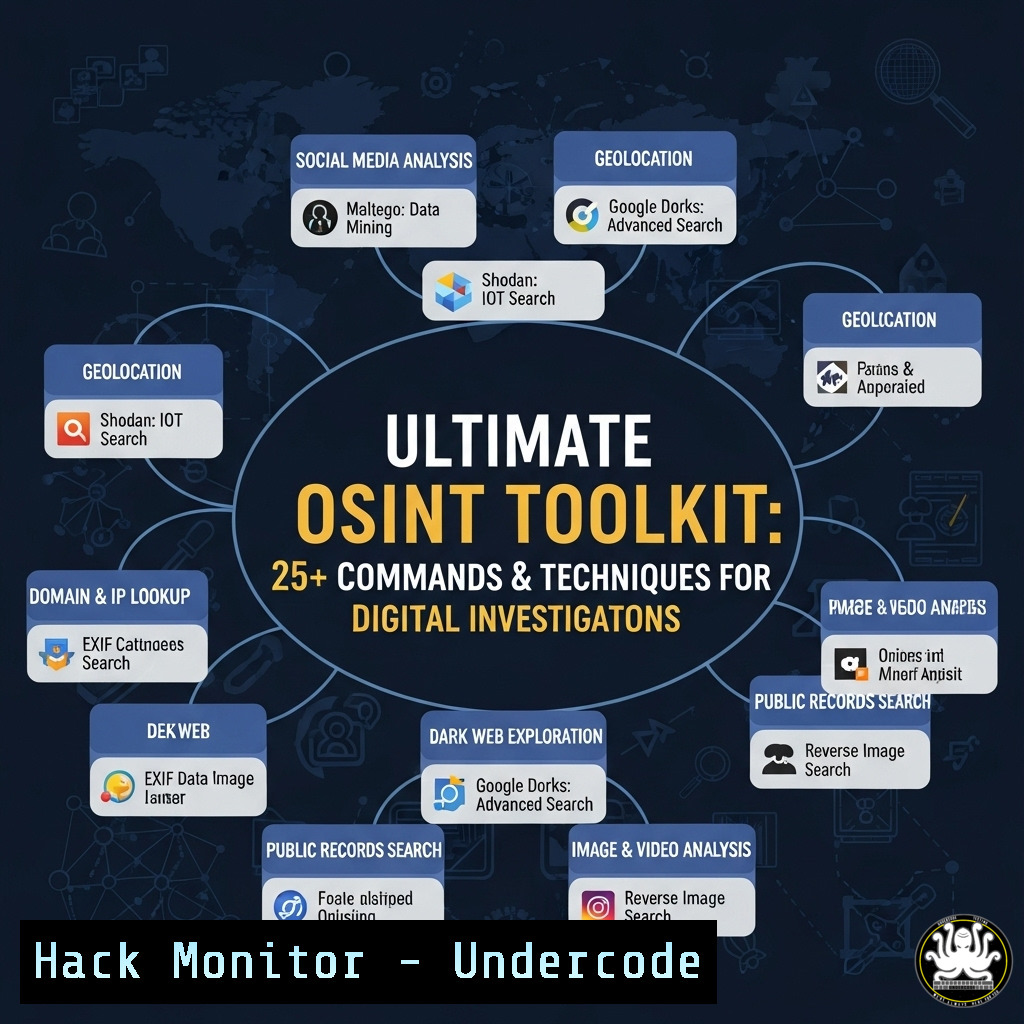
Introduction:
Open-Source Intelligence (OSINT) has become a cornerstone of modern cybersecurity, digital forensics, and investigative work. The growing community around events like OSINTCon 2.0 highlights the critical demand for accessible, powerful tools that enable professionals to gather intelligence from publicly available sources. This article provides a technical deep dive into the essential commands, scripts, and platform techniques that form the backbone of effective OSINT operations.
Learning Objectives:
- Master fundamental Linux and API-driven commands for automated data collection.
- Implement advanced social media and username reconnaissance techniques.
- Utilize specialized OSINT tools and frameworks for comprehensive digital investigations.
You Should Know:
1. Domain Intelligence and Passive Reconnaissance
`whois example.com | grep -E “Registrant|Admin|Tech”` (Linux)
This command queries the WHOIS database to extract registrant, administrative, and technical contact information for a domain. It’s the first step in any digital investigation to identify ownership details. Pipe the output to a file for record-keeping: whois target-domain.com > whois_report.txt.
`theHarvester -d target-domain.com -l 500 -b google` (Tool)
TheHarvester is a cornerstone OSINT tool for passive reconnaissance. This specific command scrapes Google for 500 results related to the target domain, uncovering subdomains, emails, and associated hosts. Always run with `-b` to specify data sources like linkedin, google, bing, or all.
2. Social Media and Username Reconnaissance
`sherlock username` (Tool)
Sherlock is a powerful Python tool that checks for the existence of a username across hundreds of social media platforms. Install via `pip install sherlock-py` and run with `sherlock –timeout 5 username` to avoid hanging on unresponsive sites. The output provides direct profile links for further investigation.
`python3 social-analyzer.py –username “johndoe” –websites “twitter,facebook,instagram” –mode fast` (Tool)
Social Analyzer offers deep profile analysis. The `–mode fast` flag performs a quick scan across specified platforms, returning metadata, profile details, and activity clues. Use `–metadata` to extract additional technical data from profile pages.
3. Image and Reverse Image Analysis
`exiftool image.jpg | grep -E “GPS|Create|Model”` (Linux)
Exiftool extracts metadata from images. This command filters for GPS coordinates, creation date, and camera model—critical for verifying image authenticity and geolocation. Always cross-reference GPS data with open maps for validation.
`tineye –url https://example.com/suspect-image.jpg –api-key YOUR_KEY` (API)
TinEye’s API allows for reverse image searches programmatically. The command returns a list of URLs where the image appears, helping track propaganda, fake accounts, or stolen content. Integrate this into scripts with curl -X POST "https://api.tineye.com/rest/search/" --data-urlencode "image_url=IMAGE_URL" -u "API_KEY:".
4. Network and Infrastructure Mapping
`nmap -sV -sC -O target-ip.com -oA nmap_scan` (Linux)
Nmap is the industry standard for network discovery and security auditing. This command runs a version scan (-sV), default scripts (-sC), and OS detection (-O), outputting results in all formats for further analysis. Always ensure you have permission to scan the target network.
`shodan host 8.8.8.8` (CLI)
The Shodan CLI lets you query the world’s first search engine for Internet-connected devices. This command returns all public information about an IP, including open ports, services, and vulnerabilities. Combine with `shodan search –fields ip_str,port,org “apache”` to find specific technologies.
5. Web Scraping and Data Extraction
`curl -s “https://target-site.com/user/123″ | grep -oP ’email”:”[^”]+”‘` (Linux)
Curl fetches web content, which can be parsed with grep for specific data points like email addresses. Use with respect to `robots.txt` and terms of service. For complex sites, pair with `lynx –dump URL` to extract clean text.
`waybackpy –url “https://old-site.com” –user_agent “my-agent” –oldest` (Python)
Waybackpy interfaces with the Internet Archive’s Wayback Machine. This command retrieves the oldest archived snapshot of a URL, useful for tracking historical changes, deleted content, or site evolution. Export results to JSON with --output JSON.
6. Email Intelligence and Breach Data
`h8mail -t [email protected] -c config.yaml` (Tool)
H8mail is an email reconnaissance tool that checks for breached credentials and data leaks. Configure `config.yaml` with API keys from Hunter.io, BreachDirectory, or Snusbase for maximum effectiveness. The `-k` flag allows for local breach file searches.
`holehe –no-color [email protected]` (Tool)
Holehe checks if an email address is attached to an account on sites like Twitter, Instagram, or Snapchat. The `–no-color` flag cleans output for scripting. It helps map a target’s digital footprint across the web without alerting them.
7. Automated Reporting and Data Correlation
`mkdir -p osint_report/{data,logs,screenshots} && tree osint_report/` (Linux)
Organize your investigations with a standardized directory structure. This command creates a main report folder with subdirectories for raw data, tool logs, and screenshots. Maintain professionalism and ease of review for clients or legal teams.
`maltego –seed “domain.com” –transform “ToDNSName” –output graph.xml` (Tool)
Maltego automates data correlation and link analysis. This transform queries DNS for a domain, visually mapping interconnected entities. Export the graph for reporting or further transforms to uncover hidden relationships.
What Undercode Say:
- The democratization of OSINT tools lowers the barrier to entry for ethical investigations but also expands the attack surface for malicious actors.
- Automation through scripting and APIs is no longer a luxury but a necessity for handling the scale of modern digital data.
The OSINT landscape is shifting from manual, artisanal searching to automated, intelligence-driven operations. The commands and tools outlined represent the new baseline for professional investigators. However, with great power comes great responsibility; these same techniques are employed by threat actors for doxxing, reconnaissance, and social engineering. The community’s push toward OSINTforGood, as seen with OSINTCon, is crucial for establishing ethical frameworks. Professionals must not only master the technical execution but also the legal and moral implications of turning publicly available data into actionable intelligence.
Prediction:
The integration of AI with OSINT tools will create a paradigm shift, moving from query-based searches to predictive intelligence platforms. We will see the rise of automated agents that can correlate disparate data points from social media, domain records, and breach databases to predict social engineering targets or disinformation campaigns before they fully manifest. This will force a concurrent evolution in defensive privacy technologies, creating an arms race between intelligence gathering and personal data protection. Conferences like OSINTCon will become critical arenas for debating the ethical boundaries of these powerful capabilities.
🎯Let’s Practice For Free:
IT/Security Reporter URL:
Reported By: V1shwajeet Osintforgood – Hackers Feeds
Extra Hub: Undercode MoN
Basic Verification: Pass ✅


