Listen to this Post
Introduction:
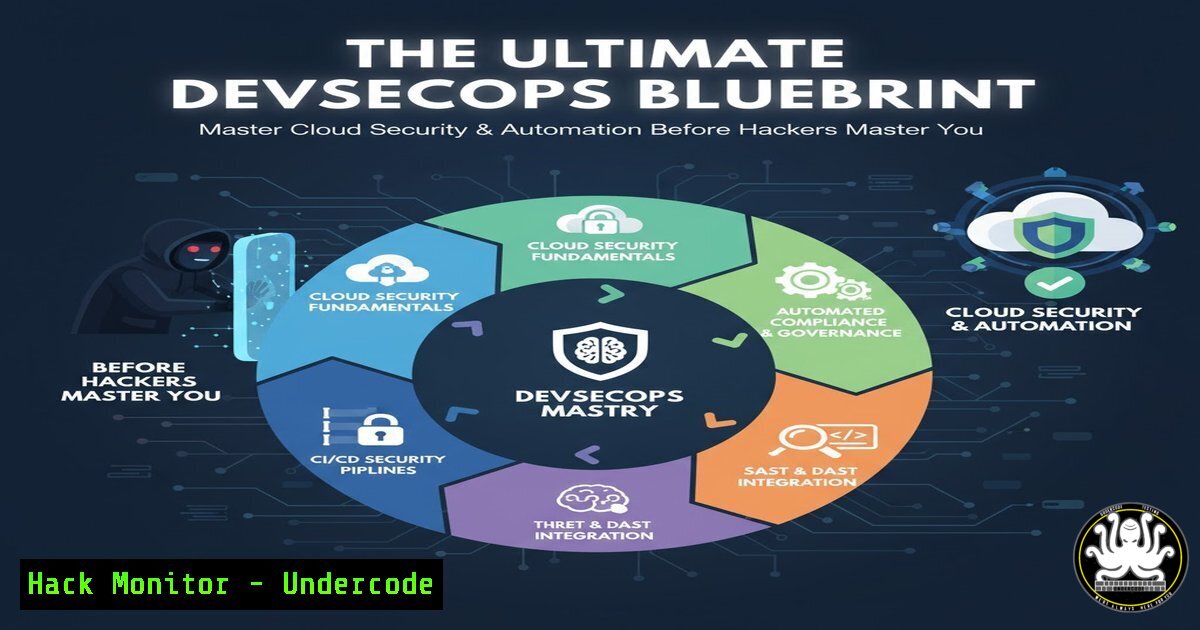
The convergence of development, security, and operations—DevSecOps—is no longer a luxury but a critical imperative for building resilient, secure, and scalable cloud-native applications. This methodology integrates security practices directly into the CI/CD pipeline, shifting security left to identify and mitigate vulnerabilities early in the software development lifecycle. As organizations rapidly adopt cloud technologies and containerization, the attack surface expands, making automated security protocols essential for modern IT infrastructure.
Learning Objectives:
- Integrate core security scanning tools like Trivy and Grype into a CI/CD pipeline to automatically detect vulnerabilities in container images and code dependencies.
- Harden Kubernetes clusters and containerized environments using security contexts, network policies, and Pod Security Standards.
- Automate cloud infrastructure provisioning with Terraform while implementing security best practices for AWS and Azure.
- Configure Jenkins pipelines to incorporate dynamic application security testing (DAST) and static application security testing (SAST).
- Implement infrastructure and container runtime monitoring and alerting using Grafana and Prometheus for real-time security oversight.
You Should Know:
1. Automating Vulnerability Scanning in Your CI/CD Pipeline
A foundational pillar of DevSecOps is automating security checks to prevent vulnerable code from reaching production. Tools like Trivy and Grype can be integrated directly into your Jenkins or GitLab pipelines to scan container images and dependency files for known Common Vulnerabilities and Exposures (CVEs).
Step-by-step guide explaining what this does and how to use it.
1. Install a Scanning Tool: On your build server (e.g., a Jenkins agent), install an open-source scanner like Trivy.
 For Linux-based systems
curl -sfL https://raw.githubusercontent.com/aquasecurity/trivy/main/contrib/install.sh | sh -s -- -b /usr/local/bin
2. Create a Scanning Stage in Jenkins: Define a new stage in your `Jenkinsfile` that executes after the Docker image is built.
pipeline {
agent any
stages {
stage('Build Docker Image') {
steps {
sh 'docker build -t my-app:${BUILD_ID} .'
}
}
stage('Vulnerability Scan') {
steps {
sh 'trivy image --exit-code 1 --severity CRITICAL,HIGH my-app:${BUILD_ID}'
}
}
}
}
3. Enforce Security Gates: The `–exit-code 1` flag ensures the pipeline fails if critical or high-severity vulnerabilities are found, blocking the deployment. This creates a mandatory security gate.
2. Hardening Kubernetes Deployments
Running applications in Kubernetes introduces new security considerations. Hardening your deployments involves configuring security contexts, using non-root users, and defining network policies to limit pod communication.
Step-by-step guide explaining what this does and how to use it.
1. Define a Security Context in your Pod Spec: Prevent containers from running as the root user.
apiVersion: v1
kind: Pod
metadata:
name: secured-app
spec:
securityContext:
runAsNonRoot: true
runAsUser: 1000
runAsGroup: 3000
containers:
- name: app
image: my-app:latest
securityContext:
allowPrivilegeEscalation: false
capabilities:
drop:
- ALL
2. Apply a Network Policy: Restrict network traffic between pods to only what is necessary, adhering to the principle of least privilege.
apiVersion: networking.k8s.io/v1
kind: NetworkPolicy
metadata:
name: deny-all-default
spec:
podSelector: {}
policyTypes:
- Ingress
- Egress
 This policy denies all inbound and outbound traffic by default. You can then create more specific policies to allow necessary communication.
3. Use Pod Security Standards: Apply a Pod Security Admission configuration to your namespace to enforce a baseline security level.
kubectl label namespace my-namespace pod-security.kubernetes.io/enforce=baseline
3. Infrastructure as Code (IaC) Security with Terraform
Infrastructure as Code must be scanned for misconfigurations before it is applied. Tools like `tfsec` or `checkov` can analyze your Terraform code for security issues against hundreds of predefined rules for cloud providers.
Step-by-step guide explaining what this does and how to use it.
1. Install a Security Scanner: Integrate `tfsec` into your development or CI environment.
 Using Homebrew on macOS/Linux
brew install tfsec
2. Scan Your Terraform Directory: Run the scanner against your `.tf` files.
tfsec .
3. Automate Scanning in CI/CD: Add a step to your pipeline to scan on every pull request.
 Example for a GitHub Actions workflow
- name: Run TFSec
uses: aquasecurity/tfsec-action@main
with:
directory: ./terraform
4. Review and Remediate: The tool will output a list of potential security risks, such as publicly accessible S3 buckets or databases, allowing you to fix them before deployment.
4. Secrets Management in Pipelines
Hardcoding API keys, passwords, or tokens in your source code or pipeline scripts is a severe security risk. Instead, use a secrets management solution like HashiCorp Vault or your CI/CD platform’s built-in secrets store.
Step-by-step guide explaining what this does and how to use it.
1. Store Secrets in a Secure Vault: In Jenkins, navigate to “Manage Jenkins” > “Credentials” > “System” > “Global credentials” to add a secret.
2. Reference Secrets in Your Jenkinsfile: Use the `withCredentials` binding to securely inject secrets into your pipeline steps without exposing them in logs.
pipeline {
agent any
stages {
stage('Deploy to Cloud') {
steps {
withCredentials([string(credentialsId: 'azure-tenant-id', variable: 'TENANT_ID')]) {
sh 'echo "Using tenant ID $TENANT_ID"'
// Use the secret in your deployment script
}
}
}
}
}
3. For Azure/AWS CLI Authentication: Use the OAuth2 client credentials flow or IAM roles instead of storing long-lived access keys.
5. Python for DevOps Security Automation
Python is a powerful tool for creating custom security automation scripts, such as parsing log files, interacting with cloud security APIs, or automating compliance checks.
Step-by-step guide explaining what this does and how to use it.
1. Script to List Public S3 Buckets: The following Boto3 script checks for S3 buckets that have public read access.
import boto3
from botocore.exceptions import ClientError

def list_public_buckets():
s3 = boto3.client('s3')
try:
buckets = s3.list_buckets()
for bucket in buckets['Buckets']:
acl = s3.get_bucket_acl(Bucket=bucket['Name'])
for grant in acl['Grants']:
if 'URI' in grant['Grantee'] and 'AllUsers' in grant['Grantee']['URI']:
print(f"Bucket {bucket['Name']} is PUBLIC!")
except ClientError as e:
print(f"Error: {e}")

if <strong>name</strong> == "<strong>main</strong>":
list_public_buckets()
2. Run the Script: Execute it in an environment with configured AWS credentials.
python3 check_public_buckets.py
3. Integrate into a Cron Job: Schedule this script to run daily and send alerts to a Slack channel or email if any public buckets are found, enabling proactive remediation.
What Undercode Say:
- The integration of security as a code-native, automated component is the only scalable way to defend modern cloud environments. Manual security reviews cannot keep pace with agile development.
- This blueprint’s value lies in its practical, tool-chain-focused approach. However, mastery requires understanding the “why” behind each command and configuration, transforming operators from script-runners into strategic defenders.
The outlined steps provide a robust technical foundation for any DevSecOps initiative. The critical analysis is that while these tools are powerful, they create a false sense of security if used without context. For instance, a vulnerability scanner is only as good as its database and the team’s ability to triage its findings. Similarly, a misconfigured Terrafile can deploy an entire insecure infrastructure. The ultimate goal is to cultivate a security-first mindset where these automated checks are a safety net, not the primary security control. Teams must continuously learn about new attack vectors and update their pipelines and configurations accordingly.
Prediction:
The demand for DevSecOps skills will surge as regulatory pressures and high-profile breaches force companies to mandate security-integrated development. Within two years, “Shift-Left Security” will evolve into “Born-Secure Development,” where security patterns are embedded into application architecture from the initial design phase. AI will play a larger role in predicting vulnerable code paths and auto-generating security patches, but human expertise in configuring and overseeing these automated systems will remain the most critical—and scarce—resource in the cybersecurity labor market.
🎯Let’s Practice For Free:
IT/Security Reporter URL:
Reported By: Adityajaiswal7 %F0%9D%97%95%F0%9D%97%94%F0%9D%97%A7%F0%9D%97%96%F0%9D%97%9B – Hackers Feeds
Extra Hub: Undercode MoN
Basic Verification: Pass ✅


