Listen to this Post
Introduction:
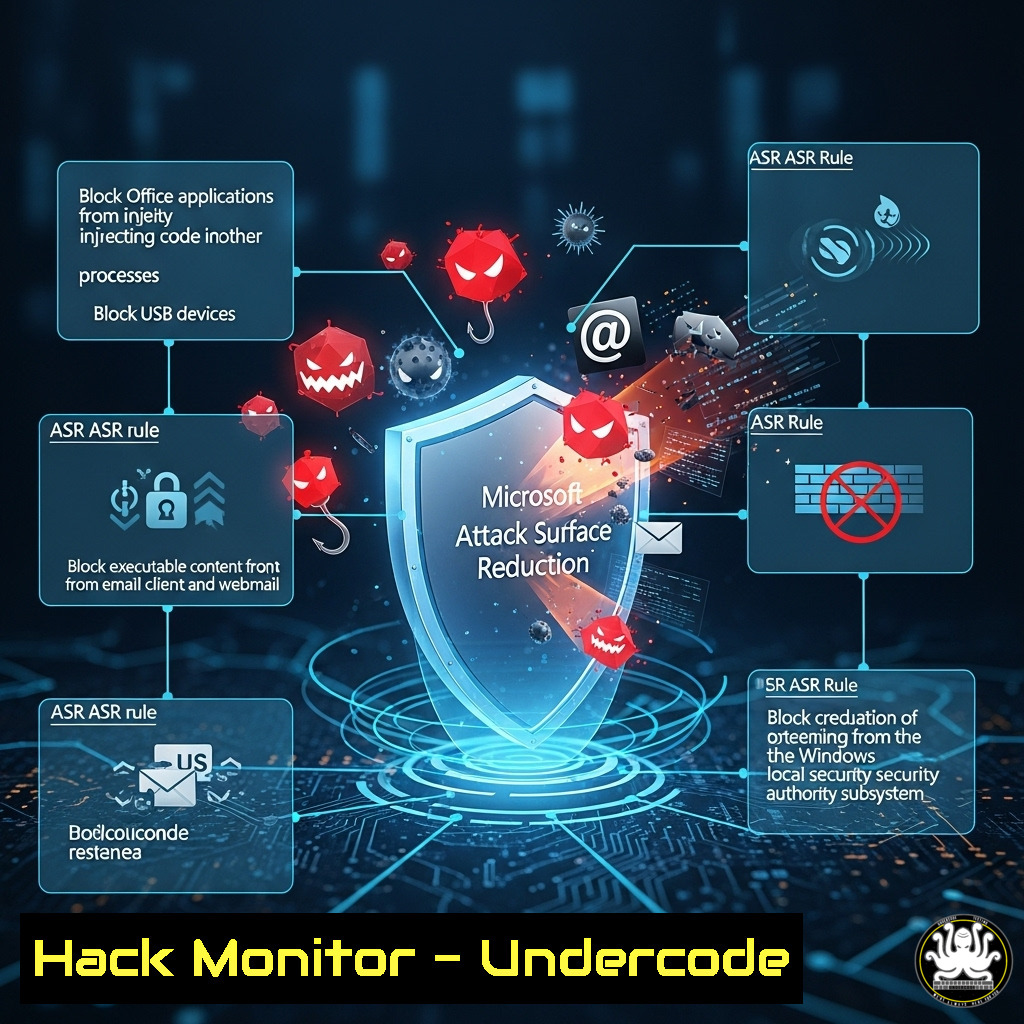
Microsoft’s Attack Surface Reduction (ASR) rules are a critical first line of defense against sophisticated malware and ransomware attacks. However, configuring them effectively without breaking business-critical applications has been a complex and daunting task for security teams. ASRGEN emerges as a powerful, open-source solution that demystifies this process, enabling defenders to rapidly generate, test, and deploy robust ASR policies.
Learning Objectives:
- Understand the core functionality and value proposition of the ASRGEN tool for automating ASR rule creation.
- Learn how to safely simulate attack techniques to validate ASR rule efficacy before deployment.
- Master the process of exporting customized, production-ready ASR configurations for Intune and Group Policy.
You Should Know:
- Getting Started with ASRGEN: Installation and Initial Setup
ASRGEN is a Python-based tool, easily deployable via pip. The first step is to set up your environment.
`pip install asrgen`
Once installed, you can verify the installation and view the help menu to understand available commands.
`asrgen –help`
This command will output all the primary functions, such as generate, simulate, and export. This confirms the tool is correctly installed and ready to configure your ASR rules.
2. Generating Your First ASR Rule Policy
The core function of ASRGEN is to generate a policy based on your selected rules and their desired mode. The tool uses a simple command structure.
`asrgen generate –rule block_office_createmacro –mode audit –output initial_policy.xml`
This command generates a policy for the “Block Office applications from creating macro content” rule, sets it to Audit mode (highly recommended for initial deployment to log without blocking), and saves the configuration to an XML file. You can specify multiple `–rule` flags to build a comprehensive policy in a single command.
- The Power of Atomic Testing: Simulating Attacks Before You Block
A key feature of ASRGEN is its integrated atomic testing, powered by the Atomic Red Team library. This allows you to validate that your rules would actually block real-world attacks without impacting production.
`asrgen simulate –rule block_office_createmacro –technique T1566.001`
This command executes a safe test that simulates phishing via a malicious Office macro (Technique T1566.001 from the MITRE ATT&CK framework). By running this in a lab environment against your generated Audit mode policy, you can confirm the rule triggers appropriately before switching to Block mode.
4. Exporting for Enterprise Deployment: Intune and GPO
After testing, ASRGEN exports policies in formats ready for enterprise deployment tools like Microsoft Intune (MEM) and Group Policy Objects (GPO).
For Intune:
`asrgen export –format intune –input tested_policy.xml –output asr_intune_configuration.json`
For Group Policy:
`asrgen export –format gpo –input tested_policy.xml –output asr_gpo_backup.xml`
These commands convert your validated XML policy into a format that can be directly imported into your management console, drastically reducing manual configuration errors and deployment time.
5. Managing Rule Exceptions for Critical Applications
Inevitably, some legitimate applications will be blocked. ASRGEN provides a structured way to manage exceptions.
`asrgen generate –rule block_win32api_calls –mode block –exception “C:\Program Files\LegacyApp\legacyapp.exe” –exception “C:\AnotherApp\.exe” –output policy_with_exceptions.xml`
This command generates a policy to block Win32 API calls from Office macros but creates path-based exceptions for a specific executable (legacyapp.exe) and all executables in another directory (AnotherApp\.exe). Wildcards (“) are supported for flexible exception handling.
6. Bulk Operations and Automation
For large environments, generating rules one-by-one is inefficient. ASRGEN supports bulk operations through a configuration file (e.g., config.yaml).
`asrgen generate –config bulk_config.yaml –output enterprise_policy.xml`
Your YAML file would define all rules, modes, and exceptions in a single, version-controlled document. This is ideal for Infrastructure-as-Code (IaC) and CI/CD pipelines, allowing security policy to be treated as code.
7. Integrating with CI/CD for Continuous Security Validation
The true power of ASRGEN is realized when integrated into an automated pipeline. A simple script can regenerate policies, run atomic tests, and export new configurations on a schedule.
`!/bin/bash
Regenerate policy from latest config
asrgen generate –config asr_config.yaml –output new_policy.xml
Run test suite
asrgen simulate –config test_suite.yaml –policy new_policy.xml
If tests pass, export for Intune
asrgen export –format intune –input new_policy.xml –output $(date +%Y%m%d)_asr_policy.json
Script would then upload this .json file to Intune via API`
This bash script demonstrates a basic automated workflow, ensuring your ASR rules are continuously validated and updated against the latest known attack simulations.
What Undercode Say:
- Democratization of Advanced Security: ASRGEN fundamentally lowers the barrier to entry for implementing a robust application control policy. It transforms ASR from a manual, expert-only task into an automated, accessible process for security analysts of all skill levels.
- The Shift-Left Mandate for Defenders: By embedding testing and simulation directly into the policy creation workflow, ASRGEN enforces a “shift-left” mentality for blue teams. Defenders can now validate their configurations with the same rigor that red teams test exploits, preventing misconfigurations from reaching production environments. This tool is not just a utility; it represents the necessary evolution of defensive tooling towards automation, integration, and continuous validation, moving security policy beyond a static set-and-forget model.
Prediction:
The methodology pioneered by ASRGEN—automating complex security configurations and integrating immediate, atomic testing—will become the standard for all preventive security controls within the next three to five years. We will see this model applied beyond ASR to areas like cloud security group hardening, next-gen firewall rule generation, and SaaS security posture management. The future of defense is automated, test-driven, and seamlessly integrated into DevOps and IT pipelines, creating adaptive security postures that can evolve as rapidly as the threat landscape itself.
🎯Let’s Practice For Free:
IT/Security Reporter URL:
Reported By: Michaelahaag Github – Hackers Feeds
Extra Hub: Undercode MoN
Basic Verification: Pass ✅


