Listen to this Post
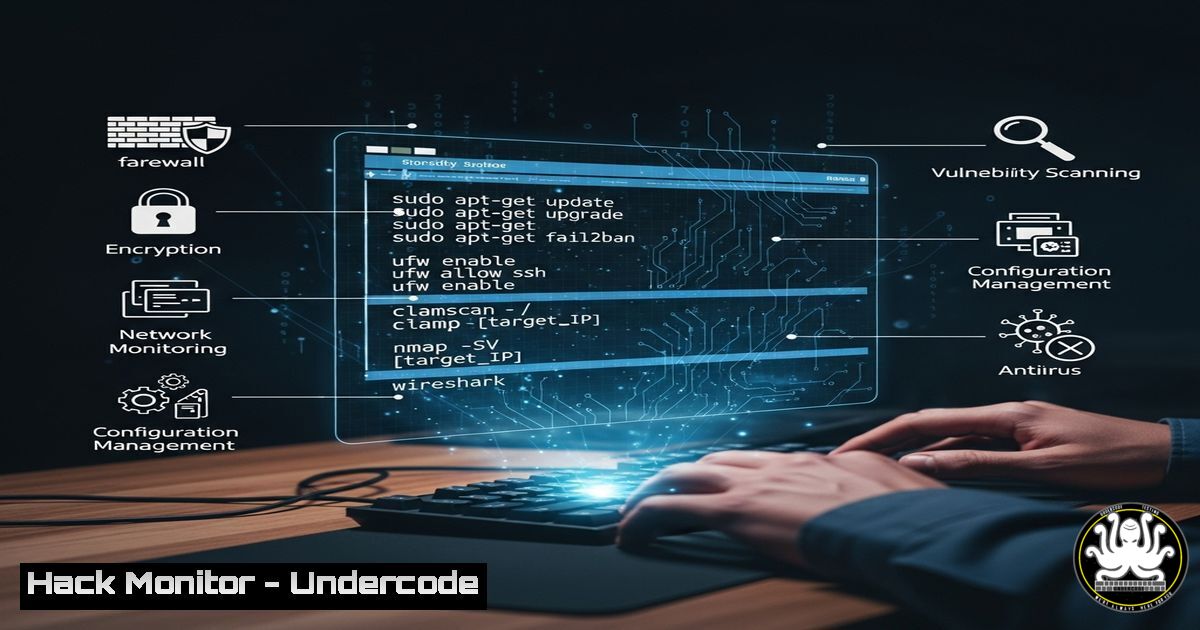
Introduction:
In the digital age, a professional’s online presence often belies the technical reality of their operation. While LinkedIn profiles project corporate strength, many cybersecurity and IT professionals are powering their entire infrastructure solo. This guide provides the essential command-line toolkit to secure, analyze, and maintain systems, ensuring a one-person team can operate with the efficiency and security of a large enterprise.
Learning Objectives:
- Master critical command-line interfaces (CLI) for both Linux and Windows environments.
- Implement immediate hardening techniques for networks, cloud configurations, and APIs.
- Develop proficiency in vulnerability scanning, log analysis, and incident response.
You Should Know:
1. Network Reconnaissance and Enumeration
Before defending a network, you must understand it. These commands map the attack surface and identify active devices.
 Nmap - Network Mapper
nmap -sS -sV -O -T4 <target_IP_or_subnet>

Example for a basic stealth syn scan and service version detection on 192.168.1.0/24
nmap -sS -sV 192.168.1.0/24
Step-by-step guide: Nmap is the industry standard for network discovery and security auditing. The `-sS` flag initiates a SYN stealth scan, which is less likely to be logged than a full connect scan. `-sV` probes open ports to determine service and version information. Combining these provides a foundational map of your network, highlighting unnecessary open ports and outdated services that require patching or shutdown. Always ensure you have explicit authorization before scanning any network.
2. Vulnerability Assessment with OpenVAS
Automated vulnerability scanners are force multipliers for solo operators.
 Installing and setting up OpenVAS on Kali Linux
sudo apt update && sudo apt install openvas
sudo gvm-setup
sudo gvm-start

The web interface will be available at https://127.0.0.1:9392
Step-by-step guide: OpenVAS (Greenbone Vulnerability Manager) is a full-featured vulnerability management system. After installation, run `gvm-setup` to configure the database and download initial Network Vulnerability Tests (NVTs). The `gvm-start` command launches the scanner and web interface. From the GUI, create a new “Task” targeting a specific IP, configure the scan type (e.g., full and fast), and execute. Review the report to prioritize critical vulnerabilities like unpatched CVEs or misconfigurations for immediate remediation.
3. Windows System Hardening with PowerShell
Securing Windows endpoints is non-negotiable in a corporate environment.
 PowerShell command to disable SMBv1, a vulnerable and obsolete protocol
Set-SmbServerConfiguration -EnableSMB1Protocol $false

Command to enforce strong encryption for WinRM (Windows Remote Management)
Set-Item -Path WSMan:\localhost\Service\AllowUnencrypted -Value $false
Step-by-step guide: PowerShell provides immense control over Windows system configuration. The first command disables the insecure SMBv1 protocol, which was famously exploited by the WannaCry ransomware. Execute this in an elevated PowerShell session. The second command strengthens WinRM by disabling unencrypted traffic, ensuring credentials and data are not passed in cleartext. These two commands alone significantly reduce the attack surface of a Windows server. Always test such changes in a non-production environment first.
4. Linux Auditd for System Monitoring
Continuous monitoring and auditing are key to detecting intrusions.
 Search the auditd logs for failed login attempts
ausearch -m USER_LOGIN --success no

Monitor for changes to the /etc/passwd file, a critical user database
auditctl -w /etc/passwd -p wa -k userdb_change
Step-by-step guide: The Linux Audit Daemon (auditd) is the cornerstone of system auditing. The `ausearch` command queries the audit logs; the example filters for failed login attempts, which can indicate brute-force attacks. The `auditctl` command adds a watch rule (-w) on the `/etc/passwd` file, triggering an event anytime its write permissions or attributes are changed (-p wa). This alerts you to potential unauthorized user account creation. Correlate these events with other logs for a comprehensive security picture.
5. Cloud Security: AWS S3 Bucket Hardening
Misconfigured cloud storage is a leading cause of data breaches.
 AWS CLI command to block all public access on an S3 bucket
aws s3api put-public-access-block \
--bucket my-secure-bucket \
--public-access-block-configuration BlockPublicAcls=true,IgnorePublicAcls=true,BlockPublicPolicy=true,RestrictPublicBuckets=true
Step-by-step guide: The AWS Command Line Interface (CLI) allows for scriptable security hardening. This command applies a public access block to a specified S3 bucket, a critical safeguard against accidentally exposing sensitive data. The four parameters work in concert: they block new public ACLs, ignore existing public ACLs, block public bucket policies, and restrict any public access. This should be a standard configuration for all buckets not explicitly serving public content. Ensure your AWS CLI is configured with appropriate IAM credentials.
6. Container Security with Docker
Securing the application layer requires hardening its containerized deployment.
 Run a container with security-enhanced Linux (seccomp) and no new privileges
docker run --security-opt seccomp=seccomp.json --security-opt no-new-privileges -d nginx:latest

Scan a local Docker image for vulnerabilities using Trivy
trivy image my-app:latest
Step-by-step guide: Docker’s default run commands are often overly permissive. The example command starts an Nginx container with a custom seccomp profile (restricting syscalls) and the `no-new-privileges` flag, which prevents the container process from gaining elevated privileges—mitigating privilege escalation attacks. The second command uses Trivy, a simple open-source scanner, to check a local image for known vulnerabilities (CVEs) in its operating system packages and dependencies. Integrate this into your CI/CD pipeline to “shift left” on security.
7. API Security Testing with OWASP ZAP
APIs are a primary attack vector; proactive testing is essential.
 Basic ZAP Baseline scan against a target API endpoint
docker run -t owasp/zap2docker-stable zap-baseline.py -t https://api.myapp.com/v1/users

Full active scan for deeper analysis (use with caution on non-production systems)
docker run -t owasp/zap2docker-stable zap-full-scan.py -t https://api.myapp.com/v1/users
Step-by-step guide: The OWASP Zed Attack Proxy (ZAP) is an automated scanner for finding vulnerabilities in web applications and APIs. The `zap-baseline.py` script runs a quick, passive scan ideal for a continuous integration environment. The `zap-full-scan.py` performs an active scan, which includes automated attacks like SQL injection and XSS, and should only be run against test environments you are authorized to attack. Review the generated reports to identify and patch issues like missing security headers, insecure CORS policies, and injection flaws.
What Undercode Say:
- The Illusion of Scale is Your Greatest Asset: A meticulously curated and automated command-line toolkit allows a single operator to project a defensive capability far beyond their actual headcount. Efficiency is not just about speed; it’s a security feature that reduces the window of exposure.
- Visibility is Non-Negotiable: You cannot defend what you cannot see. The commands provided for auditing (auditd) and monitoring are not optional; they are the core of a defensive strategy that assumes breach and focuses on rapid detection and response.
The analysis of the original post highlights a critical truth in cybersecurity: perception and reality are often misaligned. While this is often used for humor regarding freelancers, from a security perspective, it underscores a fundamental advantage for defenders. A small, skilled team using automated, scriptable tools can maintain a state of readiness that rivals larger, more bureaucratic organizations. The key is deep knowledge of the toolsets that provide maximum leverage—the commands above form the foundation of that leveraged defense. The future of security operations lies not in massive SOCs, but in highly automated and efficient smaller teams wielding advanced tooling.
Prediction:
The trend of solo operators and small teams managing enterprise-grade security will accelerate, driven by AI-powered automation and off-the-shelf orchestration tools. This will democratize high-level security capabilities but will also force attackers to develop more sophisticated, AI-driven attacks to find gaps in automated defenses. The cat-and-mouse game will increasingly become a battle of algorithms rather than raw human manpower.
🎯Let’s Practice For Free:
IT/Security Reporter URL:
Reported By: Sdalbera Geekhumor – Hackers Feeds
Extra Hub: Undercode MoN
Basic Verification: Pass ✅


