Listen to this Post
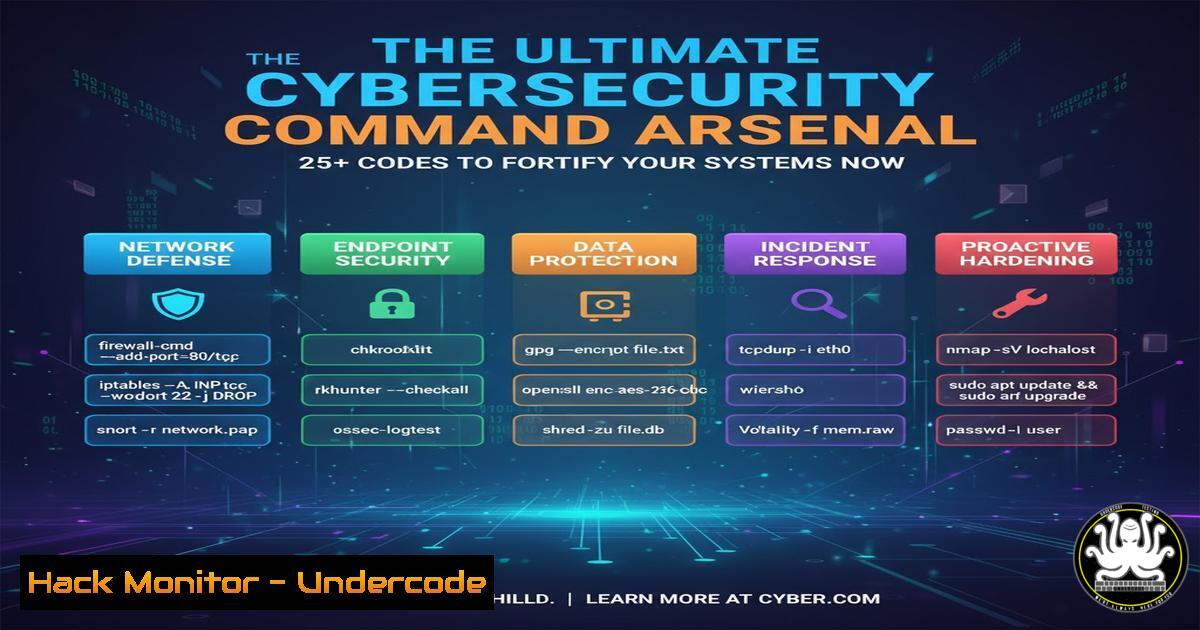
Introduction:
In today’s evolving threat landscape, cybersecurity professionals require an extensive toolkit of verified commands and techniques to protect digital assets. This comprehensive guide provides an actionable arsenal of commands spanning system hardening, vulnerability assessment, and forensic analysis, delivering immediate operational value to security practitioners.
Learning Objectives:
- Master essential command-line techniques for Linux and Windows security hardening
- Implement advanced network monitoring and intrusion detection methodologies
- Develop proficiency in vulnerability assessment and forensic investigation procedures
You Should Know:
1. System Hardening and Integrity Verification
 Check file integrity with checksums
sha256sum /etc/passwd /etc/shadow
 Verify no unauthorized setuid binaries
find / -perm -4000 -type f 2>/dev/null
 Audit user account configurations
awk -F: '($3 == 0) {print $1}' /etc/passwd
Step-by-step guide: The SHA256 checksum verification ensures critical system files haven’t been tampered with. Regularly compare outputs against known good baselines. The find command identifies all setuid binaries which could be potential privilege escalation vectors. The awk command lists all UID 0 accounts to detect unauthorized superusers.
2. Network Security and Monitoring
 Monitor network connections in real-time
netstat -tunlp | grep ESTABLISHED
 Capture packets on specific interface
tcpdump -i eth0 -w capture.pcap port 80 or port 443
 Analyze firewall rules for misconfigurations
iptables -L -n -v --line-numbers
Step-by-step guide: Netstat displays active connections with process IDs to identify suspicious communication. Tcpdump captures traffic for deeper analysis, filtering for common web ports. The iptables command reveals current firewall rules with packet counters to assess rule effectiveness and identify unused rules.
3. Windows Security Configuration Audit
 Check Windows firewall status
Get-NetFirewallProfile | Select-Object Name, Enabled
 Audit user privileges
net localgroup administrators
 Verify service configurations
Get-WmiObject Win32_Service | Where-Object {$_.StartMode -eq "Auto"}
Step-by-step guide: The PowerShell command assesses firewall profile status across domains. The net command enumerates administrative users to detect privilege creep. The WMI query identifies all auto-start services which represent persistent attack vectors.
4. Vulnerability Assessment and Scanning
 Nmap comprehensive scan with OS detection
nmap -A -T4 -O -sS target_ip
 Nikto web vulnerability scanning
nikto -h http://target_url -o nikto_scan.html
 Searchsploit for known exploit matching
searchsploit "Apache 2.4.50"
Step-by-step guide: Nmap’s aggressive scan combines SYN scanning with version and OS detection for comprehensive reconnaissance. Nikto performs thorough web application testing with HTML output for reporting. Searchsploit queries the exploit database for known vulnerabilities in specific software versions.
5. Log Analysis and Forensic Investigation
 Parse authentication logs for failures
grep "Failed password" /var/log/auth.log
 Analyze web server access patterns
awk '{print $1}' access.log | sort | uniq -c | sort -nr
 Timelining system activity
last -a -i -x -w
Step-by-step guide: The grep command filters authentication failures indicating brute force attempts. The awk pipeline processes web logs to identify high-frequency IP addresses potentially conducting scanning. The last command displays comprehensive login history with IP addresses for incident timeline reconstruction.
6. Cloud Security Hardening
 AWS S3 bucket policy audit
aws s3api get-bucket-policy --bucket bucket-name
 Check security group configurations
aws ec2 describe-security-groups --group-ids sg-xxxxxx
 Azure storage account access review
az storage account show --name storagename --resource-group rgname
Step-by-step guide: The AWS CLI commands retrieve S3 bucket policies and security group configurations to identify over-permissive rules. The Azure CLI command inspects storage account configurations for public access misconfigurations that could lead to data exposure.
7. API Security Testing
 JWT token decoding and validation
echo $JWT_TOKEN | awk -F. '{print $2}' | base64 -d
 REST API endpoint fuzzing
ffuf -w wordlist.txt -u https://api.target.com/v1/FUZZ
 SSL/TLS configuration assessment
openssl s_client -connect target.com:443 -servername target.com
Step-by-step guide: The JWT decoding command extracts payload from tokens for claim analysis. Ffuf performs directory fuzzing against API endpoints to discover hidden resources. OpenSSL tests TLS configurations for weak ciphers or certificate issues that could compromise API security.
What Undercode Say:
- Command-line proficiency remains the foundational differentiator between junior and senior security practitioners
- Automated tooling cannot replace deep understanding of underlying system commands and their security implications
- The most effective security programs combine automated scanning with manual command-line validation and investigation
The cybersecurity landscape continues to evolve toward increased automation, but human expertise in command-line operations remains irreplaceable for advanced threat hunting and incident response. Security teams that maintain deep technical command proficiency can respond more effectively to novel attacks that bypass automated detection systems. The commands provided represent essential knowledge that should be regularly practiced and expanded upon through continuous learning and real-world application.
Prediction:
The increasing sophistication of AI-powered attacks will necessitate even deeper command-line expertise as security professionals will need to develop custom detection and response techniques that outpace commercial security products. The ability to rapidly prototype defensive measures using built-in system utilities will become increasingly valuable as the attack surface expands with IoT and edge computing deployments.
🎯Let’s Practice For Free:
IT/Security Reporter URL:
Reported By: Victor Akinode – Hackers Feeds
Extra Hub: Undercode MoN
Basic Verification: Pass ✅


