Listen to this Post
Introduction:
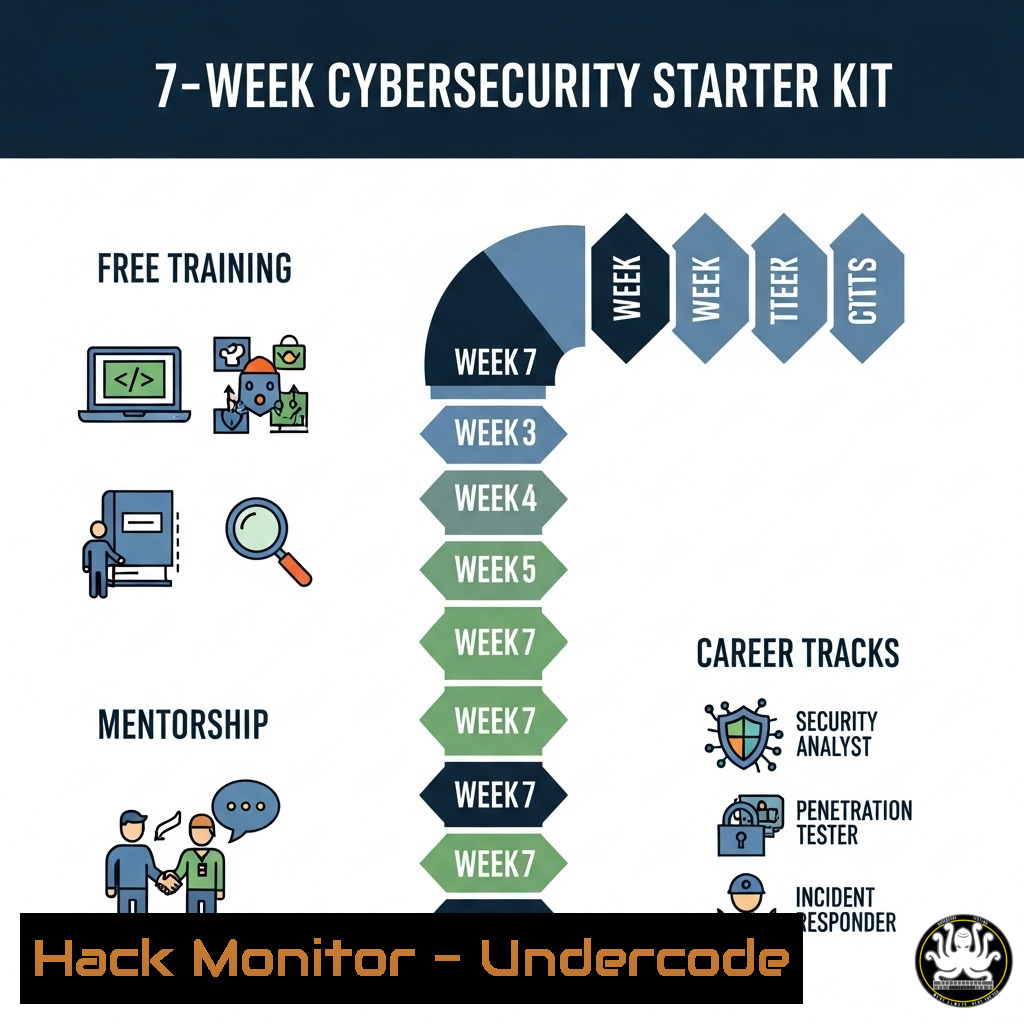
The cybersecurity landscape is rapidly evolving, creating a high demand for skilled professionals. Free, accessible training programs are emerging as a critical pipeline for new talent, offering a structured path from foundational knowledge to specialized career roles without financial barriers.
Learning Objectives:
- Understand the core components of a beginner-friendly cybersecurity curriculum.
- Learn essential commands and tools for Windows, Linux, and network security.
- Develop a practical roadmap for launching a cybersecurity career through free resources.
You Should Know:
1. Navigating the Linux Command Line
The Linux terminal is the cybersecurity professional’s primary interface. Mastering these commands is the first step toward system administration and security analysis.
pwd  Print Working Directory: shows your current location in the file system
ls -la  List files and directories in long format, including hidden files
cd /var/log  Change Directory to /var/log to access critical system logs
cat auth.log | grep "Failed"  Display the authentication log and filter for failed login attempts
sudo -l  List the commands the current user is allowed to run with sudo privileges
chmod 600 key.txt  Change file permissions to read/write for owner only
This sequence allows you to navigate the filesystem, inspect logs for brute-force attacks, and understand file permissions—a fundamental concept in securing systems.
2. Windows PowerShell for Security Auditing
Windows environments require a different toolset. PowerShell provides deep insight into system configuration and security events.
Get-Process  List all running processes
Get-Service | Where-Object {$<em>.Status -eq 'Running'}  List all running services
Get-NetTCPConnection | Where-Object {$</em>.State -eq 'Listen'}  List all listening network ports
Get-WinEvent -FilterHashtable @{LogName='Security'; ID=4625}  Retrieve failed login events from the Security log
These commands help you establish a baseline of normal activity on a Windows system, which is crucial for identifying anomalies and potential compromises.
3. Essential Network Reconnaissance with Nmap
Network mapping and vulnerability discovery are core offensive security skills. Nmap is the industry-standard tool for network reconnaissance.
nmap -sS 192.168.1.0/24  Perform a stealth SYN scan on a target subnet
nmap -sV -sC target.com  Run a version detection scan with default scripts
nmap -p 80,443,22 target.com  Scan only specific, common ports
nmap --script vuln target.com  Run a script scan to check for known vulnerabilities
Nmap helps you understand what systems are on a network, what services they are running, and potential weaknesses that need to be addressed.
4. Hardening SSH Configuration
The Secure Shell (SSH) service is a common attack vector. Hardening its configuration is a basic but critical system hardening step.
 Edit the SSH server configuration file
sudo nano /etc/ssh/sshd_config

Key directives to change:
Port 2222  Change from default port 22
PermitRootLogin no  Disable direct root login
PasswordAuthentication no  Enforce key-based authentication only
AllowUsers myuser  Explicitly allow only specific users
After making changes, restart the service with sudo systemctl restart sshd. This drastically reduces the surface area for brute-force attacks.
5. Analyzing Packet Captures with Tcpdump
Understanding network traffic is non-negotiable. Tcpdump is a powerful command-line packet analyzer.
sudo tcpdump -i eth0  Capture traffic on interface eth0
sudo tcpdump port 80  Capture only HTTP traffic
sudo tcpdump -n -i eth0 src 10.0.0.1  Capture traffic from a specific source IP, without DNS resolution (-n)
sudo tcpdump -w capture.pcap  Write packets to a file for later analysis
sudo tcpdump -r capture.pcap  Read and analyze packets from a saved file
This tool is indispensable for diagnosing network issues, investigating suspicious traffic, and understanding communication protocols.
6. Implementing Basic Firewall Rules with UFW
Uncomplicated Firewall (UFW) provides a user-friendly interface for managing iptables rules on Linux to control incoming and outgoing traffic.
sudo ufw enable  Enable the firewall
sudo ufw status verbose  Check the current firewall status and rules
sudo ufw allow 22/tcp  Allow incoming SSH traffic on port 22
sudo ufw allow from 192.168.1.10  Allow traffic from a specific IP address
sudo ufw deny 23/tcp  Explicitly deny Telnet traffic
A properly configured firewall is your first line of defense, blocking unauthorized access while permitting legitimate traffic.
7. Foundational Vulnerability Assessment with Nessus
Moving from manual commands to automated tools, Nessus is a widely used vulnerability scanner that identifies misconfigurations and known vulnerabilities.
 Installation on Kali Linux:
sudo apt update && sudo apt install nessus

The process is primarily GUI-based:
 1. Launch Nessus and log in via https://localhost:8834
 2. Create a new 'Basic Network Scan' policy.
 3. Configure the scan by entering the target IP range (e.g., 192.168.1.1-254).
 4. Launch the scan and analyze the results, prioritizing 'Critical' and 'High' severity findings.
While the setup is graphical, its use is critical for understanding the difference between a theoretical vulnerability and one that is practically exploitable on your network.
What Undercode Say:
- The democratization of cybersecurity training through free, community-driven initiatives is breaking down traditional barriers to entry and reshaping the talent pipeline.
- A successful career launch is contingent on moving beyond theoretical learning into hands-on, practical command-line proficiency and tool usage.
The VA Community’s model of free, sequential training—beginner class to career track to personal mentorship—represents a significant shift in cybersecurity education. It directly addresses the talent gap by lowering the financial obstacle that prevents many from entering the field. The critical analysis is that the value isn’t just in the free price tag, but in the structured pathway that mirrors a corporate onboarding process. This approach, focused on practical, command-line driven skills and tool mastery (as outlined in the technical sections above), is far more likely to produce job-ready analysts than theoretical coursework alone. The community aspect provides necessary networking and peer support, which are often the hidden keys to landing that first role.
Prediction:
This community-driven, free mentorship model will rapidly become a dominant force in cybersecurity recruitment. Within two years, we predict that a significant portion of entry-level hires will come from such programs, forcing traditional for-profit bootcamps to adapt or become obsolete. This will lead to a more diverse and practically skilled workforce, ultimately raising the baseline level of security hygiene for organizations that hire from these pools.
🎯Let’s Practice For Free:
IT/Security Reporter URL:
Reported By: Victor Akinode – Hackers Feeds
Extra Hub: Undercode MoN
Basic Verification: Pass ✅


