
Listen to this Post
Introduction:
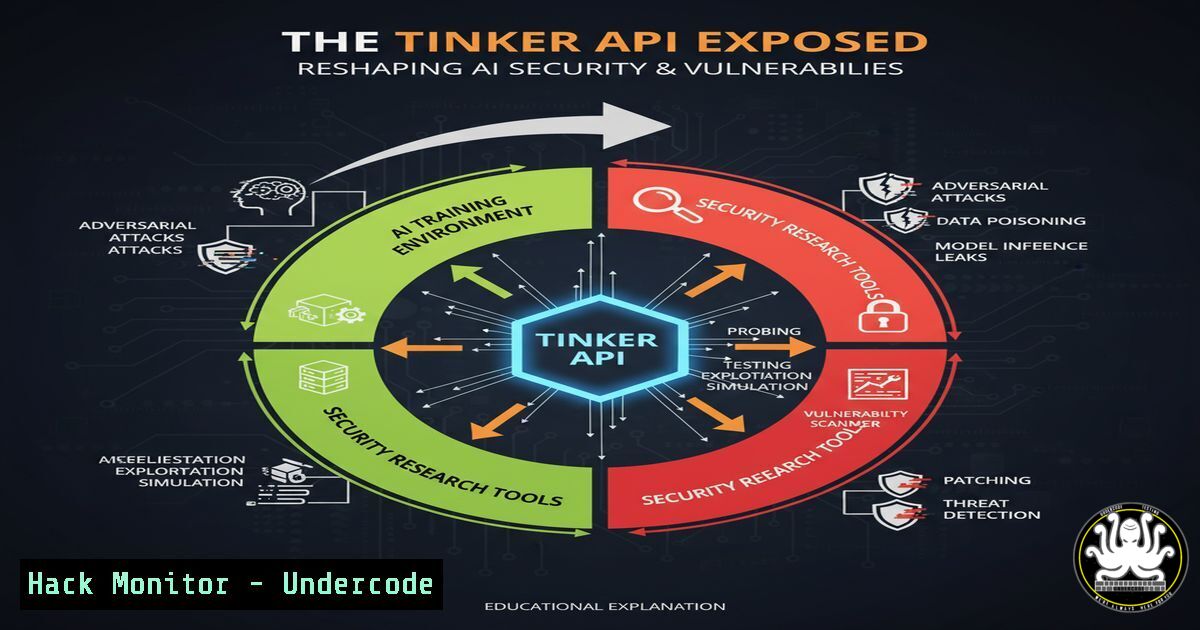
The emergence of APIs like Tinker, which abstract complex infrastructure for AI model training, represents a significant shift in the ML development landscape. While this democratizes access to powerful computing resources, it also introduces a new frontier of security considerations, from model poisoning and data exfiltration to supply chain attacks targeting the API itself. Understanding the underlying technical mechanisms is crucial for securing these next-generation development platforms.
Learning Objectives:
- Understand the core security implications of AI training APIs and the LoRA (Low-Rank Adaptation) fine-tuning method.
- Learn essential commands for auditing AI development environments, securing data pipelines, and investigating model integrity.
- Develop a proactive security posture for leveraging third-party AI infrastructure without compromising organizational assets.
You Should Know:
- Auditing Your Python ML Environment for Malicious Packages
The first line of defense in any ML project is a secure and verified environment. Dependency confusion and poisoned packages are a common attack vector.
 Scan for vulnerabilities in your Python environment using safety
pip install safety
safety check --full-report

List all installed packages and their versions
pip list

Check for irregular or suspicious package signatures (on Linux)
find /path/to/your/virtualenv -name ".so" -exec file {} \; | grep -i "stripped"
Step-by-step guide:
The `safety` tool checks your installed packages against a database of known security vulnerabilities. Running it regularly, especially before training, is critical. The `pip list` command provides a baseline of what is installed. The `find` command helps identify compiled shared objects (.so files) that have been stripped of debugging symbols, a potential indicator of obfuscated malicious code. Always run these commands in a controlled environment before connecting to a sensitive API like Tinker.
2. Securing Model Weights and Checkpoints
Tinker allows downloading model weights. Ensuring their integrity and securing them post-download is paramount.
 Generate a SHA-256 checksum for a downloaded model weight file
sha256sum llama-3.2-1b-tinker-weights.safetensors

Verify the checksum against the one provided by the vendor (if available)
echo "expected_sha256_hash_here llama-3.2-1b-tinker-weights.safetensors" | sha256sum -c

Use GnuPG to encrypt model weights before storage
gpg --symmetric --cipher-algo AES256 llama-3.2-1b-tinker-weights.safetensors
Step-by-step guide:
After downloading any model file from Tinker or similar services, immediately generate a cryptographic hash. Comparing this hash to a value provided by the service provider verifies the file was not tampered with during transfer. If storing sensitive fine-tuned models, use GPG to encrypt them with a strong passphrase, mitigating the risk of intellectual property theft if your storage is compromised.
- Monitoring Outbound Data Transfers from Your Training Script
Preventing accidental or malicious data exfiltration is crucial when your data is processed on external infrastructure.
 On Linux, use netstat to monitor active connections from your Python process
netstat -tunap | grep python

Alternatively, use lsof to see files and networks opened by a process
lsof -i -a -p $(pgrep -f "your_training_script.py")

For a more advanced audit, use tcpdump to capture packets (requires root)
tcpdump -i any -w training_capture.pcap host thinking-machines-lab.com
Step-by-step guide:
While your code runs, use `netstat` or `lsof` to monitor for any unexpected network connections. If you suspect data is being sent to an unauthorized location, `tcpdump` can capture all network traffic to and from the Tinker API endpoints for later analysis in a tool like Wireshark. This helps you verify that only the intended data (e.g., model gradients, not raw training data) is being transmitted.
- Implementing Secure LoRA Configuration to Prevent Overfitting and Data Leakage
LoRA is efficient, but misconfiguration can lead to models that memorize training data.
 Example secure LoRA configuration using PEFT (Parameter-Efficient Fine-Tuning)
from peft import LoraConfig, get_peft_model

lora_config = LoraConfig(
r=16,  Rank. Lower values can be more efficient but less capable.
lora_alpha=32,
target_modules=["q_proj", "v_proj"],  Specific to model architecture
lora_dropout=0.05,  Crucial for regularization
bias="none",
task_type="CAUSAL_LM",
)
model = get_peft_model(base_model, lora_config)
Step-by-step guide:
This Python snippet uses the PEFT library to apply LoRA. The `lora_dropout` parameter is a key security and performance control; it helps prevent overfitting, which is a form of unintentional memorization that can lead to training data leakage during inference. Carefully selecting `target_modules` ensures the adapter is applied effectively without requiring excessive, potentially risky, modifications to the base model.
5. Hardening Your API Key Usage
The Tinker API will require authentication. Leaked keys can lead to resource theft and unauthorized model access.
 Store your API key as an environment variable, never in code
export TINKER_API_KEY='your_super_secret_key_here'

In your Python script, load the key securely
import os
api_key = os.environ.get('TINKER_API_KEY')

On Windows PowerShell, set the environment variable
$env:TINKER_API_KEY = 'your_super_secret_key_here'

Check what environment variables are set (for debugging)
printenv | grep TINKER
Step-by-step guide:
Never hardcode API keys in your source code or commit them to version control. Using environment variables is a fundamental security practice. This prevents keys from being exposed in logs, screenshots, or shared repositories. The commands show how to set these variables in both Linux/macOS Bash and Windows PowerShell environments.
6. Validating and Sanitizing Training Data
Feeding maliciously crafted data into Tinker can poison your model.
import pandas as pd
from sklearn.feature_extraction.text import TfidfVectorizer
import numpy as np

Basic data validation function for text data
def validate_text_data(text_series, max_length=10000, min_length=10):
"""Check for reasonable text length and filter out extreme outliers."""
length = text_series.str.len()
valid_data = text_series[(length >= min_length) & (length <= max_length)]
print(f"Filtered out {len(text_series) - len(valid_data)} suspicious records.")
return valid_data

Example: Simple anomaly detection on numeric features
from sklearn.ensemble import IsolationForest
clf = IsolationForest(contamination=0.01)
numeric_data = pd.read_csv('training_data.csv')[['feature1', 'feature2']]
outliers = clf.fit_predict(numeric_data)
clean_data = numeric_data[outliers != -1]
Step-by-step guide:
Before sending data to Tinker, perform local validation. The `validate_text_data` function removes records that are abnormally long or short, which could be corrupted or malicious. Using an Isolation Forest algorithm helps identify anomalous samples in numeric datasets that could skew the model’s learning process. Clean data is the best defense against data poisoning attacks.
7. Post-Training Model Evaluation for Security Flaws
After fine-tuning with Tinker, rigorously test your model for unintended behaviors.
 Test for model fairness and bias using a library like fairlearn
from fairlearn.metrics import demographic_parity_difference
from fairlearn.postprocessing import ThresholdOptimizer

Evaluate on your test set with sensitive features
dp_diff = demographic_parity_difference(y_true, y_pred, sensitive_features=sensitive_attr)
print(f"Demographic Parity Difference: {dp_diff:.4f}")

Perform a simple membership inference attack to test for memorization
from art.estimators.classification import BlackBoxClassifier
 ... (setup ART framework)
 If the model predicts significantly higher confidence on training data samples vs. unseen data, it may have memorized.
Step-by-step guide:
Security doesn’t end when training stops. Use tools like `fairlearn` to quantify potential biases introduced during fine-tuning. Furthermore, attempting a simple Membership Inference Attack (MIA) helps you understand if your model has memorized individual training data points, a serious privacy risk. A model that is robust to these tests is more secure for deployment.
What Undercode Say:
- The abstraction of infrastructure by APIs like Tinker lowers the barrier to entry for sophisticated AI but concentrates security risk at the API layer, creating a high-value target for attackers.
- The ability to download and run models locally after training on Tinker’s infrastructure introduces a potential supply chain attack vector; a compromised model weight file could lead to remote code execution on the researcher’s own systems.
The Tinker API represents a double-edged sword for cybersecurity. Its core value proposition—removing infrastructure management—also means users cede direct control over the physical and virtual security of their training environment. The primary risks are not just in the model code but in the entire pipeline: the integrity of the base models provided, the security of the data in transit to and from the API, and the sanctity of the returned fine-tuned weights. Organizations must implement a rigorous “trust but verify” model, employing the commands and techniques outlined above to create security checkpoints before, during, and after interacting with the service. The focus must shift from securing physical servers to securing data flows and validating algorithmic outputs.
Prediction:
The widespread adoption of streamlined AI training APIs will lead to the first major, publicly disclosed “AI supply chain” attack within the next 18-24 months. This incident will likely involve a compromised base model or a poisoned API endpoint leading to the exfiltration of proprietary training data or the distribution of backdoored models to hundreds of organizations. This will trigger a watershed moment, forcing the industry to develop standardized security frameworks for third-party AI development tools, much like the evolution of cloud security standards post-2010. The result will be a new specialization in “AI Infrastructure Security” focusing exclusively on the unique threats of abstracted ML training platforms.
🎯Let’s Practice For Free:
IT/Security Reporter URL:
Reported By: Sansoy Machinelearning – Hackers Feeds
Extra Hub: Undercode MoN
Basic Verification: Pass ✅


