Listen to this Post
Introduction:
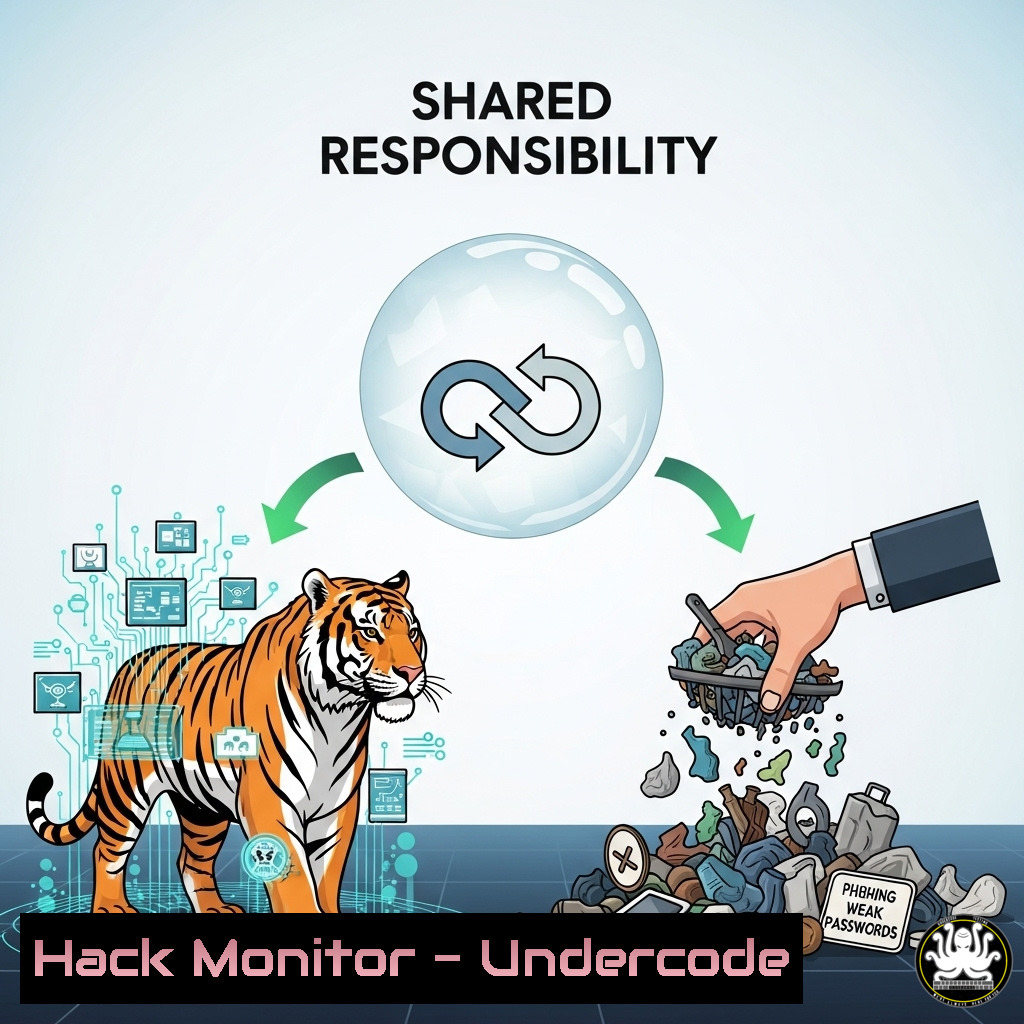
The viral image of a tiger retrieving trash from its enclosure is a powerful metaphor for the shared responsibility model in modern cybersecurity. Just as the tiger took ownership of a problem it did not create, security teams must now defend beyond their traditional perimeters in cloud and hybrid environments. This article translates this ethos into actionable technical commands for hardening systems, detecting threats, and mitigating vulnerabilities.
Learning Objectives:
- Understand and implement critical command-line controls for Linux and Windows system hardening.
- Deploy and configure cloud security tools to enforce the principle of least privilege.
- Develop incident response procedures to detect and mitigate active threats on a network.
You Should Know:
1. Linux System Hardening Fundamentals
Verified Linux commands for immediate system lockdown.
 Check for and apply all security updates
sudo apt update && sudo apt upgrade -y

Audit user accounts with root privileges
sudo grep -E '^sudo|^wheel' /etc/group

Harden SSH configuration (edit /etc/ssh/sshd_config)
sudo sed -i 's/PermitRootLogin yes/PermitRootLogin no/g' /etc/ssh/sshd_config
sudo sed -i 's/PasswordAuthentication yes/PasswordAuthentication no/g' /etc/ssh/sshd_config
sudo systemctl restart sshd
Step-by-step guide: System hardening begins with patching known vulnerabilities. The `apt` commands ensure all packages are updated. Auditing privileged groups identifies potential privilege escalation paths. The SSH hardening commands disable direct root login and enforce key-based authentication, drastically reducing the attack surface for brute-force attacks. Always restart the SSH service after configuration changes.
2. Windows Defender Antivirus and Firewall Power Configuration
Leverage built-in Windows tools for robust defense via PowerShell.
 Enable real-time protection and cloud-delivered protection
Set-MpPreference -DisableRealtimeMonitoring $false -EnableCloudProtection $true

Configure the Windows Firewall to block all inbound traffic by default
Set-NetFirewallProfile -Profile Domain,Public,Private -DefaultInboundAction Block -Enabled True

Audit active network connections and listening ports
Get-NetTCPConnection | Where-Object State -Eq Established
Get-NetTCPConnection | Where-Object State -Eq Listen
Step-by-step guide: PowerShell provides granular control over Windows’ native security tools. The `Set-MpPreference` cmdlet ensures Defender AV is actively scanning and leveraging Microsoft’s cloud intelligence. Locking down the firewall with `Set-NetFirewallProfile` is a foundational step. The `Get-NetTCPConnection` cmdlets are essential for incident responders to quickly identify malicious or unauthorized network connections.
3. Cloud Infrastructure Hardening with AWS CLI
Secure your AWS root account and enforce security best practices.
 Create an IAM admin user instead of using the root account
aws iam create-user --user-name Admin
aws iam attach-user-policy --user-name Admin --policy-arn arn:aws:iam::aws:policy/AdministratorAccess
aws iam create-access-key --user-name Admin

Enable AWS GuardDuty for threat detection
aws guardduty enable --enable

Check for publicly accessible S3 buckets
aws s3api list-buckets --query "Buckets[].Name"
aws s3api get-bucket-acl --bucket <bucket-name> --output json
Step-by-step guide: The root AWS account is a prime target; these commands create a powerful but separate IAM user for daily operations. Enabling GuardDuty provides intelligent threat detection for your AWS environment. The S3 commands are critical for auditing, as misconfigured storage buckets are a common source of massive data breaches. Always verify the ACL output shows no grant for "URI": "http://acs.amazonaws.com/groups/global/AllUsers".
4. Network Vulnerability Scanning with Nmap
Identify weaknesses and unauthorized devices on your network.
 Basic network discovery scan
nmap -sn 192.168.1.0/24

Service and OS detection scan
nmap -A -T4 192.168.1.105

Script scanning to check for common vulnerabilities
nmap --script vuln <target-ip>

Stealth SYN scan to avoid basic detection
nmap -sS -p- <target-ip>
Step-by-step guide: Nmap is the quintessential network reconnaissance tool. The `-sn` ping sweep discovers live hosts. The `-A` flag enables aggressive scanning for OS and service detection, providing a detailed inventory. The `vuln` script category checks for known vulnerabilities. The SYN scan (-sS) is a quieter method to map all 65,535 ports on a target. Use these commands regularly to see your network from an attacker’s perspective.
5. Container Security Scanning with Docker
Ensure your Docker images are free from known vulnerabilities before deployment.
 Scan a local Docker image for vulnerabilities
docker scan <image-name>

Run a container with limited capabilities and privileges
docker run --cap-drop ALL --cap-add NET_BIND_SERVICE -d nginx

Audit running containers for security misconfigurations
docker ps --quiet | xargs docker inspect --format '{{ .Id }}: CapAdd={{ .HostConfig.CapAdd }} CapDrop={{ .HostConfig.CapDrop }}'
Step-by-step guide: The `docker scan` command (part of Docker Desktop) integrates Snyk vulnerability scanning directly into your workflow. The `–cap-drop` and `–cap-add` flags are critical for running containers on the principle of least privilege, removing all capabilities and only adding back the minimal required ones. The audit command checks all running containers for their capability sets, a key security benchmark.
6. API Security Testing with curl
Probe your endpoints for common misconfigurations and weaknesses.
 Test for insecure HTTP methods (e.g., PUT, DELETE)
curl -X OPTIONS -i http://api.example.com/users

Test for inadequate rate limiting by sending rapid requests
for i in {1..50}; do curl -s -o /dev/null -w "%{http_code}\n" http://api.example.com/login; done

Test for missing security headers
curl -I http://api.example.com | grep -E "(Strict-Transport-Security|X-Content-Type-Options|X-Frame-Options)"
Step-by-step guide: APIs are a primary attack vector. The `OPTIONS` request reveals which HTTP methods are enabled; unnecessary methods like `PUT` or `DELETE` should be disabled. The loop test checks if the endpoint has rate limiting on authentication routes to prevent brute-forcing. The header check verifies the presence of key security headers that mitigate common web-based attacks like clickjacking and MIME sniffing.
7. Incident Response: Process Investigation and Triage
Commands to quickly analyze a potentially compromised system.
 Linux: List all running processes in a hierarchy
ps auxef

Linux: Check for unauthorized privileged processes
ps -eo pid,user,args | grep -E "(root|sudo)"

Windows (PowerShell): Get a detailed process list
Get-WmiObject -Class Win32_Process | Select-Object Name, ProcessId, CommandLine

Cross-platform: Check for anomalous network connections (Linux: netstat, Windows: Get-NetTCPConnection)
Step-by-step guide: During a security incident, time is critical. These commands help responders quickly triage a system. The `ps auxef` command shows the process tree, which can reveal parent-child relationships indicative of malware execution. Filtering for privileged processes identifies potential privilege escalation. In Windows, the `CommandLine` property is crucial as it shows the full execution path and arguments, often revealing malicious scripts or executables that a process name alone would hide.
What Undercode Say:
- Ownership is Action, Not Obligation: The core tenet of the shared responsibility model is that defensive action is required regardless of the origin of a threat. Proactive hardening, continuous monitoring, and assuming breach are non-negotiable postures.
- The Perimeter is Everywhere: The modern attack surface extends far beyond the corporate firewall to encompass cloud APIs, employee home networks, and third-party SaaS configurations. Defense must be ubiquitous and identity-aware.
The tiger’s action is the ultimate example of proactive defense—mitigating a threat to its environment without being asked. In cybersecurity, this translates to teams taking ownership of securing assets they may not directly control, such as cloud instances or shadow IT. The technical commands outlined provide the starting point for this journey. The analysis is clear: waiting for a direct mandate or a defined owner is a luxury modern security practitioners can no longer afford. The most effective defense is one where every capable entity acts.
Prediction:
The philosophical shift towards collective stewardship, as exemplified by the viral story, will become deeply embedded in cybersecurity frameworks. We will see the rise of more automated, cross-functional security tooling that allows developers, cloud engineers, and network operators to execute security commands as seamlessly as the tiger picked up the trash. Future security platforms will focus less on assigning blame for a breach and more on enabling every team with the tools and authority to act, leading to more resilient and self-healing networks. Failure to adopt this ethos will see organizations increasingly compromised through overlooked and unclaimed attack surfaces.
🎯Let’s Practice For Free:
IT/Security Reporter URL:
Reported By: Amanai Man – Hackers Feeds
Extra Hub: Undercode MoN
Basic Verification: Pass ✅


