Listen to this Post
Introduction:
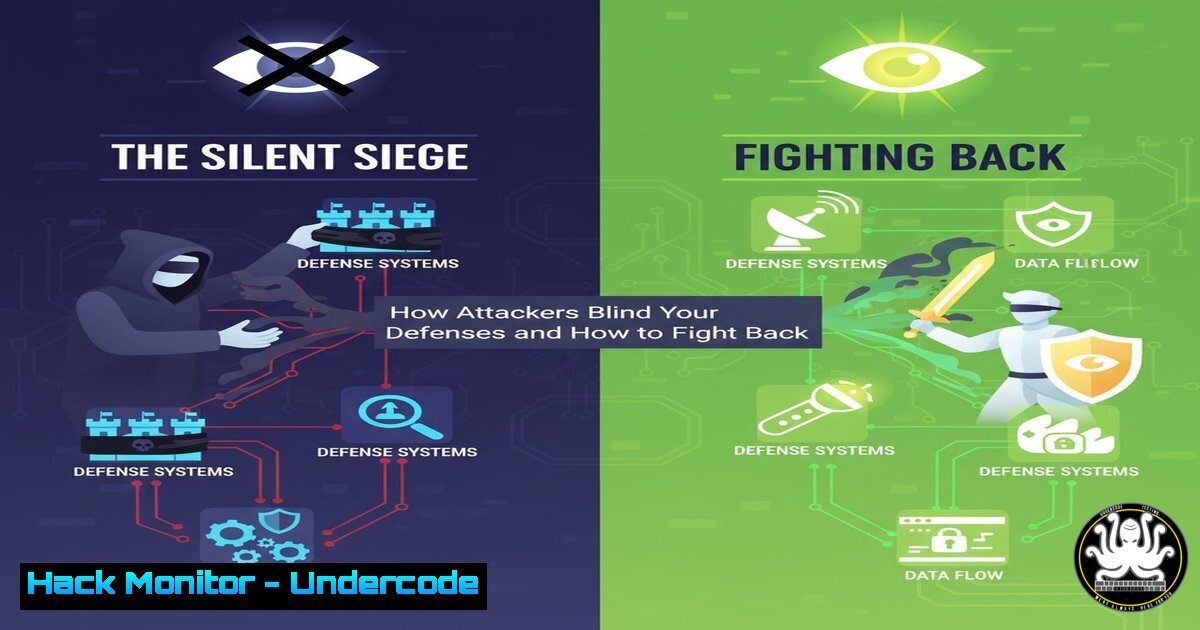
In modern cybersecurity, visibility is the cornerstone of defense. Adversaries, understanding this principle, often initiate attacks by deliberately disabling the very logging mechanisms that would alert defenders to their presence. The abuse of the native Windows `auditpol.exe` command represents a critical and stealthy technique to achieve this, turning off security audits before launching ransomware, lateral movement, or establishing persistence. This article provides a technical deep dive into detecting and mitigating this “first-strike” attack vector.
Learning Objectives:
- Understand the adversarial use of `auditpol.exe` to subvert security monitoring.
- Master KQL queries for hunting `auditpol` abuse in Microsoft Defender XDR and Sentinel.
- Implement proactive hardening and detection rules to prevent audit policy tampering.
You Should Know:
1. Hunting for Auditpol Process Execution
The most direct signal of potential tampering is the execution of the `auditpol.exe` process, especially by a user account that should not be modifying audit policies.
Verified KQL Query for Microsoft Defender XDR:
DeviceProcessEvents
| where AccountName !has "system" and FileName =~ "auditpol.exe"
| project Timestamp, DeviceName, AccountName, AccountDomain, InitiatingProcessAccountName, ProcessCommandLine
| extend CommandArgs = extract(@"auditpol.exe\s(.)", 1, ProcessCommandLine)
Step-by-step guide:
This query searches the `DeviceProcessEvents` table for any process named `auditpol.exe` where the executing account is not “SYSTEM” (a common service context). The `project` operator refines the output to show the most relevant columns. The `extract` function is used to parse and display the command-line arguments passed to auditpol.exe, which is crucial for understanding the attacker’s intent (e.g., /backup, /clear, /set).
2. Detecting Audit Policy Modifications via Registry
Windows stores the current audit policy configuration in the registry. Monitoring changes to these specific keys can serve as a reliable backup detection method.
Verified KQL Query for Microsoft Defender XDR:
DeviceRegistryEvents
| where ActionType =~ "RegistryValueSet"
| where (RegistryKey has @"HKEY_LOCAL_MACHINE\SECURITY\Policy\PolAdtEv" and RegistryValueName =~ "Enabled")
| project Timestamp, DeviceName, AccountName, RegistryKey, RegistryValueName, RegistryValueData
Step-by-step guide:
This query monitors the `DeviceRegistryEvents` table for value modifications (RegistryValueSet) under the `PolAdtEv` registry key, which holds the enabled audit categories. A change here, particularly from a non-SYSTEM account, is a high-fidelity indicator of audit policy tampering. The `project` operator focuses the output on the key forensic data points.
3. Enforcing Audit Policy with Group Policy
Prevention is superior to detection. Using Group Policy to enforce audit settings makes it significantly harder for an attacker to permanently disable logging.
Verified Windows Command (for GPO template verification):
auditpol /backup /file:C:\Temp\BaselineAuditPolicy.csv
gpresult /h C:\Temp\GPReport.html
Step-by-step guide:
- Use the `auditpol /backup` command to export a known-good policy configuration from a reference machine.
- Configure a Group Policy Object (GPO) under `Computer Configuration -> Windows Settings -> Security Settings -> Advanced Audit Policy Configuration` to match your baseline.
- Link the GPO to the relevant Organizational Units (OUs). The `gpresult` command generates a report to verify that the target machines are correctly receiving the applied GPO, ensuring policy enforcement.
4. Creating a High-Fidelity Analytic Rule in Sentinel
To automate detection, you can create a scheduled analytics rule in Microsoft Sentinel based on the process creation query.
Verified KQL for Sentinel Analytic Rule:
SecurityEvent
| where EventID == 4688 and NewProcessName endswith "auditpol.exe"
| where SubjectUserName !has "SYSTEM"
| extend Actor = SubjectUserName, TargetDevice = Computer
| project TimeGenerated, Actor, TargetDevice, CommandLine = CommandLine
Step-by-step guide:
This query uses the `SecurityEvent` table (if collecting Windows Security Events) and filters for process creation events (Event ID 4688) involving auditpol.exe. It excludes executions by the SYSTEM account. By projecting key fields, it creates an alert that clearly shows who (Actor) ran the command, on which machine (TargetDevice), and what they attempted to do (CommandLine).
5. Monitoring for Audit Policy Backup and Restore
Attackers may backup the current policy before changing it to restore settings later, covering their tracks. Monitoring for backup commands is crucial.
Verified KQL Query:
DeviceProcessEvents
| where FileName =~ "auditpol.exe"
| where ProcessCommandLine has "backup" or ProcessCommandLine has "restore"
| project Timestamp, DeviceName, AccountName, ProcessCommandLine
Step-by-step guide:
This query expands the hunting scope by looking for any `auditpol` execution that includes the “backup” or “restore” argument. An unexpected backup operation, particularly from a user account, should be investigated as it may be a precursor to policy manipulation.
6. Implementing PowerShell Constrained Language Mode
Many attack tools and scripts rely on PowerShell. Restricting PowerShell can prevent an attacker from easily invoking `auditpol.exe` or other system utilities.
Verified Windows AppLocker PowerShell Script:
<RuleCollection Type="Script" EnforcementMode="Enabled">
<FilePublisherRule Id="...">
<Conditions>
<FilePublisherCondition PublisherName="O=MICROSOFT CORPORATION, L=REDMOND, S=WASHINGTON, C=US" ProductName="" BinaryName="">
<BinaryVersionRange LowSection="" HighSection=""/>
</FilePublisherCondition>
</Conditions>
</FilePublisherRule>
</RuleCollection>
Step-by-step guide:
This is a simplified AppLocker rule snippet configured via Group Policy (Computer Configuration -> Windows Settings -> Security Settings -> Application Control Policies -> AppLocker). By creating a default rule that allows scripts signed by Microsoft and denying others, you enforce Constrained Language Mode. This drastically reduces the attack surface by blocking unauthorized scripts from running, including those that call auditpol.exe.
7. Proactive Threat Hunting with Command-Line Analysis
Go beyond simple process names and hunt for specific, malicious command-line arguments used with auditpol.
Verified KQL Query for Advanced Hunting:
DeviceProcessEvents
| where FileName =~ "auditpol.exe"
| extend CommandLine = tostring(ProcessCommandLine)
| where CommandLine has @"\set" or CommandLine has "/clear" or CommandLine has "/remove"
| where AccountName !has "system"
| project Timestamp, DeviceName, AccountName, CommandLine
Step-by-step guide:
This query is tailored to find the most damaging `auditpol` commands. It specifically hunts for the `/set` (to modify policy), `/clear` (to erase all policy), and `/remove` (to remove a per-user policy) arguments. Filtering out the SYSTEM account ensures the results are focused on high-risk, user-initiated activity, providing a precise hunting hypothesis.
What Undercode Say:
- Visibility is the First Target: Sophisticated attackers prioritize disabling logging. Failing to monitor for these actions is akin to leaving the keys in the ignition.
- Defense in Depth is Non-Negotiable: Relying on a single detection method (like process creation) is insufficient. A mature defense requires registry monitoring, process telemetry, and strict application control working in concert.
The abuse of `auditpol.exe` is a classic case of “living off the land”—using built-in, trusted system tools for malicious purposes. This makes it incredibly stealthy, as the activity blends with legitimate administrative tasks. The core analysis reveals that modern detection engineering must shift from looking only for malicious files to deeply understanding the context and intent behind the use of native OS utilities. By correlating the “what” (the command) with the “who” (the user) and the “how” (the arguments), defenders can cut through the noise and identify true threats before they escalate into full-blown incidents.
Prediction:
As EDR solutions become more adept at detecting advanced malware and script-based attacks, adversaries will increasingly weaponize trusted system binaries and protocols to a far greater extent. Techniques like `auditpol` tampering are just the beginning. We will see a rise in attacks that leverage Windows Management Instrumentation (WMI), the Component Object Model (COM), and other native IT administration frameworks to achieve their goals silently. The future battleground will be defined not by which new malware is discovered, but by how cleverly attackers can misuse the tools already present in every enterprise environment.
🎯Let’s Practice For Free:
IT/Security Reporter URL:
Reported By: Sergioalbea Kqloftheweek – Hackers Feeds
Extra Hub: Undercode MoN
Basic Verification: Pass ✅


