Listen to this Post
Introduction:
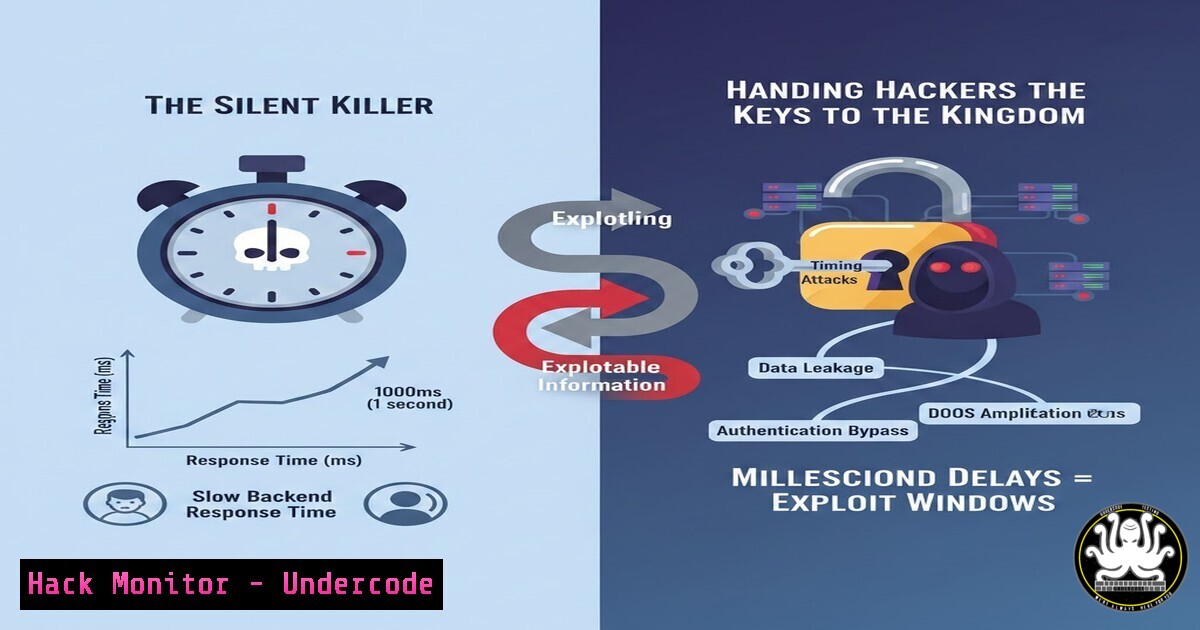
In the high-stakes world of backend development, we obsess over securing data at rest and in transit, often neglecting the subtle behavior of our systems in motion. While generic error messages like “Authentication failed” are standard practice to prevent direct information leakage, they become useless when attackers stop reading error texts and start measuring time. A timing attack exploits the computational variance in authentication logic, turning your server’s response speed into a covert channel that reveals whether a username exists or a password is correct, bypassing even the most vague error messages.
Learning Objectives:
- Understand the mechanics of a timing attack and why it renders generic error messages obsolete.
- Identify vulnerable code paths in authentication flows that create measurable timing discrepancies.
- Implement practical mitigation strategies, including constant-time comparison functions and simulated delay logic.
You Should Know:
- The Anatomy of a Timing Attack: From Request to Revelation
The core vulnerability lies in the conditional branching of authentication logic. Consider a standard Node.js/Express authentication flow using a hypothetical database lookup and password comparison. If a user does not exist, the function returns early. If the user exists, the function proceeds to hash the input password and compare it to the stored hash, a computationally expensive operation.
This creates a detectable pattern. An attacker can send thousands of login attempts with random usernames and passwords, using a script to record the server’s response time. A consistently faster response time for a specific username strongly indicates that the user does not exist, while a slower response suggests the username is valid but the password is wrong. This leaks the validity of usernames, allowing attackers to build a list of valid accounts without a single “User not found” error.
Step‑by‑step guide to simulating the detection:
While you should never attack a live system without permission, you can simulate this on a local test environment using `cURL` or a Python script to measure timing.
1. Set up a test endpoint (Vulnerable Example – Node.js/Express):
// VULNERABLE CODE - DO NOT USE
app.post('/login', async (req, res) => {
const { username, password } = req.body;
const user = await db.findUser(username); // Assume this is fast

if (!user) {
// Fast path: No user found
return res.status(401).send('Authentication failed');
}

// Slow path: User found, perform hash comparison (e.g., using bcrypt)
const passwordMatch = await bcrypt.compare(password, user.passwordHash);
if (!passwordMatch) {
// Still slow because bcrypt.compare already ran
return res.status(401).send('Authentication failed');
}

res.send('Login successful');
});
2. Measure the time using a Linux command line:
 Time a request for a non-existent user (should be fast)
time curl -X POST http://localhost:3000/login -H "Content-Type: application/json" -d '{"username":"fakeuser_$(date +%s%N)","password":"wrong"}'

Time a request for an existing user with a wrong password (should be slow)
time curl -X POST http://localhost:3000/login -H "Content-Type: application/json" -d '{"username":"existinguser","password":"wrong"}'
The `time` command will output real, user, and `sys` times. The difference in the `real` time, often in milliseconds, is the attack surface.
2. Mitigation Strategy: Constant-Time Comparison
The first line of defense is ensuring that the password comparison operation takes the same amount of time regardless of the input. Standard string comparison operators (== in many languages, `strcmp` in C) short-circuit on the first mismatching character, making them vulnerable. Cryptographic libraries provide “timing-safe” comparison functions.
Step‑by‑step guide to implementing constant-time comparison:
- Node.js (using
bcrypt): `bcrypt.compare()` is designed to be timing-safe. However, you must ensure you always call it, even if the user doesn’t exist. To do this, you must retrieve a dummy hash from the database for non-existent users.// SECURE APPROACH app.post('/login', async (req, res) => { const { username, password } = req.body; const user = await db.findUser(username);</li> </ol> // 1. Fetch a hash. If user exists, use their hash. If not, use a placeholder. // This placeholder MUST be a valid bcrypt hash string. const placeholderHash = '$2b$10$...'; // A pre-generated, valid bcrypt hash for a dummy password const hashToCompare = user ? user.passwordHash : placeholderHash; // 2. ALWAYS run bcrypt.compare, regardless of user existence. // This ensures the time spent is consistent. const passwordMatch = await bcrypt.compare(password, hashToCompare); if (!user || !passwordMatch) { // Delay is now uniform because bcrypt.compare always ran. return res.status(401).send('Authentication failed'); } res.send('Login successful'); });2. Python (using
hmac.compare_digest): For password hashes or tokens, usehmac.compare_digest().import hmac Assume 'stored_hash' is bytes, 'provided_password_hash' is bytes if hmac.compare_digest(provided_password_hash, stored_hash): Success pass else: Failure, but time taken is proportional to the length of the strings, not the content. pass
3. Go (using `crypto/subtle`):
import "crypto/subtle"

func comparePasswords(storedHash []byte, providedPassword []byte) bool {
// You would first hash the providedPassword with the same salt/algorithm
// then use ConstantTimeCompare
if subtle.ConstantTimeCompare(computedHash, storedHash) == 1 {
return true
}
return false
}
3. Mitigation Strategy: Artificial Timing Jitter and Delays
Even with constant-time comparisons, network latency and database query times can still introduce variance. A robust defense is to introduce an artificial, random delay before sending the response. This “jitter” obscures the small timing differences that might still leak through.
Step‑by‑step guide to implementing a simulated delay:
The goal is to make the response time for “user not found” and “password wrong” statistically indistinguishable. You should wait for a fixed duration before returning the error.
1. Node.js Example:
const delay = (ms) => new Promise(resolve => setTimeout(resolve, ms));

app.post('/login', async (req, res) => {
const { username, password } = req.body;
let responseSent = false;

// ... authentication logic (using the secure method from section 2) ...

// If authentication fails, we introduce a delay before sending the response.
if (!user || !passwordMatch) {
// Wait for a fixed time, e.g., 500ms. You could also use a small random range (e.g., 450-550ms).
await delay(500);
if (!responseSent) {
res.status(401).send('Authentication failed');
responseSent = true;
}
} else {
res.send('Login successful');
}
});
Warning: Be careful with delays on the successful path. You don’t want to penalize legitimate users. The delay is typically applied only to the error paths to make them match the time of a successful comparison.
4. Database Query Hardening
If your database query time for a valid user is different from an invalid user (e.g., full table scan vs. index lookup), that difference can be measured. You can mitigate this by ensuring queries follow a uniform path.
– Technique: Force a dummy lookup for non-existent users. Instead of justSELECT FROM users WHERE username = ?, which returns zero rows, you can use a query that always returns a row, even for invalid usernames, by joining with a constant or using a subquery that always yields a result. This is complex and often not as clean as combining with the constant-time hash comparison method using a placeholder hash.5. Security Headers and Monitoring
While not a direct mitigation for timing attacks, proper configuration can limit an attacker’s ability to gather many samples.
– Rate Limiting: Implement strict rate limiting on authentication endpoints (e.g., 5 attempts per minute per IP). This prevents an attacker from collecting the thousands of timing samples needed for a successful attack.
– Nginx Example:limit_req_zone $binary_remote_addr zone=auth_limit:10m rate=5r/m; server { location /api/login { limit_req zone=auth_limit burst=10 nodelay; proxy_pass http://your_backend; } }– Web Application Firewall (WAF): Configure a WAF to detect and block anomalous request patterns that resemble timing attack probes.
What Undercode Say:
- Behavior is Data: In application security, system behavior—response time, memory usage, CPU spikes—is just as sensitive as the data in your database. Never assume that obfuscating the output is enough; you must obfuscate the process.
- Defense in Depth: Timing attacks are a prime example of why a single control is never sufficient. Combining generic error messages, constant-time functions, and rate limiting creates a layered defense that makes exploitation exponentially harder.
- Shift Left on Performance: Performance testing is now a security concern. Developers must profile their authentication endpoints not just for speed, but for consistency. A variance of 5ms is a performance win for the business but a security vulnerability for the system.
Prediction:
As cloud computing becomes more distributed and edge computing reduces network latency to microseconds, timing attacks will evolve into a primary threat vector for serverless functions and APIs. Attackers will leverage AI to analyze timing patterns with surgical precision, moving beyond simple auth flows to exploit timing discrepancies in data retrieval, access control checks, and even AI model inference. The future of web security will demand “constant-time” as a non-functional requirement for any code path handling secrets, enforced by compilers and runtime environments by default.
▶️ Related Video (74% Match):
🎯Let’s Practice For Free:
IT/Security Reporter URL:
Reported By: Emmanuel Luke – Hackers Feeds
Extra Hub: Undercode MoN
Basic Verification: Pass ✅🔐JOIN OUR CYBER WORLD [ CVE News • HackMonitor • UndercodeNews ]
📢 Follow UndercodeTesting & Stay Tuned:


