Listen to this Post
Introduction:
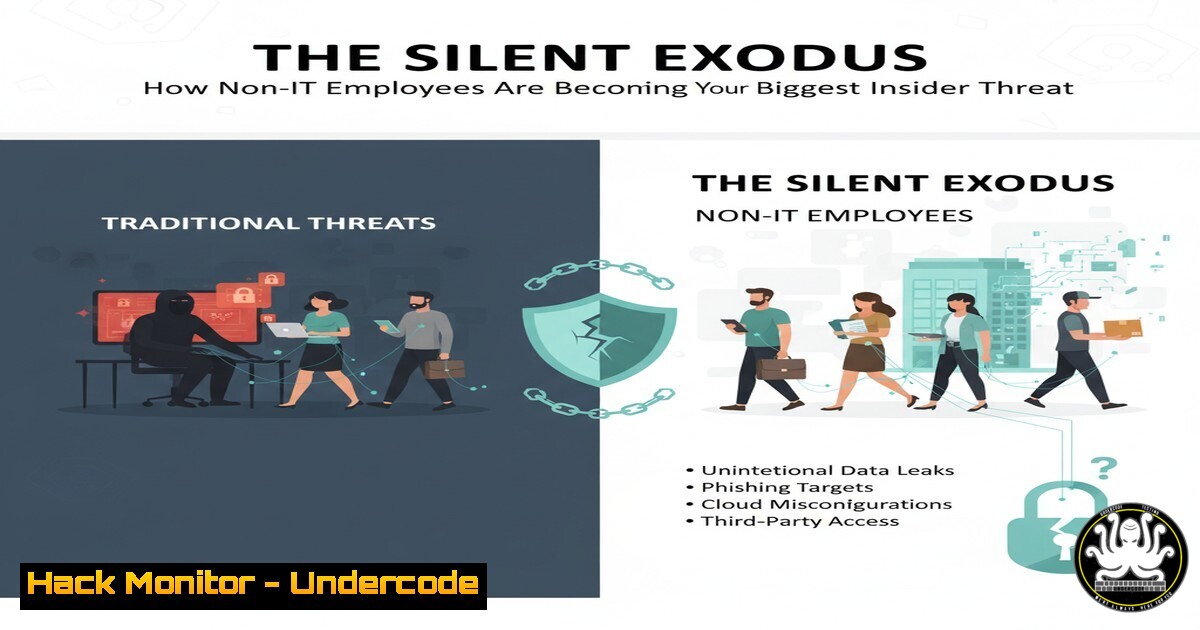
The modern enterprise perimeter has dissolved, shifting the primary security risk from external attackers to internal actors. A recent LinkedIn discussion highlights a growing trend: non-IT employees, often feeling disconnected from company goals, are inadvertently or deliberately exfiltrating sensitive data using simple, non-technical methods. This article provides a technical blueprint for security teams to detect, prevent, and investigate such insider threats using verified commands and security tool configurations.
Learning Objectives:
- Understand the technical indicators of data exfiltration by non-technical users.
- Implement monitoring and restriction policies on endpoints and cloud applications.
- Master forensic techniques to investigate potential data theft incidents.
You Should Know:
- Monitoring for Mass Data Access in Microsoft 365
The first sign of exfiltration is often unusual access patterns. Microsoft 365’s unified audit log is critical for spotting this.
Step-by-step guide:
- Connect to Exchange Online PowerShell to search audit logs.
Connect to Exchange Online PowerShell
Connect-ExchangeOnline</li>
</ol>

Search unified audit log for a specific user and high-volume operations
Search-UnifiedAuditLog -StartDate (Get-Date).AddDays(-7) -EndDate (Get-Date) -UserIds "[email protected]" -Operations "FileDownloaded, FileAccessed, FileSynced" -ResultSize 5000 | Export-Csv C:\temp\UserAuditLog.csv
2. This command exports a CSV of all file-related activities by a specific user over the past week. Look for spikes in `FileDownloaded` events or access to unusual, sensitive SharePoint sites.
- Detecting Large File Transfers via Windows Event Logs
Windows Event IDs 4663 (file access) and 5145 (network share access) can signal data copying to removable drives.
Step-by-step guide:
- Enable detailed object auditing in Group Policy (
gpedit.msc> Computer Configuration > Windows Settings > Security Settings > Advanced Audit Policy > Object Access > Audit File System`). - Query the security log on a suspect workstation using PowerShell.
Get events related to a specific file being accessed on a removable drive
Get-WinEvent -LogName Security -FilterXPath "[System[(EventID=4663)] and EventData[Data[@Name='AccessMask']='0x10000'] and EventData[Data[@Name='ObjectName']='E:\']]" -MaxEvents 100
- This filters for events where a user performed a read operation (
0x10000) on the root of the E: drive (commonly a USB device), indicating a potential file copy.
3. Analyzing Webmail Exfiltration with Zeek (Bro) IDS
Employees may use webmail to send data to personal accounts. Zeek can monitor this traffic.
Step-by-step guide:
- Configure Zeek to monitor your network segment. A key log is
http.log. - Use `grep` and `awk` to analyze traffic to common webmail providers.
Analyze Zeek http.log for connections to personal webmail cat http.log | zeek-cut id.orig_h id.resp_h uri | grep -E "(gmail.com|yahoo.com|outlook.com)" | awk '{print $1, $3}' | sort | uniq -c | sort -nr - This command lists internal IPs (
id.orig_h) that connected to webmail services and the URI they accessed, sorted by frequency. High volume of `attachment` or `download` URIs is a major red flag. -
Restricting Data Transfer with Windows Defender Application Control (WDAC)
Proactively block unauthorized executables that could be used for data theft, like unauthorized compression tools or custom scripts.
Step-by-step guide:
- Create a base WDAC policy allowing only signed, corporate applications.
Create a new base policy
New-CIPolicy -FilePath C:\Policy.xml -Level FilePublisher -Fallback Hash -UserPEs -MultiplePolicyFormat
2. Convert and deploy the policy.
Convert the policy to binary format
ConvertFrom-CIPolicy -XmlFilePath C:\Policy.xml -BinaryFilePath C:\Policy.bin

Deploy the policy (requires reboot)
CiTool --update-policy C:\Policy.bin
3. This policy will block any application not explicitly allowed, preventing the use of unauthorized data exfiltration tools.
- Hardening Cloud Storage (AWS S3) Against Mass Download
Misconfigured S3 buckets are a common exfiltration vector. Use bucket policies to enforce strict access controls.
Step-by-step guide:
- Apply a bucket policy that restricts access based on IP range and requires MFA for deletion.
{ "Version": "2012-10-17", "Statement": [ { "Sid": "AllowAccessOnlyFromCorporateNetwork", "Effect": "Deny", "Principal": "", "Action": "s3:", "Resource": [ "arn:aws:s3:::your-sensitive-bucket", "arn:aws:s3:::your-sensitive-bucket/" ], "Condition": { "NotIpAddress": { "aws:SourceIp": ["192.0.2.0/24", "203.0.113.0/24"] } } } ] } - This policy explicitly denies all S3 actions if the request does not originate from your corporate IP addresses.
6. Forensic Timeline with Sleuth Kit & Autopsy
If a breach is suspected, create a forensic timeline from a disk image to see all file system activity.
Step-by-step guide:
- Acquire a disk image (e.g., using `ftkimager` or
dd). - Use The Sleuth Kit’s `fls` command to generate a body file, then `mactime` to create a timeline.
Generate a timeline from a raw disk image
fls -r -m C: /path/to/diskimage.dd > bodyfile.txt
mactime -b bodyfile.txt -d > timeline.csv
- The `timeline.csv` will show all file activity (accessed, modified, changed, created). Search for a specific user profile and look for rapid, sequential access to numerous files outside working hours.
7. Hunting for Data Staging with PowerShell
Attackers often stage data in a temporary folder before exfiltration. Hunt for this using PowerShell.
Step-by-step guide:
- Script a search for large, recently created archives or unusual file collections in user temp directories.
Find files larger than 50MB created in the last 24 hours in user temp folders Get-ChildItem -Path C:\Users\AppData\Local\Temp -Recurse -File | Where-Object { $<em>.CreationTime -gt (Get-Date).AddDays(-1) -and $</em>.Length -gt 50MB } | Select-Object FullName, Length, CreationTime | Sort-Object Length -Descending - This command can identify large files that have been recently created as a potential staging step before exfiltration.
What Undercode Say:
- The Human Firewall is Your First and Last Line of Defense. Technical controls are essential, but they can be circumvented by a disgruntled or manipulated employee. Continuous security awareness training that explains the “why” behind policies is non-negotiable.
- Data Loss Prevention (DLP) is a Process, Not a Product. While tools are critical, effective DLP requires classifying data, understanding how it flows, and building a culture of security. Overly restrictive technical controls can ironically push employees to find riskier workarounds.
The technical measures outlined are a reaction to a deeper, cultural problem. The LinkedIn post’s core message—that employees who feel like “workers, not partners” are a risk—is the crucial analysis. Security teams must partner with HR and leadership to address the root causes of employee disengagement. The most sophisticated command-line monitoring will fail if a significant portion of the workforce is actively seeking to harm the organization. The future of cybersecurity is as much about organizational psychology as it is about intrusion detection systems.
Prediction:
The insider threat landscape will evolve from ad-hoc data theft to highly organized, financially motivated “Insider-as-a-Service” rings, where employees are recruited anonymously on dark web forums to steal specific data. This will be coupled with the increased use of AI by insiders to summarize and exfiltrate only the most valuable data, making detection via volume-based alerts nearly impossible. Proactive behavioral analytics and zero-trust architectures that assume breach will become the standard, moving beyond traditional perimeter-based thinking.
🎯Let’s Practice For Free:
IT/Security Reporter URL:
Reported By: Orbarcohen %D7%A2%D7%95%D7%91%D7%93%D7%99%D7%9D – Hackers Feeds
Extra Hub: Undercode MoN
Basic Verification: Pass ✅🔐JOIN OUR CYBER WORLD [ CVE News • HackMonitor • UndercodeNews ]
📢 Follow UndercodeTesting & Stay Tuned:
- Detecting Large File Transfers via Windows Event Logs


