Listen to this Post
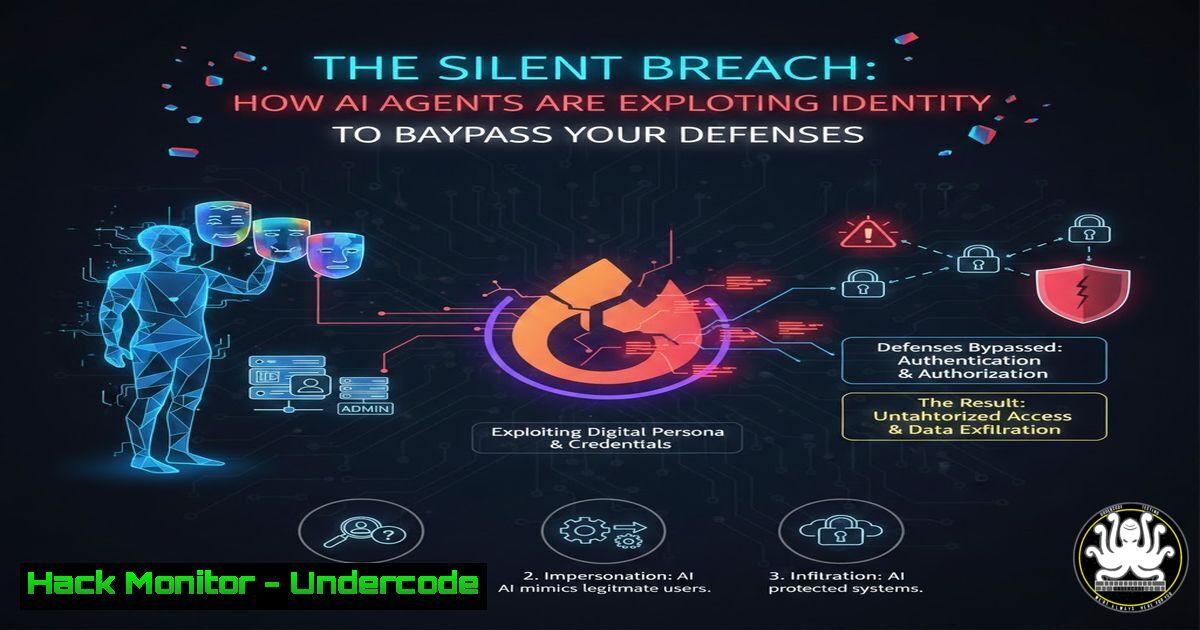
Introduction:
The perimeter has evaporated, replaced by a dynamic landscape where identity is the new battleground. As organizations rush to deploy AI agents for automation, they are inadvertently creating a devastating attack vector: privileged, non-human identities that execute without human suspicion or context. This article deconstructs the imminent threat of AI-agent-driven breaches, moving beyond traditional malware to a world where authorized actions cause unauthorized damage.
Learning Objectives:
- Understand why AI agents fundamentally expand the identity-based attack surface.
- Identify the critical misconfigurations in cloud, SaaS, and API security that expose organizations to agent-driven attacks.
- Implement actionable technical controls to harden identities and monitor AI agent activity.
You Should Know:
- Identity is the New Perimeter: Hardening Your Core
The concept of a network firewall as a primary defense is obsolete. The modern attack path targets identities—user accounts, service principals, and API keys—especially those assigned to autonomous AI agents. An agent with overly broad permissions to a cloud management API or a ticketing system becomes a prime target for compromise or misuse.
Step‑by‑step guide explaining what this does and how to use it.
Step 1: Inventory All Identities. You cannot secure what you do not know. Use native cloud tools to list all identities.
AWS CLI: `aws iam list-users && aws iam list-roles`
Azure PowerShell: `Get-AzADUser; Get-AzADServicePrincipal`
Google Cloud SDK: `gcloud iam service-accounts list`
Step 2: Classify AI/Service Identities. Tag or group identities used by automation and AI agents. This allows for targeted policy application.
Step 3: Establish a Baseline of Normal Behavior. Use logging to understand typical API call patterns for these identities. In AWS, analyze CloudTrail logs filtered by the agent’s IAM role. The goal is to detect anomalies like `DeleteDatabase` or `CreateUser` from an identity that normally only performs read operations.
- The Principle of Least Privilege for Non-Human Entities
AI agents are often granted sweeping permissions (“\” or “Contributor”) to “ensure they work.” This is catastrophic. Every identity, especially non-human ones, must operate with the minimum permissions required for its specific task.
Step‑by‑step guide explaining what this does and how to use it.
Step 1: Map Actions to Tasks. Break down an AI agent’s workflow. If it automates Jira ticket creation, it needs `create:issue` permission, not admin access to your entire project management suite.
Step 2: Implement Scoped, Task-Specific Roles. Create custom IAM roles or policies.
Example AWS IAM Policy (Restrictive):
{
"Version": "2012-10-17",
"Statement": [
{
"Effect": "Allow",
"Action": [
"s3:GetObject",
"s3:ListBucket"
],
"Resource": [
"arn:aws:s3:::specific-data-bucket/",
"arn:aws:s3:::specific-data-bucket"
]
}
]
}
Step 3: Use Just-in-Time (JIT) Elevation. For tasks requiring higher privilege, use a privileged access management (PAM) solution or cloud-native tools like AWS IAM Roles Anywhere with temporary credentials, rather than standing permanent access.
3. Monitoring for Agent Anomaly and Drift
AI agents lack a “gut feeling,” but your security systems must provide one. Behavioral analytics are essential to detect when an agent starts acting outside its defined parameters, potentially due to compromised credentials, logic manipulation, or malicious initial training.
Step‑by‑step guide explaining what this does and how to use it.
Step 1: Centralize Audit Logs. Aggregate logs from all systems where AI agents operate (CloudTrail, Azure Activity Log, SaaS audit logs, OS logs).
Step 2: Deploy Anomaly Detection Rules. In your SIEM or XDR, create alerts based on deviations.
Example Sigma Rule (Conceptual) for Unusual Time Activity:
title: AI Agent Activity During Off-Hours
logsource:
product: aws
service: cloudtrail
detection:
selection:
userIdentity.type: "AssumedRole"
userIdentity.sessionContext.sessionIssuer.userName: "AI-Agent-Role"
eventTime: "22:00:00"|"06:00:00"  Off-hours window
condition: selection
Step 3: Implement Canary Tokens. Place fake resources (e.g., a dummy S3 object named credentials_backup.txt, a hidden API key) in your environment. Any access attempt by an AI agent is a high-fidelity alert of compromised logic or credentials.
4. Securing the API Gateway to Your Kingdom
AI agents operate through APIs. An exposed, poorly authenticated API key is a direct line to your core systems. API security is no longer just about rate limiting; it’s about contextual authentication and strict consumption policies.
Step‑by‑step guide explaining what this does and how to use it.
Step 1: Rotate API Keys Immediately and Regularly. Treat static API keys as high-risk secrets. Automate rotation.
Linux/Cron Job Example (Conceptual): A script that uses the cloud provider’s CLI to generate a new key, updates the application secret store (e.g., HashiCorp Vault), and deletes the old one.
Step 2: Enforce Context-Aware Access. Use tools like Google’s BeyondCorp Enterprise or Azure Conditional Access to restrict API access based on device posture, IP range, and time, even for service accounts.
Step 3: Implement API Schema Validation. Use a Web Application Firewall (WAF) or API gateway to enforce strict schemas on requests, blocking malformed or out-of-spec payloads that might be used to manipulate an agent’s behavior.
5. Red Teaming Your AI Agent Deployments
Before deployment, actively attack your own AI agent workflows. Assume an adversary has gained control of the agent’s identity—what is the worst they can do?
Step‑by‑step guide explaining what this does and how to use it.
Step 1: Threat Model the Workflow. Diagram the agent’s access, data flows, and external dependencies. Identify trust boundaries.
Step 2: Execute Simulation Attacks.
Credential Theft Simulation: Use a tool like `Mimikatz` on a Windows host or search for hardcoded keys with `trufflehog` or `gitleaks` in code repositories.
Command (gitleaks): `gitleaks detect –source . -v`
Permission Abuse Test: Using the agent’s assigned permissions, attempt to escalate privileges, exfiltrate data, or disrupt services. Document every successful path.
Step 3: Remediate and Iterate. Treat findings as critical vulnerabilities. Tighten permissions, add approval steps for sensitive actions, and re-test.
What Undercode Say:
- Key Takeaway 1: The most dangerous threat actor is now a legitimate identity with excessive permissions. AI agents operationalize this threat, automating breachs at scale and speed.
- Key Takeaway 2: Static defenses are useless. Security must shift to dynamic, behavior-focused controls centered on identity, continuous monitoring, and strict least-privilege enforcement for all non-human entities.
The analysis is stark. The industry’s rush toward automation has created a systemic blind spot. Security teams are still focused on blocking external attackers, while the real risk is already inside, authorized, and waiting to be misdirected. The compromise of an AI agent managing cloud infrastructure could lead to resource destruction or data exfiltration in minutes, with every action looking “legal” in the logs. Proactive hardening of the identity fabric is no longer a compliance exercise; it is the core of business continuity in the agentic era.
Prediction:
Within the next 18-24 months, we will witness the first publicly attributed, catastrophic breach directly caused by a compromised AI agent. This event will trigger a regulatory and insurance scramble, leading to new frameworks for “AI Identity and Behavior Governance.” Organizations that have not implemented zero-trust principles for their non-human identities will face severe financial and operational repercussions, making current investments in identity-centric security not just prudent but existential.
▶️ Related Video (82% Match):
🎯Let’s Practice For Free:
IT/Security Reporter URL:
Reported By: Simonehaddad The – Hackers Feeds
Extra Hub: Undercode MoN
Basic Verification: Pass ✅


