Listen to this Post
Introduction:
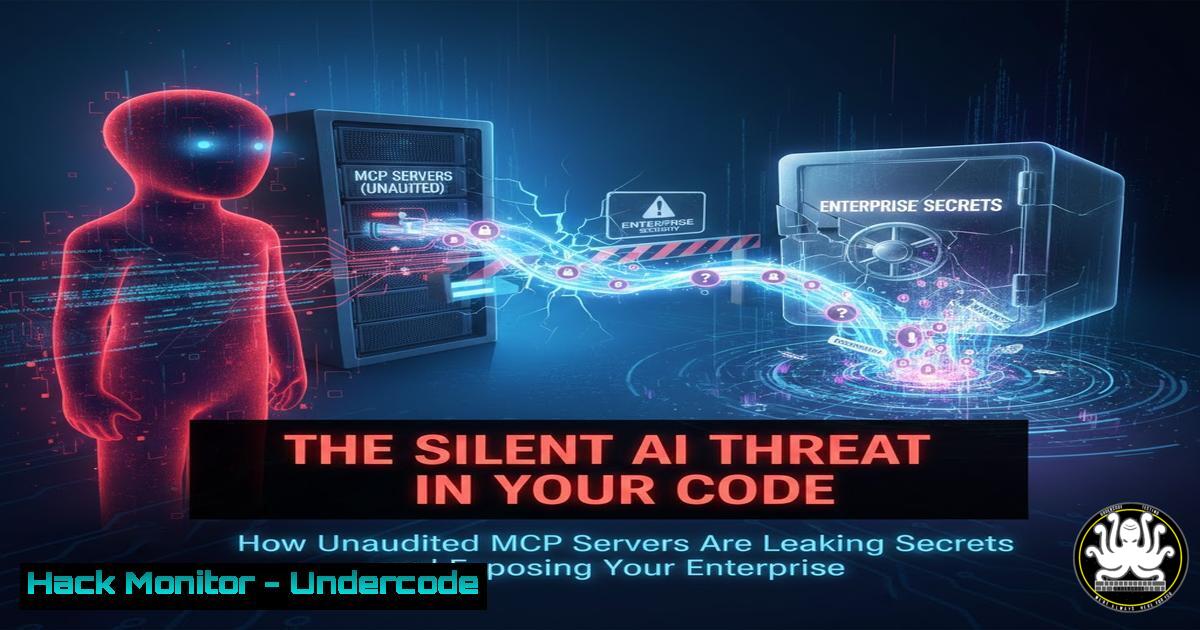
The rapid integration of AI through frameworks like the Model Context Protocol (MCP) has created a shadow attack surface in enterprises worldwide. MCP servers, which connect LLMs to internal data and tools, often embed critical vulnerabilities from misconfigurations to hardcoded secrets. The recent open-sourcing of MCP Audit provides security teams with a crucial weapon to discover, scan, and harden these emerging AI endpoints before they are exploited.
Learning Objectives:
- Understand how to discover exposed MCP servers across your GitHub repositories and local development environments.
- Learn to scan MCP configurations for critical security risks and exposed API endpoints.
- Master the process of detecting and remediating secrets leaked within MCP server configurations and exporting findings for compliance.
You Should Know:
- Discovering the Unknown: Mapping Your MCP Server Footprint
The first step in securing any asset is knowing it exists. MCP servers can be spun up by developers with minimal oversight, leading to unmanaged, internet-facing endpoints. MCP Audit’s discovery capabilities are essential for inventory.
Step‑by‑step guide:
Installation: The tool is Python-based. Ensure you have `pip` available.
 On Linux/macOS/Windows WSL
pip install mcp-audit
GitHub Discovery: To find MCP servers across your organization’s GitHub repositories, you need a GitHub Personal Access Token (PAT) with `repo` scope.
export GITHUB_TOKEN="your_pat_here"
mcp-audit discover --org your-org-name --output mcp_discovery.json
This command queries GitHub’s API for repository files indicative of MCP servers (like `servers/` directories or `mcp.json` configs) and outputs a JSON inventory for analysis.
2. Local Security Recon: Scanning for Risky Configurations
After discovery, the next phase is deep local scanning. This identifies misconfigurations such as overly permissive CORS settings, lack of authentication, or the use of deprecated protocols.
Step‑by‑step guide:
Basic Scan: Navigate to a project directory suspected of containing an MCP server.
cd /path/to/your/project
mcp-audit scan
This performs a default scan, checking for common configuration files and known risk patterns.
Targeted Deep Scan: For a more thorough analysis, target specific directories and enable verbose output.
mcp-audit scan --path ./server-configs --verbose --output scan_report.md
The `–verbose` flag provides detailed reasoning for each finding, and the output is formatted in Markdown for easy sharing.
3. The Hunt for Exposed Credentials and Secrets
MCP servers often require API keys, database passwords, or service account credentials to function. These secrets can be inadvertently hardcoded. MCP Audit uses pattern matching and entropy checks to flag potential leaks.
Step‑by‑step guide:
Secrets Detection Scan: Run the scan with the secrets detection module enabled.
mcp-audit scan --detect-secrets --severity high
The `–severity high` flag filters results to show only the most critical findings, such as potential AWS keys or Slack tokens.
Remediation: For each finding, the tool provides guidance. For example, if an AWS key is found:
Immediate Action: Rotate the compromised key immediately in the AWS IAM console.
Fix: Remove the hardcoded key from the configuration file.
Prevention: Inject the secret at runtime using environment variables or a secrets manager (e.g., HashiCorp Vault, AWS Secrets Manager).
 Instead of hardcoding:
 "api_key": "AKIAIOSFODNN7EXAMPLE"
 Use an environment variable
export AWS_ACCESS_KEY_ID="AKIAIOSFODNN7EXAMPLE"
 And reference it in your code/config via the variable.
4. Cataloging Exposed API Endpoints
Each MCP server exposes internal functions as API endpoints. Cataloging these is vital for understanding the potential impact of a breach. An exposed “execute_sql” or “read_file” tool is a prime target.
Step‑by‑step guide:
Endpoint Enumeration: The scan automatically catalogs endpoints. To get a clear view:
mcp-audit scan --catalog-endpoints --output-format json | jq '.endpoints'
This uses `jq` to parse the JSON output and extract the list of discovered endpoints, their associated functions, and any inferred risk level.
Analysis: Manually review this list. Ask: “Should this LLM have programmatic access to this function?” Apply the principle of least privilege. Restrict access in the MCP server’s configuration or implement additional user confirmation steps for sensitive operations.
5. From Assessment to Action: Reporting and Integration
Consolidating findings into actionable reports is key for developer handoff and audit compliance. MCP Audit supports multiple output formats.
Step‑by‑step guide:
Generate a Comprehensive Report:
mcp-audit scan --detect-secrets --catalog-endpoints --output full_audit_report.csv --format csv
This CSV can be imported into ticketing systems like Jira or audit platforms.
Continuous Integration (CI) Piping: Integrate the scan into your CI/CD pipeline (e.g., GitHub Actions) to fail builds on critical findings.
 Example GitHub Actions Snippet
- name: MCP Security Audit
run: |
pip install mcp-audit
mcp-audit scan --path . --detect-secrets --severity critical
 If the command finds a 'critical' issue, it will exit with a non-zero code, failing the build.
- Leverating the Web UI for Rapid Ad-hoc Checks
For quick checks or teams avoiding CLI tools, the hosted Web UI provides instant analysis without installation.
Step‑by‑step guide:
- Navigate to: `https://apisec-inc.github.io/mcp-audit-ui/` (as sourced from the `lnkd.in/gtWeztYK` redirect).
- You can directly paste a GitHub repository URL (e.g., `https://github.com/yourcompany/ai-agent`) into the interface.
- Click “Audit.” The UI will fetch the code and run a remote scan, presenting findings in a browser-based dashboard, ideal for preliminary assessments.
What Undercode Say:
- Proactive Discovery is Non-Negotiable: The era of assuming you know all your AI/ML endpoints is over. Tools like MCP Audit must become a standard part of the software inventory and vulnerability management lifecycle, especially in DevOps pipelines.
- The Open-Source Advantage is a Force Multiplier: By releasing this as open-source, the security community can now build upon it—creating plugins for SIEMs, adding detectors for new secret types, and ensuring the tool evolves as fast as the MCP ecosystem itself. This collective effort is essential for defense.
The open-sourcing of MCP Audit marks a pivotal shift from reactive to proactive AI security. It acknowledges that the infrastructure powering generative AI is just as vulnerable as traditional software, if not more so due to its novelty and rapid deployment. The tool effectively bridges the gap between AppSec and the new world of AI integration, providing a much-needed methodology for treating MCP servers as first-class security citizens. Its value lies not just in detection, but in educating developers on secure patterns for building AI-powered applications.
Prediction:
Within the next 12-18 months, MCP and similar AI integration protocols will become a primary attack vector for data exfiltration and supply chain compromises. We will see the first major breach attributed to an unsecured MCP server, leading to mandatory security controls and scanning requirements being baked into the protocol itself. Regulatory frameworks like the EU AI Act will begin to reference secure configuration baselines for AI tools, making audits like those performed by MCP Audit a compliance necessity. The security industry will respond with a new category of “AI Infrastructure Security” tools, focused solely on the unique risks of LLM orchestration layers.
▶️ Related Video (72% Match):
🎯Let’s Practice For Free:
IT/Security Reporter URL:
Reported By: Seif Hateb – Hackers Feeds
Extra Hub: Undercode MoN
Basic Verification: Pass ✅


