Listen to this Post
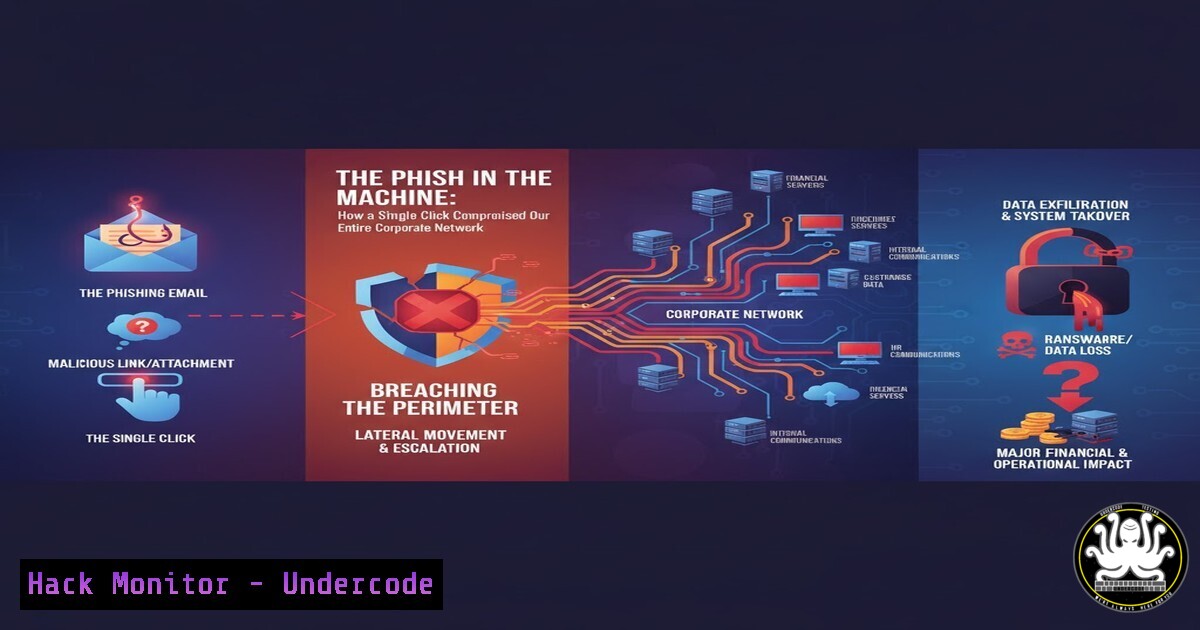
Introduction:
A recent internal security alert revealed a sophisticated credential harvesting campaign targeting our organization. This incident, disguised as a mandatory Microsoft 365 training update, leveraged psychological manipulation and technical deception to steal employee credentials. Understanding the mechanics of this attack is crucial for developing effective defensive strategies against an increasingly common threat vector.
Learning Objectives:
- Deconstruct the anatomy of a modern phishing attack from email delivery to credential capture.
- Implement and verify technical controls to prevent credential harvesting at multiple layers.
- Develop a proactive hunting methodology to identify indicators of compromise (IOCs) within your environment.
You Should Know:
1. The Lure: Deconstructing the Phishing Email
The attack began with a meticulously crafted email designed to bypass both technical filters and human suspicion. The message impersonated the “IT Support Team” with a subject line urging action: “Action Required: Update Your Microsoft 365 Training Modules Immediately.” The body contained official-looking logos, used persuasive language about policy compliance, and featured a prominent call-to-action button labeled “Review and Confirm.”
Step‑by‑step guide explaining what this does and how to use it.
Step 1: Header Analysis. Security teams can analyze the email headers to identify the true source. Key fields to inspect include Return-Path, Received, and Message-ID.
Command (Linux/Mail Servers): `cat phishing_email.eml | grep -E ‘(Return-Path|Received:|From:)’`
This helps confirm domain spoofing, a common tactic where the “From” address is forged.
Step 2: Link Inspection. Hovering over the button reveals the true destination URL. In this case, it pointed to http://microsoft365-training.secure-login[.]club`, a domain that is not owned by Microsoft.curl`):
Step 3: Domain Reputation Check. Use free OSINT tools to investigate suspicious domains.
<h2 style="color: yellow;"> Command (Bash with `whois` and
whois secure-login[.]club | grep -i "creation date"
curl -s -I http://microsoft365-training.secure-login[.]club | head -n 5
A recently created domain and a non-Microsoft server header are major red flags.
- The Hook: Anatomy of the Fake Login Portal
Upon clicking the link, the user is directed to a counterfeit Microsoft login page. This page is a near-perfect replica, often stolen from actual phishing kits available on the dark web. Its sole purpose is to capture and exfiltrate user credentials.
Step‑by‑step guide explaining what this does and how to use it.
Step 1: Client-Side Code Review. Right-click and “View Page Source” to analyze the HTML. The form’s `action` attribute will not point to a Microsoft domain.
Example Finding: `


