Listen to this Post
Introduction:
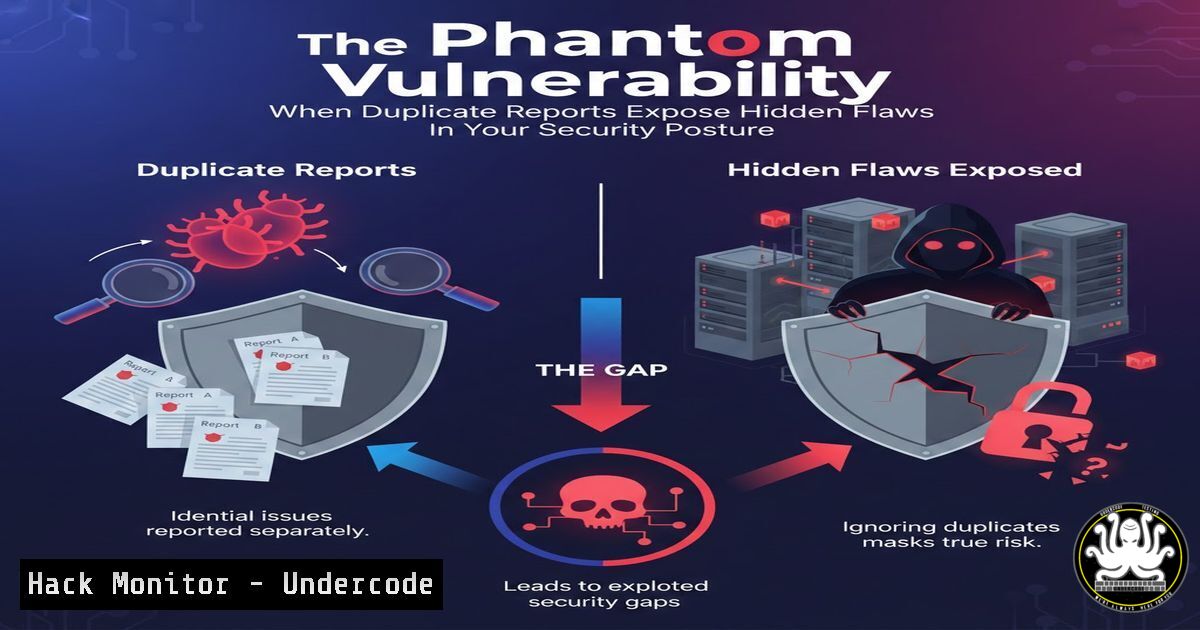
In vulnerability management, few scenarios are as perplexing and revealing as encountering a “phantom” vulnerability—a duplicate security report referencing an issue from years past. This phenomenon, as highlighted by a cybersecurity engineer’s recent experience, isn’t just a clerical error. It can signal deep-seated issues in patch management, asset inventory, disclosure timelines, or even the tools themselves, forcing professionals to question the integrity of their entire security monitoring lifecycle.
Learning Objectives:
- Decipher the root causes behind duplicate vulnerability reports referencing old CVEs.
- Execute a systematic investigation using CLI tools to trace vulnerability presence across assets.
- Implement hardening measures and procedural fixes to prevent recurrence and ensure consistent patch deployment.
You Should Know:
- Investigating the “Phantom”: Initial Reconnaissance & Timeline Analysis
When a duplicate report for a vulnerability from a date like May 2022 surfaces, your first step is to establish the facts. This involves verifying the original CVE details, your organization’s patching status at that time, and the source of the new alert. Is it from the same scanner? A different team? A new asset?
Step-by-step guide:
- Identify the CVE: Extract the CVE ID from the report (e.g., CVE-2022-XXXXX). Query it using the `cve-search` tool or via the command line with `curl` from the NVD API.
Query NVD API for the specific CVE
curl -s "https://services.nvd.nist.gov/rest/json/cves/2.0?cveId=CVE-2022-37882" | jq .
- Check Internal Patch Records: Cross-reference the CVE publication date with your internal ticketing system (e.g., Jira, ServiceNow) or SIEM logs to confirm the patch was deployed. Search for the CVE ID in your log aggregation tool.
Example grep search in patch management logs (Linux)
zgrep "CVE-2022-37882" /var/log/apt/history.log
- Source Correlation: Determine the source of the new alert. Compare scanner IDs, IP addresses of scanning engines, and report formats. A mismatch may indicate a previously un-scanned segment of your network.
-
Asset Discovery & Fingerprinting: Is It a Ghost or a Zombie System?
The duplicate could be reporting on a system that was missed during the original patch cycle—a “zombie” server, a newly spun-up container from an old image, or a network device with a long lifecycle.
Step-by-step guide:
- Identify the Affected Host: Use the IP or hostname from the report. Perform an active fingerprint to verify its current OS and services.
Using nmap for service/OS detection
nmap -A -T4 -p- <TARGET_IP_FROM_REPORT>
- Check for Configuration Drift: Compare the current system state with a known, hardened baseline. Tools like `Osquery` can help.
-- Use Osquery to check running kernel version vs. patched version
SELECT name, version FROM kernel_info;
SELECT name, version FROM rpm_packages WHERE name LIKE '%kernel%';
- Explore Network Segmentation: Could this host be in a segregated environment (e.g., PCI DSS zone) that receives delayed updates? Review network firewall rules and asset management groups.
3. Scanner Misconfiguration & False Positives: Toolchain Audit
Vulnerability scanners like Nessus, Qualys, or open-source tools like `Nuclei` can generate duplicates due to plugin updates, re-scanning of archived data, or profile misconfigurations.
Step-by-step guide:
- Audit Scan Configuration: Login to your scanner console. Review the scan policy associated with the report. Ensure “safe checks” or credentialed scanning is enabled for accuracy.
- Validate with a Manual Check: Use a specific proof-of-concept to test the vulnerability independently, reducing reliance on scanner output.
Example: Manual test for a specific Apache vulnerability (hypothetical)
curl -v -H "Header: malicious_value" http://<target>/vulnerable-endpoint
- Review Scan Schedules & Overlaps: Check if multiple scan jobs (e.g., a daily quick scan and a weekly full scan) are overlapping and generating duplicate tickets in your SOAR/SIEM platform.
-
The Human & Process Element: Vulnerability Management Workflow Review
Often, the flaw is in the process. A broken ticketing workflow, lack of closure verification, or misrouted alerts can cause old issues to resurface.
Step-by-step guide:
- Map the VM Lifecycle: Document every step from scanner detection to ticket closure. Identify where verification of remediation is required.
- Implement Automated Closure Checks: Configure your VM platform to automatically re-scan a host upon ticket closure and only close if the finding is gone. This can be scripted.
Pseudo-code logic for a remediation verification script
if [ $(vuln_scan $host | grep -c $CVE_ID) -eq 0 ]; then
close_ticket $TICKET_ID
else
escalate_ticket $TICKET_ID
fi
- Enforce Mandatory Fields: Require analysts to populate “Patch Source,” “Patch Date,” and “Verification Method” before closing a critical vulnerability ticket.
5. Cloud & Ephemeral Environments: The Modern Challenge
In cloud-native environments, an old, vulnerable container image or a forgotten snapshot can be instantiated, bringing ancient CVEs back to life.
Step-by-step guide:
- Inventory Container Images: Scan your container registry (e.g., ECR, GCR, Harbor) for images containing the CVE.
Use Trivy to scan a registry for a specific CVE
trivy image --severity HIGH,CRITICAL <registry_url>/my-app:latest | grep CVE-2022-37882
- Harden IaC Templates: Ensure your Infrastructure as Code (Terraform, CloudFormation) references specific, patched image digests, not floating tags like
:latest. - Manage Cloud VM Images: In AWS EC2 or Azure Compute Gallery, deprecate old AMIs or VM images that contain known vulnerabilities to prevent their launch.
6. Proactive Hardening & Continuous Validation
Move from reactive patching to a hardened, immutable infrastructure model where systems are replaced, not patched, and their compliance is continuously validated.
Step-by-step guide:
- Implement Configuration Management: Use Ansible, Chef, or Puppet to enforce a patched state. The playbook below ensures a specific package version is installed.
Ansible playbook snippet to enforce a package version</li>
</ol>

- hosts: all
tasks:
- name: Ensure openssl is at patched version
apt:
name: openssl
state: present
version: "1.1.1f-1ubuntu2.19"
2. Adopt a “Zero Trust” Network Posture: Segment networks meticulously. Even if a vulnerable system reappears, its ability to communicate with critical assets is restricted by policy, minimizing blast radius.
3. Schedule Regular “Vulnerability Drifts” Audits: Use differential scanning (comparing this week’s scan to last week’s) to quickly identify any regressions or reappearing old vulnerabilities.What Undercode Say:
- Key Takeaway 1: A duplicate vulnerability report is a critical process incident, not a nuisance. It is a direct signal that one or more controls in your vulnerability management lifecycle—discovery, prioritization, remediation, or verification—have failed.
- Key Takeaway 2: The root cause is rarely the scanner itself. It typically lies in the intersection of outdated asset inventory, inadequate patch verification procedures, and the complexities introduced by cloud and ephemeral infrastructures. Treating the symptom (closing the duplicate ticket) without diagnosing the cause guarantees recurrence.
This case underscores a shift from seeing vulnerability management as a linear workflow to treating it as a continuous validation loop. The “phantom” is a gift—it highlights the gap between perceived and actual security posture. The most robust programs will use these anomalies to trigger automated investigation playbooks and refine their hardening pipelines, turning a strange case into a strategic improvement.
Prediction:
The future of vulnerability management will be dominated by AI-driven causality analysis. Platforms will not only list duplicates but will automatically map them to failed deployment jobs, resurrected cloud snapshots, or deviations from hardened golden images. Predictive models will flag assets or services with a high probability of configuration drift before a scan even runs. Furthermore, as software bills of materials (SBOMs) become mandatory, tracing a CVE across all assets, including legacy ones, will become instantaneous, making the “mystery” of a duplicate report a relic of the past. The focus will evolve from finding vulnerabilities to proving, continuously and automatically, that they cannot exist in the production environment.
🎯Let’s Practice For Free:
IT/Security Reporter URL:
Reported By: Abdellah Oullaij – Hackers Feeds
Extra Hub: Undercode MoN
Basic Verification: Pass ✅🔐JOIN OUR CYBER WORLD [ CVE News • HackMonitor • UndercodeNews ]
📢 Follow UndercodeTesting & Stay Tuned:


