Listen to this Post
Introduction:
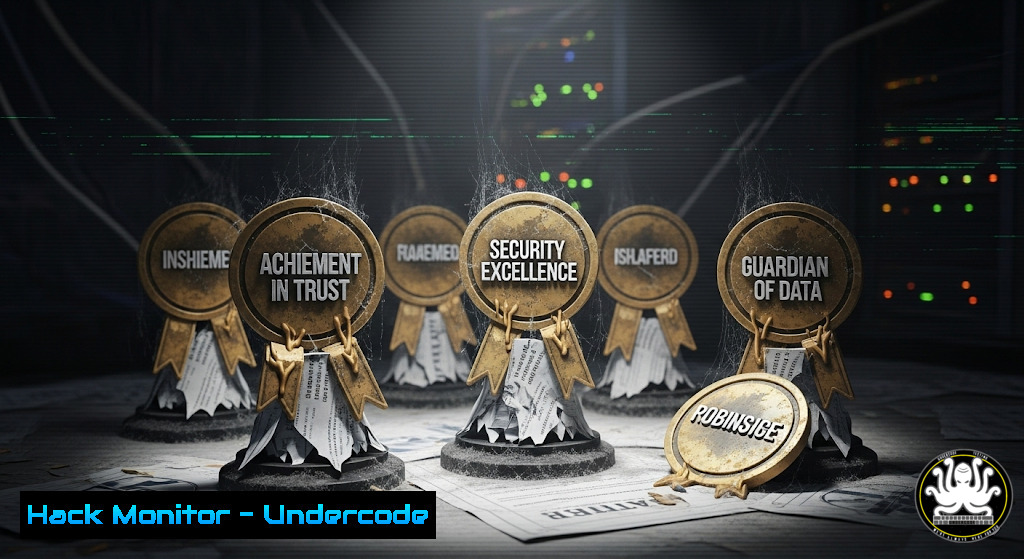
The cybersecurity industry, built on a foundation of trust and verified expertise, is facing an insidious threat from within: the proliferation of “pay-to-play” award schemes. These vanity awards, purchased for a fee rather than earned through merit, deceive the public and devalue the certifications and achievements that truly signify proficiency. This article deconstructs this scam and provides the technical knowledge necessary to validate genuine expertise.
Learning Objectives:
- Identify the hallmarks of fraudulent industry awards and distinguish them from legitimate certifications.
- Utilize OSINT (Open-Source Intelligence) techniques to investigate and verify individual and organizational claims.
- Understand the core technical commands that form the bedrock of real-world cybersecurity expertise.
You Should Know:
1. OSINT Verification with `theHarvester`
`theHarvester -d microsoft.com -b google,linkedin`
This command performs open-source intelligence gathering, scouring Google and LinkedIn for publicly available information related to a target domain (-d). It helps investigators build a digital footprint and verify claims made by individuals or organizations.
Step‑by‑step guide:
- Install `theHarvester` from its GitHub repository: `git clone https://github.com/laramies/theHarvester`.
2. Navigate to the directory: `cd theHarvester`.
- Run the command with your target domain and desired data sources (e.g.,
google,linkedin,bing). - Analyze the output file for email addresses, subdomains, and employee names to cross-reference against award claims.
2. Validating Digital Certificates with OpenSSL
`openssl s_client -connect www.trustedsite.com:443 -servername www.trustedsite.com | openssl x509 -noout -text`
This OpenSSL command initiates a connection to a web server and pipes the output to display the details of its X.509 certificate in a human-readable format (-text). This is crucial for verifying the authenticity of a website, a fundamental security practice.
Step‑by‑step guide:
- Open your terminal (Linux/Mac) or Git Bash (Windows).
- Execute the command, replacing `www.trustedsite.com` with the domain you wish to inspect.
- Scrutinize the output for key fields: `Issuer` (who granted the cert), `Validity` (expiration dates), and `Subject Alternative Name` (which domains the cert covers).
- A legitimate business will have a valid, current certificate from a trusted Certificate Authority (CA).
3. Linux Process and Network Analysis
`ss -tulnp | grep [bash]`
`lsof -i :[bash]`
The `ss` (socket statistics) command lists all listening ports (-l) and shows which processes (-p) are using them, with TCP/UDP details (-t/-u). `lsof` (list open files) can pinpoint processes using a specific network port. These are essential for system hardening.
Step‑by‑step guide:
- To check for unauthorized services, run
sudo ss -tulnp. This requires root privileges to see all process names. - Pipe (
|) the output to `grep` to search for a specific service (e.g.,grep nginx). - To investigate a specific port (e.g., 8080), run `sudo lsof -i :8080` to identify the process ID and name.
- If an unknown or unwanted service is found, stop it using `sudo systemctl stop [bash]` and disable it:
sudo systemctl disable [bash].
4. Windows Security Audit and Logging
`Get-WinEvent -FilterHashtable @{LogName=’Security’; ID=4624,4625} | Select-Object -First 10`
This PowerShell command retrieves the most recent successful (4624) and failed (4625) login attempts from the Windows Security event log. Auditing authentication logs is a primary method for detecting brute-force attacks and unauthorized access attempts.
Step‑by‑step guide:
1. Open Windows PowerShell as an Administrator.
- Run the command to fetch the last 10 logon events.
- To export these events for analysis, pipe the output to
Export-CSV -Path C:\audit\logons.csv -NoTypeInformation. - For continuous monitoring, configure Windows Advanced Audit Policy to log these events and forward them to a SIEM (Security Information and Event Management) system.
5. Web Application Firewall (WAF) Bypass Testing
`curl -H “X-Forwarded-For: 127.0.0.1” -H “User-Agent: sqlmap” “http://target.com/page.php?id=1′”`
This `curl` command tests a web application’s input validation and WAF rules by spoofing the client’s IP address and using a notorious SQL injection tool’s user-agent string. It helps security professionals test their own defenses against common evasion techniques.
Step‑by‑step guide:
1. This is for authorized penetration testing only.
- The `-H` flag adds an HTTP header. `X-Forwarded-For` can be used to spoof an IP.
- Manipulating the `User-Agent` string can sometimes bypass weak WAF rulesets.
- Observe the HTTP response code and body. A 200 OK with a full response may indicate a lack of filtering, while a 403 Forbidden likely means the WAF blocked the request.
6. Cloud Security Posture Management (CSPM) Check
`aws iam get-account-authorization-details –query “UserDetailList[?UserName==’root’]”`
This AWS CLI command checks the authorization details for the root user of an AWS account. The root user should have Multi-Factor Authentication (MFA) enabled and no access keys, making this a critical check for cloud hardening.
Step‑by‑step guide:
- Configure the AWS CLI with credentials that have read permissions for IAM:
aws configure. - Run the command to inspect the root user’s permissions and associated access keys.
- If access keys exist for the root user, they should be immediately removed via the AWS Management Console. The root user should only be used for initial account setup.
- Enforce MFA for the root user and all privileged IAM users as a mandatory baseline security control.
7. Vulnerability Scanning with Nmap NSE
`nmap -sV –script vuln [bash]`
This Nmap command performs a version scan (-sV) and executes all scripts in the “vuln” category against the target. These scripts check for known vulnerabilities in discovered services, a fundamental step in any vulnerability management program.
Step‑by‑step guide:
- Ensure you have written permission to scan the target.
2. Install Nmap from the official website.
- Run the command from your terminal. The `–script vuln` flag activates scripts like `http-sql-injection` and
ftp-anon. - Review the output carefully. Any identified vulnerabilities should be graded by severity (e.g., CVSS score) and patched or mitigated according to organizational policy.
What Undercode Say:
- Trust, But Verify: In an industry rife with misinformation, technical verification is non-negotiable. Rely on demonstrable skills and validated credentials, not purchased trophies.
- The Illusion of Authority: Fraudulent awards are a social engineering attack on professional trust, designed to create a false sense of authority that can be leveraged in more damaging scams.
The proliferation of pay-to-win awards is more than an annoyance; it’s a critical vulnerability in the human layer of cybersecurity defense. It preys on the tendency to defer to perceived authority, a weakness that threat actors expertly exploit. For professionals, the response must be a renewed commitment to objective validation—using the tools and commands that separate actual expertise from its well-framed imitation. This erosion of trust makes the technical skills to verify claims not just valuable, but essential for the integrity of the entire field.
Prediction:
The market for fraudulent credentials and awards will expand, leveraging AI to create more convincing deepfakes and forged verification systems. This will necessitate the development of blockchain-based, cryptographically verifiable credentialing platforms and the integration of continuous, practical skill assessments into hiring and vendor selection processes. The industry will shift from trusting resumes to trusting real-time, auditable proof of capability.
🎯Let’s Practice For Free:
IT/Security Reporter URL:
Reported By: Adhokshajmishra Why – Hackers Feeds
Extra Hub: Undercode MoN
Basic Verification: Pass ✅


