Listen to this Post
Introduction:
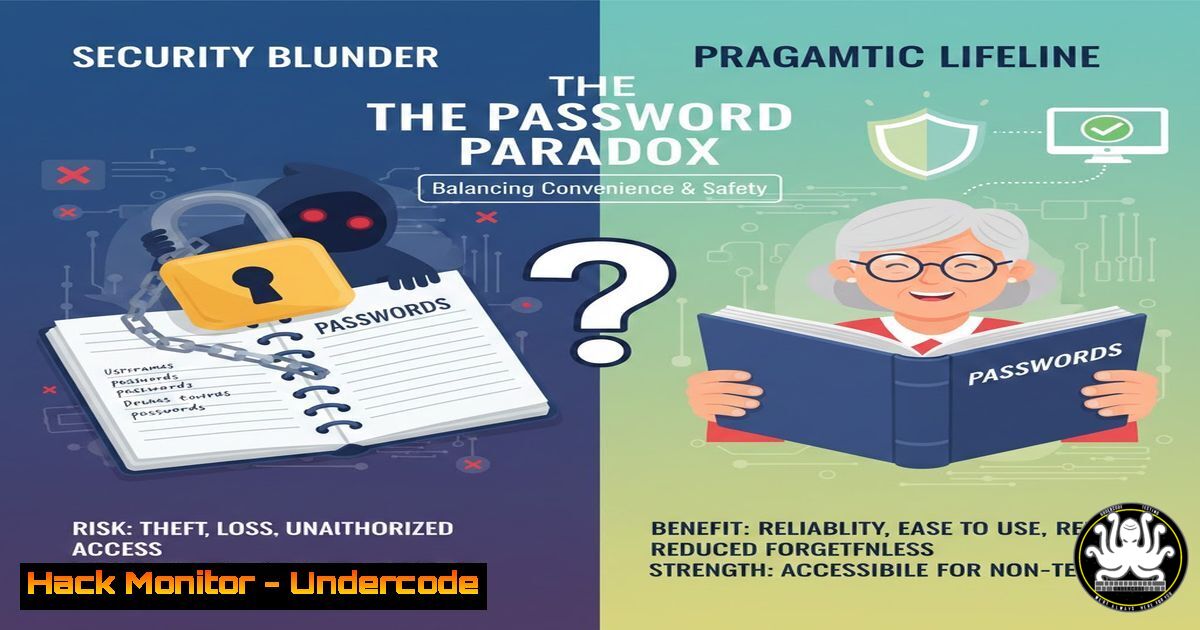
The cybersecurity industry has long held a rigid dogma: never write down your passwords. However, the increasing complexity of our digital lives and the varied technical aptitude of users demand a more nuanced, risk-based approach. A recent discussion among security leaders highlights a provocative reconsideration of the humble physical password booklet, especially for elderly or non-technical users, weighing its tangible risks against the often-greater danger of unsafe digital workarounds.
Learning Objectives:
- Understand the threat models and risk profiles where a physical password book might be a viable, lower-risk option.
- Learn how to implement compensating security controls to mitigate the vulnerabilities of a physical credential store.
- Explore the hierarchy of credential management solutions and how to guide users to the appropriate tier for their capability.
You Should Know:
- The Threat Model: Paper vs. Digital Credential Storage
A practical security decision starts with analyzing the threat model. For a non-technical user, the primary threats are often credential theft via phishing, malware (especially info-stealers), and the reuse of simple passwords across multiple sites. A password booklet, kept physically secure and offline, is completely immune to remote hacking, phishing, and keyloggers.
Step-by-step guide explaining what this does and how to use it:
Assessment: Profile the user. Are they likely to fall for phishing emails? Is their primary device a shared family computer potentially laden with malware? If the answer is yes, their digital threat surface is high.
Physical Security Protocol: The booklet must be treated like a physical key. It should be stored in a locked drawer or cabinet, away from the computer and out of sight of visitors. It should never be photographed.
Compensating Control: Mandate the enabling of Multi-Factor Authentication (MFA) on all critical accounts (email, banking). This ensures that even if the booklet is compromised, an additional barrier exists. Guide them to use SMS-based or authenticator app MFA, acknowledging SMS is less secure but far superior to no MFA.
- Hardening the Paper System: Obfuscation and Partial Entries
As suggested in the discussion, a paper log can be actively hardened using simple obfuscation techniques that require no software. This adds a layer of “security through obscurity” that, while not cryptographically strong, raises the bar for a casual physical intruder.
Step-by-step guide explaining what this does and how to use it:
Partial Passwords: Only write down a portion of the password in the book. For example, if your password is Sunshine!BlueSky2024, you might write `Sunsh!ne!` in the book, with the mental note to add `BlueSky2024` to the end.
Cipher/Code: Develop a personal cipher. Shift every letter by one position (A->B, B->C), or add a standard prefix/suffix that you never write down. For the password MyDogRex, writing `NzEphsFy` (shifted +1) in the book means an attacker cannot use it directly.
Shorthand or Personal Symbolism: As one commenter noted, using a personal shorthand or symbols known only to the user renders the book useless to others.
- The Digital Gold Standard: Configuring a Password Manager Securely
For users who can adopt it, a dedicated password manager is the superior solution. It provides encryption, unique complex passwords, and auto-fill that prevents phishing. The goal is to make this transition as seamless as possible.
Step-by-step guide explaining what this does and how to use it:
Tool Selection: Recommend reputable, audited managers like 1Password, Bitwarden (open-source), or KeePassXC (local, open-source).
Installation & Master Password:
Windows/macOS: Download from the official website. The master password should be a memorable passphrase (e.g., correct-horse-battery-staple-tranquil). This is the only password they may need to write down physically initially.
Browser Extension: Install the official browser extension to enable auto-fill and auto-save.
Initial Setup & Import:
1. Create a new vault.
- Use the password generator to create a new, strong password (e.g.,
x7T!Lp2@qV9) for your primary email account. - Change your email password to this new one.
- Repeat for other critical accounts. The manager will ask to save each new credential.
4. The Critical Role of Multi-Factor Authentication (MFA)
Regardless of storage method, MFA is non-negotiable for high-value accounts. It moves security from “something you know” (password) to “something you have” (phone).
Step-by-step guide explaining what this does and how to use it:
Priority Accounts: Secure, in order: Email, Financial, Social Media, Healthcare.
Enabling MFA: Navigate to the security settings of the service (e.g., Gmail: Settings > Security > 2-Step Verification).
Method Hierarchy:
- Authenticator App (Best): Use Authy or Google Authenticator. Scan the QR code presented by the website. The app generates a time-based one-time code.
- SMS/Voice (Good): A code is sent via text. Warn users about SIM-swapping attacks.
- Backup Codes: Download and print these codes, storing them securely with the password booklet. They are a lifeline if the primary MFA method is lost.
5. System Monitoring and Hygiene for All Users
Proactive monitoring can catch breaches early, limiting damage whether a paper or digital system is compromised.
Step-by-step guide explaining what this does and how to use it:
Password Breach Checking:
Command Line (HaveIBeenPwned): Use `curl` to check anonymously: curl -s -G "https://api.pwnedpasswords.com/range/$(echo -n 'YourPassword123' | sha1sum | cut -c1-5)" | grep -i $(echo -n 'YourPassword123' | sha1sum | cut -c6-40). This checks the password hash against known breaches.
Website: Direct users to `haveibeenpwned.com` to check their email addresses.
Regular Audit: For paper users, schedule a quarterly “password review” with a trusted family member to check for reused passwords and update weak ones.
What Undercode Say:
Security is About Managing Risk, Not Achieving Perfection: A fully implemented, well-understood paper system with MFA presents a lower real-world risk for a specific demographic than a poorly managed or rejected digital system leading to password reuse.
The Human Factor is the Primary Vulnerability: The most sophisticated encryption is useless if the user is phished, refuses to use MFA, or sticks a Post-It note on their monitor. Usability must be a core component of any security recommendation.
The discussion reveals a maturing field moving from absolutist rules to context-aware risk management. For the non-tech-savvy, a physical booklet can be a stepping stone or even a final destination if paired with robust MFA and physical security protocols. It represents a calculated trade-off: accepting the contained, low-probability risk of physical theft to mitigate the high-probability, catastrophic risk of remote digital credential harvesting. The future lies in phasing out passwords altogether via FIDO2/WebAuthn passkeys, but until that ubiquity arrives, pragmatic, layered defense for all skill levels is essential.
Prediction:
The convergence of AI-powered phishing, the rampant spread of info-stealer malware, and the persistent digital divide will force a formalization of “tiered” security guidance. We will see official, risk-based frameworks from organizations like NIST or CISA that acknowledge and provide secure guidelines for physical credential storage as a valid, intermediate control for vulnerable populations. Simultaneously, the push for passwordless authentication (passkeys) will accelerate, aiming to eventually render this entire debate obsolete by removing the password from the equation for everyone.
▶️ Related Video (72% Match):
https://www.youtube.com/watch?v=8oqV7yGUD8A
🎯Let’s Practice For Free:
IT/Security Reporter URL:
Reported By: Sam Abbasi – Hackers Feeds
Extra Hub: Undercode MoN
Basic Verification: Pass ✅


