Listen to this Post
Introduction:
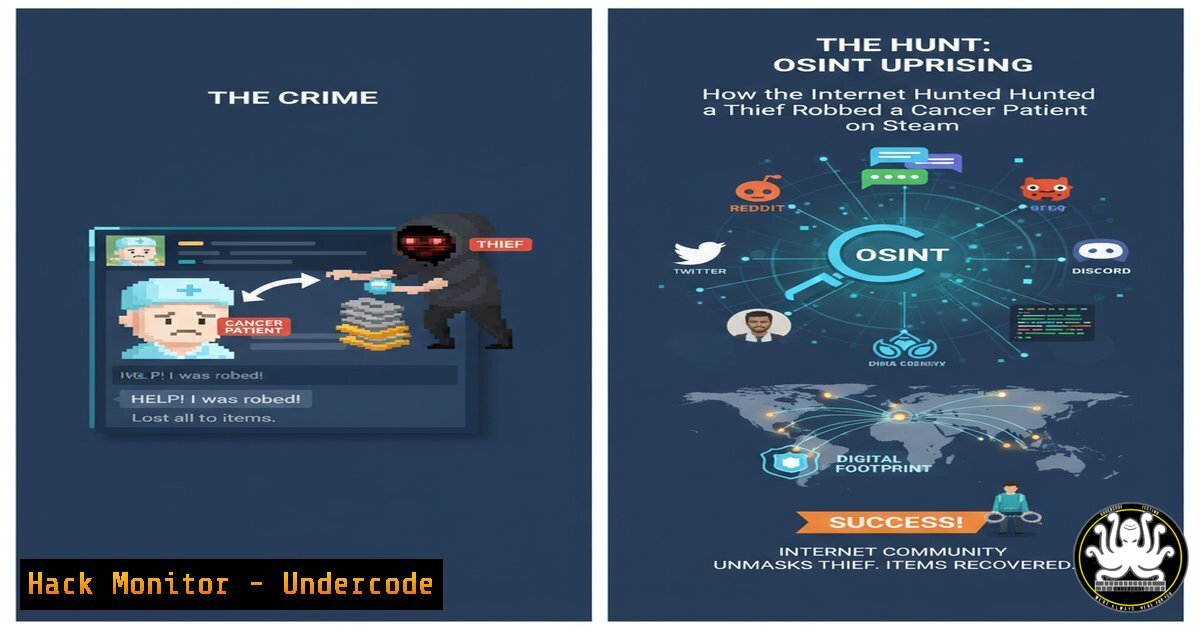
A recent incident involving the theft of a Steam account from a cancer patient ignited a powerful response from the online community, showcasing the potent force of crowdsourced Open-Source Intelligence (OSINT). This event transcends a simple tale of recovery; it serves as a masterclass in modern digital investigation, where ethical hackers and privacy advocates leveraged public data to achieve justice. The case underscores critical vulnerabilities in popular platforms and the growing power of collective cybersecurity awareness.
Learning Objectives:
- Understand the fundamental OSINT techniques used to identify and track malicious actors online.
- Learn essential account security hardening procedures for platforms like Steam and beyond.
- Recognize the ethical boundaries and legal considerations of conducting public-facing investigations.
You Should Know:
1. The Power of Reverse Image Search
Malicious actors often reuse profile pictures across platforms. Reverse image search is a primary OSINT tool for connecting these digital footprints.
Command/Tool: `tineye.com` or `images.google.com`
Step-by-Step Guide:
- Right-click on the suspect’s profile picture and select “Copy image address” or save the image to your desktop.
2. Navigate to Tineye.com or images.google.com.
- In Google Images, click the camera icon “Search by image.” Paste the image URL or upload the saved file.
- Analyze the results. You may find the same image used on forums, social media profiles, or other websites, revealing alternate aliases or accounts belonging to the target. This can help build a broader picture of their online identity.
2. Investigating Domain Registration with WHOIS
If the investigation leads to a website or a linked domain, WHOIS queries can reveal registration details, though privacy protections often obscure this data.
Command/Tool: `whois [domain-name.com]` (Linux/Mac/Windows Command Line) or a web-based WHOIS service.
Step-by-Step Guide:
1. Open your terminal (Command Prompt on Windows).
- Type
whois example.com, replacing “example.com” with the actual domain. - Scrutinize the output for the Registrar, Creation Date, and Registrant Contact Information (if not redacted). This data can sometimes link a domain to an organization or individual, providing a new lead.
3. Social Media Profile Enumeration
Attackers and investigators alike use tools to find all social media accounts associated with a username.
Command/Tool: `sherlock [bash]` (Requires Python installation)
Step-by-Step Guide:
1. Install Sherlock via pip: `pip install sherlock`
2. In the terminal, run `sherlock [bash]`
- The tool will scan hundreds of social media sites and report where that username exists. This helps map out the target’s presence across the web. Note: Use this for ethical investigations on usernames you have a legitimate reason to research.
4. Hardening Your Steam Account with Steam Guard
The first line of defense is preventing account theft. Steam Guard is Steam’s two-factor authentication (2FA) system.
Action: Enable Steam Guard via the Steam Mobile App.
Step-by-Step Guide:
1. Install the Steam app on your smartphone.
- Log in and go to Steam Menu > Settings > Account > Manage Steam Guard Account Security.
- Select “Get Steam Guard codes by the Steam mobile app.”
- Follow the on-screen instructions to link your account. Now, logging in from a new device requires both your password and a code from your phone.
5. Analyzing Account Authorizations
Regularly review which devices and services are authorized to access your account to revoke unrecognized sessions.
Action: Check Steam Authorizations.
Step-by-Step Guide:
- In the Steam client, go to Settings > Account > Manage Steam Guard account security.
- Under “Authorized Devices,” you will see all computers you’ve logged into. Review this list and deauthorize any you don’t recognize.
- Also, check “Account Details” in a web browser to see any third-party sites linked via Steam OpenID. Remove any that are unnecessary or suspicious.
6. Password Hygiene and Manager Integration
Weak or reused passwords are the most common attack vector. A password manager is non-negotiable for security.
Tool: Bitwarden, 1Password, or KeePassXC.
Step-by-Step Guide:
1. Choose and install a reputable password manager.
- Use its built-in password generator to create a long, unique, and complex password for your Steam account (e.g., 16+ characters, mix of upper/lower case, numbers, symbols).
- Store this password only in your manager. Do not reuse it for any other service, especially email.
7. The Ethical Line: Doxxing vs. Responsible Disclosure
The crowd’s actions walked a fine line. The goal was account recovery, not vigilante justice.
Concept: Understanding the difference between doxxing and responsible reporting.
Step-by-Step Guide:
- Doxxing: Maliciously publishing private, identifying information with intent to harass. This is unethical and often illegal.
- Responsible Action: In this case, the community gathered information (like potential aliases and associated accounts) and presented it to the victim or potentially to Steam support to prove the account was stolen. The information was used as evidence for rightful reclamation, not for public shaming or harassment. The focus must always be on helping the victim and the platform secure the account, not on inflicting extra-legal punishment.
What Undercode Say:
- The Power of the Crowd is Unprecedented: Decentralized, anonymous groups can mobilize with speed and efficiency that outstrips traditional official channels, acting as a potent, if unpredictable, form of citizen-led digital justice.
- Platform Accountability is Lacking: This incident highlights a critical failure in Steam’s customer support and account security verification processes, forcing users to rely on community efforts for resolution.
This event is a paradigm shift. It demonstrates that while platforms may be slow to act, a motivated online community can fill the void. However, this power is a double-edged sword. The same techniques used for good can be—and are—used for harassment and bullying. The key takeaway for cybersecurity professionals is the undeniable effectiveness of OSINT. For the public, it’s a stark lesson in enabling multi-factor authentication everywhere possible. For platforms like Steam, it is a glaring indictment of their security and support systems, proving that user trust is fragile and must be earned through robust, proactive protection measures. The community will only step in where the platform has stepped away.
Prediction:
This incident will catalyze a broader movement of “crowdsourced security auditing.” We will see a rise in organized, ethical communities dedicated to assisting victims of digital crime when official channels fail. This will pressure major tech platforms to significantly overhaul their support and security protocols to avoid public relations disasters. Conversely, it may also lead to more sophisticated attempts by criminals to hide their digital footprints, escalating the arms race between OSINT investigators and those seeking to evade them. The line between ethical hacking and vigilantism will become an increasingly central topic of debate in cybersecurity ethics.
🎯Let’s Practice For Free:
IT/Security Reporter URL:
Reported By: Sam Bent – Hackers Feeds
Extra Hub: Undercode MoN
Basic Verification: Pass ✅


