Listen to this Post
Introduction:
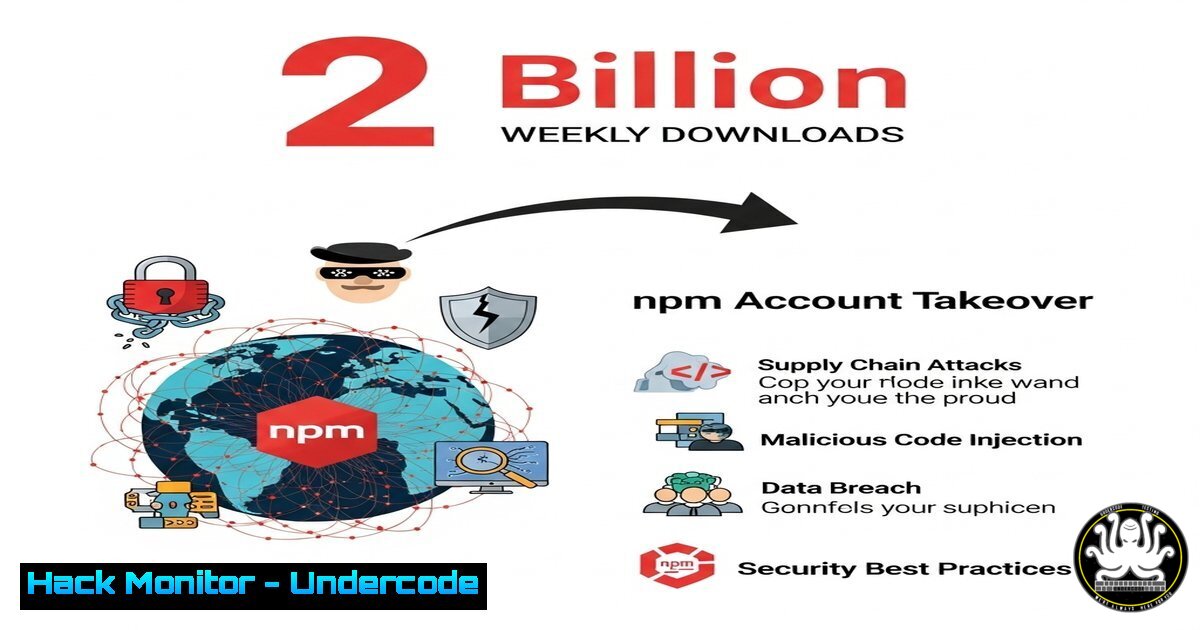
A massive npm supply chain attack has compromised popular packages like ansi-styles, chalk, and debug, amassing nearly two billion weekly downloads. The attacker published malicious versions designed to hijack cryptocurrency transactions, demonstrating the catastrophic blast radius of a single maintainer account takeover. This incident underscores the escalating threat of software supply chain attacks targeting critical open-source infrastructure.
Learning Objectives:
- Understand the mechanics of a dependency account takeover and its impact.
- Learn to detect malicious packages and code in your environment.
- Implement proactive security measures to harden your supply chain.
You Should Know:
1. Detecting Malicious npm Packages with `npm audit`
The `npm audit` command is your first line of defense, scanning project dependencies for known vulnerabilities and malicious packages reported in advisories.
 Run an audit in your project directory
npm audit

To force a re-audit of the dependency tree
npm audit fix --force

To get a detailed JSON report for analysis
npm audit --json
Step-by-step guide: Running `npm audit` analyzes your `package-lock.json` against a constantly updated database of security vulnerabilities. If the compromised versions of `chalk` or `ansi-styles` are detected, the command will return critical severity alerts, listing the affected packages and versions. Use the `–json` flag to pipe the output into security monitoring tools for automated alerting.
2. Inspecting Package Contents with `npm pack`
Before installation, you can download and inspect a tarball of a package to review its contents for suspicious scripts or binaries.
 Download a package tarball without installing it
npm pack <package-name>@<version>

Extract and list the contents for review
tar -ztvf <package-name>-<version>.tgz

Specifically look for pre/post-install scripts
tar -Oxzf <package-name>-<version>.tgz package/package.json | jq '.scripts'
Step-by-step guide: This command fetches the package as a tarball (.tgz) to your local directory. Extracting it allows you to manually audit the files within. Pay close attention to the `package.json` scripts section for any `preinstall` or `postinstall` scripts that could execute malicious code upon installation, a common tactic in these attacks.
3. Pinning Dependencies with Exact Versions in `package.json`
Using loose version ranges (like `^` or ~) increases the risk of automatically pulling in a malicious update. Pinning to exact versions prevents this.
// package.json (INSECURE - uses flexible versioning)
"dependencies": {
"chalk": "^5.0.0"
}

// package.json (SECURE - uses exact version pinning)
"dependencies": {
"chalk": "5.0.0"
}
Step-by-step guide: Modify your `package.json` to replace any version prefixes (^ for minor updates, `~` for patches) with exact version numbers. This ensures that `npm install` will only ever install the specific version you have vetted. Updates must then be manually reviewed and version numbers explicitly changed.
4. Verifying Package Integrity with CI/CD Integration
Integrate commands into your Continuous Integration (CI) pipeline to break the build if vulnerabilities are found, preventing deployment of compromised code.
 Example GitHub Actions workflow step to audit dependencies
- name: Audit for vulnerabilities
run: npm audit --audit-level=high

<ul>
<li>name: Fail if audit fails
if: failure()
run: exit 1
Step-by-step guide: In your CI/CD configuration (e.g., `.github/workflows/ci.yml` for GitHub Actions), add a step that runs npm audit --audit-level=high. This configures the command to return a non-zero exit code (which fails the build) if any vulnerabilities of high, critical, or moderate severity are found, acting as an automated gate.
5. Monitoring for Suspicious Network Calls
The malicious payload in this attack beaconed out. Use command-line monitoring tools to detect unexpected network activity from your development environment.
 On Linux/MacOS, use lsof to see real-time network connections by a process
lsof -i -n -P

On Windows, use netstat to list active connections
netstat -ano

For deeper inspection, trace calls from the node process
strace -f -e trace=network -p <node_pid> 2>&1 | grep -E "(connect|sendto|recvfrom)"
Step-by-step guide: After installing a new package, monitor for unexpected network calls. On Linux, `lsof -i` will list all Internet connections. If you see your Node.js process establishing connections to unknown external IP addresses or domains, it could indicate a malicious payload phoning home.
6. Configuring Sonatype Nexus Firewall for Proactive Blocking
Sonatype’s tools can be configured to proactively quarantine malicious components based on policy violations before they are downloaded by developers.
 Using Nexus Platform REST API to check a component's policy status
curl -u admin:admin -X GET "http://your-nexus-instance/service/rest/v1/policy/violations?componentId=npm:chalk:5.1.0"

Example response indicating a violation
{
"items": [
{
"policyName": "Security-Critical-Malware",
"policyViolation": "BLOCKED"
}
]
}
Step-by-step guide: Integrate repository management tools like Nexus Firewall into your development pipeline. They can be configured with policies that automatically block components with known vulnerabilities or from publishers under attack. The API allows for automated checks and integration into developer workflows.
7. Implementing Non-Human Identity MFA for Maintainers
The root cause was account takeover. For maintainers, enforcing Multi-Factor Authentication (MFA) for npm publish commands is critical.
 npm supports 2FA for publishing and modifying packages
 Enable 2FA on your account for publishing (auth-and-writes)
npm profile enable-2fa auth-and-writes

For sensitive operations, use OTP tokens during publish
npm publish --otp=<one-time-password-from-authenticator-app>
Step-by-step guide: Account maintainers must run npm profile enable-2fa auth-and-writes. This requires a one-time password from an authenticator app in addition to a username and password for the `npm publish` command. This simple step would have completely prevented this account takeover and subsequent breach.
What Undercode Say:
- The Blast Radius is the New Battlefield: This attack wasn’t about sophisticated technical exploitation; it was about leveraging the immense trust and scale inherent in the open-source ecosystem. The attacker weaponized the dependency graph, turning a single point of failure into a global incident.
- Reactive Tools Are Not Enough: While `npm audit` is crucial, it is fundamentally reactive—it can only flag issues after they have been discovered and reported. The window between a malicious publish and its discovery is the dangerous gap that attackers exploit.
- Identity is the New Perimeter: The primary failure was one of identity and access management. The focus must shift from just scanning code to rigorously protecting the accounts and automated systems that have the power to distribute that code.
This incident is a canonical example of a software supply chain attack. It highlights a systemic weakness: the inherited, and often misplaced, trust in package maintainers and repositories. The cybersecurity community’s reliance on after-the-fact detection tools creates a critical vulnerability window. The future requires a paradigm shift towards proactive, policy-based enforcement, stronger identity controls for maintainers, and a zero-trust approach to dependencies, where every update is verified and validated before it enters the build process.
Prediction:
This npm incident is a precursor to more frequent and destructive software supply chain attacks. We will see a rapid evolution in tactics—from cryptocurrency theft to sophisticated espionage payloads and ransomware targeting enterprise software builds. The future impact will extend beyond patching headaches to significant operational downtime and data breaches, forcing a industry-wide mandate for stricter non-human identity governance, software bills of materials (SBOMs), and automated policy enforcement at every stage of the development lifecycle. Organizations that fail to adopt a proactive, hardened supply chain strategy will face existential risks.
🎯Let’s Practice For Free:
IT/Security Reporter URL:
Reported By: Activity 7370856520546152448 – Hackers Feeds
Extra Hub: Undercode MoN
Basic Verification: Pass ✅


