Listen to this Post
Introduction:
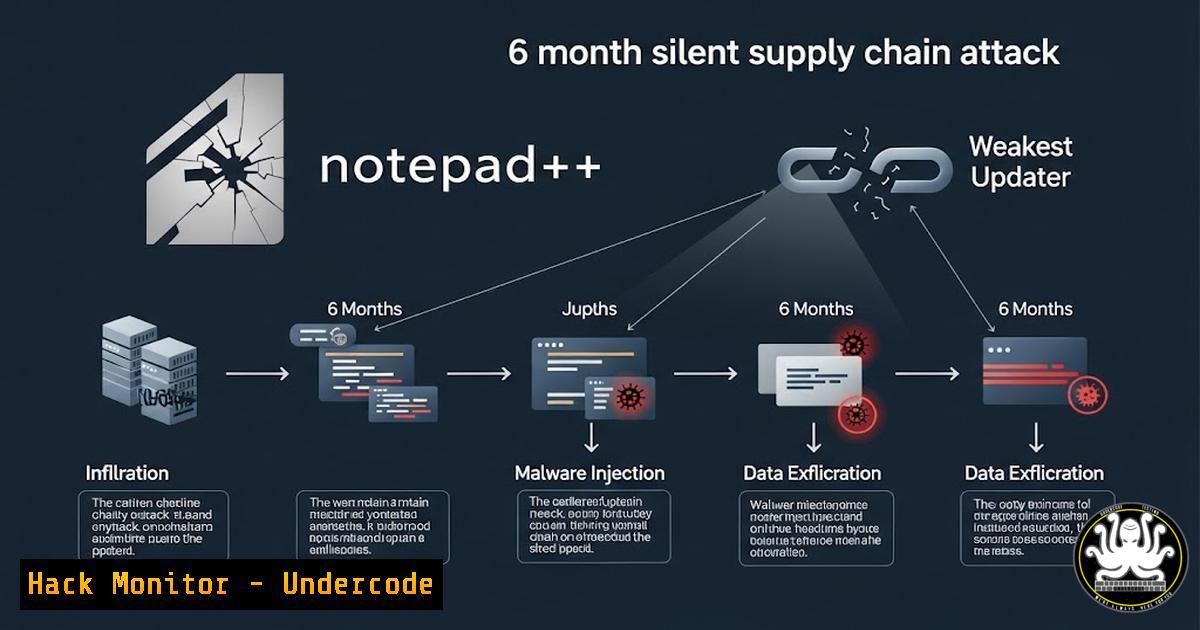
A sophisticated state-sponsored attack compromised the update mechanism of Notepad++, a cornerstone tool for developers and sysadmins, for half a year. This incident underscores a critical modern truth: even pristine open-source code is vulnerable if its distribution infrastructure is compromised. The attackers hijacked the update server, delivering malware to targeted high-value users, all while the application’s core code remained untouched.
Learning Objectives:
- Understand the mechanics of a software supply chain attack targeting update infrastructure.
- Learn to verify software integrity using checksums and digital signatures on Windows and Linux.
- Implement proactive security measures to monitor and control outbound traffic from applications.
You Should Know:
- The Anatomy of the Compromise: Why the Updater Failed
The attackers exploited a shared hosting provider and a critical flaw in the Notepad++ updater, WinGUp. This component downloaded and executed the new version without validating its cryptographic signature, blindly trusting the compromised server.
Step‑by‑step guide explaining what this does and how to use it.
To understand how such an update works, you can inspect network traffic. Using a tool like `tcpdump` or Wireshark, you can see the HTTP request made by the updater.
Linux/macOS (tcpdump):
sudo tcpdump -i any -w notepad_update.pcap host notepad-plus-plus.org
Windows (PowerShell with Wireshark installed):
 Capture interface list
Get-NetAdapter | Format-Table Name, InterfaceDescription
 Use Wireshark's tshark to capture
tshark -i "Ethernet" -f "host notepad-plus-plus.org" -w notepad_update.pcap
Analyze the captured file (notepad_update.pcap) in Wireshark. Follow the HTTP stream (Right-click packet > Follow > HTTP Stream) to see the raw request for the `npp.8.8.Installer.exe` file and the server’s response. This illustrates the unencrypted, unverified download channel that was hijacked.
2. Mandatory Integrity Verification: Checksums and Signatures
Never trust a downloaded binary implicitly. Always verify its integrity using the published checksum (SHA-256) and, if available, its digital signature.
Step‑by‑step guide explaining what this does and how to use it.
Windows (PowerShell – Verify Checksum & Signature):
 Calculate SHA-256 hash of the downloaded file
Get-FileHash .\npp.8.9.Installer.exe -Algorithm SHA256
 Compare this output with the hash published on the official Notepad++ GitHub release page.

Verify the Authenticode digital signature
Get-AuthenticodeSignature .\npp.8.9.Installer.exe | Format-List
 Status should be 'Valid' and the 'SignerCertificate' subject should mention the author.
Linux (Bash – Verify Checksum):
 Download the official checksum file from GitHub
wget https://github.com/notepad-plus-plus/notepad-plus-plus/releases/download/v8.9/npp.8.9.checksums.sha256

Calculate the hash of your downloaded installer
sha256sum npp.8.9.Installer.exe

Verify it matches
sha256sum -c npp.8.9.checksums.sha256
3. Manual Updates and Source-Based Installation
Bypassing automatic updaters mitigates this specific risk. For critical tools, adopt a manual or source-build update policy.
Step‑by‑step guide explaining what this does and how to use it.
Official Manual Update Procedure:
- Periodically visit the official GitHub Releases page (`https://github.com/notepad-plus-plus/notepad-plus-plus/releases`).
- Download the installer (
npp.x.x.Installer.exe) and the checksum file.
3. Perform verification as shown in Section 2.
- Uninstall the old version and install the new, verified one.
Linux – Compile from Source (Advanced):
git clone https://github.com/notepad-plus-plus/notepad-plus-plus.git
cd notepad-plus-plus
git checkout v8.9  Checkout the specific tagged release
 Follow build instructions in README.md
 This guarantees the code matches the public repository.
4. Network Monitoring and Egress Filtering
Monitor which processes are making network connections. Restrict unnecessary outbound traffic to prevent callbacks to attacker infrastructure.
Step‑by‑step guide explaining what this does and how to use it.
Windows (Command Line Monitoring):
netstat -anob | findstr "ESTABLISHED"
 Look for unfamiliar processes (PID) and executable paths making connections.
Linux (Monitor Connections in Real-Time):
sudo lsof -i -P -n | grep ESTABLISHED
 Or use a more dynamic tool
sudo apt install nethogs
sudo nethogs  Shows bandwidth per process.
Implement Host-Based Firewall Rules (Windows FW via PowerShell):
 Disallow outbound traffic for a specific, non-critical updater executable
New-NetFirewallRule -DisplayName "Block WinGUp" -Direction Outbound -Program "C:\Program Files\Notepad++\updater\gup.exe" -Action Block
5. Adopting a Zero-Trust Approach to Software Updates
Assume update mechanisms are vulnerable. Implement internal artifact repositories (like Artifactory or a simple secure file server) where vetted, verified binaries are distributed.
Step‑by‑step guide explaining what this does and how to use it.
Basic Internal Distribution Script (Example):
- Your security team downloads, verifies, and signs the binary.
- Place it on an internal, secured HTTPS server.
- Create a deployment script that replaces the public updater.
Example PowerShell Deployment Snippet:
$InternalUrl = "https://internal-repo.company.com/verified_software/npp.8.9.Installer.exe"
$LocalHash = "OFFICIAL_HASH_FROM_GITHUB"
$LocalPath = "$env:TEMP\npp_verified.exe"

Invoke-WebRequest -Uri $InternalUrl -OutFile $LocalPath
if ((Get-FileHash $LocalPath -Algorithm SHA256).Hash -eq $LocalHash) {
Start-Process -Wait -FilePath $LocalPath -ArgumentList '/S'
} else { Write-Error "Integrity check failed!" }
What Undercode Say:
- The Attack Surface Has Shifted: The greatest risk is no longer just in the application code, but in the pipeline that delivers it—the updaters, CDNs, DNS, and hosting providers. Security audits must expand to encompass these operational components.
- Blind Trust is a Vulnerability: The implicit trust users and even enterprises place in automated update processes is a systemic weakness. This incident mandates a cultural shift towards verified updates, not just automatic ones.
This attack represents a maturation of supply chain tactics. The focus on precision targeting (governments, telecoms) within a broad user base shows a move towards stealth and strategic impact over noisy, widespread infection. It weaponizes our legitimate desire for security (patches) against us.
Prediction:
This incident will catalyze three major trends: First, widespread adoption of cryptographic code-signing and verification for even the smallest open-source tools, potentially leveraging new standards like Sigstore. Second, enterprise IT will increasingly disable or heavily control automatic updates for critical development and IT tools, replacing them with curated, internal distribution channels. Finally, we will see the rise of “Update Integrity Monitoring” as a standard security product category, continuously validating that software update processes are fetching and installing only legitimate, signed binaries. The era of trusting the update button is over.
▶️ Related Video (74% Match):
🎯Let’s Practice For Free:
IT/Security Reporter URL:
Reported By: Lamirkhanian Notepad – Hackers Feeds
Extra Hub: Undercode MoN
Basic Verification: Pass ✅


