Listen to this Post
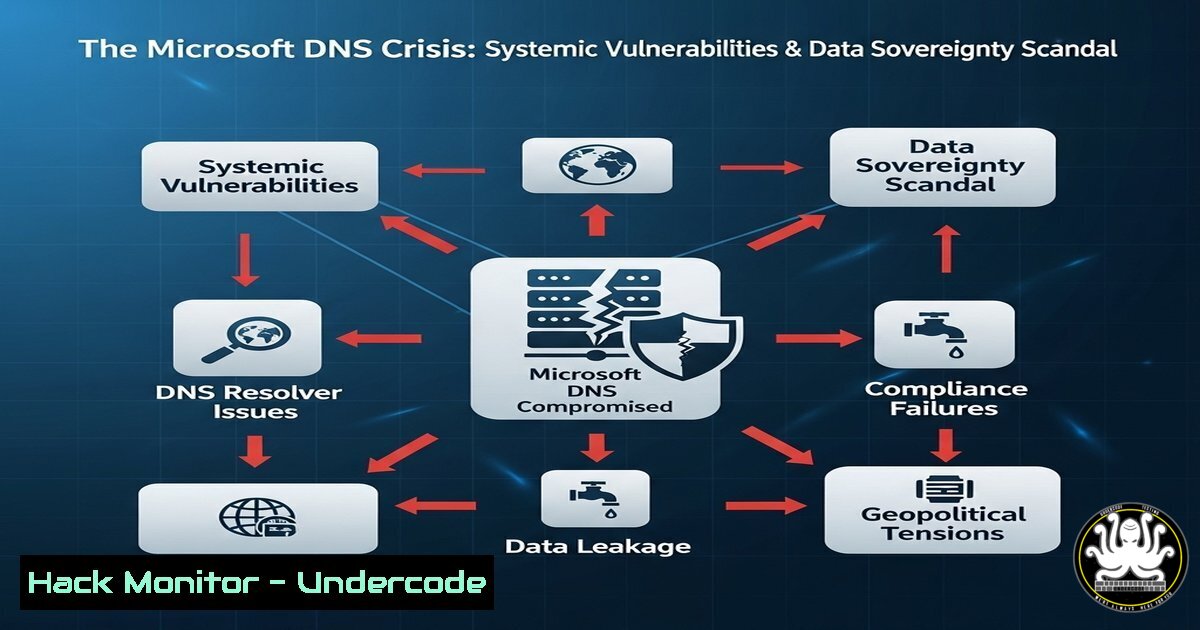
Introduction:
Microsoft’s admission regarding U.S. access to EU data has ignited a firestorm over data sovereignty. However, the deeper, more critical issue lies in the fundamentally insecure architecture of Microsoft’s DNS infrastructure, a system upon which global trust relies. This article dissects the technical vulnerabilities that make this legal issue a profound cybersecurity threat.
Learning Objectives:
- Understand the critical role of DNS in data sovereignty and security.
- Identify and mitigate historical and current vulnerabilities within Microsoft’s DNS services.
- Implement hardening techniques to secure DNS infrastructure against common attack vectors.
You Should Know:
1. The SIGRed Vulnerability (CVE-2020-1350)
`Get-WindowsFeature -Name DNS` | `Install-WindowsFeature -Name DNS`
This PowerShell command installs the DNS Server role on a Windows Server. The SIGRed vulnerability affected this very role. It was a critical wormable Remote Code Execution flaw in Windows DNS servers that existed for 17 years. To check if your server was vulnerable and to mitigate, you would first ensure the role is installed, then immediately apply the relevant security patch released in July 2020. The primary mitigation involved restricting the maximum inbound DNS message size via registry key `HKEY_LOCAL_MACHINE\SYSTEM\CurrentControlSet\Services\DNS\Parameters` by creating a DWORD value `TcpReceivePacketSize` set to 0xFF00.
2. DNS Cache Poisoning Mitigation
`dnscmd /config /enableednsprobes 0`
This command disables EDNS probes, a mitigation technique against DNS cache poisoning attacks similar to those highlighted by Dan Kaminsky. Cache poisoning allows an attacker to redirect traffic from a legitimate site to a malicious one. Disabling EDNS probes can help prevent certain exploitation techniques, though modern best practices focus more heavily on using DNSSEC. This is a legacy command but demonstrates historical countermeasures.
3. Enforcing DNSSEC Validation
`Set-DnsServerDiagnostics -DnsSecValidation $True`
This PowerShell command enables DNSSEC validation on a Windows DNS server. DNSSEC adds a layer of cryptographic authentication to DNS responses, ensuring the data originates from the legitimate owner and hasn’t been tampered with. This is a critical defense against poisoning and man-in-the-middle attacks on DNS queries. Enabling it is a fundamental step in hardening any DNS infrastructure.
4. Configuring DNS Query Policies for Logging
`Add-DnsServerQueryResolutionPolicy -Name “LogAllQueriesPolicy” -Action ALLOW -ServerInterface “any” -FQDN “eq,” -Logging $True`
This command creates a policy that logs all DNS queries received by the server. Comprehensive logging is essential for threat detection and forensic analysis. In a breach scenario, logs can help determine if DNS was used for data exfiltration (DNS tunneling) or to redirect users. Monitoring for unusually long DNS queries can be a signature of exploiting vulnerabilities like SIGRed.
5. Hardening DNS Server Network Settings
`Set-NetTCPSetting -SettingName InternetCustom -AutoTuningLevelProvider disabled`
`Set-NetTCPSetting -SettingName InternetCustom -AutoTuningLevelLocal disabled`
While not exclusively a DNS command, disabling TCP auto-tuning can be a temporary mitigation against certain network-based exploitation techniques that target how the server handles large packets, which was a core component of the SIGRed attack vector. This should be done with caution and tested thoroughly, as it can impact network performance.
6. Restricting Zone Transfers
`Set-DnsServerPrimaryZone -Name “yourdomain.com” -SecureSecondaries TransferToSecureServers -SecondaryServers @(“192.168.1.50”, “192.168.1.51”)`
This command configures a primary DNS zone to only allow zone transfers to specific, authorized secondary DNS servers. Unrestricted zone transfers (AXFR requests) can leak entire DNS namespace maps to attackers, providing them with a blueprint of your network. This is a fundamental misconfiguration that must be avoided.
7. Auditing DNS Server Configuration
`Get-DnsServerDiagnostics | FL`
`Get-DnsServerSetting -All | FL`
These PowerShell commands retrieve the current diagnostics and configuration settings of the Windows DNS server. Regularly auditing these settings is crucial for maintaining security hygiene. It allows administrators to verify that logging is enabled, DNSSEC validation is active, recursion is properly scoped, and other critical security settings are configured according to policy.
What Undercode Say:
- The legal debate around data sovereignty is a surface-level symptom of a much deeper technological failure in a core internet protocol, largely controlled by a single vendor.
- Trust in cloud providers is inherently tied to the security of their underlying infrastructure; vulnerabilities in foundational services like DNS negate any promises of data localization and sovereignty.
The Microsoft DNS saga is not a one-off event but a case study in systemic institutional failure. The fact that a vulnerability of SIGRed’s magnitude persisted for nearly two decades points to a catastrophic lack of proactive security review in critical internet infrastructure. This incident fundamentally erodes trust. It demonstrates that data sovereignty cannot be achieved through legal agreements or physical server locations alone. If the logical controls—the DNS queries, the authentication mechanisms, the software itself—are riddled with flaws and backdoors (intentional or not), then the data is never truly secure or sovereign. This forces a re-evaluation of dependency on monolithic cloud providers for critical national infrastructure.
Prediction:
The fallout from this crisis will accelerate the adoption of encrypted, decentralized DNS alternatives like DNS over HTTPS (DoH) and DNS over TLS (DoT), as organizations and nations seek to bypass traditional vendor-controlled infrastructure. We will see increased regulatory pressure mandating independent security audits of core infrastructure software and a potential shift towards open-source, auditable solutions for critical national functions. This event will be cited as a key driver in the fragmentation of the global internet, as nations push for digitally sovereign infrastructure from the ground up.
🎯Let’s Practice For Free:
IT/Security Reporter URL:
Reported By: Andy Jenkinson – Hackers Feeds
Extra Hub: Undercode MoN
Basic Verification: Pass ✅


