Listen to this Post
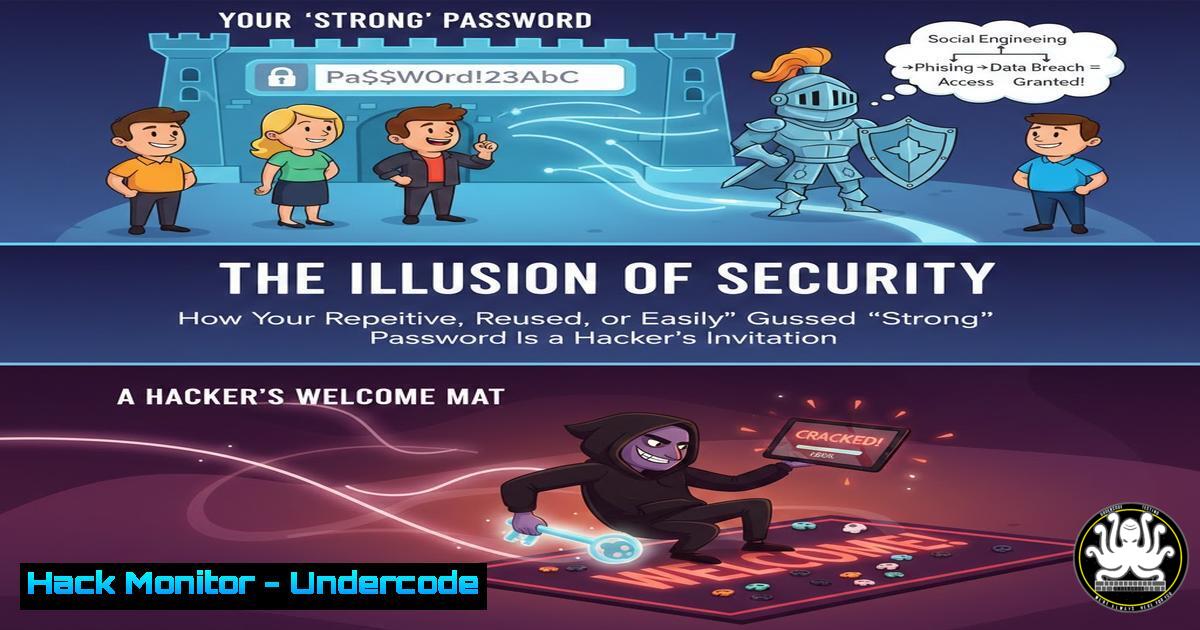
Introduction:
The casual discussion around using a single letter or space bar as a mobile password reveals a critical, widespread vulnerability in personal and organizational cybersecurity postures. This mindset underscores a fundamental misunderstanding of modern attack vectors, where weak authentication mechanisms serve as the primary entry point for data breaches. This article deconstructs password-based vulnerabilities and provides a technical blueprint for implementing robust, multi-layered authentication defenses.
Learning Objectives:
- Understand and execute password strength auditing using offline cracking tools.
- Configure and enforce enterprise-grade password policies across Windows and Linux environments.
- Implement and test multi-factor authentication (MFA) and passwordless solutions to mitigate credential-based attacks.
You Should Know:
- The Anatomy of a Password Attack: From Theory to Compromise
The journey from a weak password to a full system compromise begins with reconnaissance and credential acquisition. Attackers often obtain password hashes through phishing, database breaches, or network sniffing. Once a hash is acquired, offline cracking begins.
Step-by-step guide:
Step 1: Acquiring a Password Hash (For Educational Audit)
On a Linux system, user password hashes are stored in /etc/shadow. To view a hash for auditing (requires root):
sudo cat /etc/shadow | grep username
On Windows, hashes are stored in the SAM database. They can be extracted using tools like Mimikatz (in an administrative shell) or by creating a shadow copy:
reg save HKLM\SAM sam.save
reg save HKLM\SYSTEM system.save
Step 2: Cracking with Hashcat
Using the hash, an attacker (or a security auditor) can launch a dictionary or brute-force attack.
hashcat -m 1800 -a 0 acquired_hash.txt /usr/share/wordlists/rockyou.txt
(-m 1800 specifies SHA-512 (Unix), `-a 0` is dictionary mode).
2. Fortifying the Perimeter: Enforcing Granular Password Policies
Complexity requirements are the first line of defense. Both Windows and Linux allow strict policy enforcement.
Step-by-step guide:
Windows via Group Policy Editor (gpedit.msc):
- Navigate to
Computer Configuration > Windows Settings > Security Settings > Account Policies > Password Policy. - Configure:
Minimum password length = 14,Password must meet complexity requirements = Enabled. - Enforce history to prevent reuse:
Enforce password history = 24.
Linux using `libpam-pwquality`:
1. Install the module: `sudo apt install libpam-pwquality`.
2. Edit `/etc/security/pwquality.conf`:
minlen = 14
minclass = 4 (Requires digit, upper, lower, special)
maxrepeat = 2
usercheck = 1 (Checks against username)
3. This policy is applied upon next password change via the `passwd` command.
3. Deploying Multi-Factor Authentication (MFA): A Practical Implementation
MFA drastically reduces the risk of stolen credentials. For system access, PAM (Pluggable Authentication Modules) on Linux can integrate with Google Authenticator.
Step-by-step guide:
- Install the PAM module:
sudo apt install libpam-google-authenticator. - Each user runs `google-authenticator` to generate a QR code and secret key.
- Edit the PAM configuration file for the service (e.g.,
/etc/pam.d/sshd), adding:auth required pam_google_authenticator.so
4. Configure SSH to use challenge-response: in `/etc/ssh/sshd_config`:
ChallengeResponseAuthentication yes
AuthenticationMethods publickey,keyboard-interactive
5. Restart SSH: `sudo systemctl restart sshd`.
- Beyond the Password: Implementing Passwordless SSH with Key-Based Authentication
Eliminate password-based SSH logins entirely, using cryptographic keys.
Step-by-step guide:
1. Generate Key Pair (on client):
ssh-keygen -t ed25519 -a 100 -f ~/.ssh/id_ed25519
2. Deploy Public Key to Server:
ssh-copy-id -i ~/.ssh/id_ed25519.pub user@server_ip
3. Harden SSH Server Config (`/etc/ssh/sshd_config`):
PubkeyAuthentication yes
PasswordAuthentication no
PermitRootLogin no
4. Reload SSH: `sudo systemctl reload sshd`.
5. Simulating and Mitigating Brute-Force Attacks with Fail2ban
Automated tools constantly probe for weak passwords. Fail2ban dynamically blocks IPs exhibiting malicious behavior.
Step-by-step guide:
1. Install: `sudo apt install fail2ban`.
- Create a local jail configuration to avoid overwrite:
sudo cp /etc/fail2ban/jail.conf /etc/fail2ban/jail.local.
3. Configure the SSH jail in `jail.local`:
[bash]
enabled = true
port = ssh
filter = sshd
logpath = /var/log/auth.log
maxretry = 3
bantime = 3600
findtime = 600
4. Start and enable: sudo systemctl enable --now fail2ban.
5. Check status: `sudo fail2ban-client status sshd`.
- Securing APIs and Cloud Services: The Role of Token-Based Authentication
Modern apps and cloud infrastructure (AWS, Azure) rely on API keys and tokens, which must be managed more securely than passwords.
Step-by-step guide (AWS IAM Best Practice):
- Never use root access keys. Create an IAM user with least-privilege permissions.
- Generate and securely store access keys. Use the AWS CLI:
aws iam create-access-key --user-name api-user
- Enforce mandatory MFA for console access via IAM settings.
- Rotate keys programmatically: Use IAM’s key rotation policy or a scheduled Lambda function that:
– Creates a new key.
– Updates the application configuration via AWS Secrets Manager.
– Deactivates the old key, then deletes it after a grace period.
- Vulnerability Exploitation & Mitigation: A Hydra Brute-Force Demo and Defense
Using THC-Hydra, we can demonstrate the speed of a network-based brute-force attack on a vulnerable service.
Step-by-step guide (For Authorized Testing Only):
Exploitation Demo:
- Identify a target service (e.g., SSH on port 22).
2. Launch a targeted dictionary attack:
hydra -l username -P /usr/share/wordlists/rockyou.txt ssh://target_ip -t 4 -V
Mitigation Steps:
- Implement Network Access Control Lists (NACLs/ACLs) to restrict source IPs.
- Change the default port for the service (e.g., SSH port 22 to 2222).
- Use Rate Limiting on the service (e.g., `MaxStartups` and `MaxAuthTries` in
sshd_config). - Deploy a Web Application Firewall (WAF) for web-based login portals to block rapid, repeated POST requests.
- Integrate with an SIEM (like Splunk or Elastic Stack) to alert on `”Authentication Failure”` events exceeding a threshold.
What Undercode Say:
- Passwords Alone Are Obsolete: The comment thread highlights a cultural trivialization of passwords. Technically, any single-factor secret you can remember can likely be cracked, stolen, or phished. Security must shift from “what you know” to “what you have” (hardware keys, authenticator apps) and “what you are” (biometrics, where appropriate).
- Visibility is Paramount: You cannot defend what you cannot measure. Continuous auditing of authentication logs, failed login attempts, and password hash strength is non-negotiable. Tools like
fail2ban,Wazuh, or commercial EDR platforms provide the necessary visibility to detect and respond to credential-based attacks before they escalate.
Analysis: The humorous exchange about simple passwords is a microcosm of a systemic failure. Organizations invest in advanced perimeter firewalls and endpoint detection while neglecting the human-factor vulnerability of weak authentication. The technical guides above are not just administrative tasks; they are critical controls that directly raise the adversary’s cost of operation. The future of security is not in creating more complex memorization tasks for users, but in abstracting the authentication layer away from them entirely through seamless, secure protocols like FIDO2/WebAuthn.
Prediction:
The proliferation of AI-powered password cracking (using generative models to create optimized wordlists) and sophisticated phishing kits will render traditional password-only authentication completely untenable within the next 3-5 years. This will accelerate the adoption of passwordless FIDO2 standards and decentralized identity models. The focus will shift from credential management to securing the biometric and hardware token enrollment processes, creating a new attack surface centered on initial identity proofing and device trust establishment. Cloud providers will begin offering passwordless-first default configurations, making it the new baseline for security posture.
▶️ Related Video (82% Match):
🎯Let’s Practice For Free:
IT/Security Reporter URL:
Reported By: Hackingarticles Infosec – Hackers Feeds
Extra Hub: Undercode MoN
Basic Verification: Pass ✅


