Listen to this Post
Introduction:
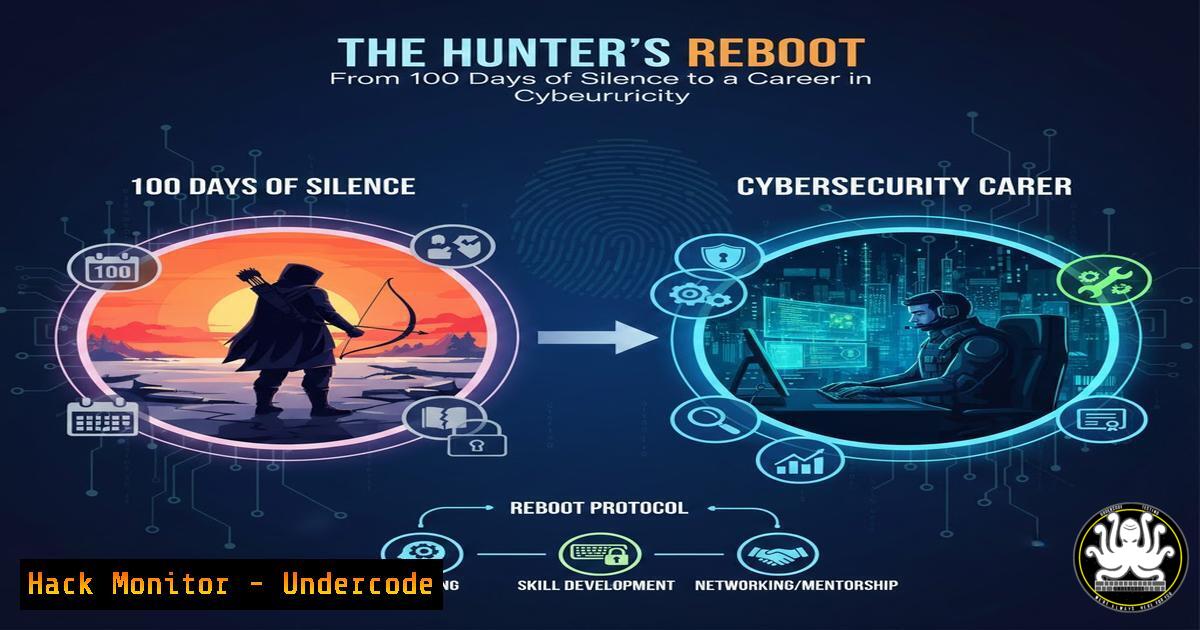
The journey of a bug bounty hunter is often romanticized as a continuous stream of critical findings and lucrative rewards. The reality, as shared by security researcher Deepak Saini in his “100DaysBugHuntingChallenge,” involves inevitable plateaus and periods of silence. This discipline isn’t about winning every day but about the resilience to reset and return. This guide bridges the mindset of persistence with the actionable, hands-on technical skills required to transform that comeback into tangible success, providing a roadmap from foundational reconnaissance to advanced vulnerability assessment.
Learning Objectives:
- Execute effective reconnaissance and network scanning using essential Linux and Windows command-line tools.
- Understand and implement core API security best practices to identify and prevent common vulnerabilities.
- Develop a structured approach to bug bounty hunting, from initial learning through to responsible disclosure and career development.
1. Mastering the Terminal: Your First Command Center
A security professional’s primary weapon is the command line. Before targeting web applications, you must be fluent in navigating and probing systems. On Linux, this starts with fundamental commands for reconnaissance and file manipulation.
Step-by-step guide:
Begin by exploring your environment. Use `pwd` to print your current working directory and `ls -al` to list all files, including hidden ones, in a detailed format. To search for specific content within files, such as configuration files that may contain passwords, use the `grep` command. For instance, `grep -r “password” /etc/ 2>/dev/null` will recursively search the `/etc/` directory for the string “password,” silencing permission-denied errors. Network reconnaissance starts with `ifconfig` or `ip addr show` to identify your network interface and IP address. You can then use `ping -c 4 8.8.8.8` to check basic network connectivity. For more advanced discovery, `nmap` is indispensable. A simple ping scan to discover live hosts on your local network looks like: nmap -sP 192.168.1.0/24.
2. Reconnaissance and Network Vulnerability Scanning
Effective hunting is 90% reconnaissance. This phase involves mapping the target’s digital footprint and identifying potential entry points using specialized security tools.
Step-by-step guide:
After identifying live hosts with nmap -sP, deepen your scan to discover open ports and services. The command `nmap -sV -sC -O -sV), runs default scripts (-sC), and attempts OS fingerprinting (-O). To save your results for later analysis, append `-oA
3. The Basics of Web Vulnerability Identification
Understanding common vulnerabilities is the core of bug hunting. Platforms like BugBountyHunter.com offer curated, legal environments to practice finding flaws like Cross-Site Scripting (XSS), insecure Cross-Origin Resource Sharing (CORS), and logic errors in web applications.
Step-by-step guide:
Start with a guided challenge. For example, an XSS challenge presents a seemingly harmless page where you must inject a script. A basic test is to input `` into a form field or parameter and see if it executes. The key is learning how input is sanitized (or not) by the application. For CORS misconfigurations, you learn to inspect network requests in your browser’s developer tools, specifically looking at the `Access-Control-Allow-Origin` response header to see if it improperly allows access from untrusted origins. Practice using a proxy tool like Burp Suite to intercept requests. Change an HTTP request parameter, such as a user ID (?id=1234), to another number (?id=1235) to test for Broken Object Level Authorization (BOLA), a top API security risk where you can access another user’s data.
4. Securing and Auditing Modern APIs
APIs are the backbone of modern applications and a prime target for attackers. The 2023 OWASP API Security Top-10 lists Broken Object Level Authorization (BOLA) as the 1 risk. Securing them requires a proactive, multi-layered strategy.
Step-by-step guide:
First, ensure you have a complete inventory. Use automated tools to perform continuous API discovery, as shadow (undocumented) APIs are a major blind spot. Enforce authentication and authorization strictly. Always use a centralized OAuth server to issue tokens, never letting individual APIs handle this complex task. Implement the principle of least privilege using OAuth scopes for coarse access and JWT claims for fine-grained control at the API level. For every incoming request, the API must validate if the authenticated user has the right to access the specific object (preventing BOLA) and perform the requested action. All traffic must be encrypted with HTTPS/TLS 1.2+, and you must implement rate limiting (e.g., using an API gateway) to prevent abuse and Denial-of-Service attacks.
5. Windows Endpoint Security Analysis
A holistic security skillset includes analyzing Windows environments, crucial for internal penetration tests or understanding post-exploitation. Windows provides powerful built-in commands for security analysis.
Step-by-step guide:
Open Command Prompt as Administrator. To audit the system, start by listing all user accounts with `net user` to spot unauthorized entries. Check currently logged-on users with query user. Investigate running processes and their associated services using tasklist /svc. To see all network connections, use netstat -ano, which lists protocols, local/foreign addresses, states, and the owning PID. Cross-reference suspicious PIDs with your `tasklist` output. Examine the firewall status with netsh advfirewall show allprofiles. You can initiate a full Microsoft Defender antivirus scan from the CLI with MpCmdRun -Scan -ScanType 2. For patch management, `wmic qfe list` displays all installed hotfixes, helping you verify if a system is up-to-date against known vulnerabilities.
6. Building a Sustainable Bug Bounty Career
Transitioning from sporadic hunting to a sustainable career requires structured learning, ethical rigor, and community engagement. Formal training can accelerate this process dramatically.
Step-by-step guide:
Begin with a comprehensive course like “Practical Bug Bounty” by TCM Security, which covers web app architecture, the OWASP Top 10, tool mastery (Burp Suite), and, critically, ethical reporting and disclosure. Apply this knowledge on controlled platforms like BugBountyHunter.com or Intigriti’s practice environments. As emphasized in Deepak Saini’s post, consistency is key. Join communities, such as WhatsApp or Discord groups for hunters, to share knowledge and stay motivated. When you find a valid vulnerability, document it meticulously. A professional report should include a clear title, detailed steps to reproduce (with screenshots and HTTP requests), the potential impact, and a suggested fix. This professional approach is what separates a hobbyist from a credible security researcher.
7. System Hardening and Persistent Monitoring
Security is not just about attack; it’s also about defense and monitoring. Understanding system hardening makes you a better hunter by revealing what you’re up against and is a valuable skill for broader cybersecurity roles.
Step-by-step guide:
On Linux, audit file permissions. Use `find / -type f -perm /4000 2>/dev/null` to find all files with the SUID bit set, which can be a privilege escalation vector if the binary is vulnerable. Review scheduled tasks with `crontab -l` for the current user and `cat /etc/crontab` for system-wide jobs. On Windows, use the Local Security Policy editor (secpol.msc) to enforce password policies, audit policies, and user rights assignments. Regularly review logs. On Linux, examine `/var/log/auth.log` for authentication events. On Windows, use `eventvwr.msc` to open the Event Viewer and filter the Security log for event IDs like 4625 (failed logon) or 4672 (special privileges assigned). Configure these audit policies via `secpol.msc` under “Advanced Audit Policy Configuration.”
What Undercode Say:
Mindset Over Magic: Success in cybersecurity is a marathon of persistent learning and resilience, not a sprint fueled by rare, magical exploits. The ability to reset after unproductive periods, as highlighted in the original post, is a non-negotiable trait for long-term success.
The Tool is an Extension of Thought: Mastering commands like grep, nmap, and `netstat` is not about memorization. It is about developing a tactical mindset where the terminal becomes a natural extension of your investigative thought process, allowing you to interrogate systems fluidly and connect disparate pieces of evidence.
Prediction:
The convergence of API proliferation, AI-augmented development, and cloud-native architectures will exponentially increase the attack surface. In the near future, manual hunting for classic vulnerabilities will increasingly be supplemented by—and compete with—AI-driven offensive security tools. However, this will elevate, not eliminate, the human hunter’s role. The premium will shift towards security researchers who can think creatively, understand complex business logic flaws, and audit AI-generated code for novel vulnerabilities that automated scanners miss. The core cycle of learning, practicing, and persisting, as demonstrated in the 100-day challenge, will remain the immutable foundation for thriving in this evolving landscape.
▶️ Related Video (82% Match):
🎯Let’s Practice For Free:
IT/Security Reporter URL:
Reported By: Deepak Saini – Hackers Feeds
Extra Hub: Undercode MoN
Basic Verification: Pass ✅


