Listen to this Post
Introduction:
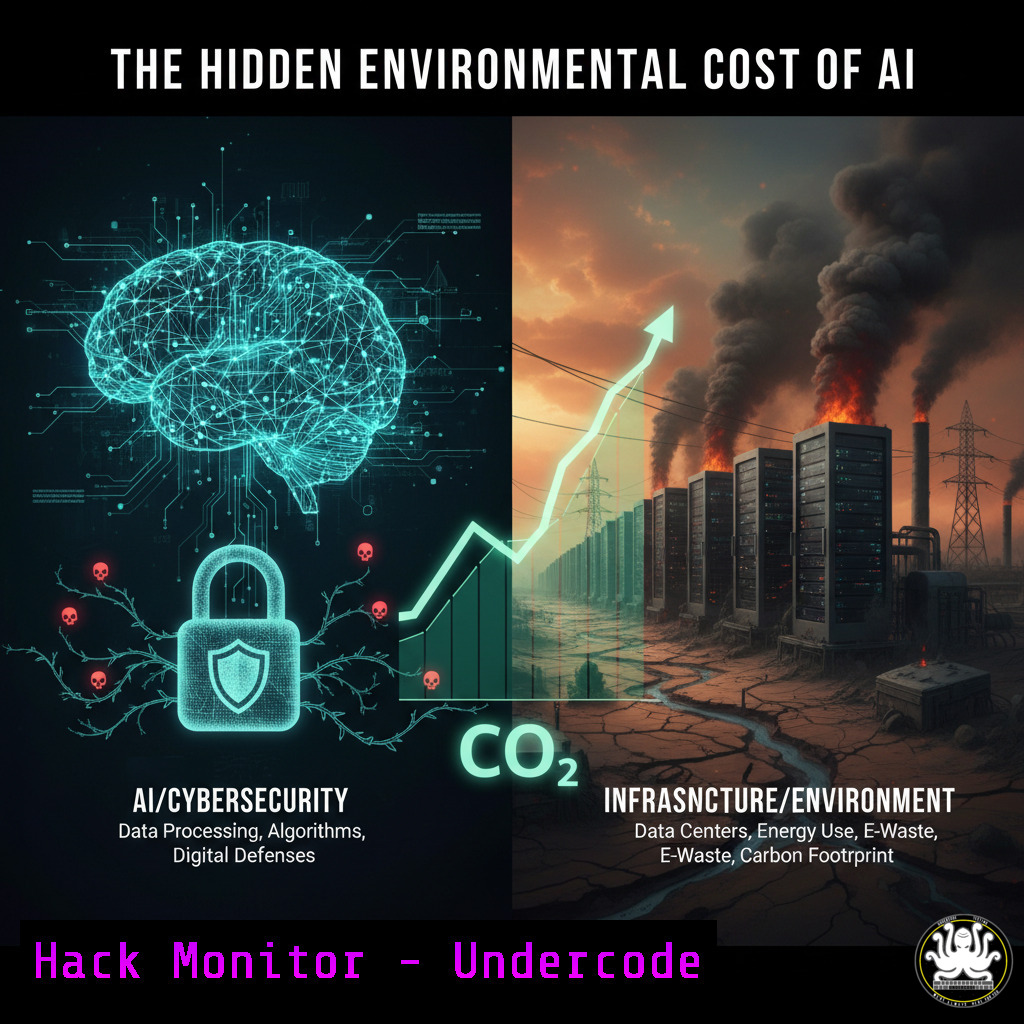
The rapid adoption of Artificial Intelligence (AI) brings not only transformative potential but also significant, often overlooked, environmental and security implications. While the carbon footprint of individual AI queries may be small, the aggregate energy consumption, water usage for cooling data centers, and the expanded attack surface present critical challenges for IT and cybersecurity professionals. Understanding and mitigating these impacts is becoming an essential component of modern infrastructure management.
Learning Objectives:
- Quantify the environmental impact of AI workloads on IT infrastructure.
- Implement monitoring and hardening strategies for AI-related systems and data centers.
- Secure AI pipelines, from data ingestion to model inference, against emerging threats.
You Should Know:
1. Monitoring AI Workload Energy Consumption
Before mitigation, you must measure. PowerTOP is an essential tool for diagnosing power consumption by processes, which is critical for understanding the resource impact of running local AI models or managing servers hosting AI workloads.
`sudo apt install powertop && sudo powertop –csv=power_report.csv`
Step-by-step guide:
- Install PowerTOP using your package manager (as above for Debian/Ubuntu).
- Run PowerTOP with the `–csv` flag to generate a comma-separated value report. This allows for detailed, offline analysis.
- Analyze the `power_report.csv` file. Focus on the “PW Estimate” column for each process to identify which applications or services (e.g., Python processes running TensorFlow/PyTorch) are the most energy-intensive.
- This data is vital for capacity planning, identifying inefficient code, and justifying infrastructure upgrades to more energy-efficient hardware.
2. Docker Container Security Hardening for AI Environments
AI applications are frequently deployed in containers. An unsecured container can be a significant vulnerability. This command audits a Docker image for known Common Vulnerabilities and Exposures (CVEs) using Trivy, a comprehensive vulnerability scanner.
`trivy image –severity CRITICAL,HIGH your-ai-model-registry.com/tensorflow:latest`
Step-by-step guide:
1. Install Trivy from its official repository.
- Replace the image name with your target AI application image (e.g., one containing Jupyter, PyTorch, etc.).
- Run the command. Trivy will pull the image and scan its layers for OS package and language-specific dependencies vulnerabilities.
- Review the output. CRITICAL and HIGH-severity vulnerabilities should be patched immediately by updating the base image or underlying libraries before deployment to production. This prevents attackers from exploiting known weaknesses in your AI platform.
3. Detecting Cryptojacking on AI Servers
The powerful GPUs essential for AI training are prime targets for cryptocurrency mining malware (cryptojacking). This command uses the `nvidia-smi` utility to monitor GPU usage and detect anomalous activity.
`nvidia-smi –query-gpu=index,timestamp,name,utilization.gpu,utilization.memory –format=csv -l 5`
Step-by-step guide:
- Ensure the NVIDIA GPU driver and `nvidia-smi` tool are installed.
- This command queries GPU metrics every 5 seconds (
-l 5) and outputs them in CSV format. - Monitor the `utilization.gpu` and `utilization.memory` percentages. Sustained, high GPU usage (e.g., >80%) during periods of expected idle time or by unknown user processes is a major red flag.
- Correlate this with process monitoring (e.g.,
ps aux | grep python) to identify the rogue process and terminate it. This protects your costly computational resources from being hijacked. -
Securing AI Model Endpoints with API Rate Limiting
Exposed AI model APIs are susceptible to Denial-of-Wallet and Denial-of-Service attacks, driving up computational costs and environmental impact. This is a basic rate-limiting rule using Nginx to protect an inference endpoint.
`location /v1/completions {
limit_req zone=api_limit burst=10 nodelay;
proxy_pass http://ai_model_backend;
}`
Step-by-step guide:
- Within your Nginx configuration file (typically in
/etc/nginx/sites-available/), locate the block for your AI application. - Define a rate limit zone at the `http` level: `limit_req_zone $binary_remote_addr zone=api_limit:10m rate=1r/s;`
3. Inside the relevant `location` block for your API (e.g., `/v1/completions` mimicking an OpenAI-like endpoint), apply the `limit_req` directive as shown. - This configuration allows a burst of 10 requests but generally limits clients to 1 request per second, preventing abuse and controlling resource consumption.
5. Auditing File Integrity in AI Training Datasets
Malicious manipulation of training data is a primary attack vector known as data poisoning. AIDE (Advanced Intrusion Detection Environment) can create a database of file hashes and alert you to unauthorized changes.
`sudo aide –init && sudo mv /var/lib/aide/aide.db.new.gz /var/lib/aide/aide.db.gz && sudo aide –check`
Step-by-step guide:
1. Install AIDE via your package manager.
- Configure the `/etc/aide/aide.conf` file to include directories containing your critical, static AI training datasets and model files.
- Run `–init` to build the initial database of file checksums and attributes.
- Move the new database to the active location.
- Schedule a daily `aide –check` via cron. Any changes to the protected files will be reported, potentially alerting you to a poisoning attempt or other tampering.
6. Windows Command for Monitoring Suspicious Process Activity
AI workloads on Windows servers can be subverted by malware. This PowerShell command uses the `Get-Counter` cmdlet to monitor for unexpected processes consuming high CPU, a potential sign of compromise.
`Get-Counter “\Process()\% Processor Time” | Select-Object -ExpandProperty countersamples | Where-Object {$_.cookedvalue -gt 50} | Sort-Object cookedvalue -Descending`
Step-by-step guide:
1. Open PowerShell with administrative privileges.
- Execute the command. It queries all processes and their CPU usage.
- The `Where-Object` filter (
$_.cookedvalue -gt 50) isolates processes using more than 50% of a CPU core. - Investigate any unfamiliar process names showing consistently high usage. This can help identify malicious scripts or cryptojacking malware competing with your legitimate AI tasks for resources.
-
Cloud Hardening: Restricting S3 Bucket Access for AI Models
Storing AI models in publicly accessible cloud storage is a common, severe misconfiguration. This AWS CLI command enforces a bucket policy that explicitly denies public access, a critical first step.
`aws s3api put-public-access-block –bucket your-ai-model-bucket –public-access-block-configuration BlockPublicAcls=true,IgnorePublicAcls=true,BlockPublicPolicy=true,RestrictPublicBuckets=true`
Step-by-step guide:
- Ensure the AWS CLI is installed and configured with appropriate credentials.
- Replace `your-ai-model-bucket` with the name of your S3 bucket.
- Execute the command. This sets four key restrictions that collectively prevent the bucket or its objects from being made public via any method (ACLs, policies, etc.).
- This is a fundamental security control to prevent the theft of proprietary AI models or the exposure of sensitive training data.
What Undercode Say:
- The environmental cost of AI is not just a sustainability issue; it is a direct operational cost and a security liability. Inefficient models drain budgets and create a larger attack surface.
- Proactive security hardening of the entire AI pipeline—from the data center cooling systems to the API endpoints—is non-negotiable. The value of the models and data makes them a high-priority target.
The conversation around AI’s sustainability is often siloed from cybersecurity, but they are two sides of the same coin. An optimized, energy-efficient AI system is inherently more secure and cost-effective. It requires less physical infrastructure, reducing the environmental footprint while simultaneously simplifying the defense perimeter. The focus must shift from viewing AI as a abstract tool to managing it as a critical, resource-intensive infrastructure component. This means integrating power and water usage into SIEM dashboards, applying traditional server hardening guides to GPU clusters, and recognizing that a compromised server running an AI model is not just a data breach, but a significant financial and environmental loss.
Prediction:
The convergence of AI, sustainability, and cybersecurity will define the next era of IT infrastructure management. We predict the emergence of “Green SecOps” roles, where professionals will be responsible for simultaneously optimizing AI workloads for minimal carbon output and maximum security. Regulatory pressure will mount, requiring carbon footprint disclosures for training large models and mandatory security audits for public AI APIs. Failure to integrate these disciplines will result in escalating operational costs, reputational damage, and increased vulnerability to attacks aimed at hijacking computational resources for malicious purposes, thereby multiplying the environmental harm.
🎯Let’s Practice For Free:
IT/Security Reporter URL:
Reported By: John Tan – Hackers Feeds
Extra Hub: Undercode MoN
Basic Verification: Pass ✅


