Listen to this Post
Introduction:
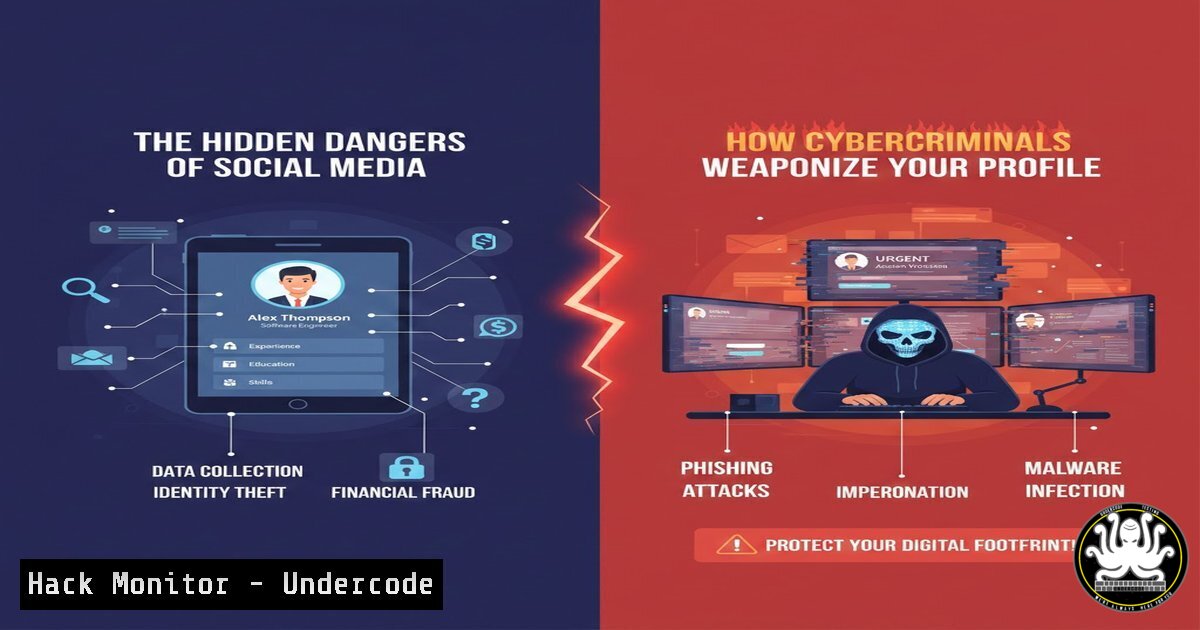
Social media platforms, particularly professional networks like LinkedIn, have become a fertile hunting ground for cybercriminals. While users engage with content and connections, threat actors are exploiting these very features to orchestrate sophisticated social engineering, credential harvesting, and reconnaissance attacks. Understanding these tactics is no longer optional for IT and cybersecurity professionals; it is a critical component of modern defense strategies.
Learning Objectives:
- Identify common social media-based attack vectors used for reconnaissance and initial access.
- Implement technical controls to detect and prevent credential phishing and malware delivery.
- Develop organizational policies to mitigate the risks associated with public employee profiles.
You Should Know:
1. Reconnaissance Through Public Profiles
Attackers use LinkedIn as a free, rich source of information for profiling targets and organizations. They harvest employee names, job titles, project details, and organizational hierarchies. This data is then used to craft highly convincing spear-phishing emails, create fake colleague accounts, or identify high-value targets for advanced attacks.
Step‑by‑step guide explaining what this does and how to use it.
Step 1: Identify Information Exposure. Conduct an audit of your own and key employees’ public profiles. Note any information that could be used in an attack: exact job roles, technologies used, project names, and connections to other employees.
Step 2: Implement Privacy Controls. In LinkedIn settings, restrict profile visibility to “Only you” for sensitive data like connections. Adjust the “Visibility of your LinkedIn activity” to not broadcast every profile view or post like.
Step 3: Continuous Monitoring. Use tools like Have I Been Pwned to monitor if corporate emails appear in data breaches, which can be cross-referenced with LinkedIn profiles. Consider commercial digital risk protection services for large organizations.
2. Weaponized Connection Requests & Social Engineering
A connection request from a seemingly legitimate profile is a primary attack vector. These fake profiles, often impersonating recruiters or new colleagues, initiate contact to build trust before delivering a malicious payload via a direct message, often containing a link or file.
Step‑by‑step guide explaining what this does and how to use it.
Step 1: Analyze the Profile. Before accepting, scrutinize the profile. Look for a low connection count, recent profile creation, generic or AI-generated profile pictures, and vague work history. Use reverse image search on the profile picture.
Step 2: Technical Analysis of Links. Hover over any link in a message to see the true destination URL. For suspicious URLs, use command-line tools for analysis.
Linux/macOS (Terminal):
 Use 'curl' to fetch the HTTP headers without downloading the entire page.
curl -I -L "http://suspicious-link.com"
 Look for redirects and final destination.
whois suspicious-domain.com
 Check domain registration details.
Windows (PowerShell):
 Invoke a web request and inspect the response.
$response = Invoke-WebRequest -Uri "http://suspicious-link.com" -Method Head
$response.Headers
Step 3: Sandbox Analysis. If a file is received, never open it directly. Submit it to a sandboxed environment for analysis.
Tools: Use platforms like Any.run, Hybrid Analysis, or the local Windows Sandbox feature to open and analyze the file safely.
3. Credential Phishing via Fake LinkedIn Login Pages
Phishing campaigns often use emails pretending to be LinkedIn notifications (e.g., “You have a new message”) that lead to expertly crafted fake login pages. These pages capture usernames and passwords, which are often reused for corporate email and VPN access.
Step‑by‑step guide explaining what this does and how to use it.
Step 1: Inspect the URL and SSL Certificate. Legitimate LinkedIn login uses https://www.linkedin.com/checkpoint/...` or similar. Check for subtle misspellings in the domain (e.g.,linkedin.com`). Always look for a valid SSL certificate from a trusted Certificate Authority (CA).
Step 2: Implement Multi-Factor Authentication (MFA). Enforce MFA on all corporate accounts, especially email and cloud services. This makes stolen passwords useless without the second factor. Use an authenticator app (e.g., Microsoft Authenticator, Google Authenticator) instead of SMS if possible.
Step 3: Deploy Advanced Email Security. Configure your corporate email gateway (e.g., Microsoft Defender for Office 365, Cisco Secure Email) to use URL rewriting. This technique scans links in emails in real-time and rewrites them to point through a security proxy, blocking access to known phishing sites.
4. AI-Powered Profile Generation and Interaction
Threat actors are now using Generative AI to create highly convincing fake profiles and automate interactions. These AI-powered bots can generate human-like comments, send connection requests, and engage in text-based conversations to build credibility over time.
Step‑by‑step guide explaining what this does and how to use it.
Step 1: Behavioral Analysis. Look for profiles that post generic, mass-produced comments or have activity patterns that don’t match a human (e.g., posting every 30 minutes, 24/7). The content may be grammatically perfect but lack genuine insight.
Step 2: Technical Detection Script. Security teams can write scripts to flag potential bot activity. The following Python script checks for common anomalies (note: requires API access or web scraping, which must comply with terms of service).
 Example Pseudocode/Concept for Bot Detection
 This is a conceptual outline and not a production-ready script.

import requests
from datetime import datetime

Hypothetical function to get profile activity
def analyze_activity(profile_url):
 Check post frequency
 If posts are made at perfectly spaced intervals (e.g., every 1 hour), flag.
 Analyze comment sentiment/text for generic, AI-generated patterns.
 Check for connections with a high ratio of unverified/new accounts.
pass

Example rule: Flag if >50 posts in last 24 hours with high AI-confidence score.
Step 3: User Training. Train employees to be skeptical of profiles that feel “too perfect” or that initiate complex conversations without a clear professional reason.
5. Hardening Corporate Social Media Policy
A technical defense is incomplete without a strong human layer. A clear, enforceable social media policy is essential for reducing the organizational attack surface.
Step‑by‑step guide explaining what this does and how to use it.
Step 1: Define Acceptable Use. Create a policy that specifies what information is not allowed on public profiles. This includes internal project names, specific software versions, network diagrams, and upcoming product release dates.
Step 2: Conduct Phishing Simulations. Regularly run simulated phishing campaigns that mimic LinkedIn-style lures. This trains employees to recognize and report these attempts. Use platforms like KnowBe4 or Microsoft’s Attack Simulation Training.
Step 3: Incident Response Integration. Ensure your Incident Response (IR) plan includes procedures for dealing with compromised social media accounts, impersonation of executives, and data leaks originating from social engineering on these platforms.
What Undercode Say:
- The Attack Surface is Now Personal. The line between professional and digital security has dissolved. An employee’s public LinkedIn profile is a direct extension of the corporate network’s perimeter.
- AI is a Double-Edged Sword. While organizations use AI for defense, attackers are leveraging it to create more scalable and believable social engineering attacks, making manual vigilance increasingly difficult.
The analysis reveals a shift from broad, untargeted phishing to highly personalized attacks fueled by publicly available data. Defending against this requires a dual-pronged approach: robust technical controls like MFA and email security, combined with continuous user education that evolves as quickly as the attackers’ tactics. Organizations that treat social media activity as a cybersecurity issue, rather than just a marketing one, will be significantly more resilient.
Prediction:
In the next 12-24 months, we will see a surge in fully automated social engineering campaigns. AI agents will not only create fake profiles but also manage long-term “relationships” with targets, engaging over weeks or months to build unwavering trust before executing a devastating Business Email Compromise (BEC) or software supply chain attack. The concept of “catfishing” will evolve from a personal nuisance to a primary national and corporate security threat.
🎯Let’s Practice For Free:
IT/Security Reporter URL:
Reported By: UgcPost 7400613905800085504 – Hackers Feeds
Extra Hub: Undercode MoN
Basic Verification: Pass ✅


