Listen to this Post
Introduction
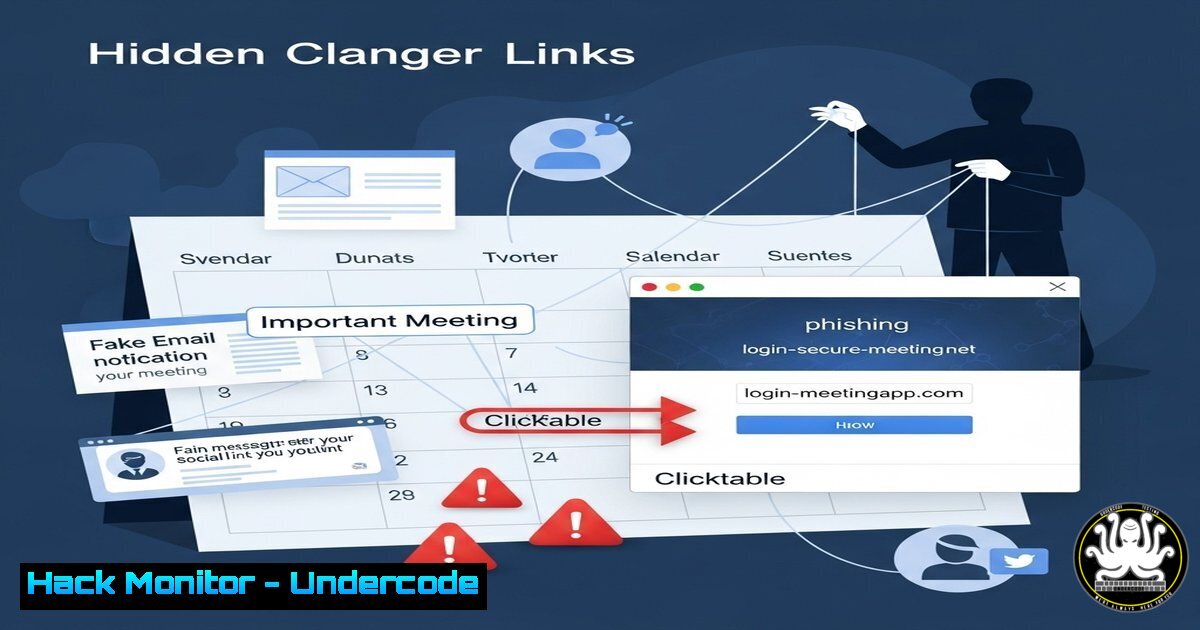
Calendar links like Calendly have become ubiquitous in professional communication, but they also present a growing social engineering risk. Cybercriminals exploit these seemingly harmless scheduling tools to bypass defenses, leveraging trust to deliver malware or phishing attacks.
Learning Objectives
- Understand how attackers weaponize calendar invites for social engineering.
- Learn to identify and mitigate malicious scheduling links.
- Implement best practices for secure external communications.
You Should Know
1. How Malicious Calendar Links Bypass Email Filters
Attackers embed malicious links in calendar invites, which often evade traditional email security scans.
Example: A phishing campaign using Calendly-style links:
https://fake-calendly[.]com/meet/ceo?payload=<malicious_script>
Steps to Mitigate:
1. Hover over links to verify the domain.
- Use email security tools like Mimecast or Proofpoint to scan calendar invites.
3. Block external calendar auto-processing in Outlook/Gmail.
2. Detecting Fake Scheduling Pages with Browser Inspect
Fake Calendly pages often mimic legitimate UI but hide malicious code.
Inspect Element Command:
Ctrl+Shift+I (Windows/Linux) or Cmd+Opt+I (Mac) → Check "Sources" for suspicious scripts.
Steps:
- Look for external scripts loading from non-Calendly domains.
- Verify SSL certificates (green padlock in URL bar).
3. Hardening Office 365 Against Calendar Threats
Disable automatic calendar processing in Outlook:
PowerShell Command:
Set-OrganizationConfig -AutoProcessCalendarMeetingRequests $false
Steps:
1. Run in Exchange Online PowerShell.
2. Educate users to manually verify unknown invites.
4. Analyzing Calendar Link Metadata
Extract metadata from suspicious links using `curl`:
Linux Command:
curl -I "https://suspicious-calendly[.]com" | grep -iE "location|x-powered-by"
Steps:
1. Check for redirects to unfamiliar domains.
2. Identify server headers exposing vulnerable tech stacks.
5. Blocking Known Malicious Scheduling Domains
Update firewalls to block fake scheduling domains:
Windows Firewall Rule:
netsh advfirewall firewall add rule name="Block Fake Calendly" dir=out action=block remoteip=123.456.789.0/24
Steps:
- Maintain a threat intel feed of malicious scheduling IPs.
2. Deploy via Group Policy for enterprise environments.
What Undercode Say
- Key Takeaway 1: Calendar links are the new phishing frontier, exploiting trust in automation.
- Key Takeaway 2: Technical defenses must evolve to scan calendar-based payloads.
Analysis:
The normalization of scheduling tools has created blind spots in security protocols. Unlike traditional email attachments, calendar invites often bypass content filters due to their transactional nature. Organizations need layered defenses, including user training, endpoint detection for malicious scripts triggered by calendar events, and API-based scrutiny of scheduling platforms.
Prediction
By 2026, calendar-based attacks will account for 20% of enterprise social engineering breaches, prompting vendors to integrate specialized scanning for scheduling platforms into Secure Email Gateways (SEGs). Zero-trust policies will expand to include “verify-before-schedule” workflows for external meetings.
🎯Let’s Practice For Free:
IT/Security Reporter URL:
Reported By: Donnye Calendar – Hackers Feeds
Extra Hub: Undercode MoN
Basic Verification: Pass ✅


